I found that Newegg has the Monitor for sale so I chatted with them about the driver. They gave me a link to "https://www.driverscape.com/download/hh281." It looks correct. I downloaded the free single file and will wait until Friday to pay for their auto
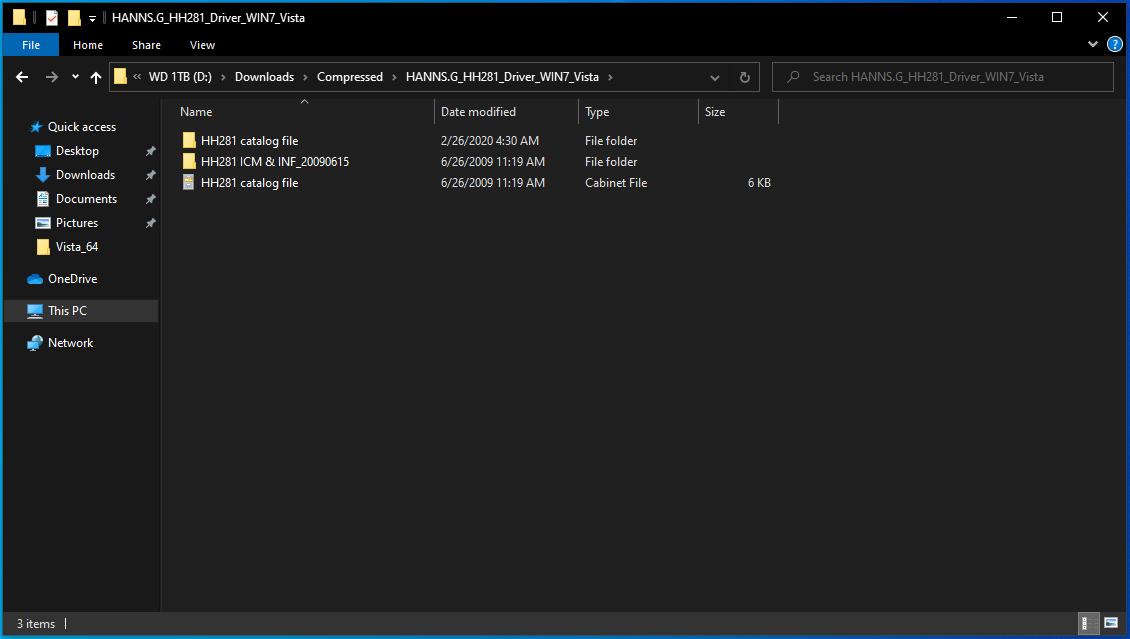
scan/install software. I'm not sure how to run the file. I extracted it and found two folders.
"HH281 ICM & INF_20090615" and "HH281 catalog file."
I extracted the Catalog file a second time and got 2 folders named driver000 and driver 001. One has 64-bit and the other 32. I'm attaching screenshots. Then I copied them to "HH281 ICM & INF_20090615". One for 32-bit folder and 1 for 64. Then I right clicked
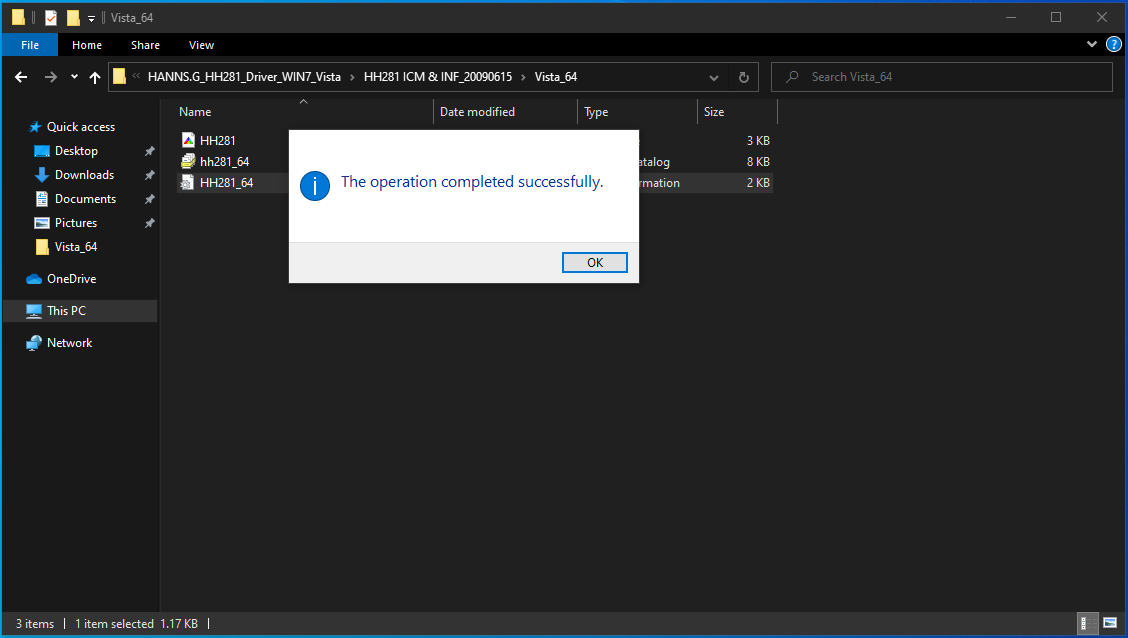
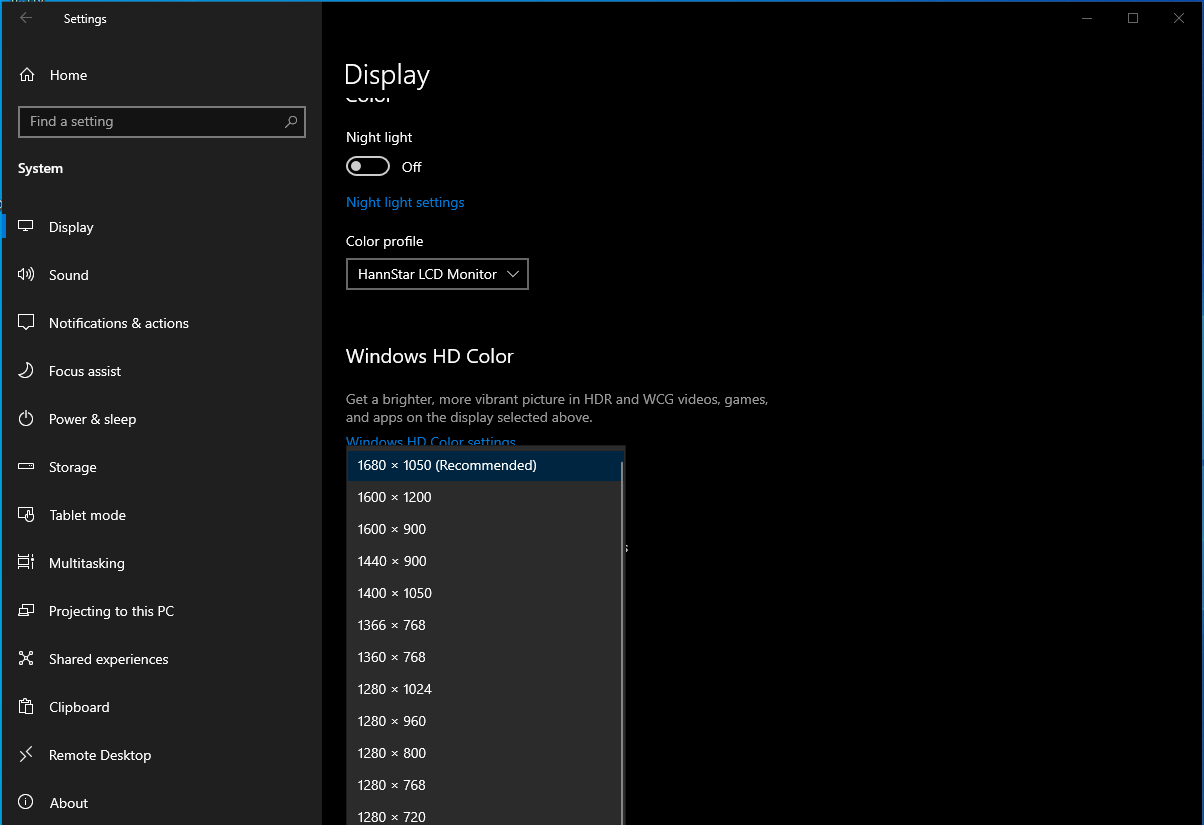
"HH281" ICC and chose "Install Profile". After that I right clicked "HH281_64" and chose "Install." It says "the operation completed successfully." I rebooted and tried the resolution settings. It still won't go above 1600x1050. It now says "HannStar LCD Monitor"
where before it didn't. So that's good. I opened the .inf file in notepad and it says
"[1920] HKR,,MaxResolution,,"1920,1200"
So what am I doing wrong? How do I run and install the driver files and get it to the max resolution? I'm attaching a copy of the driver zipped...Please reply. Thanks
Driver.zip
' cx='32' cy='32' r='32' /%3E%3Ctext x='50%25' y='55%25' dominant-baseline='middle' text-anchor='middle' fill='%23FFF' %3EA%3C/text%3E%3C/svg%3E)
