Hello, how are you?
Welcome to the Microsoft Community!
My name is Paloma B., I'm an independent advisor, I'm here to help you in the best possible way.
I understand that you had trouble reinstalling Windows.
Please check if the thread procedures below help to resolve this issue.
http://answers.microsoft.com/en-us/insider/wiki...
I await news.
If these procedures helped you in any way, please click on "I solved my problem" and also mark as an answer, so you can help others users.
We will always be available for whatever you need!
Hi Paloma
Thank you for the link.
Unfortunately this does not help me. I have already tried doing a clean installation via a USB flash drive created using the Media Creator Tool. The BIOS is set to boot from the flash drive (and the USB drive flashes when I turn the computer on), but the
installation does not begin.
When I click OK, the computer restarts, but the same error message appears.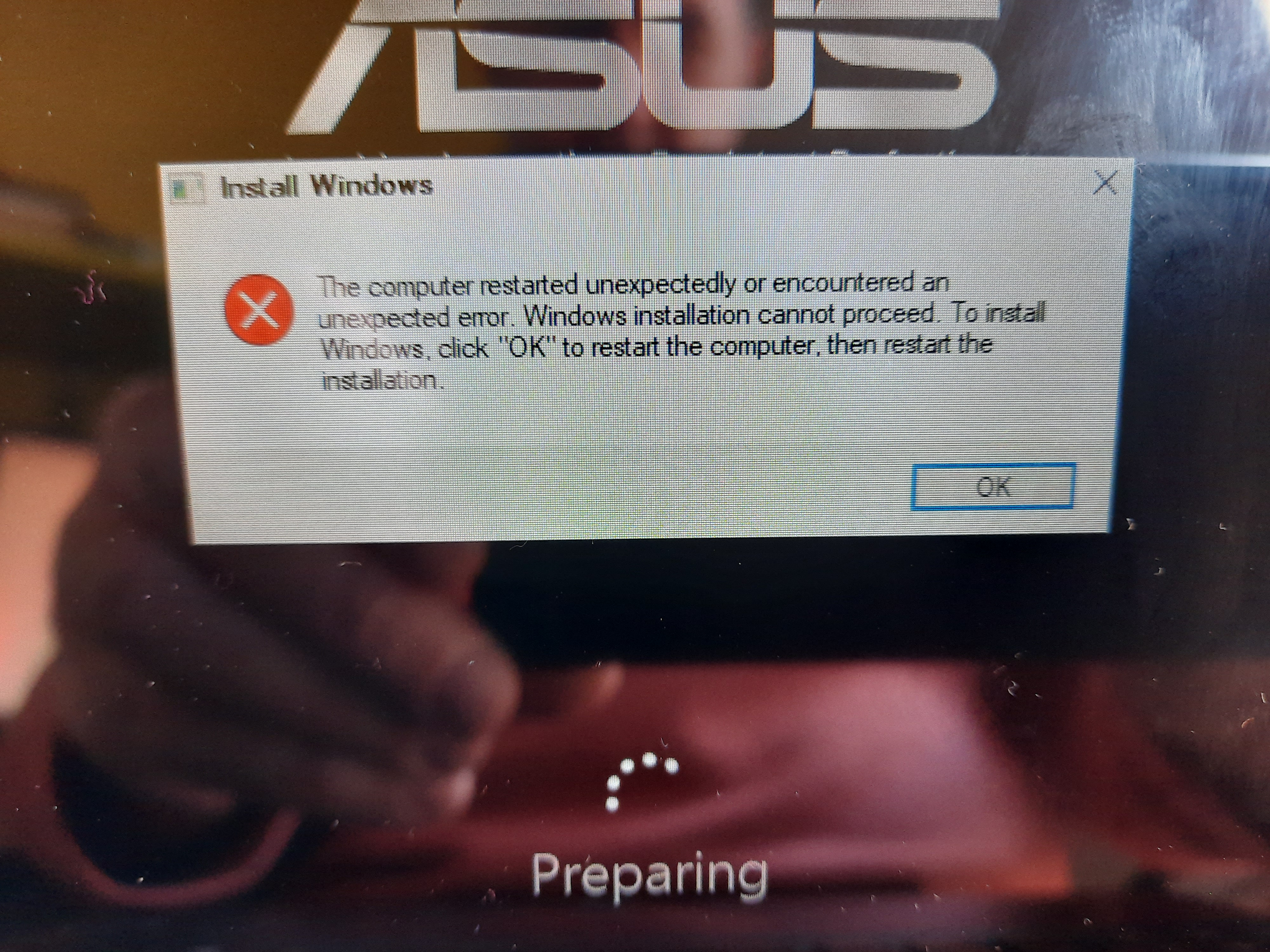
Instead, I get the message "preparing" and then the same error message I mentioned before (see screenshot). It is clear that for some reason the computer is searching for the files created by the reset process and not booting from the flash drive. I need
a way to bypass this.
Thank you.
' cx='32' cy='32' r='32' /%3E%3Ctext x='50%25' y='55%25' dominant-baseline='middle' text-anchor='middle' fill='%23FFF' %3EA%3C/text%3E%3C/svg%3E)
