' cx='32' cy='32' r='32' /%3E%3Ctext x='50%25' y='55%25' dominant-baseline='middle' text-anchor='middle' fill='%23FFF' %3EA%3C/text%3E%3C/svg%3E)

Hi, how are You ?!
I am Jediael, an Independent Advisor. I'll be happy to assist You today.
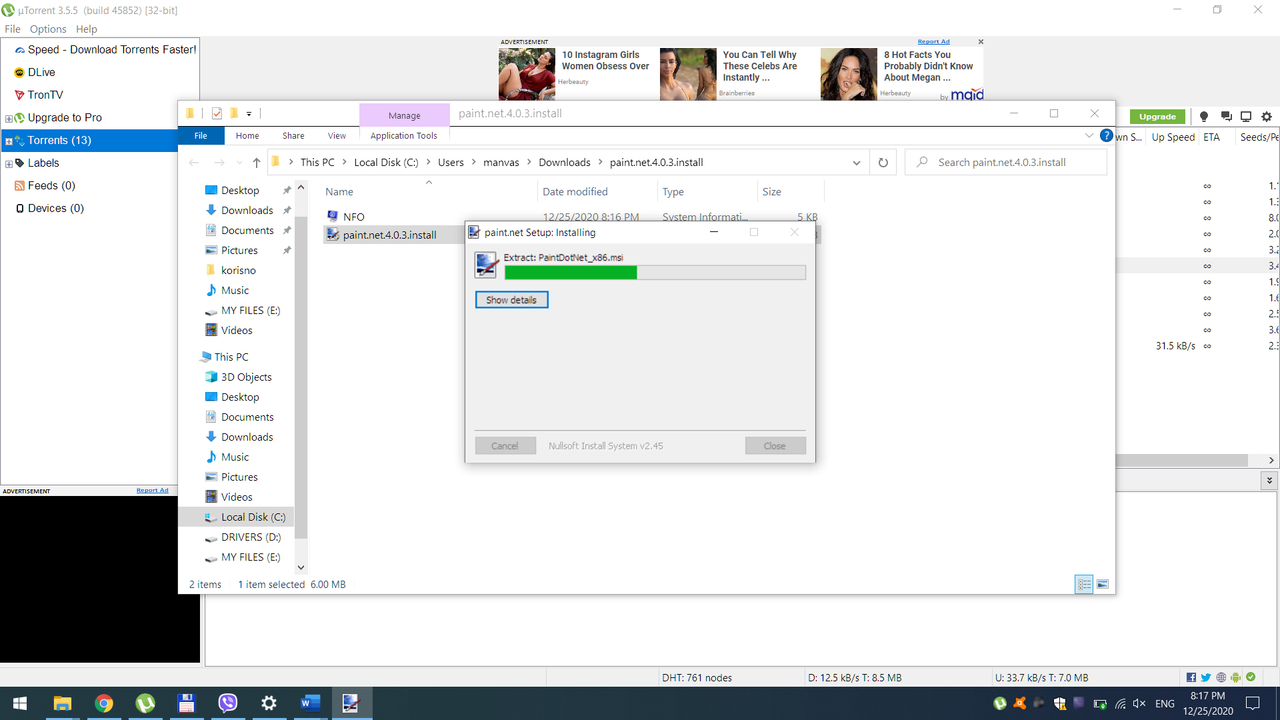
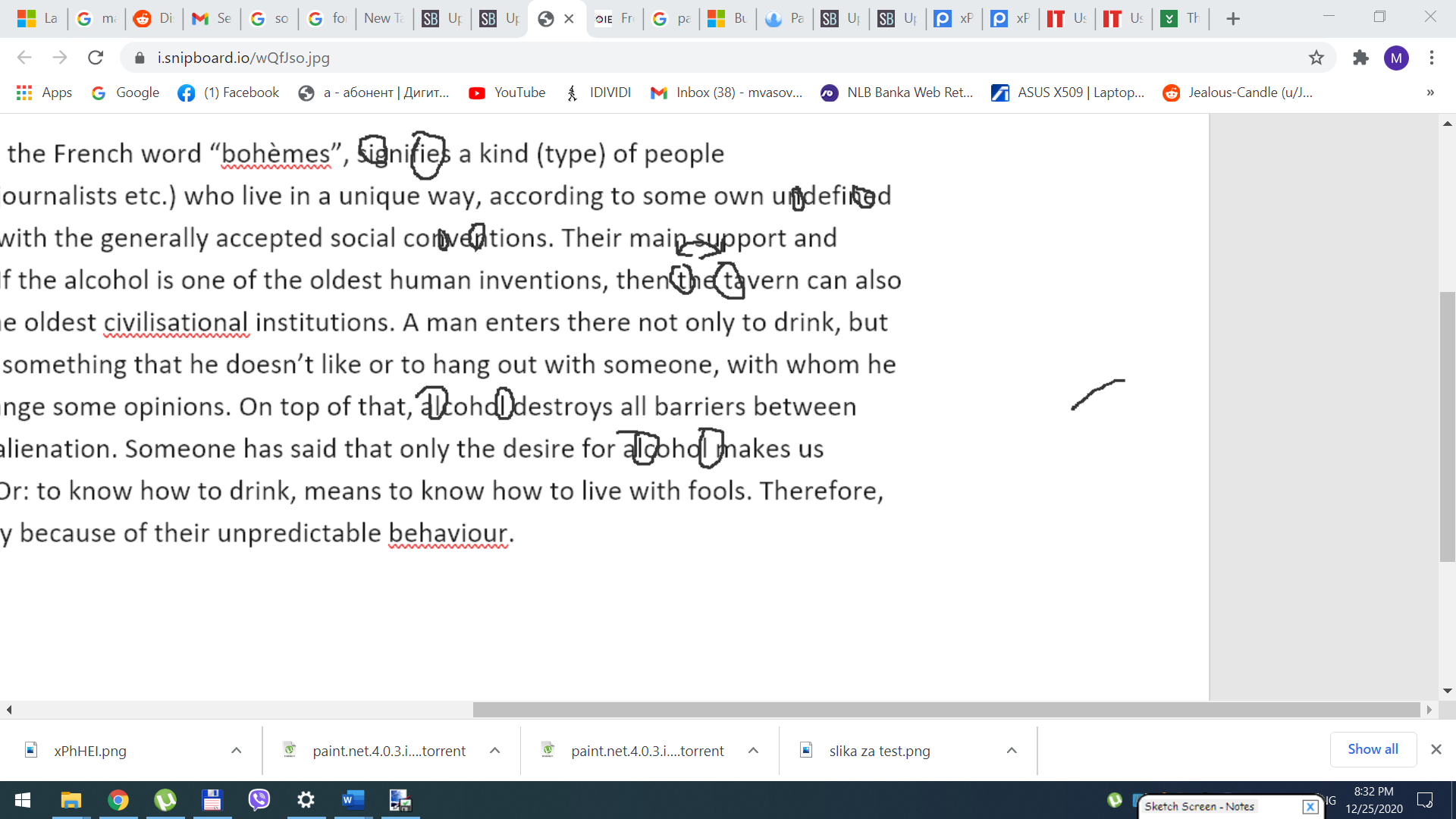
This problem may be due to an outdated video driver or system conflict. As you just updated your PC, some changes may have occurred that resulted in this problem.
You can try the steps below to resolve problems with distorted icons and blurred text:
- Type cleartype and select Adjust ClearType text.
- Check the box next to Enable ClearType.
- Click Next and follow the instructions provided.
- Click Finish at the end of the instructions.
If the problem persists, update your video adapter drivers by following the steps in this forum article created by Andre Da Costa.
https://answers.microsoft.com/en-us/windows/for...
Please come back to us with the result.
*** If you think this was helpful, feel free to "mark as an answer" to help those who are experiencing the same problem. ***
Have an Excellent Day!
Sincerely,
Jediael Elias Corrêa
Independent Advisor