If you press ⊞ key and . keyat the same time, the emoji panel opens up. Using the emoji panel, I can type:
EMOJIS:
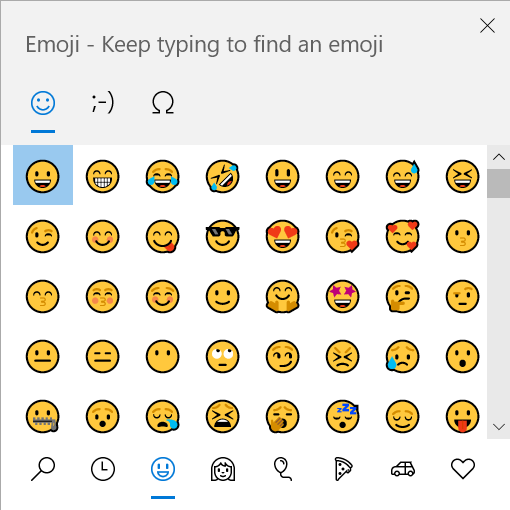
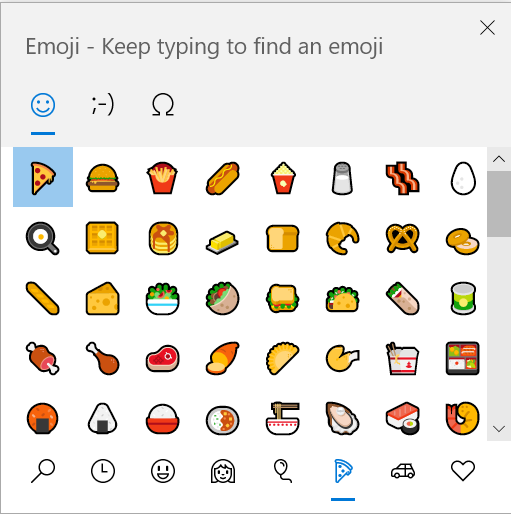
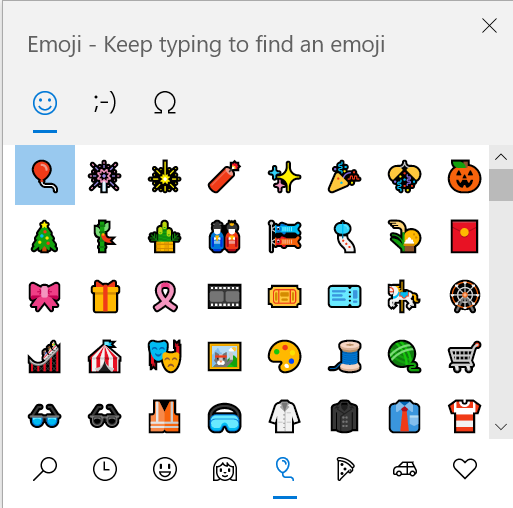
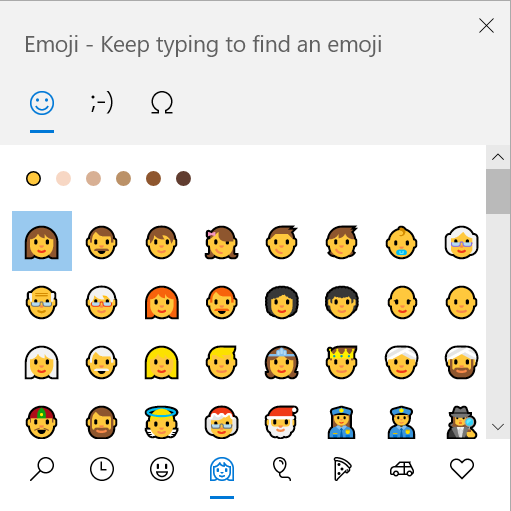
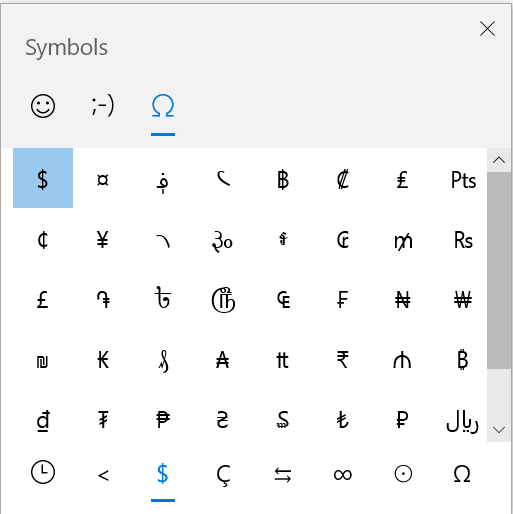
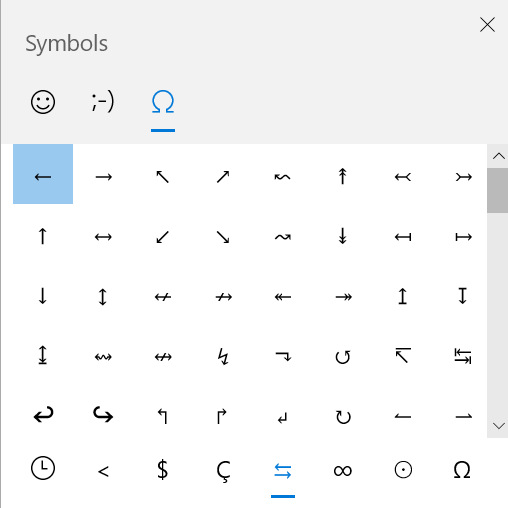
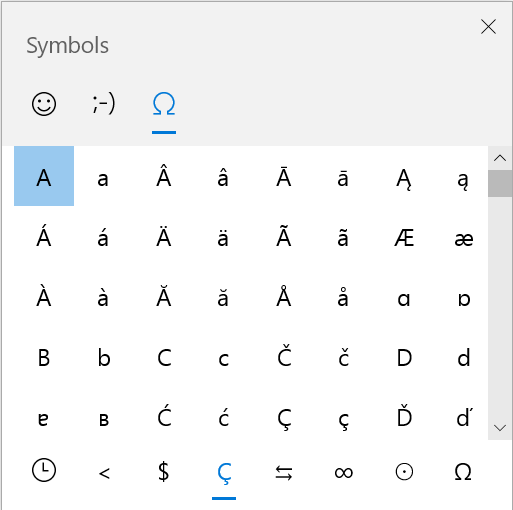
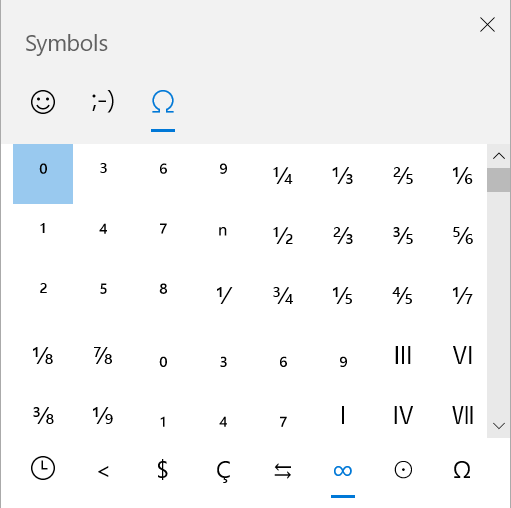
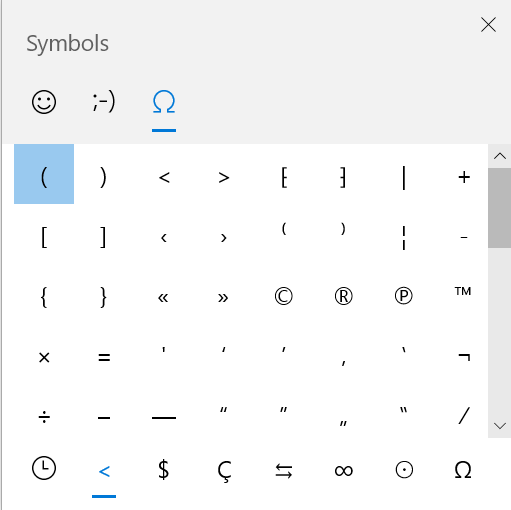
SYMBOLS:
KAOMOJI:
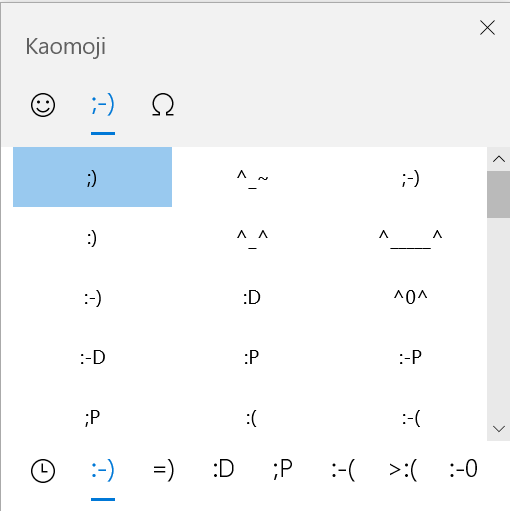
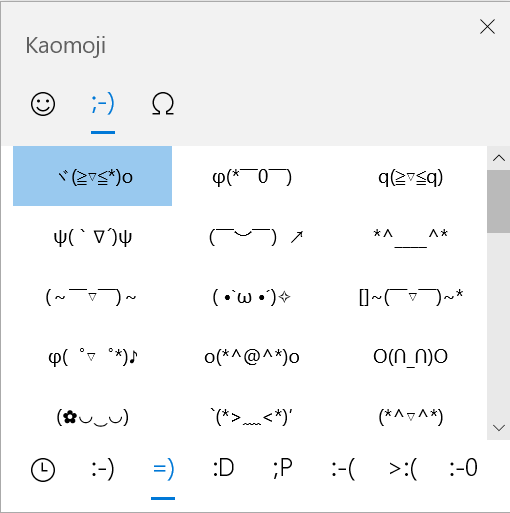
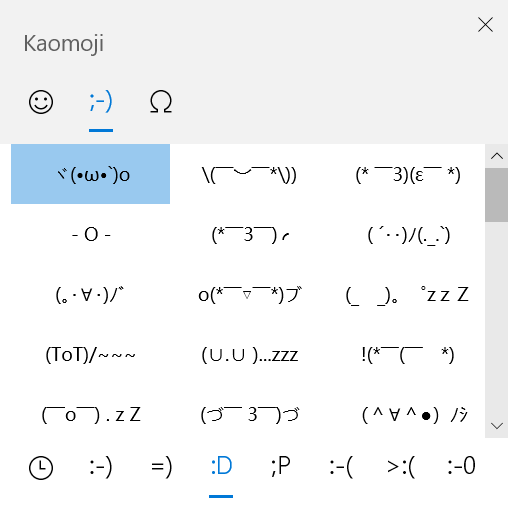
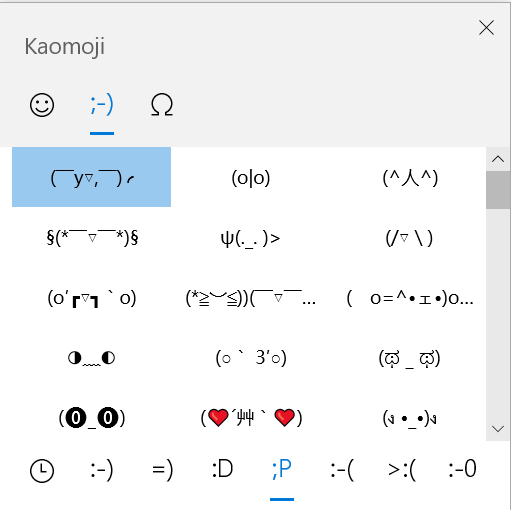
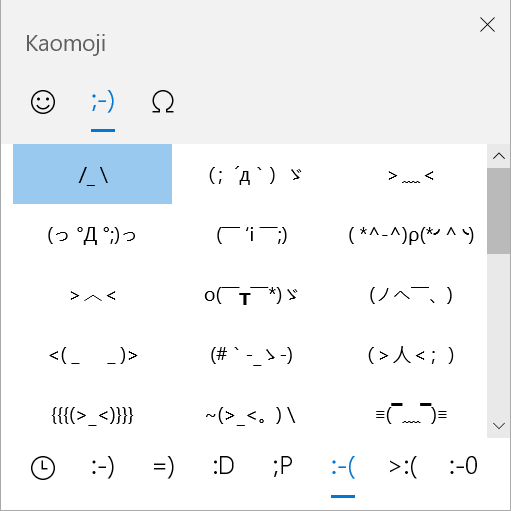
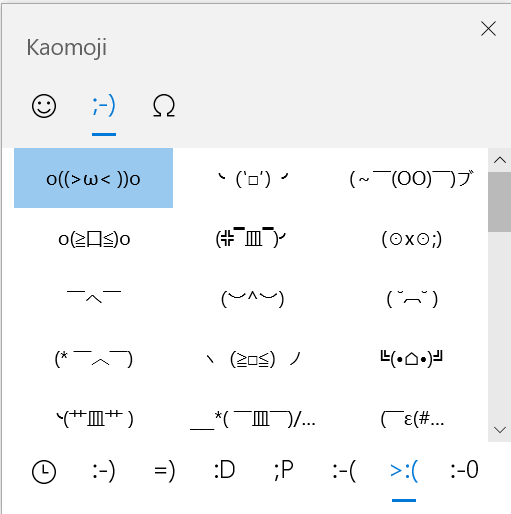
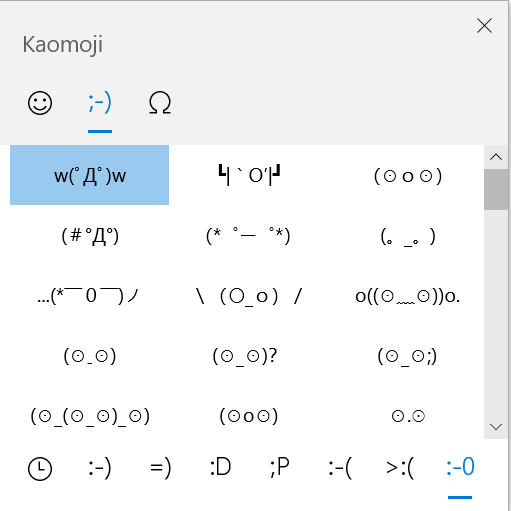
I prefer opening the emoji panel by selecting touch keyboard in the taskbar

For the symbols, I first select Fn key and then the Ω key
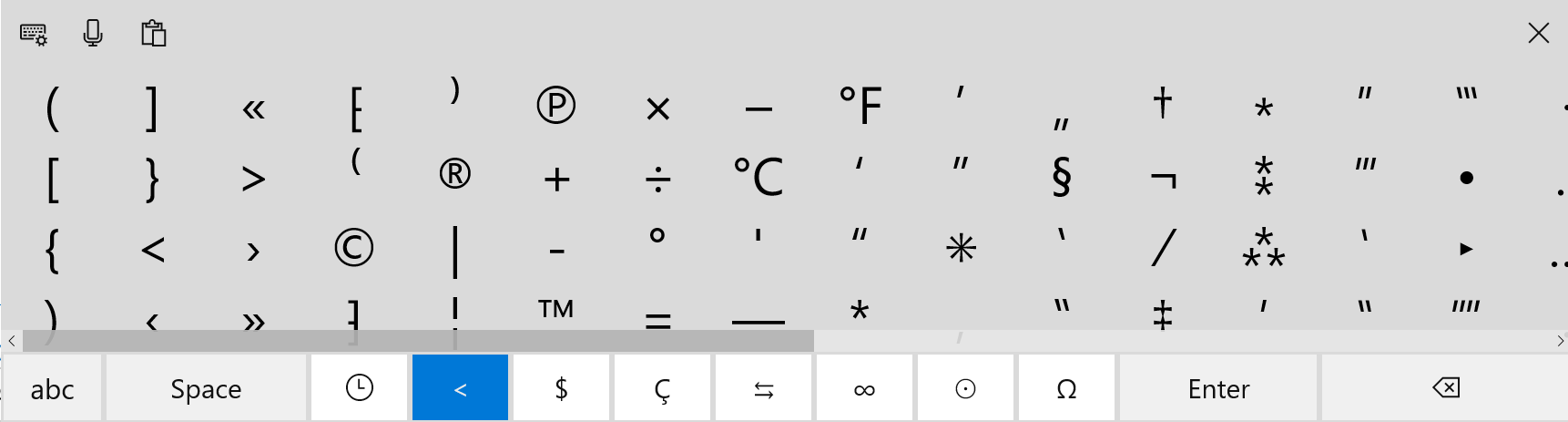
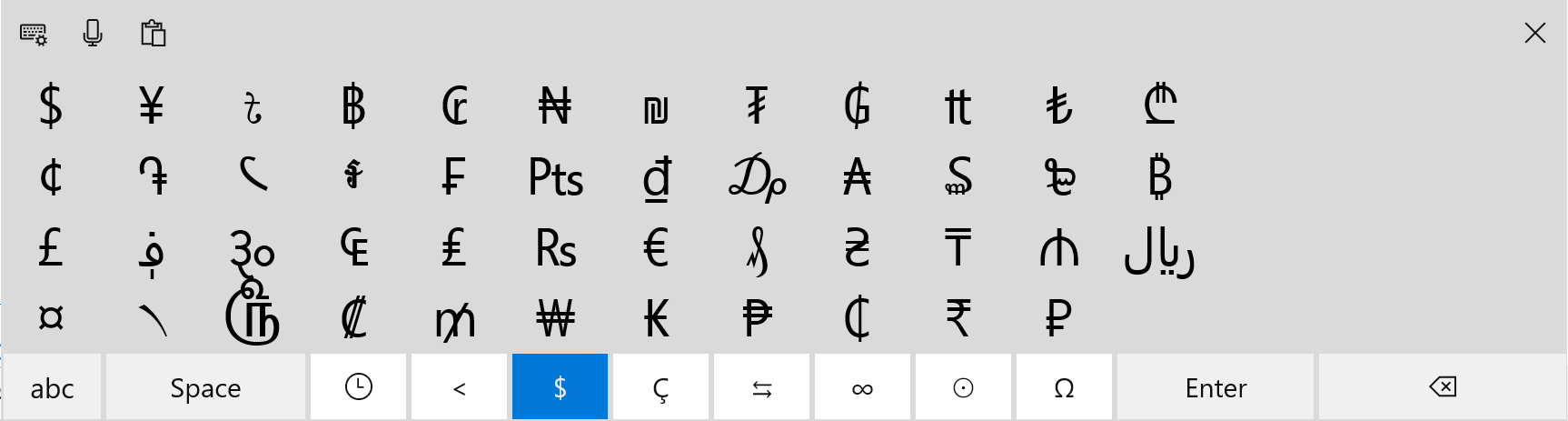
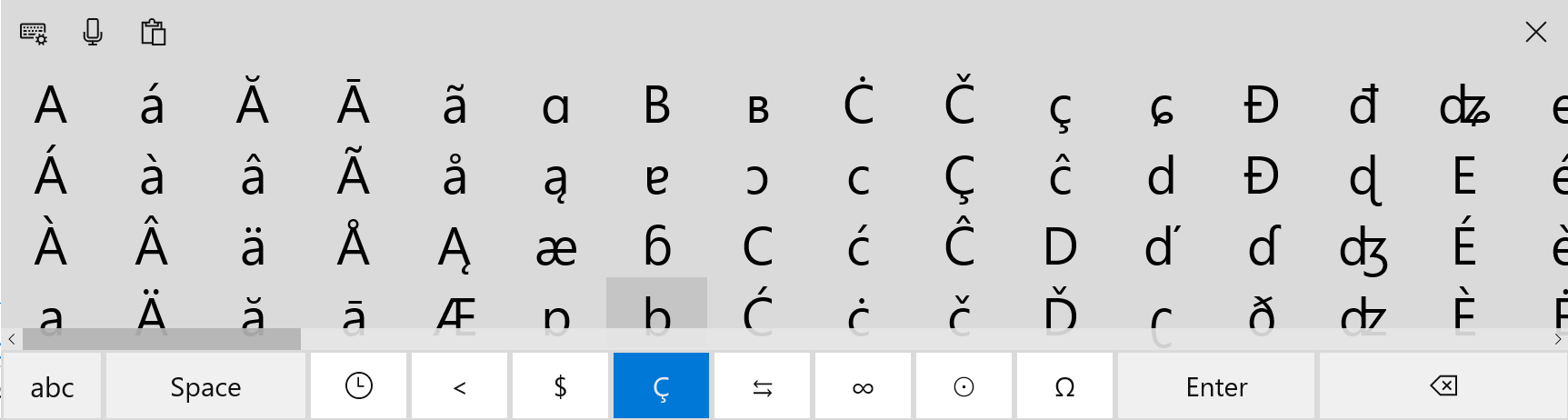
For the emojis, I select the ☺ key
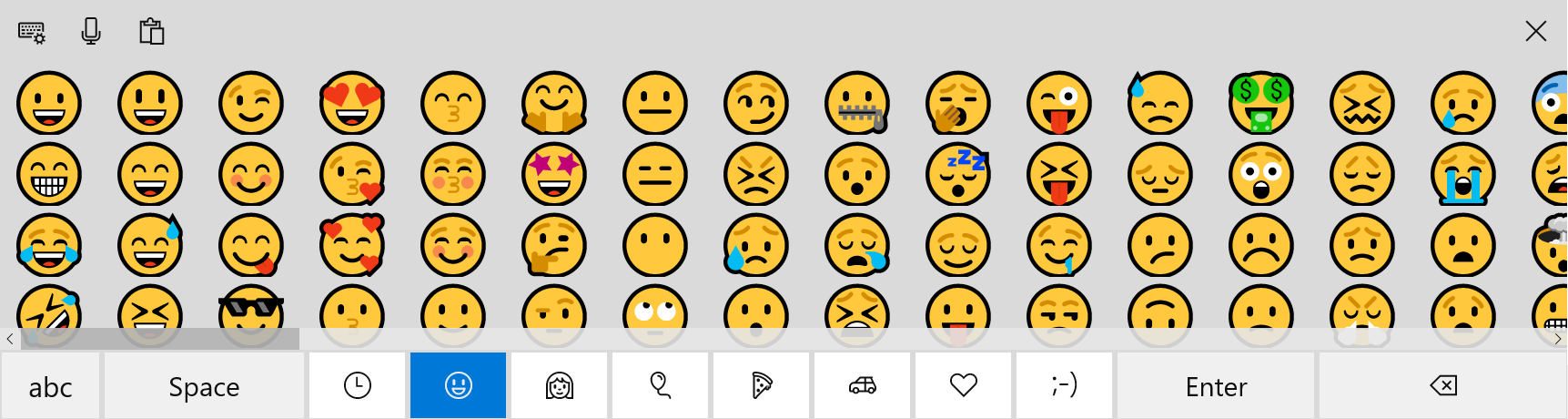
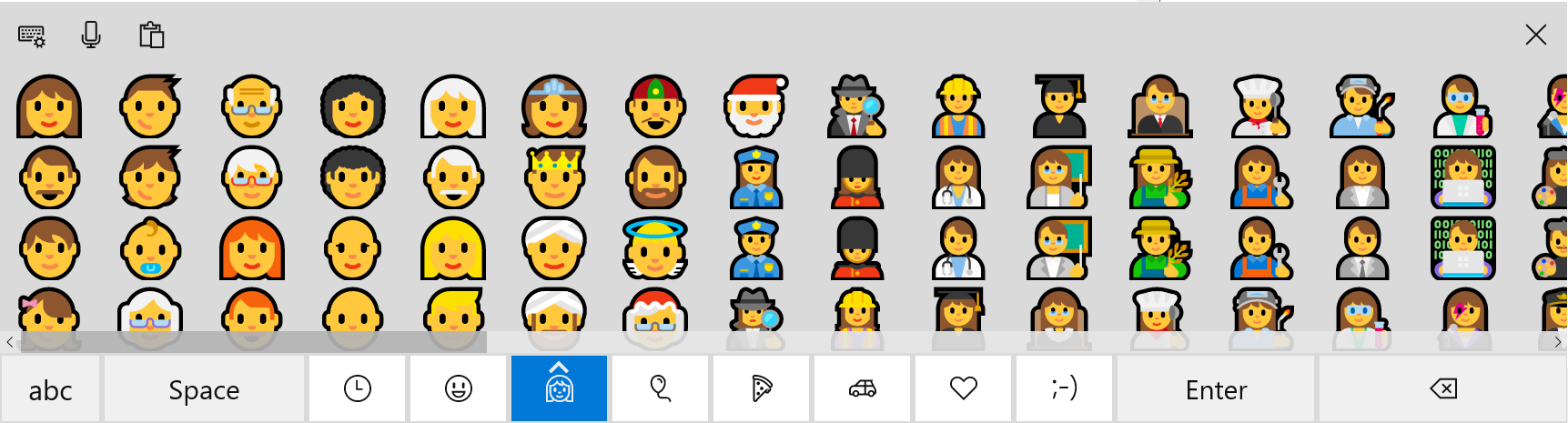
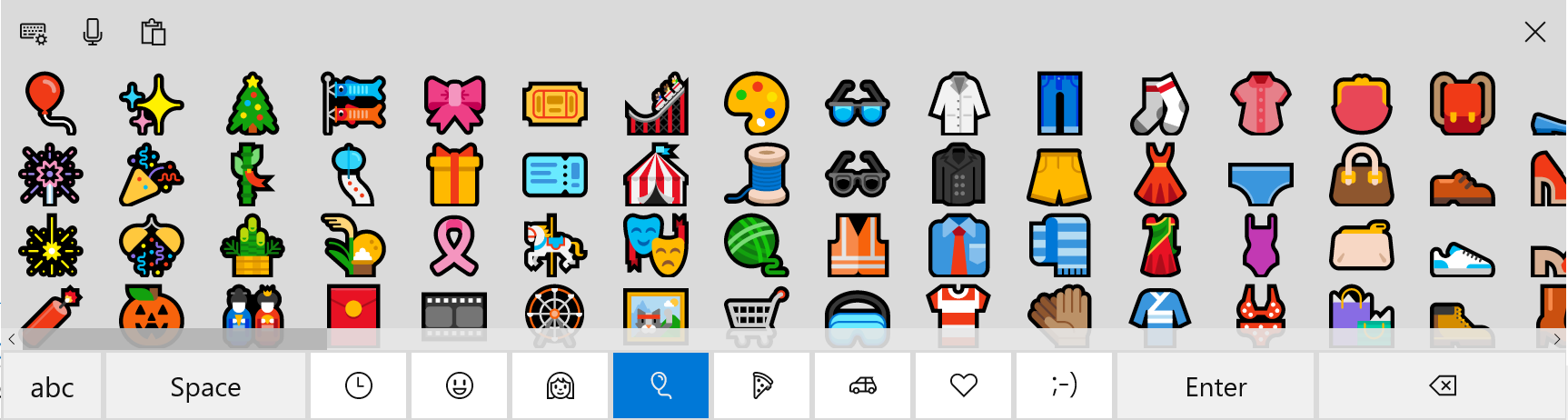
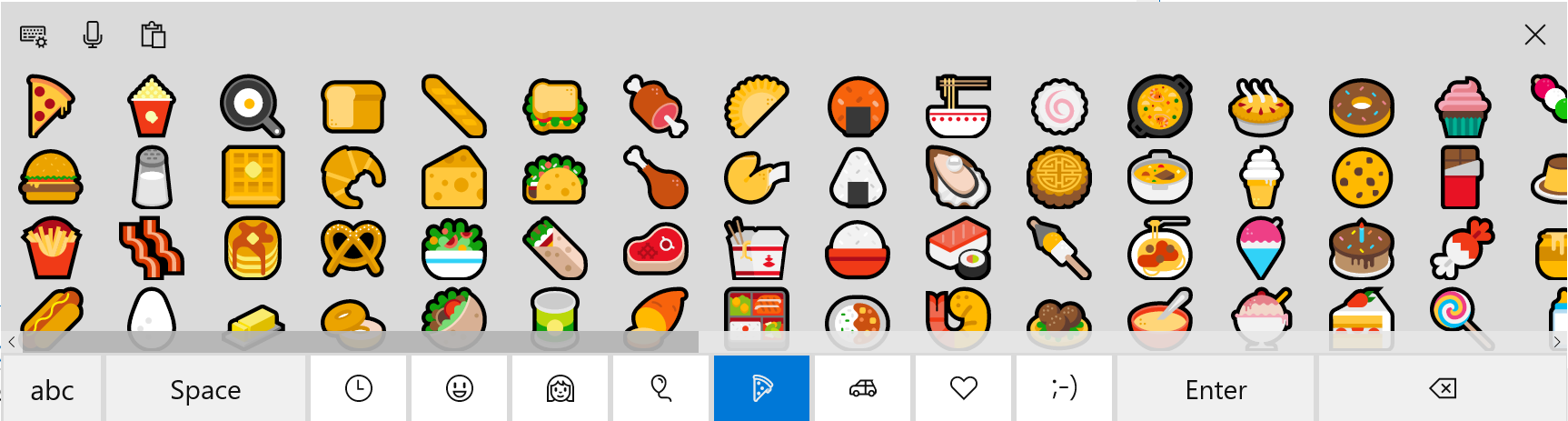
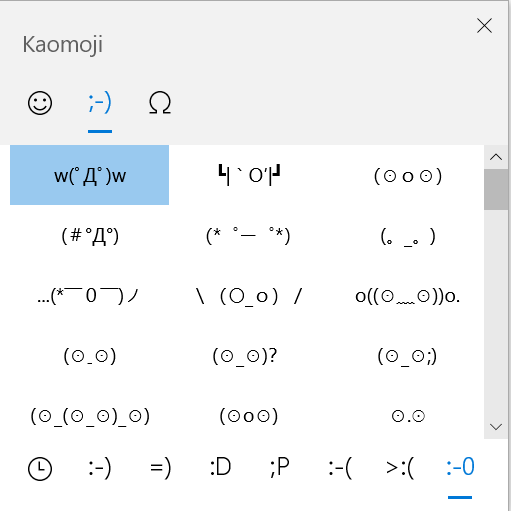
But why is the kaomoji integrated into emojis in the touch-keyboard and where are the kaomoji categories in the touch-keyboard?
Ok, I'll rephrase and simplify it for you.
Emojis, kaomojis and symbols are divided into various categories. By pressing ⊞ key and . key you will see can see that
a) Emojis are divided into faces, people, objects, food, vehicles and love symbols
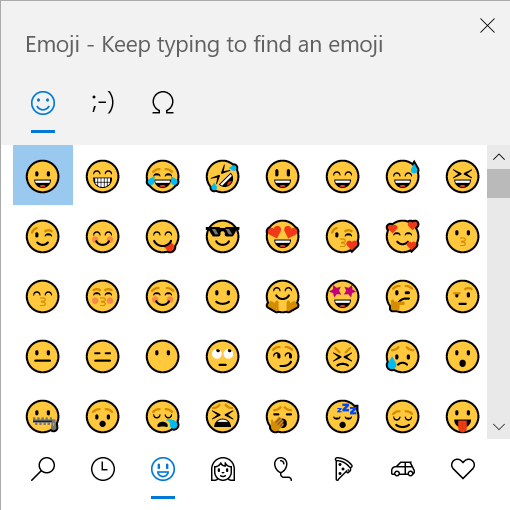
b) Kamojis are divided into classic, happy, greeting, acting cute, sad, angry and surprised
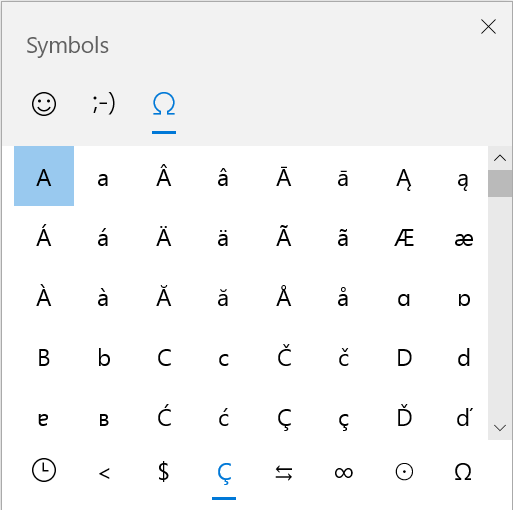
c) Symbols are divided into general punctuation, currency symbols, latin symbols, geometric symbols, math symbols, supplemental symbols and language symbols
In the touch-keyboard, the emoji categories are found by selecting the☺key.
In the touch-keyboard, the symbols categories are found by first selecting the Fn key and then the Ω key
So where in the touch-keyboard are the kaomoji categories found? For some reason, the kaomojis are integrated into the emoji categories and even after selecting the **;-)**only one category of kaomojis are seen..... where are the rest???
For business purposes I cannot active the emoji panel by selecting ⊞ key and . that's why I gotta use kaomojis in the touch keyboard.
Thanks in advance for your support
' cx='32' cy='32' r='32' /%3E%3Ctext x='50%25' y='55%25' dominant-baseline='middle' text-anchor='middle' fill='%23FFF' %3EA%3C/text%3E%3C/svg%3E)

' cx='32' cy='32' r='32' /%3E%3Ctext x='50%25' y='55%25' dominant-baseline='middle' text-anchor='middle' fill='%23FFF' %3ESD%3C/text%3E%3C/svg%3E)