Share via

Windows 10 May 2021 update now available

Anonymous
2021-05-19T06:30:23+00:00

The first major update to Windows 10 of the year, called Windows 10 May 2021 update is now available.

How to get the Windows 10 May 2021 Update
How to get the Windows 10 May 2021 Update | Windows Experience Blog

Windows 10 21H1 Release Health.

Windows 10, version 21H1 | Microsoft Docs

IT tools to support Windows 10, version 21H1

IT tools to support Windows 10, version 21H1 - Microsoft Tech Community

KB5000736: Featured update to Windows 10, version 21H1 by using an enablement package

KB5000736: Featured update to Windows 10, version 21H1 by using an enablement package (microsoft.com)

From the Blog:

In the current environment, we know that you continue to rely on your PCs more than ever. As a result, we are initially taking a measured seeker-based approach to the rollout of the May 2021 Update. We are throttling availability up over the coming weeks to ensure a reliable download experience for all, so the update may not be offered to you right away. Additionally, some devices might have a compatibility issue for which a safeguard hold is in place. In these cases, we will not offer the update until we are confident that you will have a good update experience.

Windows for home | Windows 10 | Windows update

Locked Question. This question was migrated from the Microsoft Support Community. You can vote on whether it's helpful, but you can't add comments or replies or follow the question.

0 comments No comments

147 answers

Sort by: Most helpful
  1. Anonymous
    2021-05-20T18:10:02+00:00

    When did the update (21h1) became available please?? 

    How much data is needed to get the update from version 20h2 - 21h1?

    And can the update fix the issues with my camera and fingerprint sensor??

    Concerning the problem with my camera and fingerprint sensor, I have contacted many agents but I still couldn't get the issues solved?? 

    Additional help needed, I have done most of the things recommended by many Microsoft agents and advisors but still I couldn't get any positive result. 

    Helps needed please. 

    Email: ******@gmail.com

    Was this answer helpful?

    0 comments No comments
  2. Anonymous
    2021-05-20T16:41:07+00:00

    >"Is there a possible problem using Windows 10 Update Assistant?"<

    ______________________________________________

    Hi Black Clouds,

            So Far I haven't seen any problems using the Windows 10 Update Assistant. Posted here or on any other boards. Just make sure you have a Working Disk Image of your Previous OS to some kind of external media  (External Hard Drive/ etc.) Just in case you find trouble.

    Was this answer helpful?

    0 comments No comments
  3. Anonymous
    2021-05-20T15:20:13+00:00

    First, I made back up of photos, etc...

    I tried the first time, from Update and Security... That went total to the floor! WAY too fast, and even though, it looked like, had upgraded to version 21H1, the upgrade wasn't installed.

    I restored the computerto another restore point... Everything was fine after that, but the upgrade still showed up in Update and Security. But nothing happened when clicking on it.

    So, I decided to reset it, by removing all on the computer. And I was back on 20H2... I then found the link: https://www.microsoft.com/en-us/software-download/windows10 here in the forum, and that worked - I remembered to deactivate my antivirus program. Perhaps, that was the problem before....... (And later realized, when using 3 parts antivirus, I also have to deactivate Windows Defender.....) :-D 

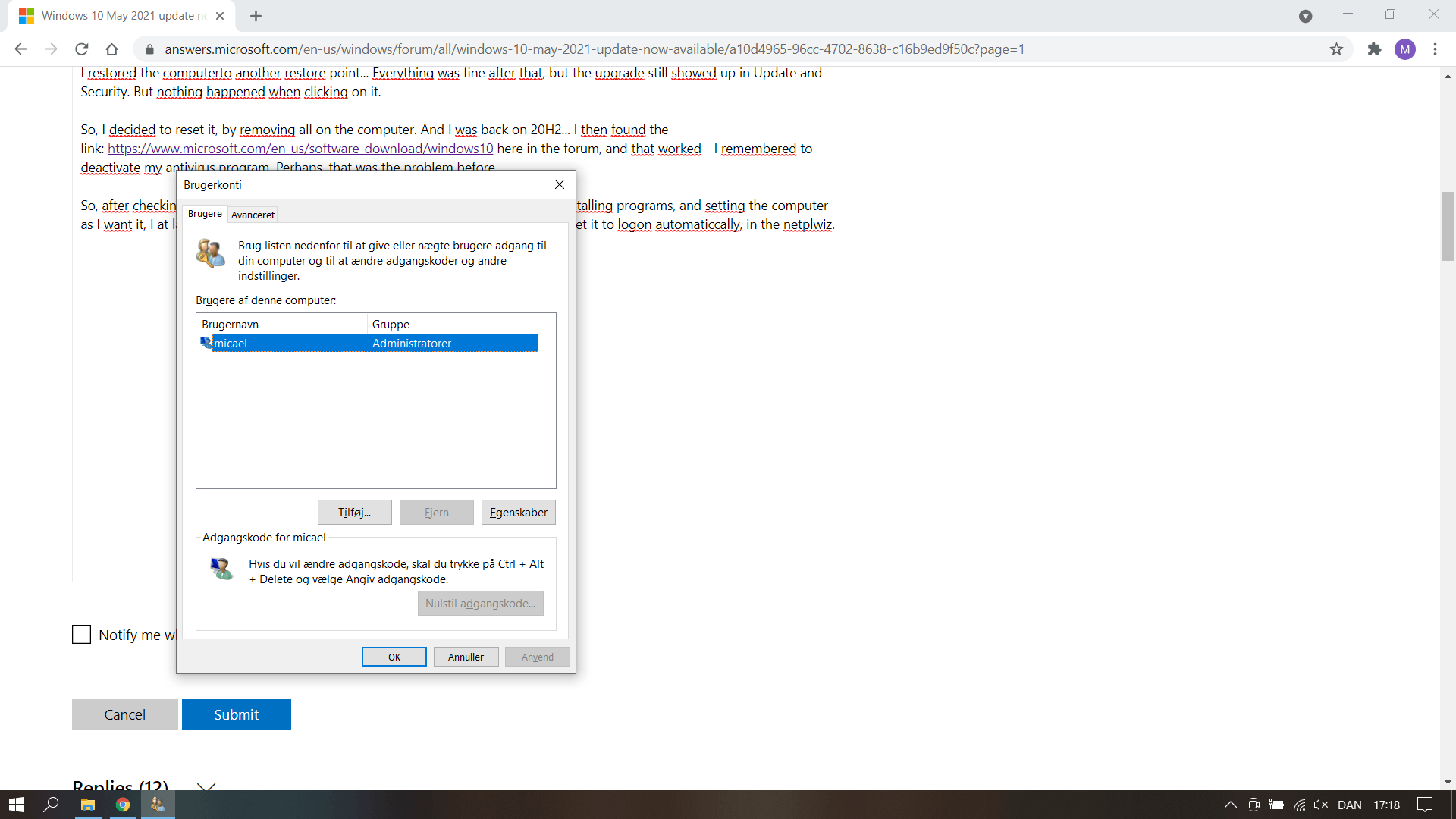
    So, after checking for updates, and installing them, the next hours was going with installing programs, and setting the computer as I want it, I at last was ready for using it normally!! Almost...... Because, I now can't set it to logon automaticcally, in the netplwiz. And can't find anything to do in gpedit.msc...

    My netplwiz:
    Image

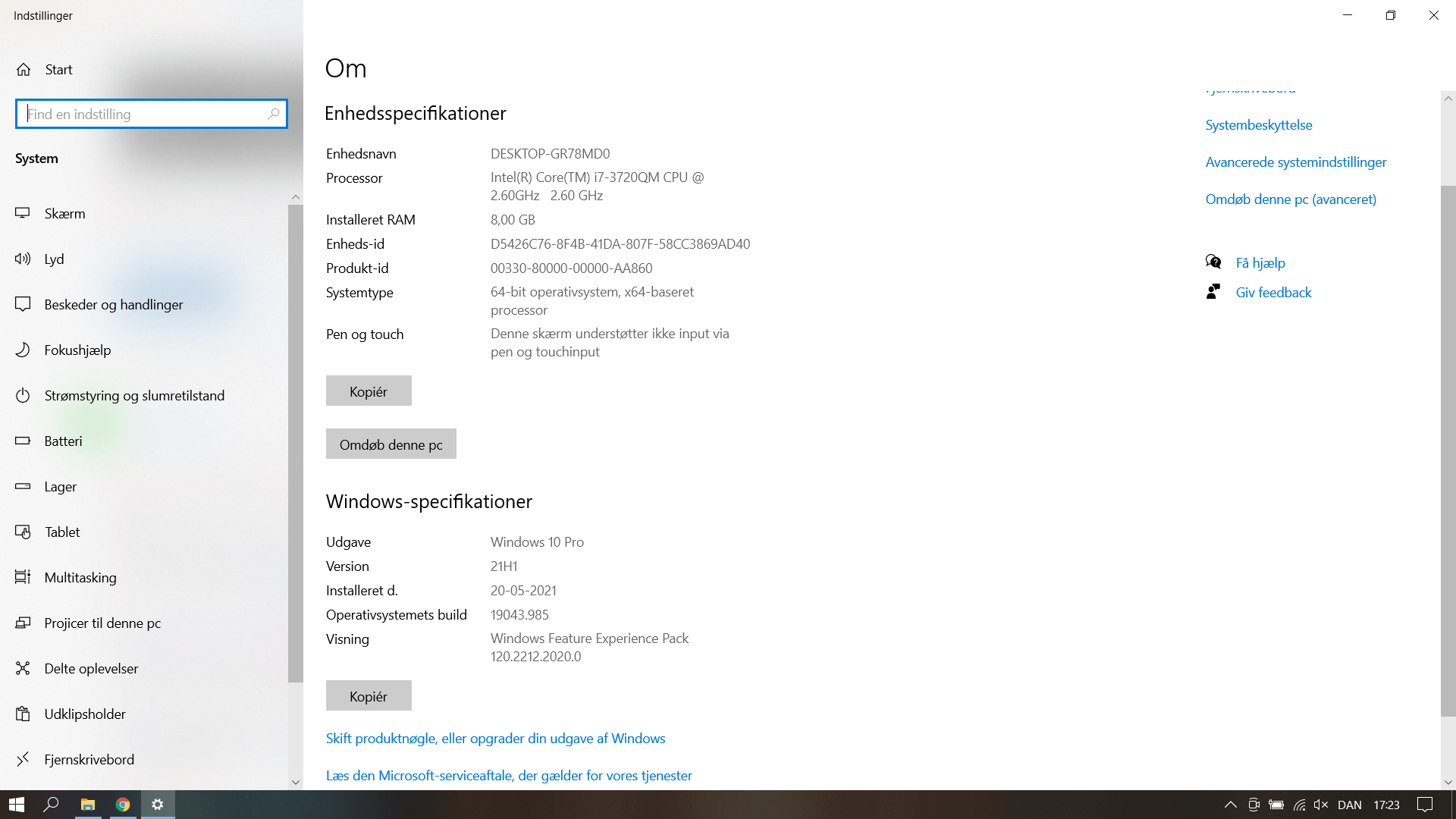
    System specs:

    And WOW! Nice, simply to insert pictures directly from the clipping board!!!

    Was this answer helpful?

    0 comments No comments
  4. Anonymous
    2021-05-20T15:10:06+00:00

    Im using Windows 10 Update Assistant to get v21H1 from v20H2 & looks successful.

    Incase, MAJOR PROBLEM shows up. I have 10 days to go back to v20H2.

    Is there a possible problem using Windows 10 Update Assistant?

    Was this answer helpful?

    0 comments No comments
  5. Anonymous
    2021-05-20T14:26:06+00:00

    What do you do if it won't let you uninstall the update?

    Was this answer helpful?

    0 comments No comments