Hi all
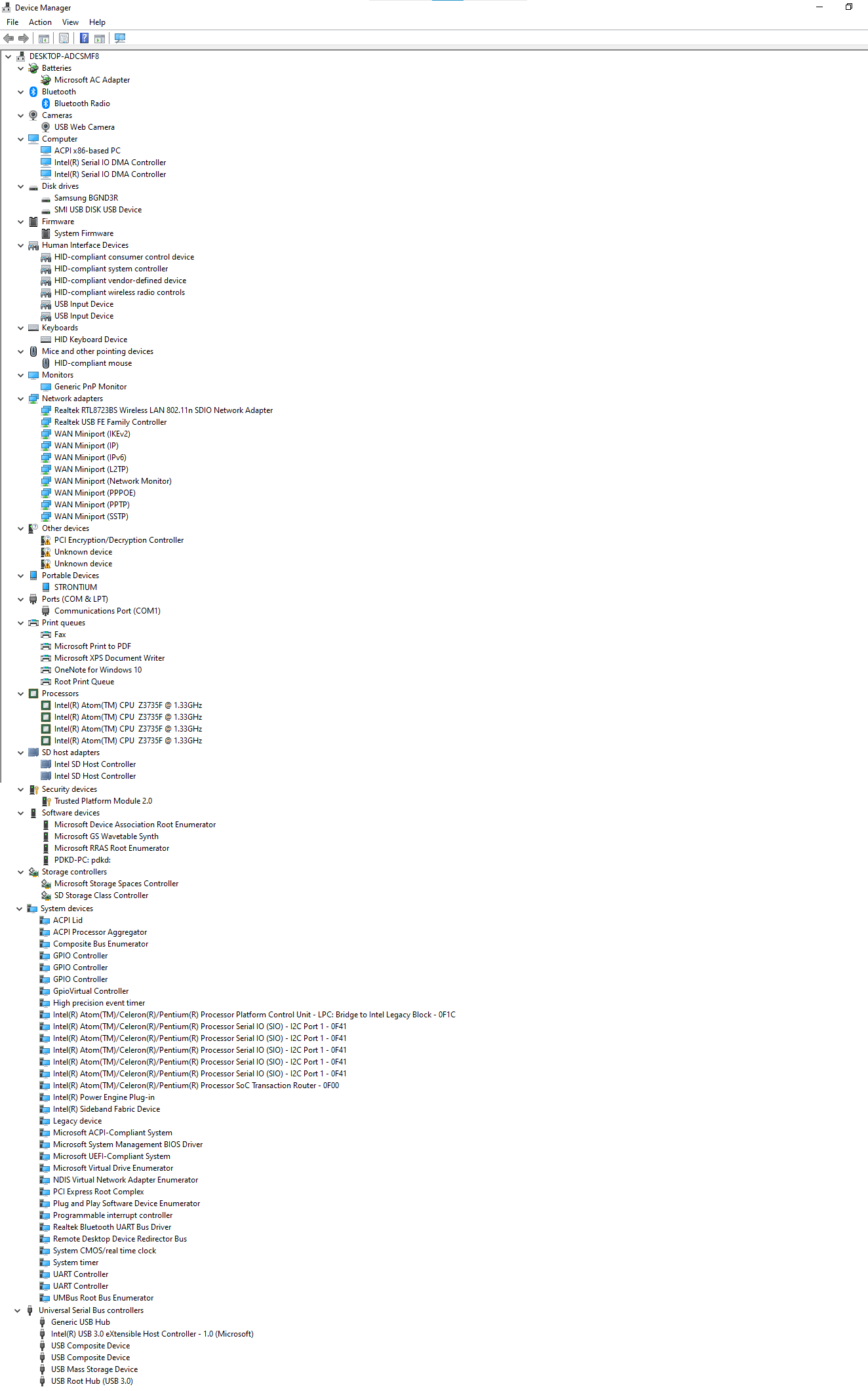
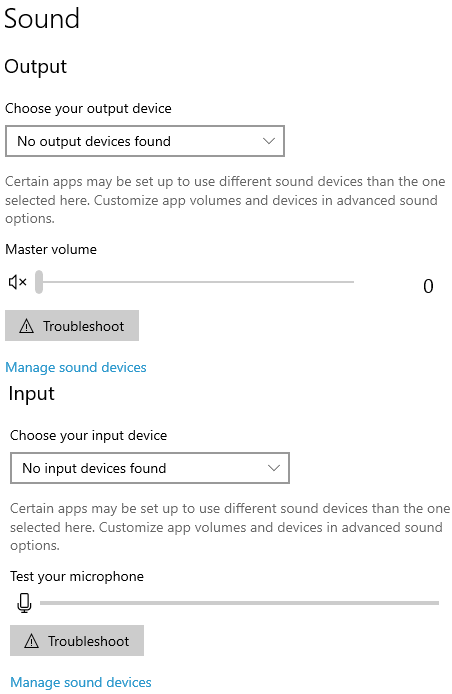
Around January this year, my laptop started giving me problems. I was working, the laptop was switched on but was currently unused. The screen turned off and then on and then it rebooted. on turning on, the screen had full brightness (undimmable screen), no sound, no mic, didn't detect my SD card, no battery icon on the tray, and no Bluetooth. In the device manager, the display adapter was gone, same with sound.
This is all I did trying to fix it, chronologically-
- Resetting Windows 10 (twice)
- Installing Windows 8.1
- Installing Windows 10 again
- Resetting it, again
- Reinstalling it fresh from DVD
- Resetting with "clean the disk" on
yet in vain...
Randomly one day, (before above points 2 and 3) windows gave me driver updates I blindly installed them. Suddenly everything was working! I was super happy. It demanded a restart. I did that. But upon turning it on, everything was like before, nothing working.
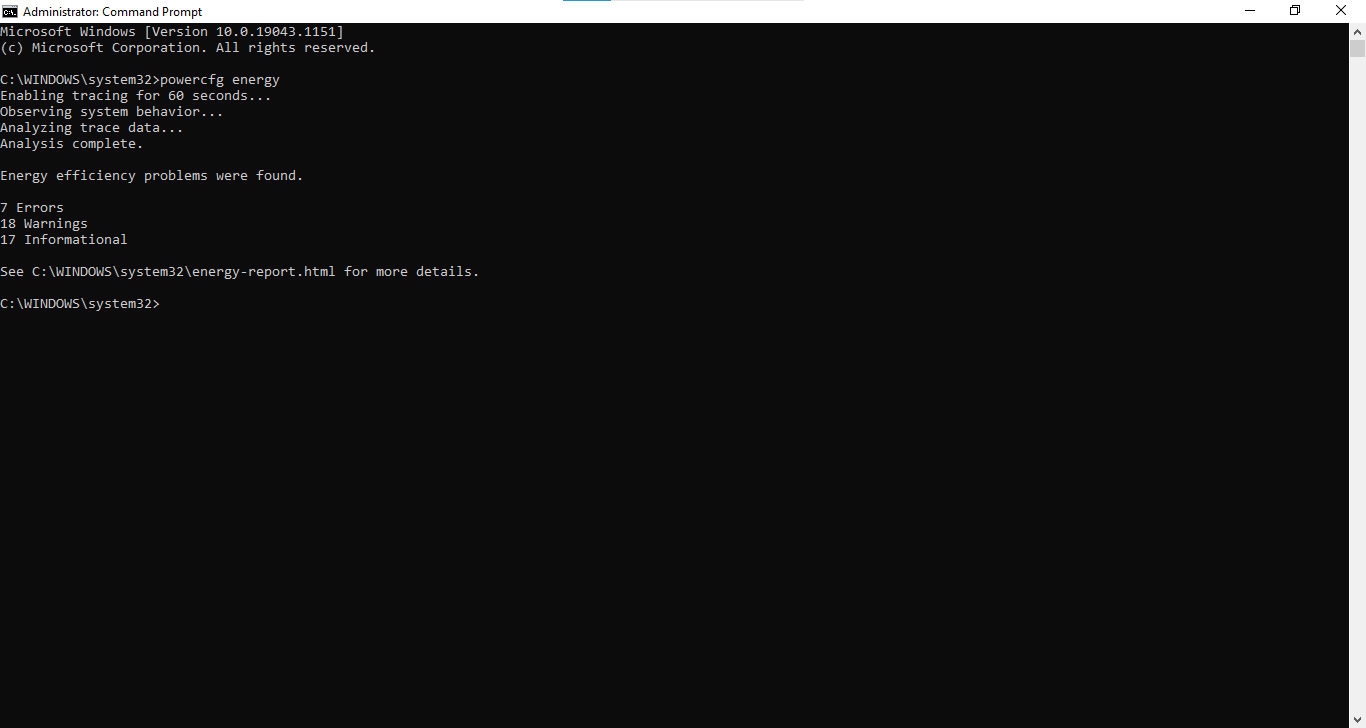
I ran the following command, File → Energy Report
powercfg energy
- I tried finding drivers online but there was none available. tried DriverPackSolution, but it didn't do anything other than installing bloatware.
- two days ago, I got a driver update from Windows Update regarding Intel chipsets and BT driver. BT works now.
- But Windows' not giving me any more updates.
Now another peculiar problem has started about three days ago- certain keyboard keys would randomly stop working and then come back to life sometimes.

Specs-
Device specifications
Device name- DESKTOP-ADCSMF8
Processor- Intel(R) Atom(TM) CPU Z3735F @ 1.33GHz 1.33 GHz
Installed RAM- 2.00 GB
Device ID- 12D7963A-0164-49F7-822D-CC060BAC3688
Product ID- 00327-42003-62674-AAOEM
System type- 32-bit operating system, x64-based processor
Pen and touch- No pen or touch input is available for this display
Windows specifications
Edition- Windows 10 Home Single Language
Version- 21H1
Installed on- 04-08-2021
OS build- 19043.1151
Experience- Windows Feature Experience Pack 120.2212.3530.0
The name is "DESKTOP-ADCSMF8", it's because I reinstalled windows from DVD. The laptop is manufactured by Micromax and the model is L1160.
Also, an unrelated question- If it has enough memory and an x64-based processor, Then why does it give an error installing 64-bit Windows 10
' cx='32' cy='32' r='32' /%3E%3Ctext x='50%25' y='55%25' dominant-baseline='middle' text-anchor='middle' fill='%23FFF' %3EA%3C/text%3E%3C/svg%3E)


' cx='32' cy='32' r='32' /%3E%3Ctext x='50%25' y='55%25' dominant-baseline='middle' text-anchor='middle' fill='%23FFF' %3EJ%3C/text%3E%3C/svg%3E)