First off, for me this is not a huge issue, the work-around for now is exiting full screen and re-entering it to position the full-screened video player properly, but its an interesting issue that I can't seem to find any info about, so I thought I would share - perhaps it will help someone, including myself.
This is a minor issue I noticed when full-screening a video player; be it VLC, Youtube, Twitter, other websites' / media players' full-screen mode - to explain, here is a scenario:
I opened Firefox to browse Twitter - I find a video, I put it on and I press F to full-screen the video player. Below is the screenshot unpainted (content hidden). It's difficult to see, but that is a full screen, from top-left corner of my entire monitor screen area, to the lower right corner.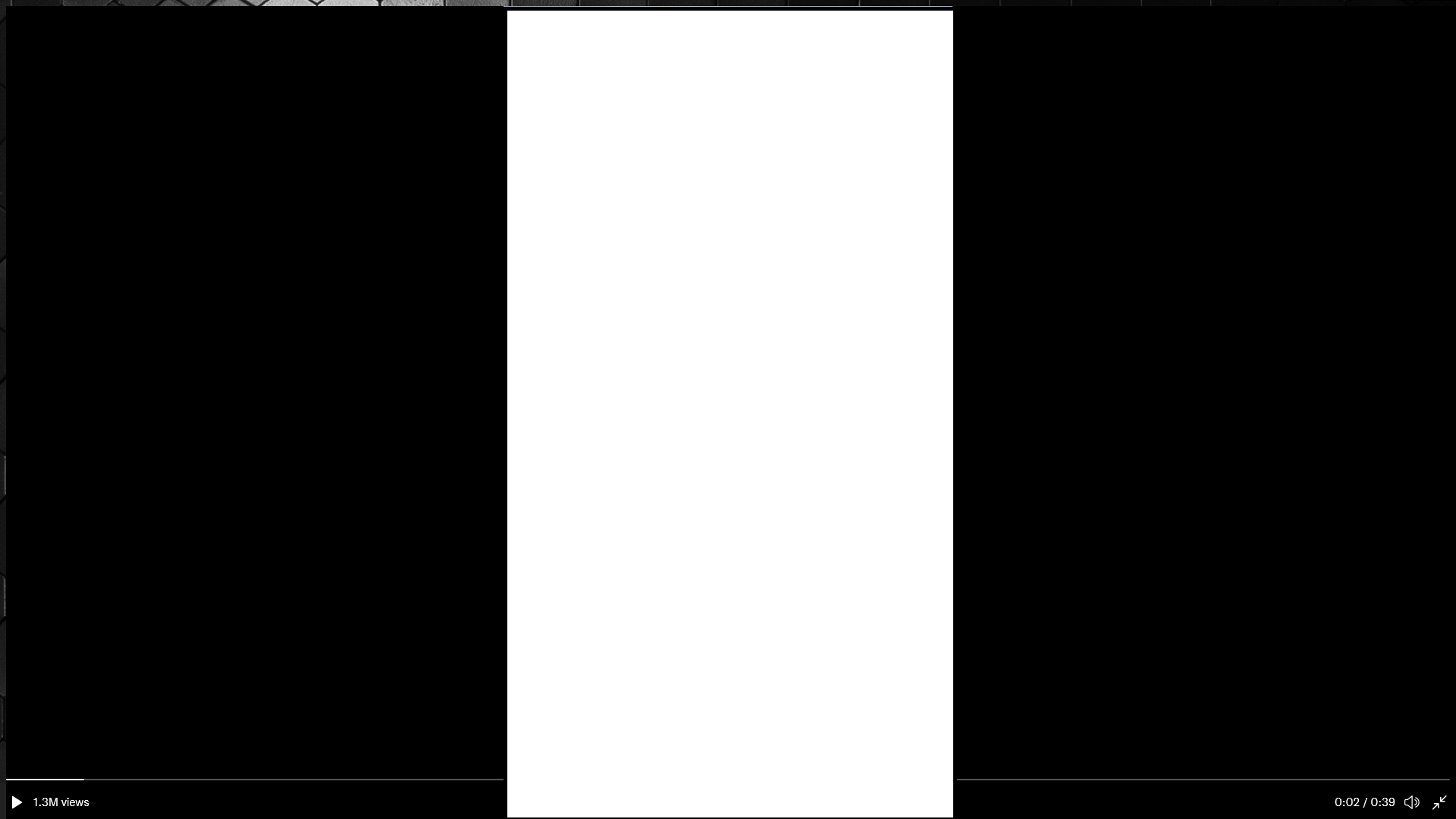
Here is the screenshot with the entire Twitter/Firefox window removed: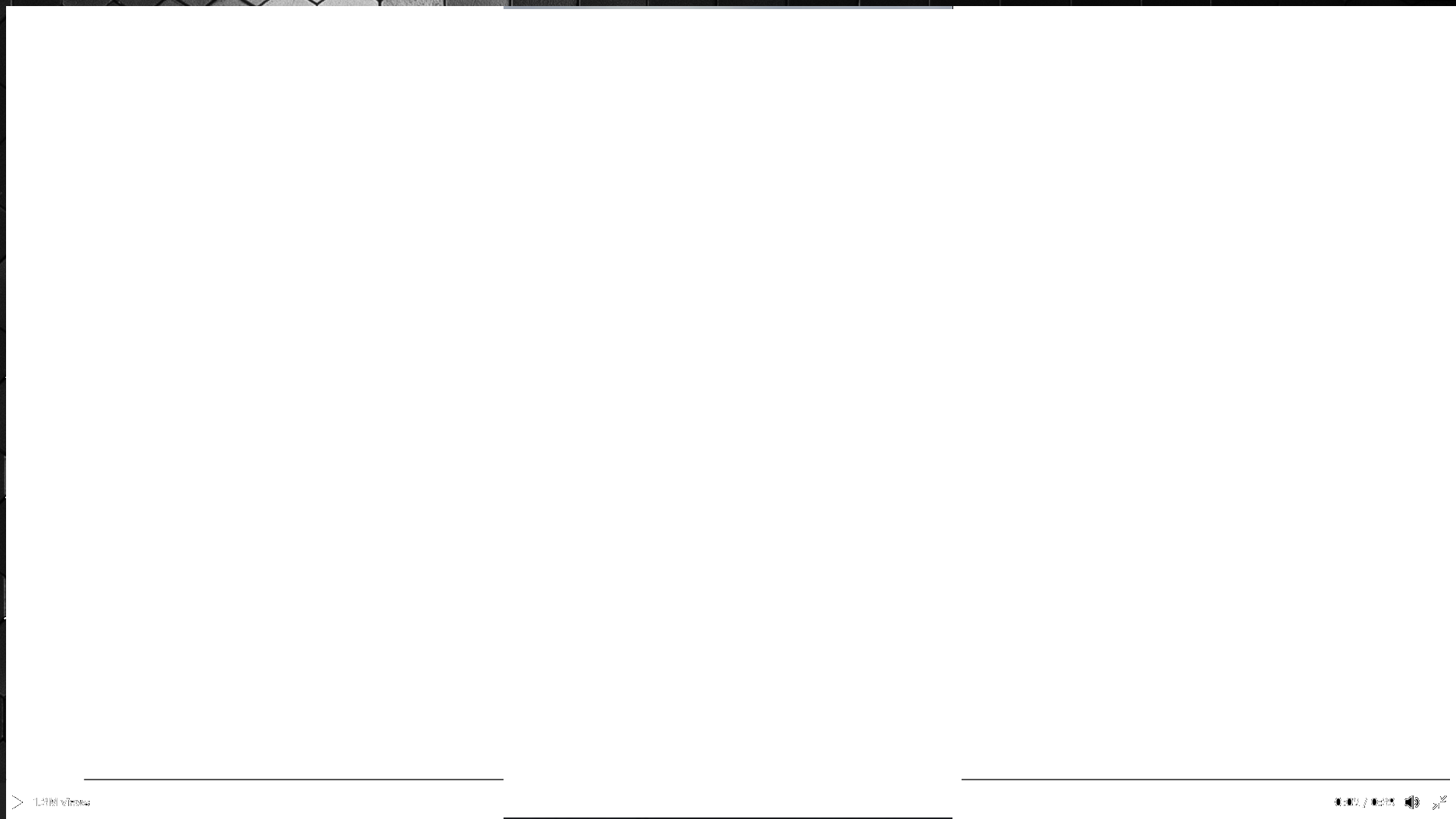
As you can see, the desktop background is visible on the left and upper edges of the screen.
This is not unique to Twitter or Firefox - VLC media player also does this; when you enter full-screen mode sometimes this will happen. You then need to exit full screen and go back in again and the media will be positioned properly, blocking the desktop background as it should.
The thing's I've tried:
- Ran Firefox without addons.
- Reinstalled Firefox.
- Reinstalled VLC.
- Updated Windows.
- Updated GPU Driver.
- Reinstalled GPU driver.
- Reinstalled GPU driver again using DDU.
- Reinstalled OS - full boot drive wipe & install from boot. (not because of this issue, for something else)
- Tried Chrome just to be safe, as I never use it - still happens. Idk how it would even have helped with VLC or potentially other Windows-installed media players.
- Disabled hardware-accelerated GPU scheduling & Variable refresh rate.
So I'm switching back to Firefox now and giving up troubleshooting. In the meantime, if anyone has any suggestions, I'd be happy to try them - again this doesn't bother me too much, but it's an interesting problem. I'd wager its Windows 11 related, as this never happened before I upgraded; and has been happening since day 1 of upgrading.
Thanks!
Edit: I should have added - the frequency of this happening is roughly 4-5 times throughout the day. I don't know anyone else who uses Windows 11 yet, so I can't say if its happening for others.
PC Specs:
Motherboard: Aorus Z390 Pro
CPU: Intel Core i7-9700K
RAM: Corsair Vengeance RGB Pro 32GB (4x8) 3200MHz CL16
GPU: Gigabyte Geforce RTX 2060 Super OC 8GB
Boot drive: Sabrent Rocket 1TB NVMe SSD
Second drive: WD 1TB 7200RPM HDD (~7 years old now)
Third drive: Seagate BarraCuda 3TB 5400RPM HDD
' cx='32' cy='32' r='32' /%3E%3Ctext x='50%25' y='55%25' dominant-baseline='middle' text-anchor='middle' fill='%23FFF' %3EA%3C/text%3E%3C/svg%3E)
