Laptopumu yanlışlıkla 10-12 saat uyku modunda bıraktım. Sonrasında bilgisayarım düzgün çalışmamaya başladı. Bir şekilde birkaç gb ram'i boş yere kullanıyor. Yüksek GPU gerektiren bir oyun oynuyorum ve bunun yüzünden kasma sorunları yaşıyorum. Sadece başlat menüsünü açarken kullandığı animasyon bile kasıyor. Cihazım MSI Katana GF66 11UC. Bu ram sorununu nasıl çözerim?
I accidentally left my laptop in sleep mode for 10-12 hours. Then my computer started not working properly. Somehow it's using a few gb of ram for nothing. I'm playing a game that requires a high GPU and I'm having low fps issues because of it. Even the animation it uses when opening the start menu just stutters. My device is MSI Katana GF66 11UC. How do I fix this ram issue?
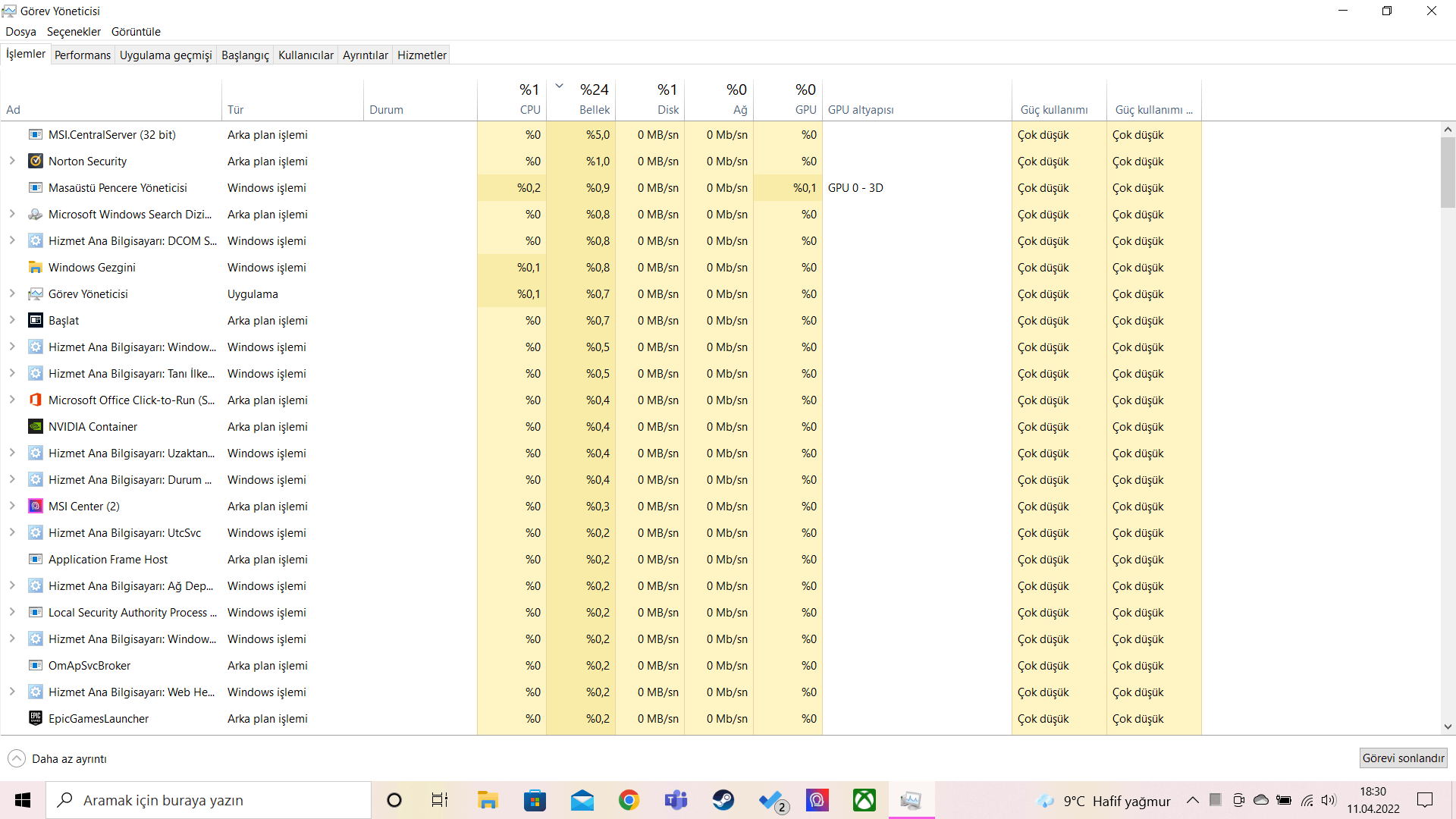
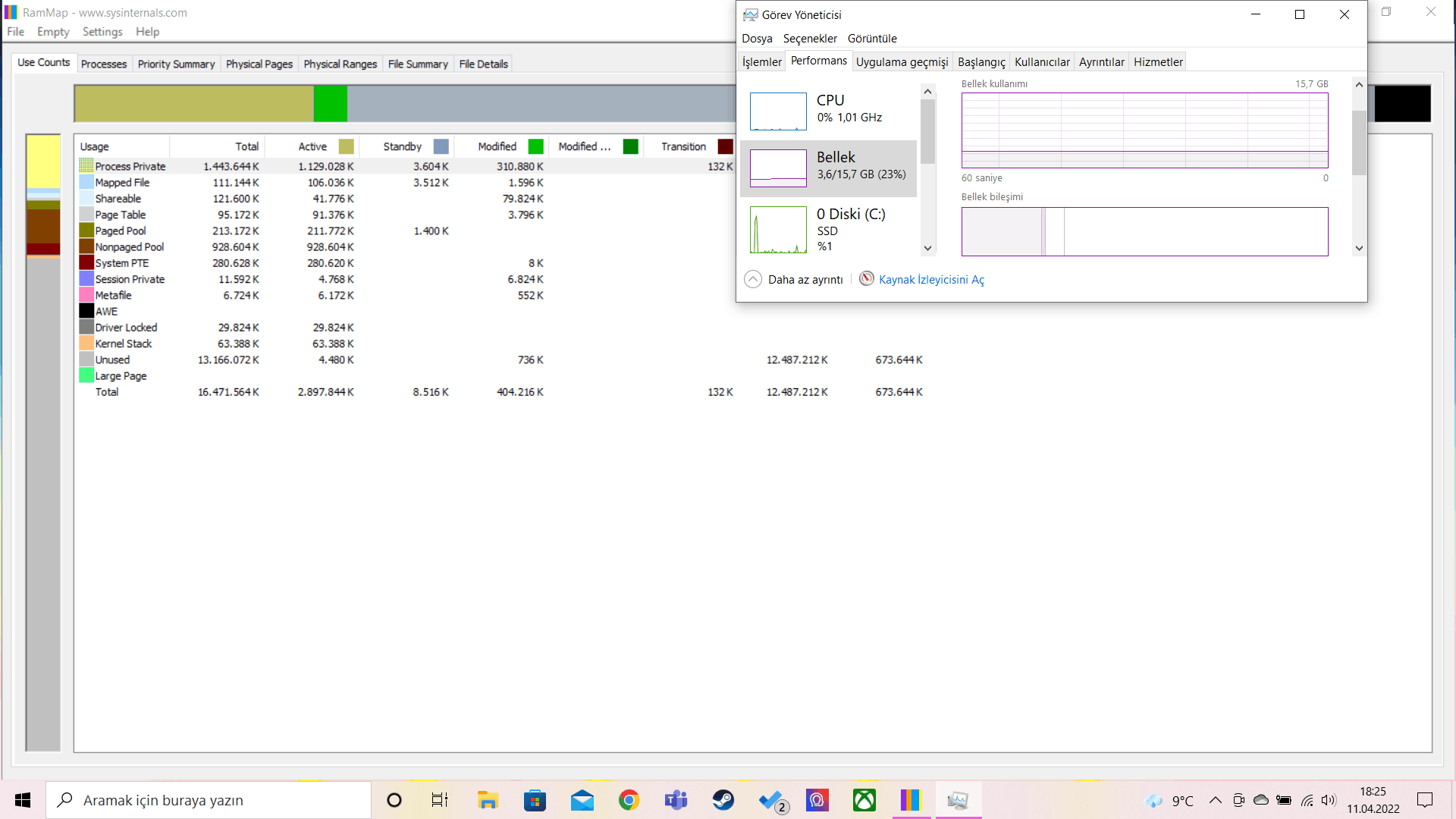
Bir internet sitesinden yardım almaya çalışıp RamMap kurdum ancak ram %30 kullanılıyorken %20 ye indirmek dışında bir şey yapmıyor. Lütfen yardımcı olun!!!!!!!!
I tried to get help from a website and installed RamMap, but it does nothing but reduce it to 20% when the ram is used at 30%. Please help!!!!!!!!
' cx='32' cy='32' r='32' /%3E%3Ctext x='50%25' y='55%25' dominant-baseline='middle' text-anchor='middle' fill='%23FFF' %3EA%3C/text%3E%3C/svg%3E)

