Share via

Print to PDF, selected text is blank

Anonymous
2022-03-17T18:08:47+00:00

1st I'll apologize that this is long and for placing in the wrong forum location. I have researched and tried quite a few potential solutions that I'll try to include.

TL/DR: On a website, if there is a popup window, printing to PDF shows blank information for the selected text in the popup window.

Up until the last few days, I have been able to print these popups to PDF with no issue. We have several computers in the office and I've tried at home, and this fails on about 90% of the computers I've tried (I don't know their status previously, I just know it started with mine a few days ago). I've checked settings between the working computer and my computer, but everything I've looked at has been the same, including OS versions.

I have tried:

  1. Changing PDF settings Edit > Preferences > General > Show online storage with opening files (is checked). and Show online storage when saving files (is unchecked).
  2. Making Adobe PDF Converter the default printer.
  3. Uninstalling both Adobe PDF Printer and Microsoft Print to PDF and adding them back.
  4. Rolled back Windows updates.
  5. Changed all of the selection options in the print dialogue window. I was typically using Selection only.
  6. Verified that it is not coming up as white text on white background.

I've probably done a few other things, but nothing has worked. Attaching some images to show what I'm seeing better than I can explain it.

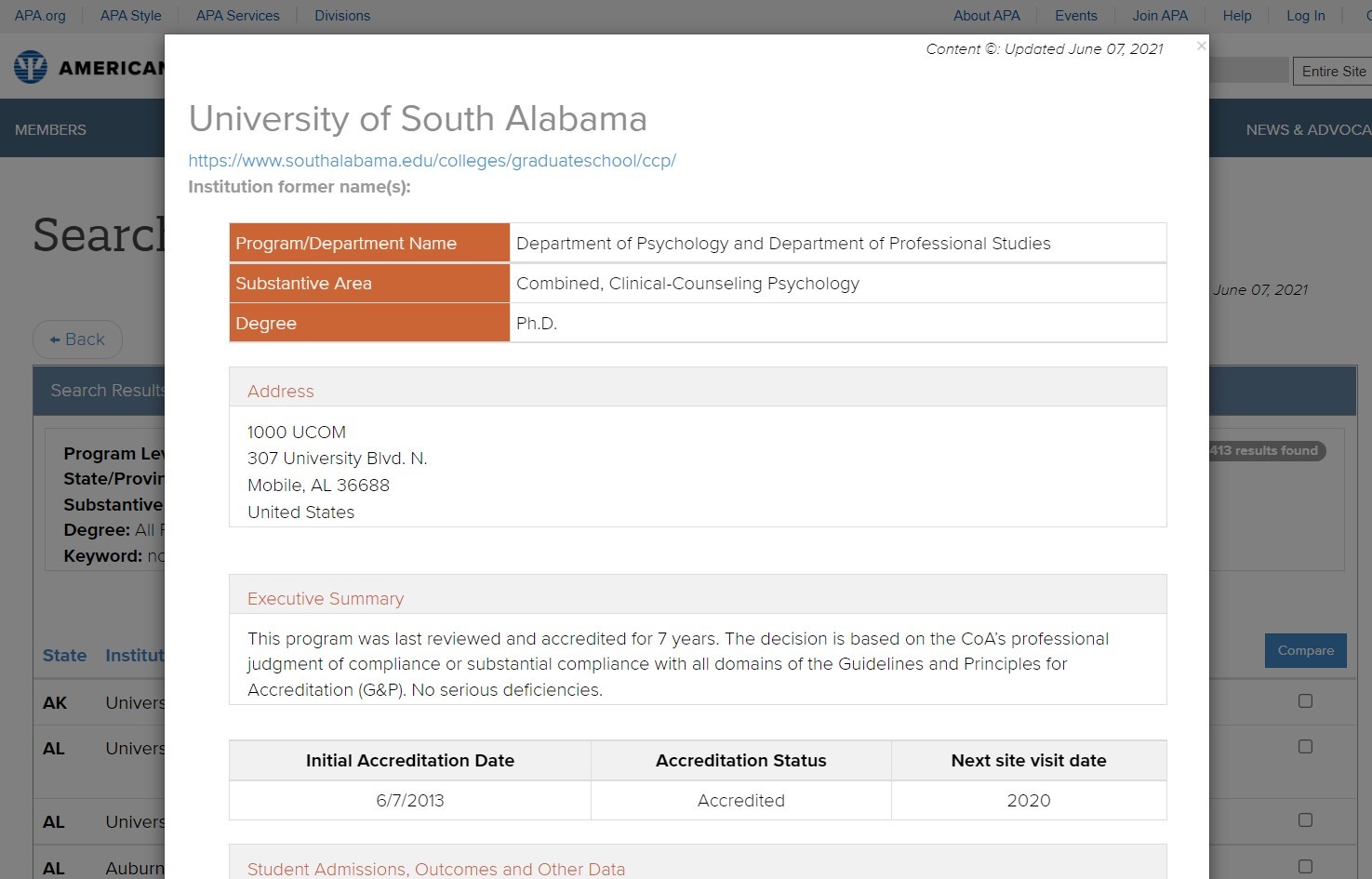
This is a popup window that I'm trying to print
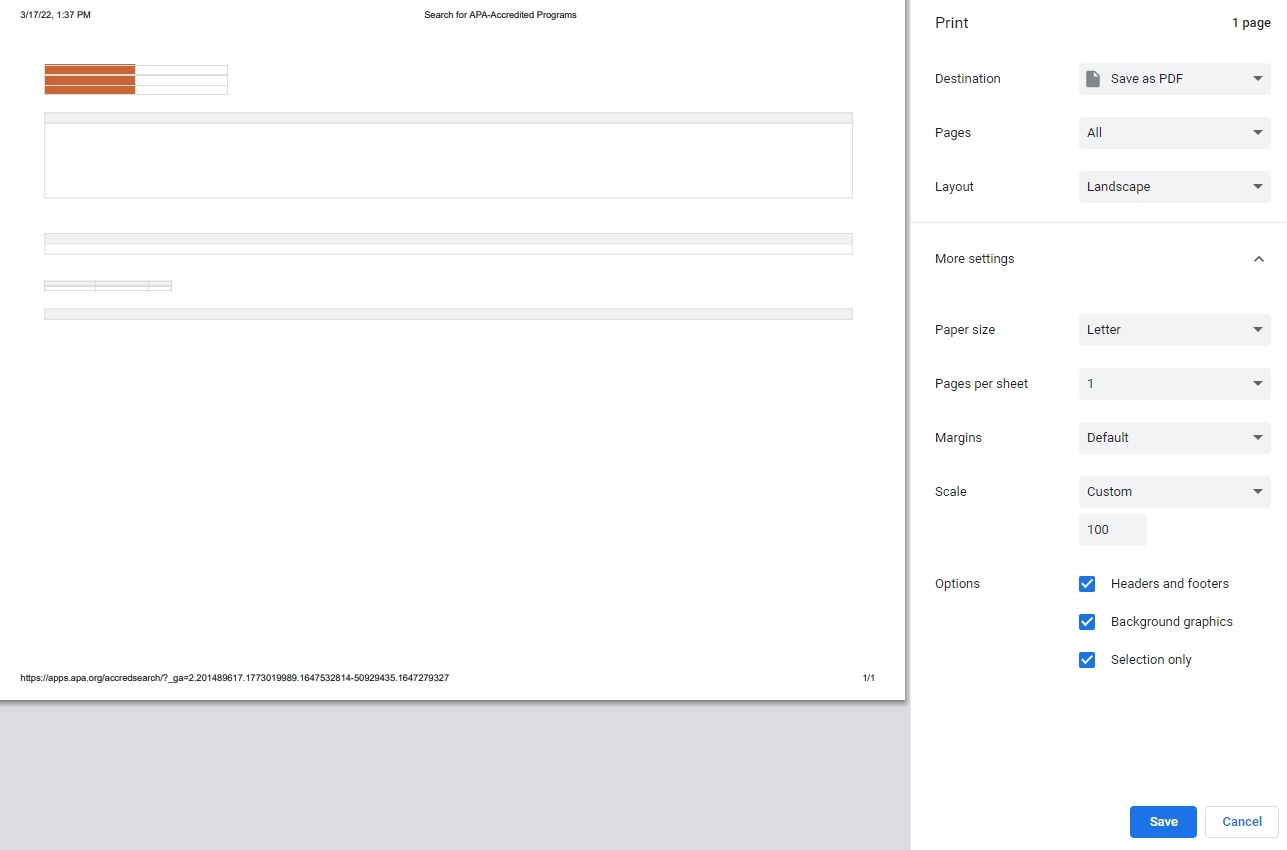
When I print this is my preview & what I see in the PDF
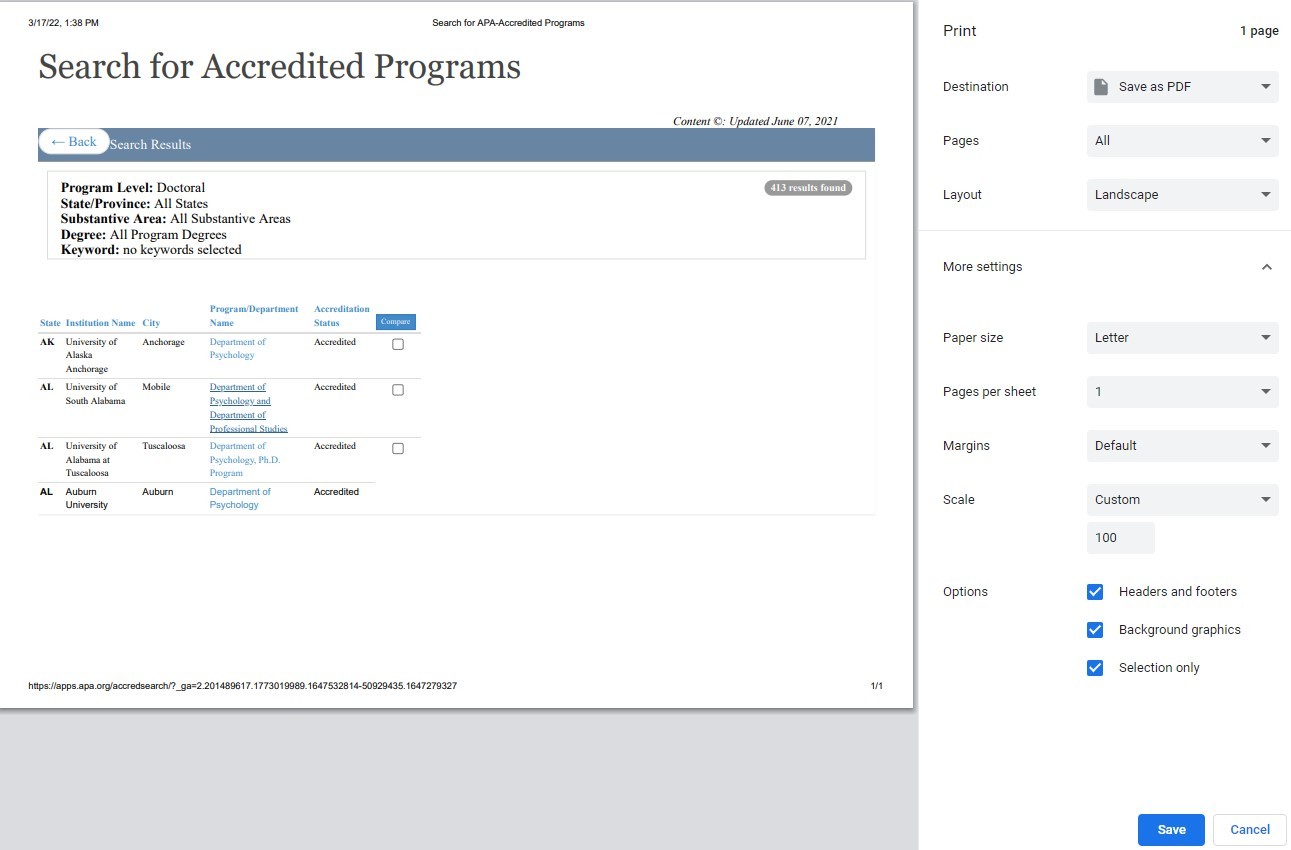
So I thought maybe it's just the popped up table, so I tried the table underneath and it fills in fine
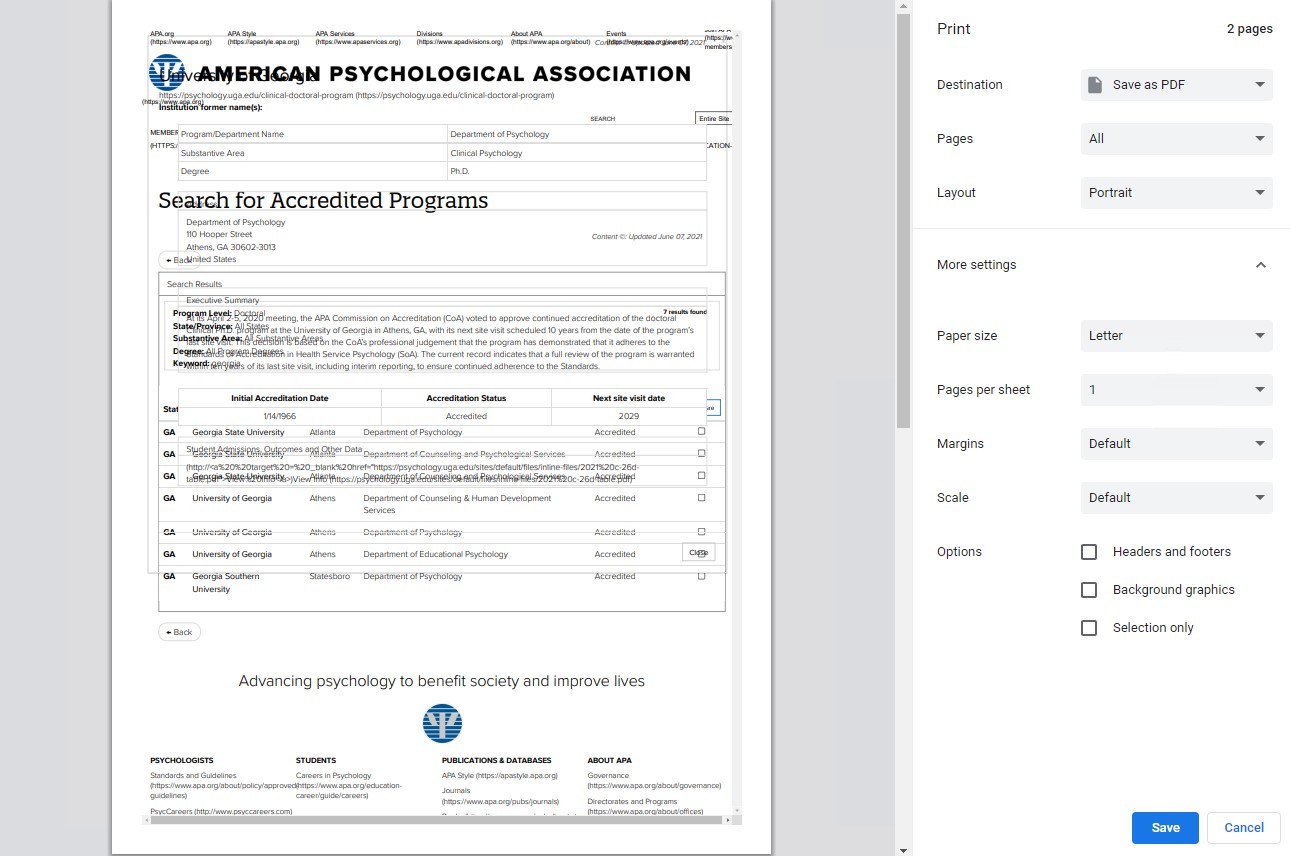
So it's not the form from the website. Now here is the kicker for me. If I remove the Selection only checkmark (this screengrab has all 3 boxes unchecked, but I get the same on selection only), the text in the popup window is there, not in the table and it overlays the text under the popup, so it's completely unusable, but it's there.
Now that I've pulled out what's left of my hair, I'd appreciate any help/suggestions you might have.

Windows for home | Windows 10 | Settings

Locked Question. This question was migrated from the Microsoft Support Community. You can vote on whether it's helpful, but you can't add comments or replies or follow the question.

0 comments No comments

10 answers

Sort by: Most helpful
  1. Anonymous
    2022-04-08T13:15:46+00:00

    CmdrKeene, thanks for your help and for submitting the issue. I am not sure if Microsoft rolled something out to fix this, but the issue is resolved as of yesterday. I've verified that I can now print to PDF from the popup windows on multiple computers that were not working previously.

    1 person found this answer helpful.
    0 comments No comments
  2. @CmdrKeene 90,616 Reputation points Volunteer Moderator
    2022-03-25T23:44:42+00:00

    Yeah it's really down to how the webpage displays the contenting you're wanting to select. Hopefully they can handle it but you'll probably find a great deal of success on pages that are less complex and do very little in the way of layers or on-page dialog modals and such (like the ones you mentioned or my cmdrkeene.com site for example). I don't think it's the printer driver but the browser is considering the selection to either be occluded or part of the background.

    Since Chrome and Edge are built from the same programming foundation these days they'll probably behave identically, but a non-Chrome-based browser like Firefox might render better results.

    1 person found this answer helpful.
    0 comments No comments
  3. @CmdrKeene 90,616 Reputation points Volunteer Moderator
    2022-03-18T18:38:07+00:00

    Thanks much. I've struggled with it for about an hour and I sure can't figure out any way to correctly get it to work either. I took a trace of the situation and sent it into the Edge team.

    In the meantime, I haven't tried it yet but I'm about to give it ago with a different web browser like Chrome and see what I can accomplish there.

    0 comments No comments
  4. Anonymous
    2022-03-18T15:23:47+00:00

    It's accessible. https://www.accreditation.apa.org/accredited-programs  Just click start a search & then the search button on the next page. To get the popup window, I click on the link in the program/department name column. Thank you!

    0 comments No comments
  5. @CmdrKeene 90,616 Reputation points Volunteer Moderator
    2022-03-17T18:14:42+00:00

    Hi Robb4242, Is this webpage accessible to me to experiment with myself or does it require a login?

    0 comments No comments
