Share via

Is it safe to update my drivers via Avast Antivirus installed on my PC?

Anonymous
2022-04-23T06:57:18+00:00

I have been using free Avast Antivirus for protection against viruses, for almost 3 years. But I am planning to buy a premium subscription, given it appears to be having cool features now, such as a driver updater, webcam protection etc.

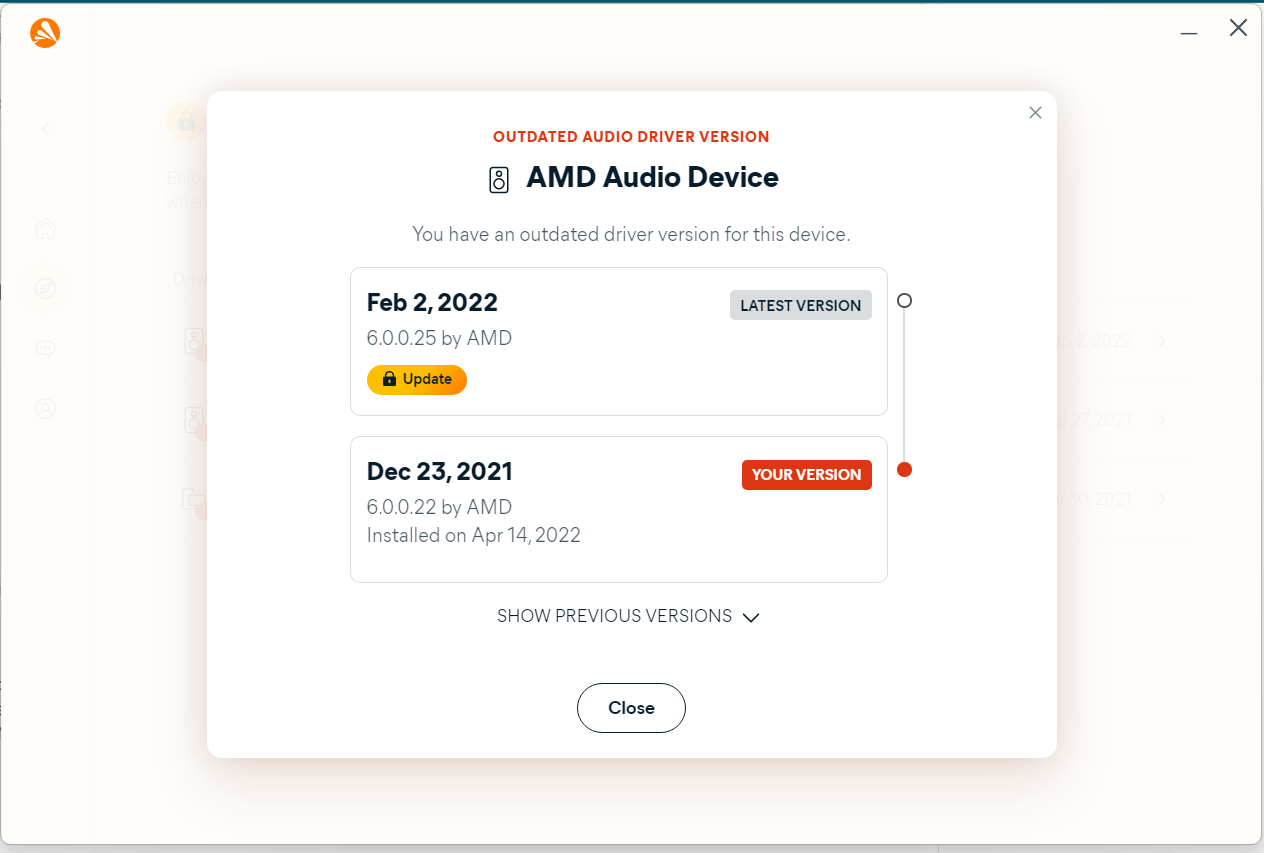
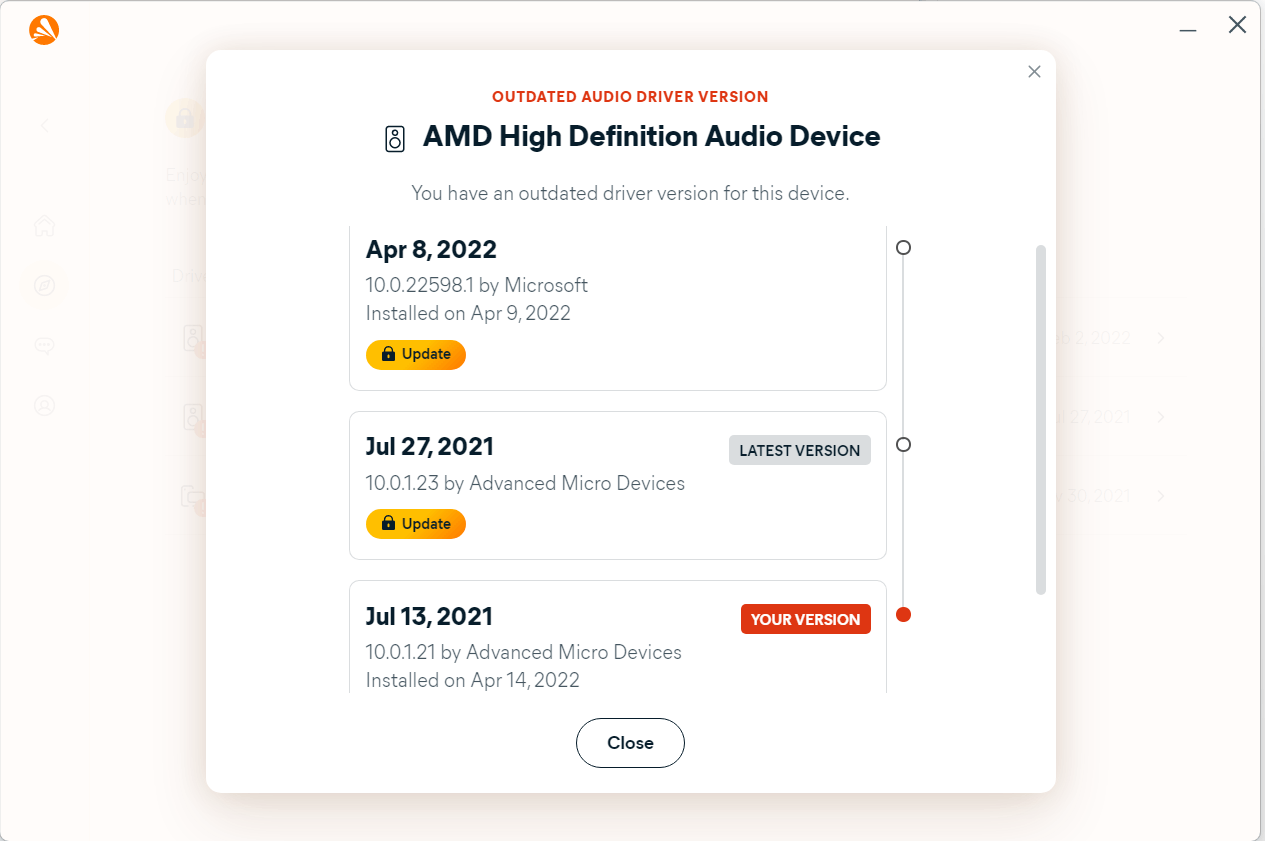
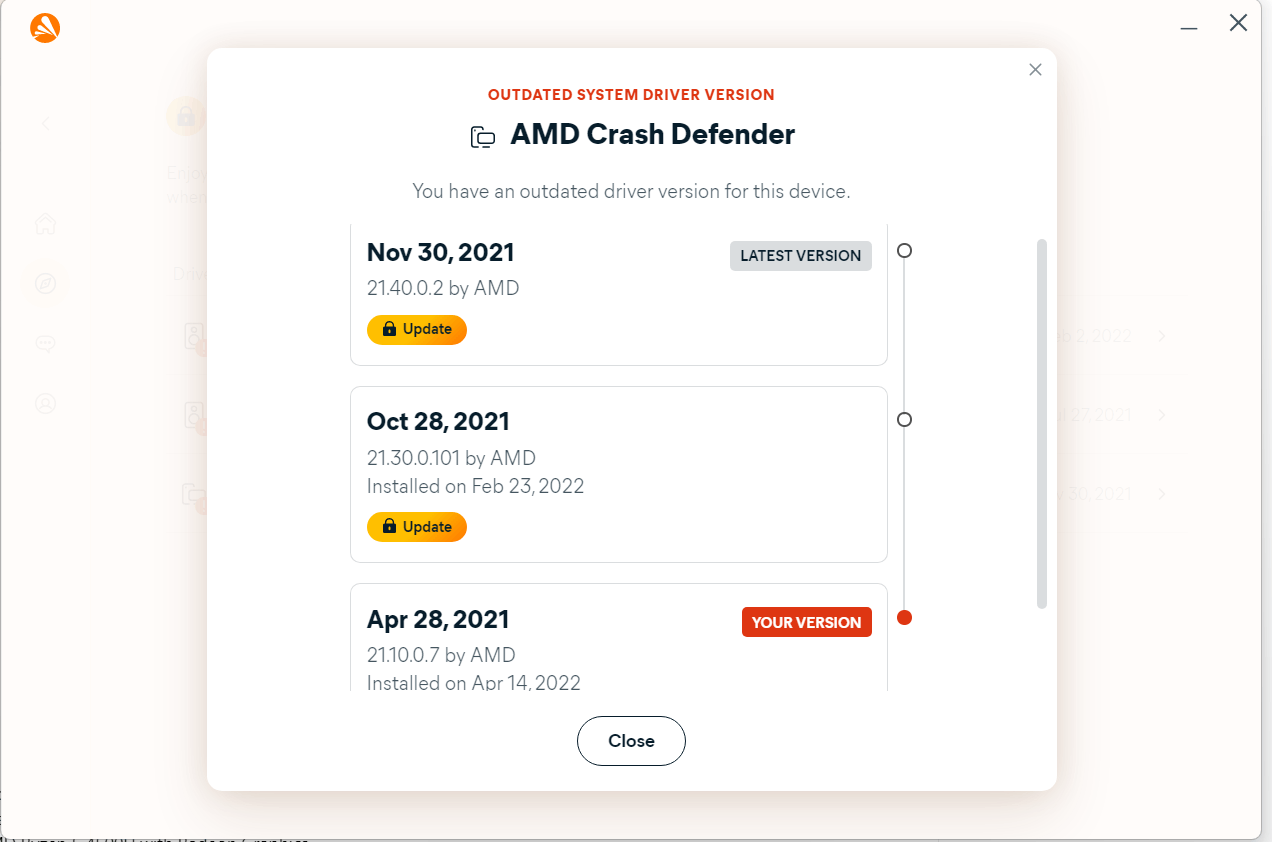
What I am concerned with, is the driver updater feature. Before I got to know about the antivirus driver updater feature, I always went to Bing to search for the latest version of my drivers that I find to be outdated. In almost all of my search attempts, I have been greeted with the warning to never update drivers from a third-party source and always do it from your manufacturer. However, getting to know about Avast's driver updater feature, I think this may be an exception to this warning, as the software is an antivirus, not some random third-party source. It is also probably reliable as I tried checking out the same drivers on Device Manager and it isn't updating those drivers and claims the driver is on the latest version.

Here are snapshots for references:
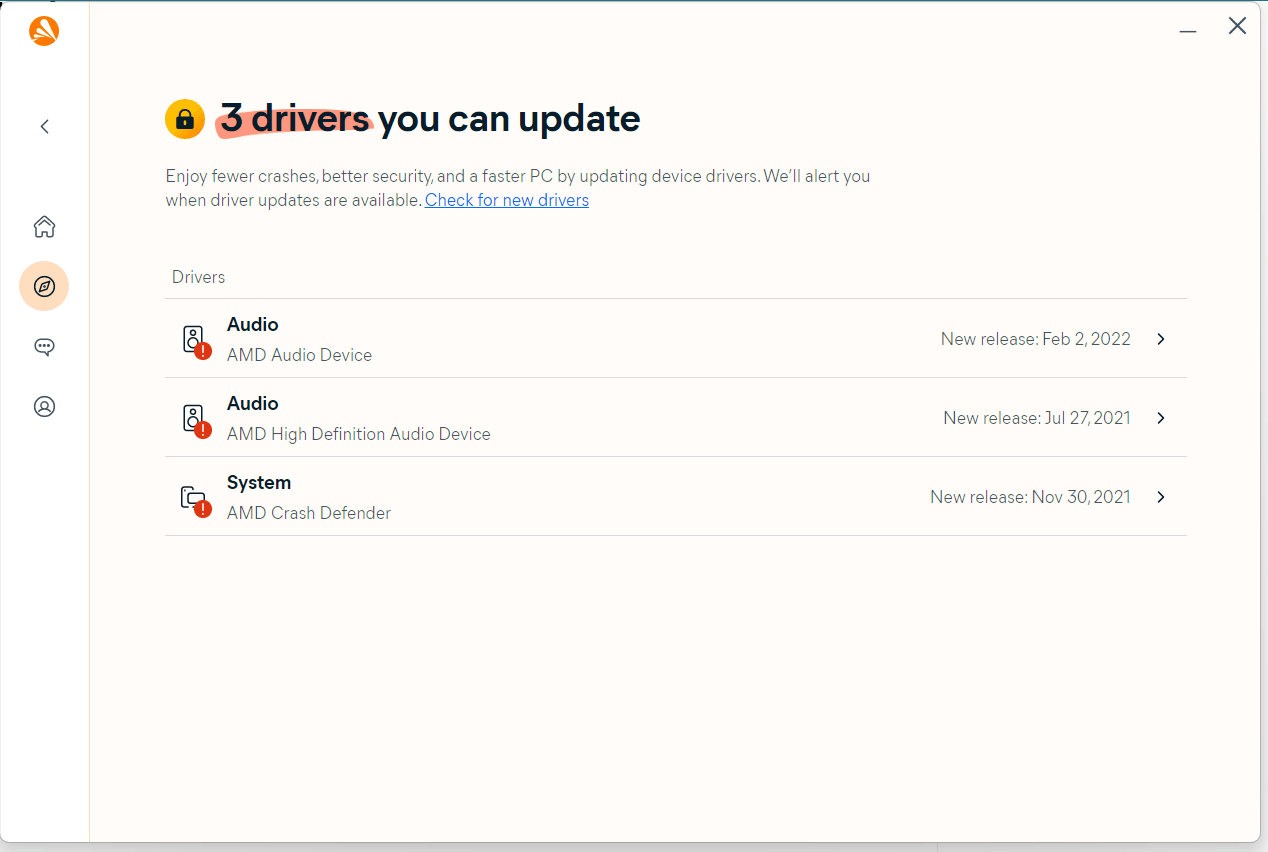
Here are my PC specifications:

Product name: HP Laptop 15s-ey1xxx

Processor name: AMD Ryzen 5 4500U with Radeon Graphics

Windows for home | Windows 11 | Devices and drivers

Locked Question. This question was migrated from the Microsoft Support Community. You can vote on whether it's helpful, but you can't add comments or replies or follow the question.

0 comments No comments
Answer accepted by question author
  1. Anonymous
    2022-04-23T16:08:14+00:00

    Is it safe? Maybe. Maybe some of the time.

    The safest place to update a driver is the web site of the manufacturer of the hardware the driver is for, and I don't recommend doing it anywhere else.

    Is that always perfectly safe? No. Updating a driver isn't perfectly safe anywhere, but that's the safest place.

    10+ people found this answer helpful.
    0 comments No comments
Answer accepted by question author
  1. Anonymous
    2022-04-23T07:10:17+00:00

    I won't recommend you to update it through any third party software.

    I personally update my drivers with intel support assistant you should find out something for your amd components

    https://drivers.amd.com/drivers/installer/21.50/beta/amd-software-adrenalin-edition-22.4.1-minimalsetup-220404_web.exe

    check this

    10 people found this answer helpful.
    0 comments No comments
Answer accepted by question author
  1. Anonymous
    2022-04-23T07:30:23+00:00

    Hi AnonymousFYIFYI_107

    I am Dave, I will help you with this.

    No, it is not safe to use a 3rd party utility to update your drivers, Avast make a good security site, but please do not use the driver updater in Avast.

    Using a 3rd party driver updater is the main cause of blue screens on peoples PC's, because those utilities are renowned for installing incompatible drivers on your PC.

    The only place to get device drivers from is the Support page for your PC on the manufacturers website, or form Windows updates.

    6 people found this answer helpful.
    0 comments No comments

0 additional answers

Sort by: Most helpful