Microsoft Security | Microsoft Entra | Microsoft Entra ID
A cloud-based identity and access management service for securing user authentication and resource access

This browser is no longer supported.
Upgrade to Microsoft Edge to take advantage of the latest features, security updates, and technical support.
' cx='32' cy='32' r='32' /%3E%3Ctext x='50%25' y='55%25' dominant-baseline='middle' text-anchor='middle' fill='%23FFF' %3EMS%3C/text%3E%3C/svg%3E)
I have an issue i already implement the PIM on my envirnoment and i assign eligible roles and give some users the ability to approve the requestes, what happed is that all the approvals and the users which have the eiligble roles can use there Features smoothly even if they didn't have any license they are unlicesene users, so how if comes ?
This articel is not true
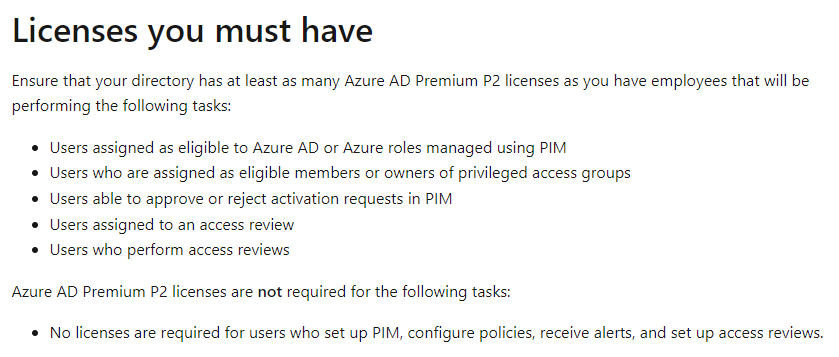
Licenses you must have
Ensure that your directory has at least as many Azure AD Premium P2 licenses as you have employees that will be performing the following tasks:
Users assigned as eligible to Azure AD or Azure roles managed using PIM
Users who are assigned as eligible members or owners of privileged access groups
Users able to approve or reject activation requests in PIM
Users assigned to an access review
Users who perform access reviews
A cloud-based identity and access management service for securing user authentication and resource access

This is more of a compliance issue than a technical limitation. Each user must have a license purchased and assigned for compliance reasons. If you do not have your users licenses correctly then you would be in breach of Microsoft licensing requirements.
This is what happen i tried this 3 tasks without license and it works
It will work but if you do not have the users licensed correctly then you are breaching the Microsoft license conditions and may be subject to penalties fees or legal action.