Thanks! The "Apply to Folders" button is greyed out but I found the solution.
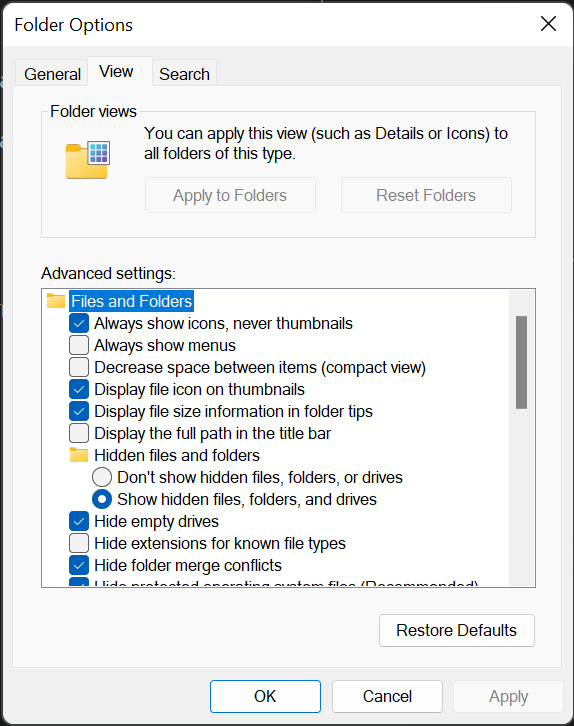
I was able to get the system to remember the setting by clicking on the Files and Folders icon under Advanced Settings, this didn't change anything in the View tab BUT it made the bottom "Apply" button selectable. So I clicked Apply just to see what would happen and now every time I search I get the view that I want.
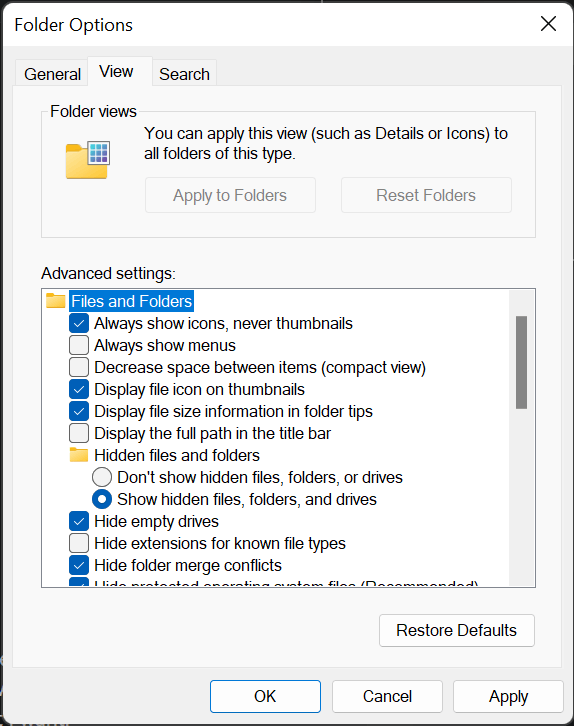
I have to do this for every hard drive through, internal and external, there doesn't appear to be a way to make this the default for all searches forever. This means all new hard drives you get will also require you to do this.
' cx='32' cy='32' r='32' /%3E%3Ctext x='50%25' y='55%25' dominant-baseline='middle' text-anchor='middle' fill='%23FFF' %3EA%3C/text%3E%3C/svg%3E)


' cx='32' cy='32' r='32' /%3E%3Ctext x='50%25' y='55%25' dominant-baseline='middle' text-anchor='middle' fill='%23FFF' %3ELF%3C/text%3E%3C/svg%3E)