Ok so I have 4 sata 3.0 ports numbered 0,1,2 and 3, beforehand ssd was using sata port 0 and hard disk was using sata port 1 . I switched the hard disk to sata port 3 and the issue still persisted thinking the issue might be with the ssd I used the sata cable of the ssd for the hard disk and vice versa but still there is absolutely no progress the pc boots always boots up really slow and when it boots the hard disk is constantly at 100%. After that I removed the hard disk and tried to use only the ssd at all the sata ports 0,1,2,3 and it worked smoothly with all the ports that too with the sata cable previously used for the hdd.
Hpw to fix hard disk issue and A device which does not exist was specified
There has been a problem with my hard disk usage jumping to 100% for the past year. I have tried all there is to fix this issue and even tried replacing the hard disk but the issue still persists. I even replaced the SATA cables but there is absolutely no progress. To explain the problem more in details-
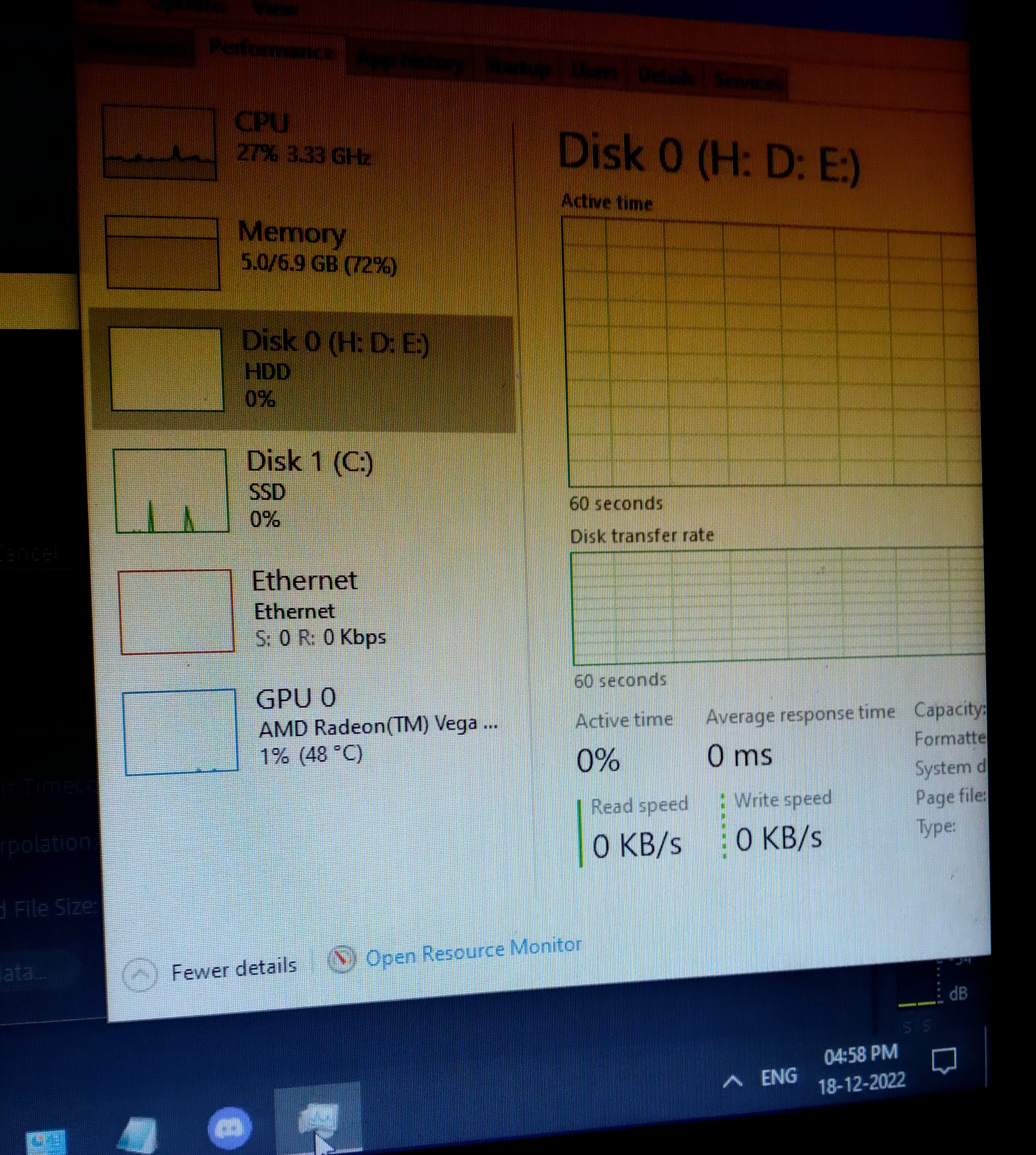
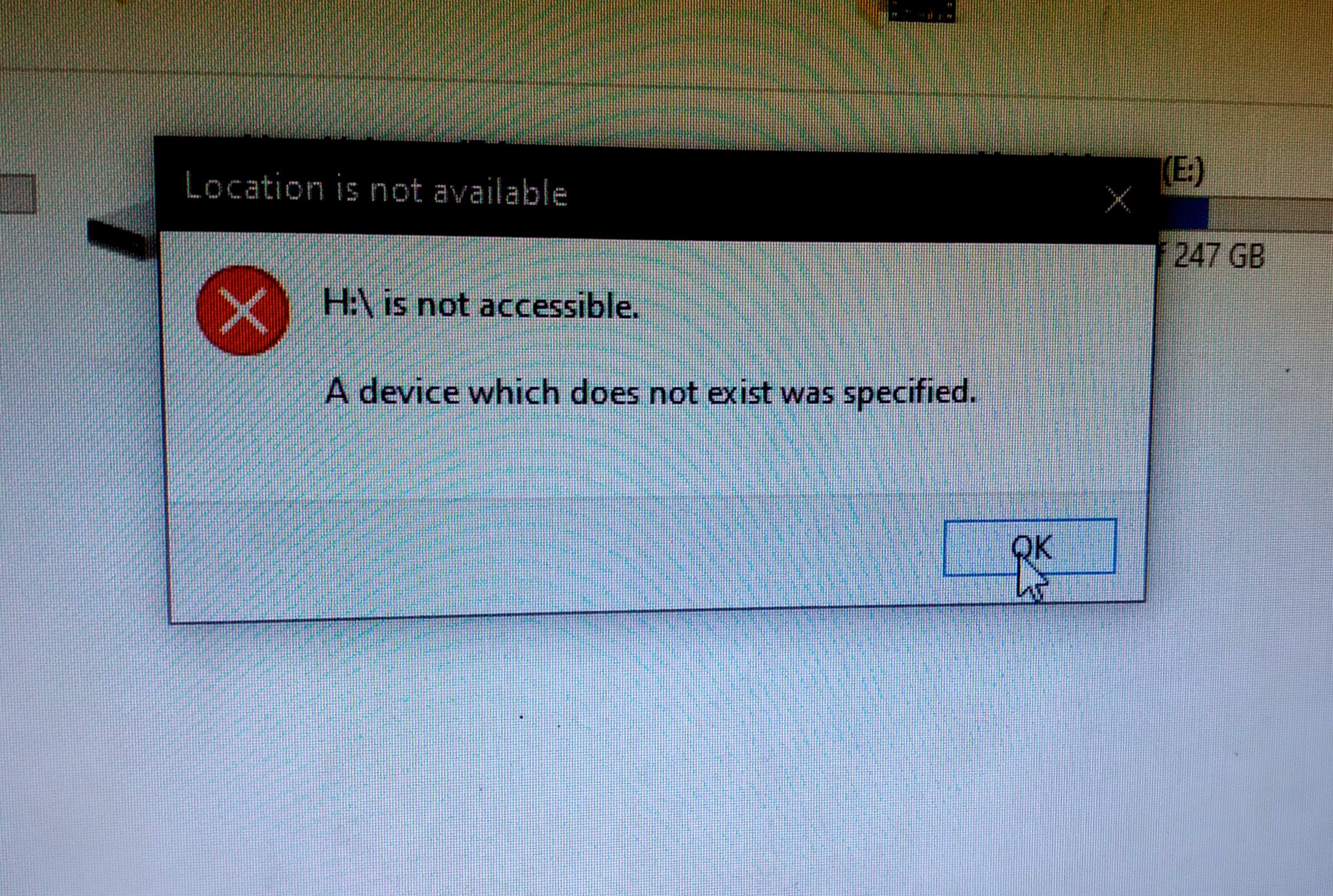
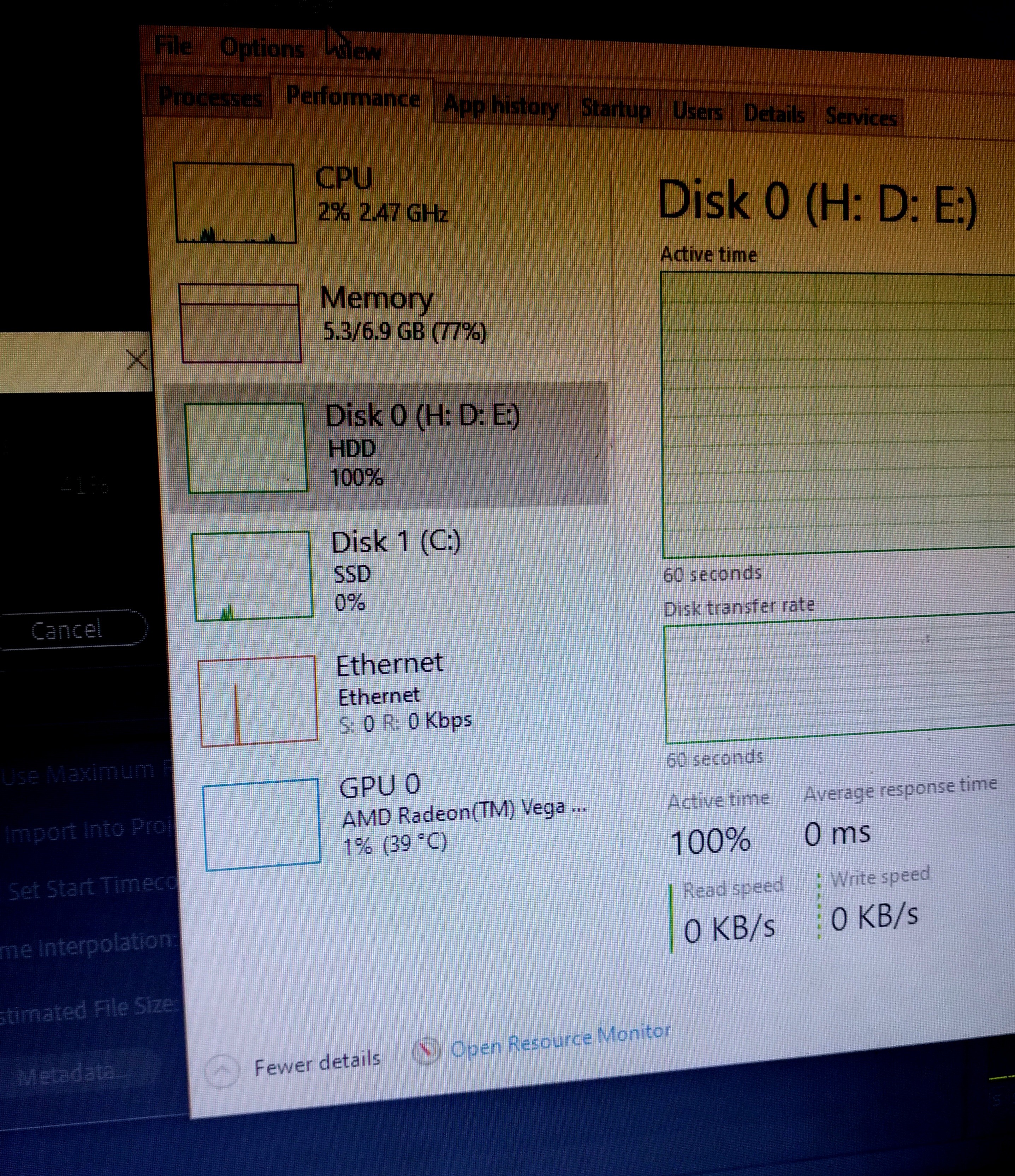
I have an SSD where windows is installed and 2 hard disks, the pc boots fine but whenever I try to do some intense task like render a video in premier pro the hard disk usage jumps to 100% with no read and write speed, stays there for some time and instantly dips to 0% after that whenever I try to open the drives of the hard disk it gives the error "A device which does not exist was specified" after that I always have to shut down and then power on to access the hard disk again but during that boot the hard disk makes really loud noises constantly as if it is trying to read and write but why though? I have checked in Bios and the boot drive is rightfully set to my SSD via the windows boot manager as well, I don't understand this problem and am tired of having to deal with this please help me I am in a desperate need of some help.
Note - As I mentioned before there is no issue with the
hard disk itself, since the replaced drive is having the same problem as well plus I replaced the sata cables as well so the only thing left is either a software issue or a issue with the motherboard itself.
Pc specs -
Amd Ryzen 3 2200G
8 gb corsair DDR4 Ram
Gigabye GA-A320M-HD2 Motherboard
1 TB Seagate and Toshiba Hard disk
256 GB Western digital SSD
Windows for home | Windows 10 | Performance and system failures
Locked Question. This question was migrated from the Microsoft Support Community. You can vote on whether it's helpful, but you can't add comments or replies or follow the question.
10 answers
Sort by: Most helpful
-
Anonymous
2022-12-20T08:36:34+00:00 -
Anonymous
2022-12-25T14:05:20+00:00 The problem is finally fixed.
I bought a new sata cable and my hdd ran fine using it. Even though I still don't understand why my ssd ran fine with the fault sata but that's ok I am happy that everything is good now. Thank you so much to everyone for help
-
Anonymous
2022-12-19T14:16:41+00:00 Ran Hd Tune and chkdsk on my ssd smoothly here is the error scan of my ssd
However couldn't run either HD Tune scans or chkdsk on my hard disk whenever I try to do error scan or chkdsk the hard disk would just cap out at 100% usage with no read or write speed
Here Disk 1 is my hard disk
Also here is the Resource monitor when the hard disk locks at 100% straight
-
MR_MEOW 3,536 Reputation points2022-12-20T12:44:01+00:00 The Toshiba disk is soooo slow. I have a simular disk in my laptop. It is an old style hdd and it reads and writes sooo slowly it is a 5400rpm disk. Yes a spinner disk a mechanical disk. There is no possibility of speeding up the disk as it can only go so fast. To access internal disks/ open disk you need to have it formatted in a readable format like ntfs fat fat32. External usb options allowed are exfat fat32 fat ntfs.
p. s
sorry about the bad news.
-
Neil D 33,005 Reputation points Volunteer Moderator
2022-12-19T17:02:22+00:00 Sounds like the problem is with the HDD or the HDD controller. Are you using the same SATA cable port to connect to the HDD (if you have changed the cable), is there a spare port you can use.
As you show there is no problem testing the SSD it has something to do with the HDD connection. It could be a motherboard failure.