Thank you for the reply. However, for me it does not seem to work as you described. The first two steps are OK, and I end up with this screen:
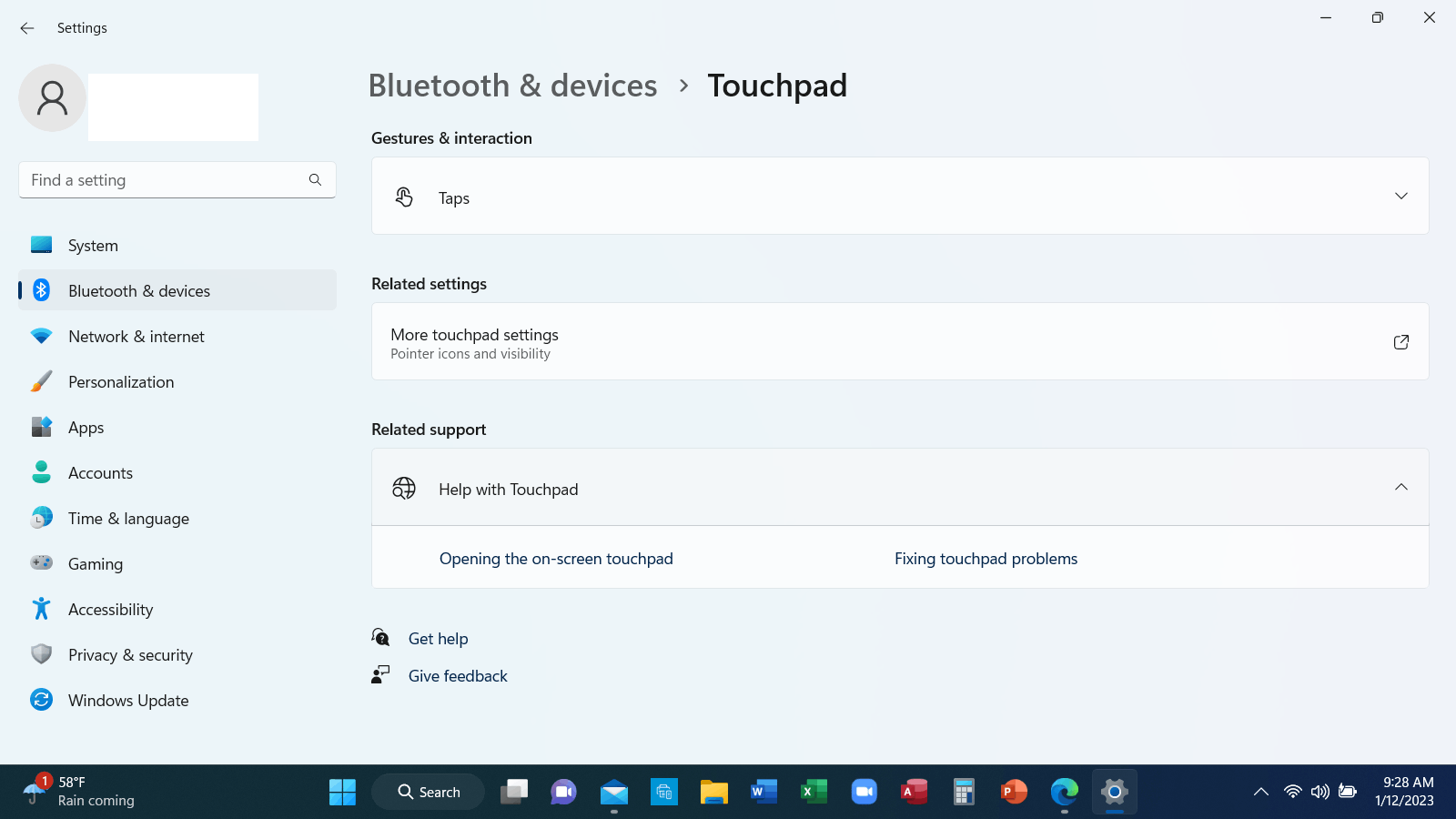
There is no "disable option" available to me.
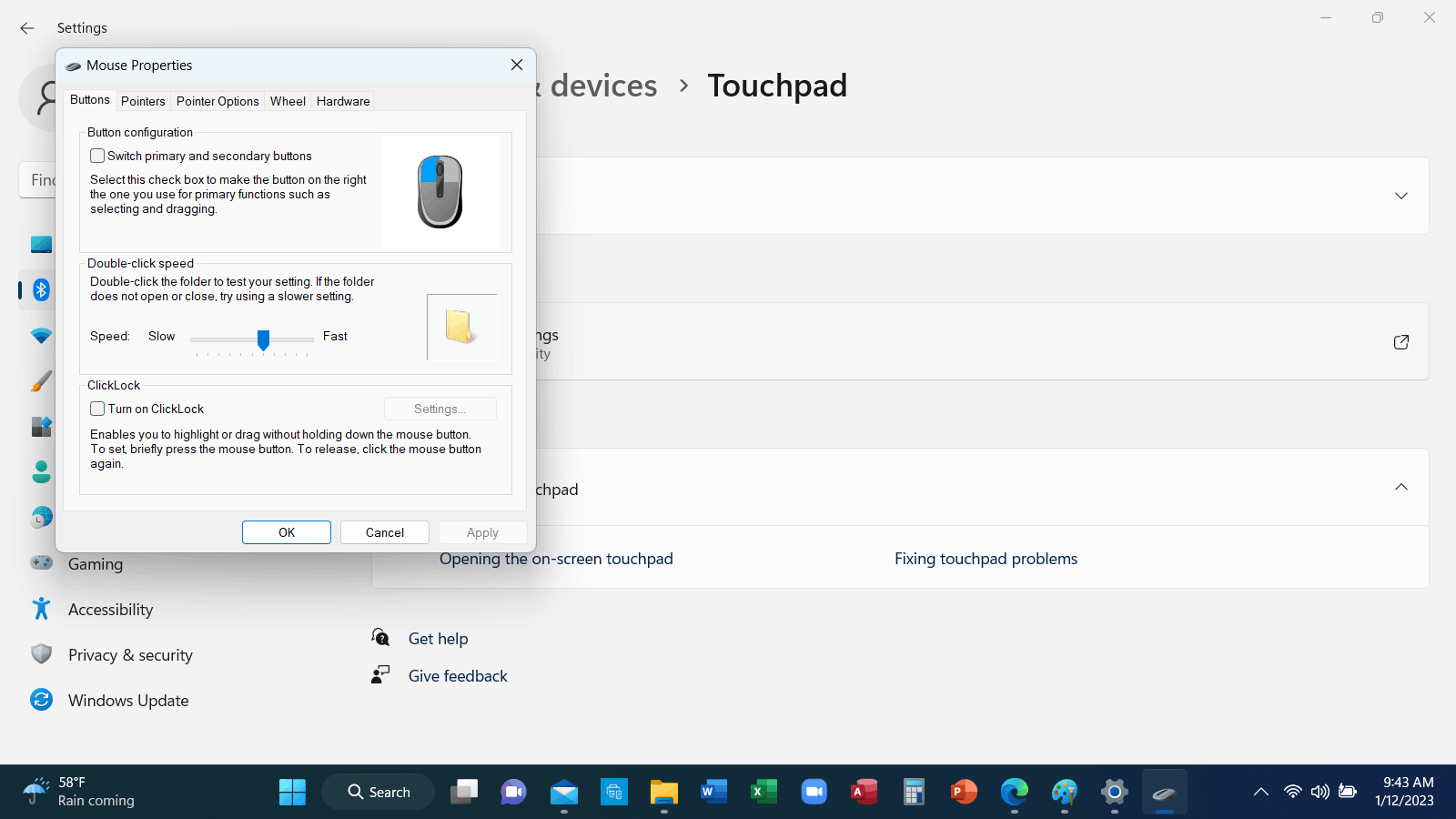
One might reasonably expect that by clicking on "More Touchpad Settings," the DISABLE option might be seen. However, this is what appears: A popup for MOUSE properties, not TOUCHPAD properties.
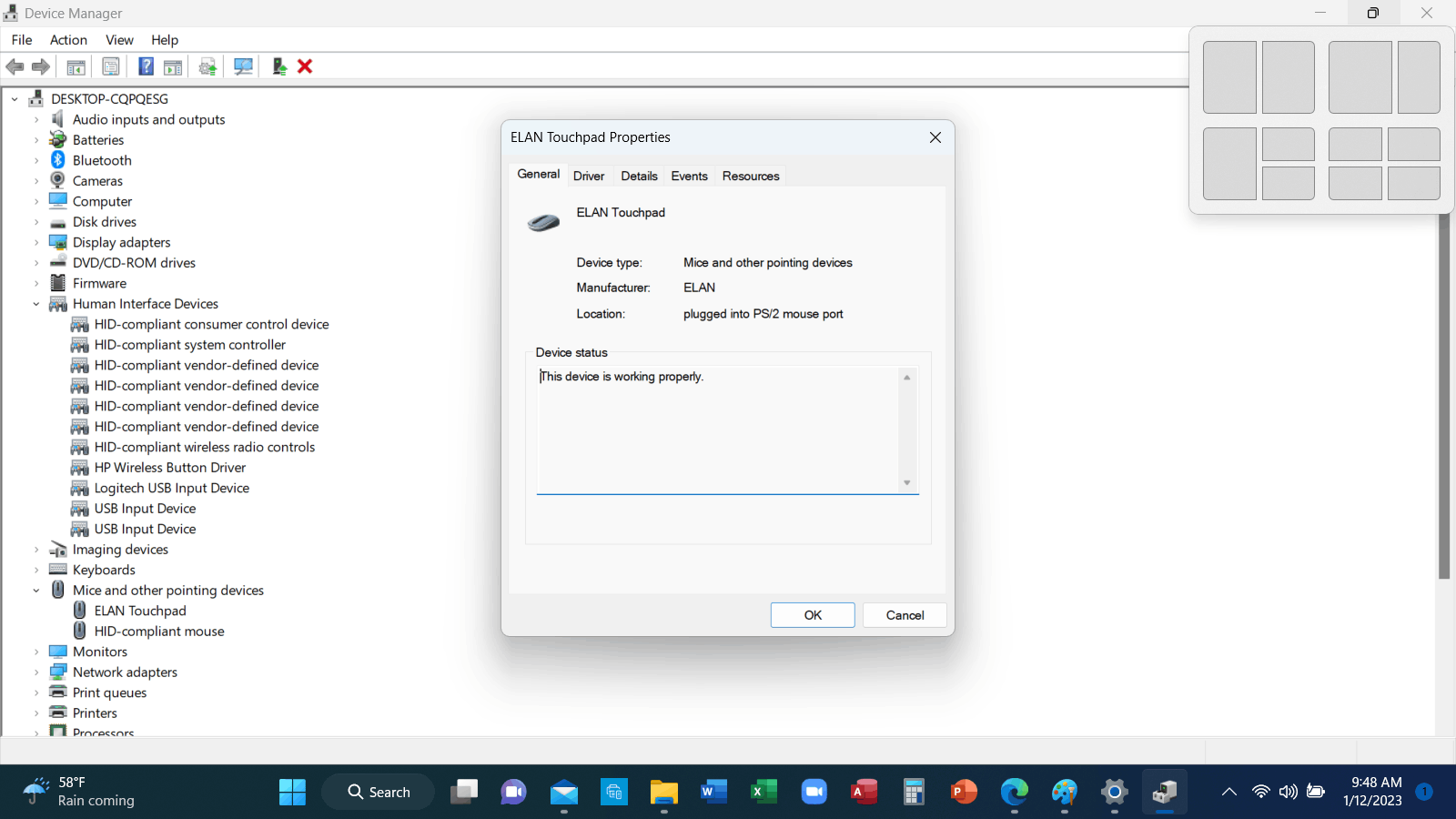
By going through Device Manager >> Mice and Other Pointing Devices, I do eventtually get to this popup, which seems like it should contain a "Disable Touchpad" option -- if one exists. I have looked through all the tabs and all the options on this popup. There simply is no DISABLE Touchpad option. There is an uninstall driver option, but this is not really what I want to do. I would like to have the Touchpad easily available (but disabled) if my mouse is not available or not functioning. I am still in need of guidance, if Microsoft and/or ELAN have not completely destroyed my previous ability to disable the touchpad when the mouse is plugged in. (Note I had been using an old ELON driver because at some time in past couple of years ELAN had removed it previous available DISABLE option. I did revert to the earliest ELAN
This is typical of problems created every time Microsoft does a major software change. It is one that I find very frustrating. Any additional help will be greatly appreciated.
' cx='32' cy='32' r='32' /%3E%3Ctext x='50%25' y='55%25' dominant-baseline='middle' text-anchor='middle' fill='%23FFF' %3EA%3C/text%3E%3C/svg%3E)

