Hello Sander,
Good to see you in Microsoft Community.
Firstly, could you let me know the specific system version? You can check it by pressing the Win key + R key, and typing "winver", then press Enter, please take a screenshot/photo of it, and only send the relevant information without PII in the next reply.
If possible, please do the following tests to further confirm whether it's the problem of the system itself or the problem of the Bluetooth headset.
- Connect your current Bluetooth headsetto another computer and see if it works.
- Connect a different Bluetooth headset to the current computer to see if it works.
Have you ever disable the Bluetooth headset? If so, you may enable it as an output device. Win + Q to open the search box, type "mmsys.cpl" and press Enter to open the "Sound" interface > Playback tab, right-click on the blank space and tick "Show Disabled Devices" and "Show Disconnected Devices", then "OK" to save the settings. If the headset has been disabled, right-click on the device > Enable.
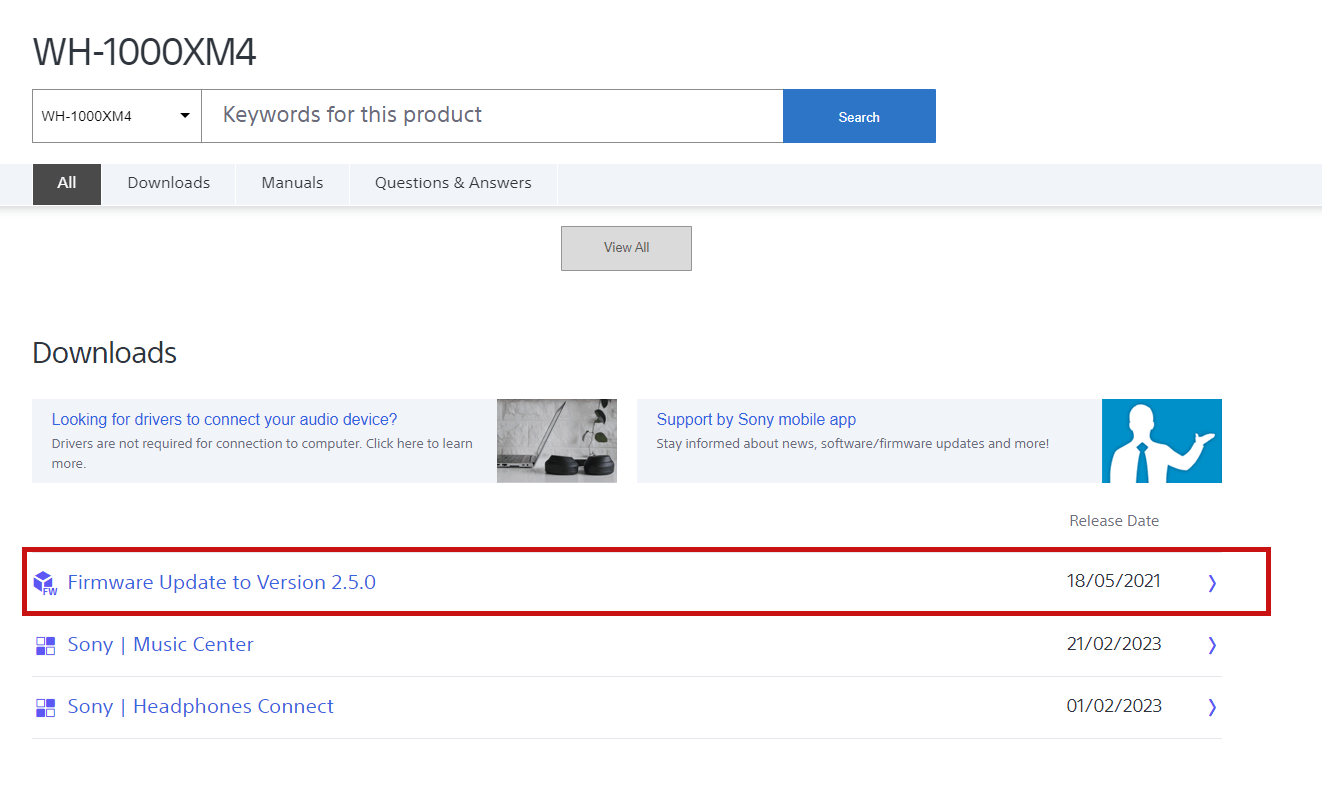
Additionally, you may update the firmware of the Bluetooth headset. You may visit Support for WH-1000XM4 | Sony Middle East (sony-mea.com) & How to pair your headphones to a macOS or Windows laptop / computer | Sony Middle East (sony-mea.com) for more details about it.
Disclaimer*: This is a non-Microsoft website. The page appears to be providing accurate and safe information. Watch out for ads on the site that may advertise products frequently classified as PUP (Potentially Unwanted Products). Thoroughly research any product advertised on the site before you decide to download and install it.*
If anything is unclear, please do not hesitate to let me know.
Best Regards,
Mosken_L - MSFT | Microsoft Community Support Specialist
' cx='32' cy='32' r='32' /%3E%3Ctext x='50%25' y='55%25' dominant-baseline='middle' text-anchor='middle' fill='%23FFF' %3EA%3C/text%3E%3C/svg%3E)
