Share via

USB controllers Drivers missing - Acer Aspire A717-71G - Windows 10

Anonymous
2023-08-30T14:56:22+00:00

All of my USB ports stopped working suddenly, after over 5 years without incidents.

As you see in the following screenshots, I have a lot of USB drivers missing for some reason:
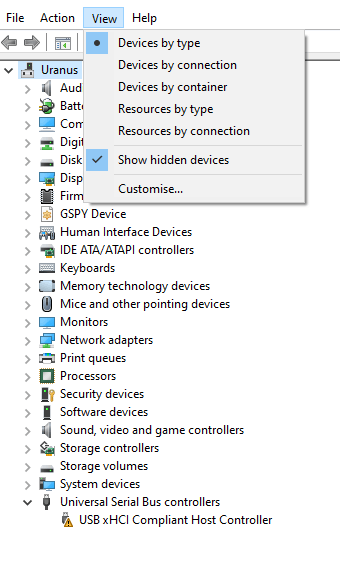
The USB xHCI Compliant Host Controller is throwing the error Code 10.
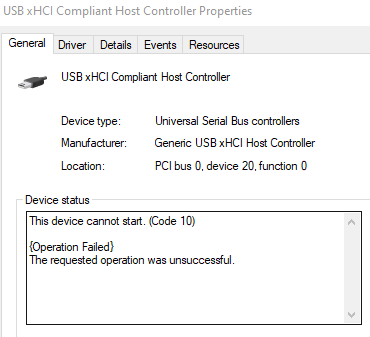
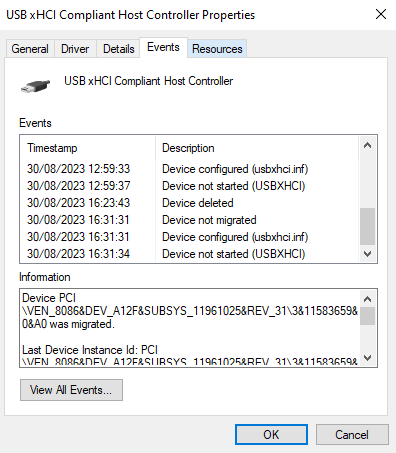
Here are some of the steps I've taken over a about a week now:

  1. Disabling/Reenabling problematic drivers.
  2. Also uninstalling them then restarting.
  3. Scan for hardware change & show hidden devices.
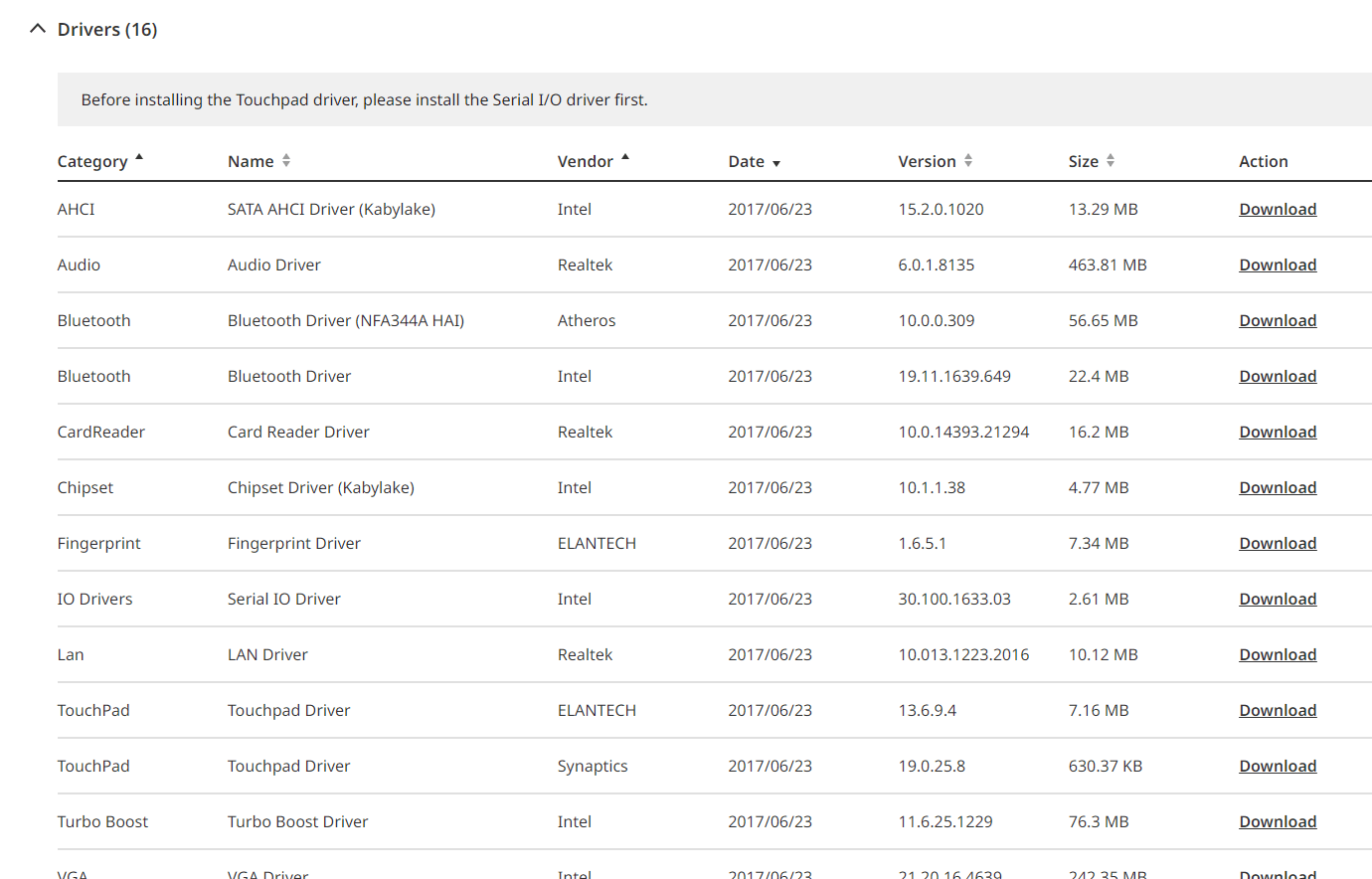
  4. Installed the following drivers from the manufacturer (https://www.acer.com/us-en/support/product-support/A717-71G/NX.GPGEF.002/downloads) :

a) AHCI.

b) Audio (to fix my device verification driver problem, it worked).

c) Bluetooth (to fix the missing drivers, didn't work)

d) Chipset.

e) IO Drivers.
  1. Tried installing drivers from Intel (https://www.intel.com/content/www/us/en/download-center/home.html), they didn't work or weren't compatible.
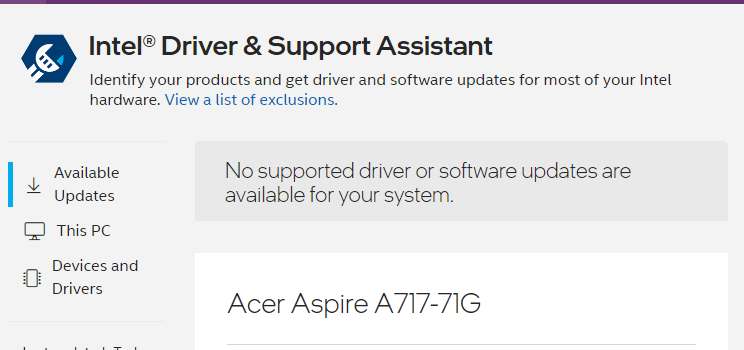
  2. Intel Driver & Support Assistant stopped working a couple of years ago.
  1. Used the following Drivers apps to update my drivers:

a) Outbyte Driver Updater.

b) Iobit Driver Booster.

c) Driver Talent.

d) Driver Identifier (current results: https://www.driveridentifier.com/scan/desktop.php?scanid=34DC224A623C448EBE04B1E55667512D)

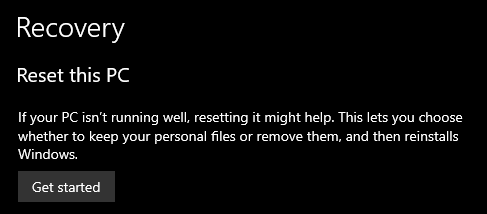
  1. I reinstalled Windows using this in the Recovery settings:
  1. Tried the Registry fixes, but there was nothing to fix (all values that were recommanded to be changed are already set to 3).
  2. Tried Troubleshooting Hardware & Devices.
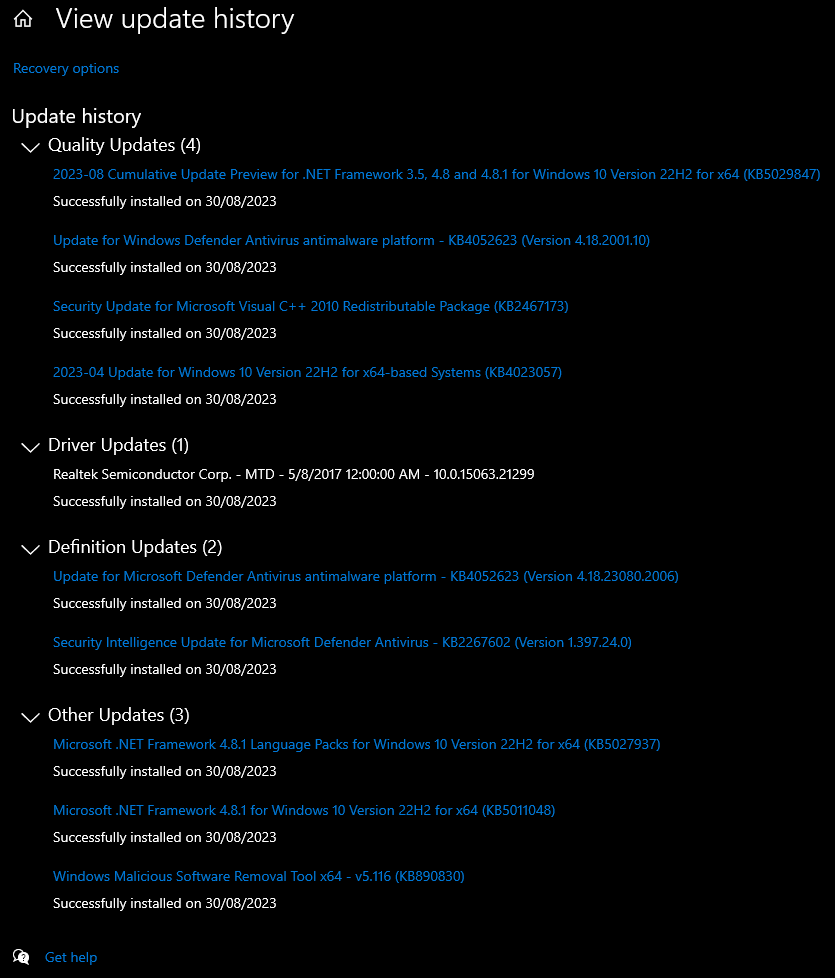
  3. Tried to look for Windows updates to uninstall, but since I reinstalled it it's of no use now.
Any advice to help end my torment would be greatly appreciated.

Windows for home | Windows 10 | Devices and drivers

Locked Question. This question was migrated from the Microsoft Support Community. You can vote on whether it's helpful, but you can't add comments or replies or follow the question.

0 comments No comments

5 answers

Sort by: Most helpful
  1. Anonymous
    2023-09-01T19:49:49+00:00

    The problem persisted after I :

    1. followed all the relevant instructions related to the clean boot.
    2. restarted the PC.
    3. checked for windows updates (there was a security one).
    4. scanned for hardware changes.
    5. uninstalled the faulty driver.
    6. restarted again (without changing anything in msconfig/task manager).
    7. redid steps 3 and 4.

    Tomorrow I will try to reinstall Windows 10 again, but without any 2023 Win10 updates.

    If that fails I'll start looking into some Linux distributions.

    2 people found this answer helpful.
    0 comments No comments
  2. Reza-Ameri 45,806 Reputation points Volunteer Moderator
    2023-09-01T20:28:27+00:00

    Thank you for the update, please do it and let us know about the result.

    It is possible that it could be a hardware issue.

    0 comments No comments
  3. Reza-Ameri 45,806 Reputation points Volunteer Moderator
    2023-08-31T19:58:31+00:00

    Try performing Clean Boot and see if the problem persists?

    Have a look at How to perform a clean boot in Windows - Microsoft Support.

    0 comments No comments
  4. Anonymous
    2023-08-31T08:51:44+00:00

    Thanks for the advice.

    I posted my feedback as suggested:

    Image

    Here are the results of the scan:

    Image

    Did a restart, nothing changed : any USB plugged in any port doesn't get detected (they do work on my other PC).

    0 comments No comments
  5. Reza-Ameri 45,806 Reputation points Volunteer Moderator
    2023-08-30T21:15:18+00:00

    Thank you for your information.

    I advise you to open start and search for feedback and open the Feedback Hub app and report this issue.

    Open start and search for cmd or Command prompt and right click and run it as administrator and then type the following command:

    sfc /scannow

    Press enter and let it runs and see what the result is.

    0 comments No comments
