Share via

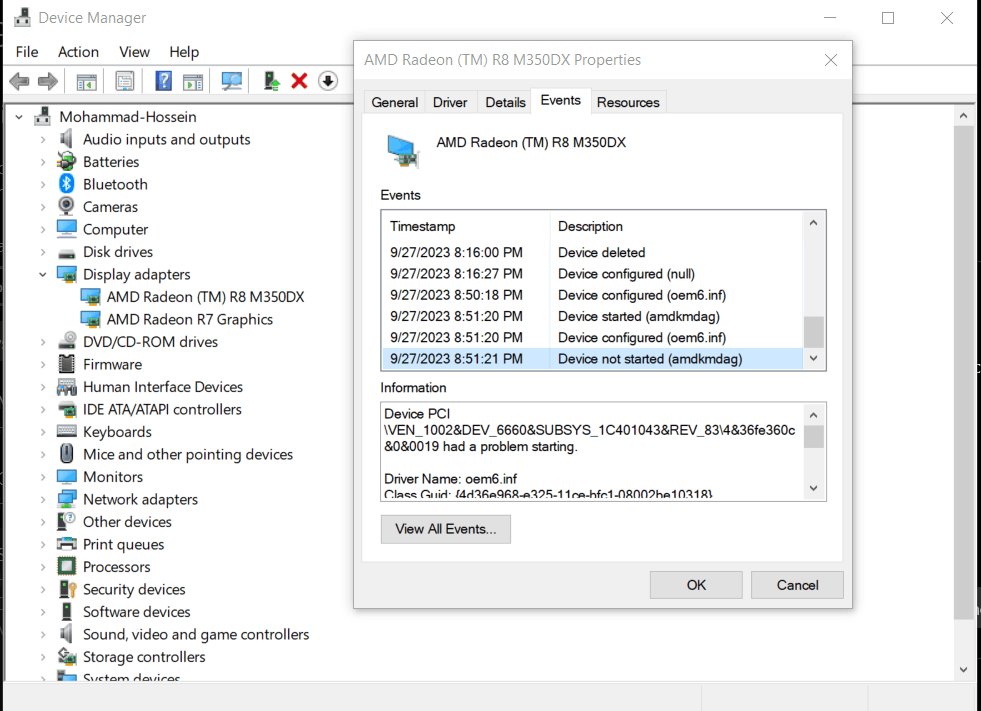
AMD Radeon (TM) R8 M350DX Failed to start.

Anonymous
2023-09-27T18:26:10+00:00

Hi. When I first bought my laptop and started using it, this graphics was working properly. But after some time I deleted Windows and used Linux. Now, after 6 years, I installed Windows again. And now Windows does not recognize my graphic card. I tried reinstalling AMD Radeon Software and even reinstalling Catalyst Control Center, but it didn't work. In addition, today I installed AMD Radeon Software again and it gave an error at 85% during the installation and the installation finished, but everything works correctly except for the graphics driver. I don't know, maybe I have caused a problem in my laptop in these 6 years.
Anyway, this is the error I got from Device Manager:

Device PCI\VEN_1002&DEV_6660&SUBSYS_1C401043&REV_83\4&36fe360c&0&0019 had a problem starting.

Driver Name: oem6.inf
Class Guid: {4d36e968-e325-11ce-bfc1-08002be10318}
Service: amdkmdag
Lower Filters:
Upper Filters:
Problem: 0x15
Problem Status: 0x0
Windows for home | Windows 10 | Devices and drivers

Locked Question. This question was migrated from the Microsoft Support Community. You can vote on whether it's helpful, but you can't add comments or replies or follow the question.

0 comments No comments

3 answers

Sort by: Most helpful
  1. Anonymous
    2023-09-27T19:12:19+00:00

    My name is Michael. I'm an Independent Advisor and will gladly help you today.

    Did you try to update the BIOS of the computer? Also, you can check the most recent AMD driver from your laptop's vendor.

    I hope this helps you to resolve the issue. Please let me know if you need further assistance. Thank you!

    1 person found this answer helpful.
    0 comments No comments
  2. Anonymous
    2023-09-28T01:45:31+00:00

    Hi,

    I found some links with the same issue from 2022 in others forums and also on AMD side.

    https://answers.microsoft.com/en-us/windows/for...

    https://community.amd.com/t5/drivers-software/r...

    So, this issue could be on the graphics card side and I suggest you open a case with AMD to get more information about this error.

    0 comments No comments
  3. Anonymous
    2023-09-27T20:29:13+00:00

    Thank you for your reply, Michael. My BIOS is at the latest version. Official Asus BIOS Update Application verified that. About my laptop's vendor, Asus, it doesn't even suggest a driver for my graphic card (I think that's normal because it's AMD's responsibility).

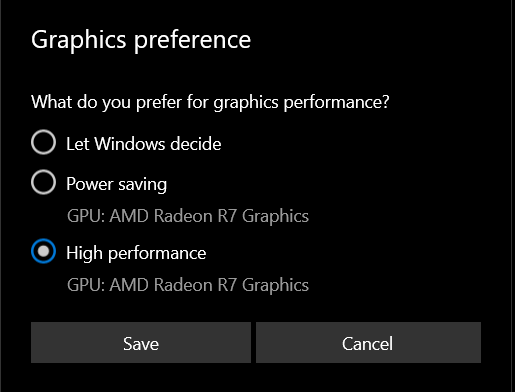
    Anyway, I really don't have any idea about what's the problem. Maybe my BIOS has some problems. When I had Linux, when I turned on the laptop, several firmware errors were displayed to me, which did not resolve even with the BIOS update and reinstallation of Linux. I don't remember the errors so I'm not sure if the problem is related to those errors. I think they start by "[Firmware Bug]". Well, I put some screenshots bellow that may help.
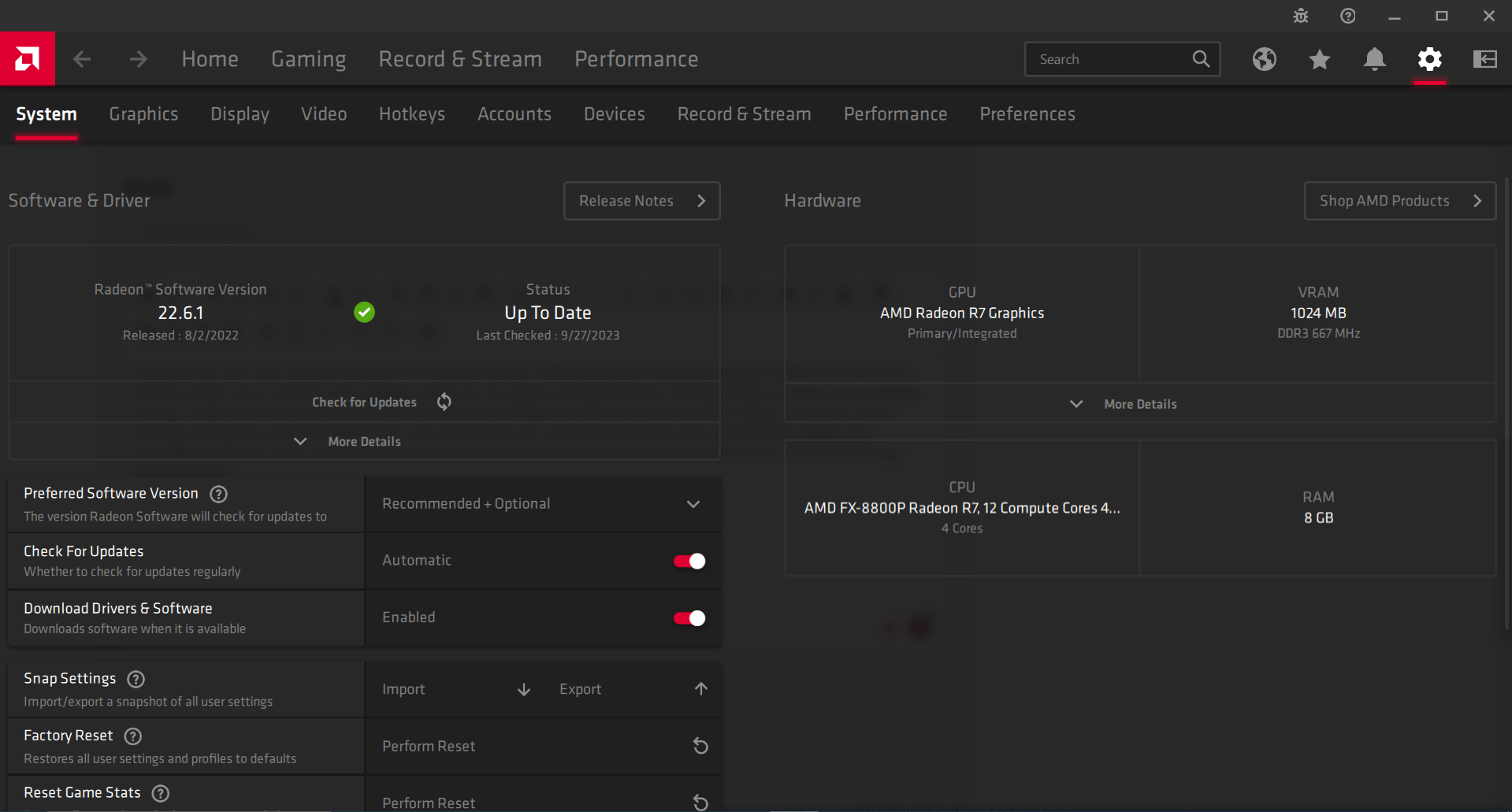
    As you can see, AMD Radeon Software can't detect R8 GPU.
    0 comments No comments