Hi Chris Rayburn,
Welcome to Microsoft Community.
I can understand your confusion。
To better assist you in analyzing the issue, I would like to confirm some information with you.
- What is the specific manifestation of what you mean by doesn't seem to work?
- Did you buy this product through the official Logitech channel?
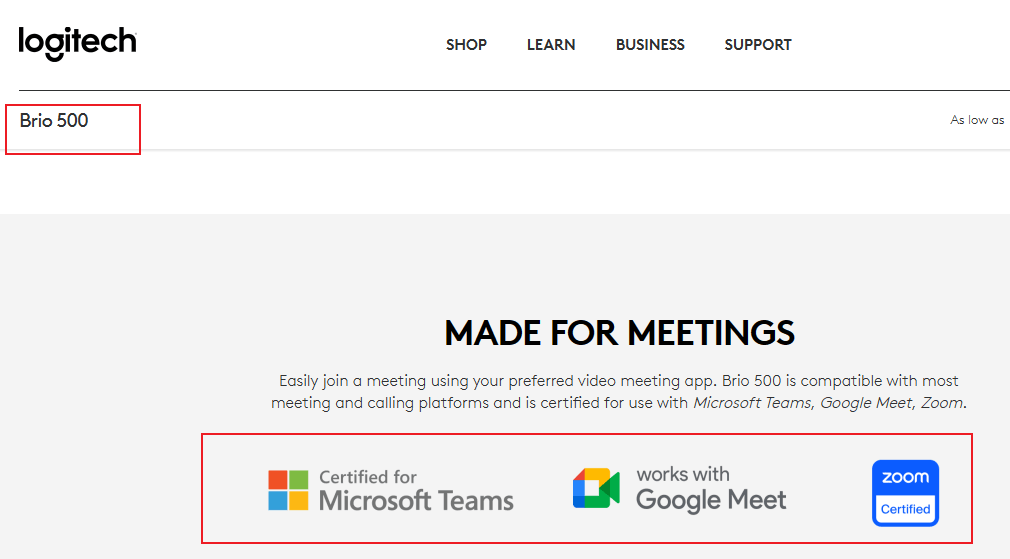
Logitech officially states that the product is certified by Microsoft.
The Brio webcam is also very simple to use with Windows Hello.
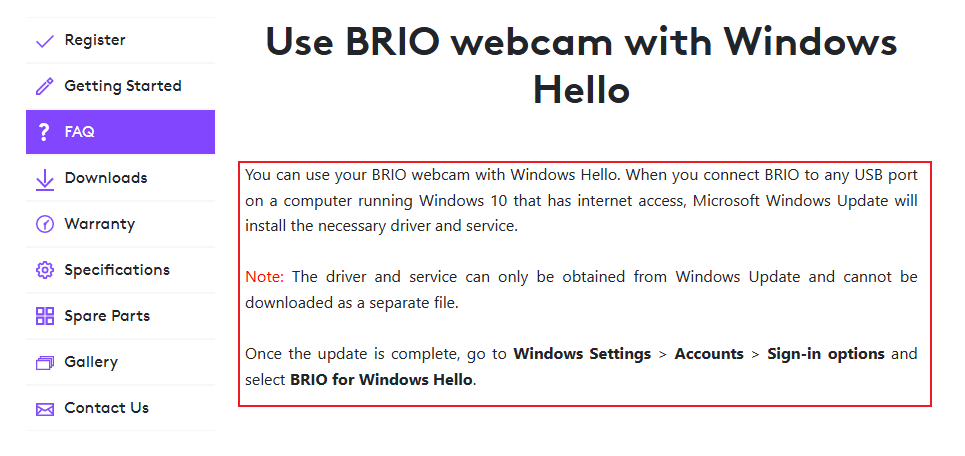
I assume that your Brio device has no problem at the hardware level, but there is an exception when configuring Windows Hello.
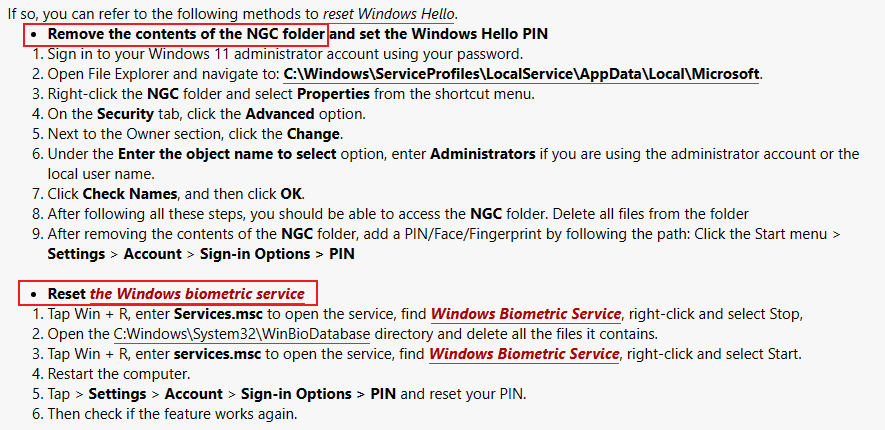
Then you can refer to the methods in that link to reset Windows Hello related services.
Help with resetting my Windows Sign-in Pin - Microsoft Community
If you are concerned about hardware failure, it is recommended that you contact the seller immediately for after-sales service.
| Disclaimer: Microsoft provides no assurances and/or warranties, implied or otherwise, and is not responsible for the information you receive from the third-party linked sites or any support related to technology. |
Getting Started - BRIO 500 – Logitech Support + Download
If there is anything not clear, please do not hesitate to let me know.
Best Regards,
Kyo - MSFT | Microsoft Community Support Specialist
' cx='32' cy='32' r='32' /%3E%3Ctext x='50%25' y='55%25' dominant-baseline='middle' text-anchor='middle' fill='%23FFF' %3EA%3C/text%3E%3C/svg%3E)

' cx='32' cy='32' r='32' /%3E%3Ctext x='50%25' y='55%25' dominant-baseline='middle' text-anchor='middle' fill='%23FFF' %3EJ%3C/text%3E%3C/svg%3E)