Share via

Your Phone app missing in Microsoft Store

Anonymous
2023-11-18T08:37:35+00:00

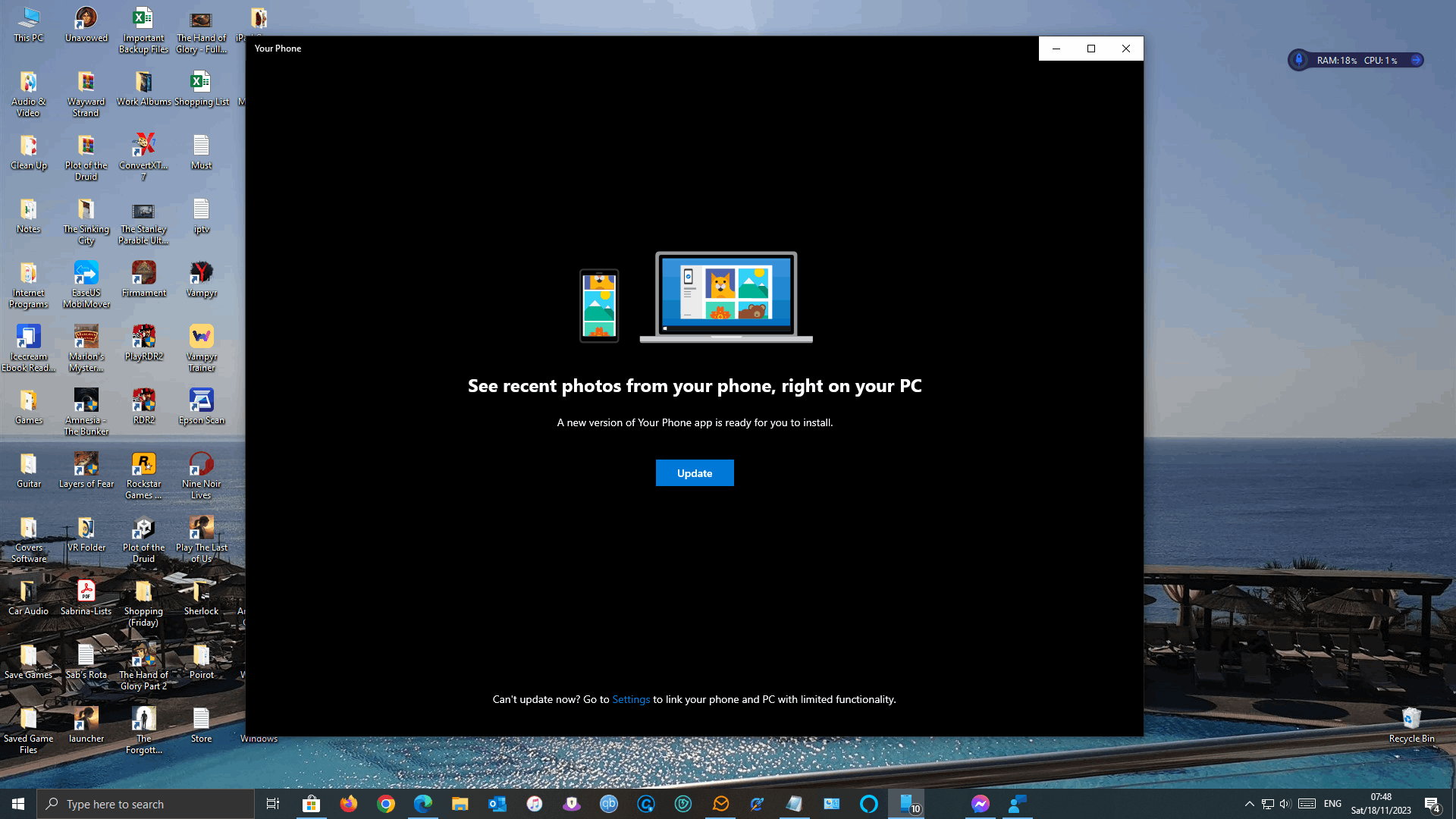
When I open the Your Phone app on my PC (Windows 10 64bit) I get the message saying the app needs to be updated. I click on update, but it then tells me the update cannot be found.

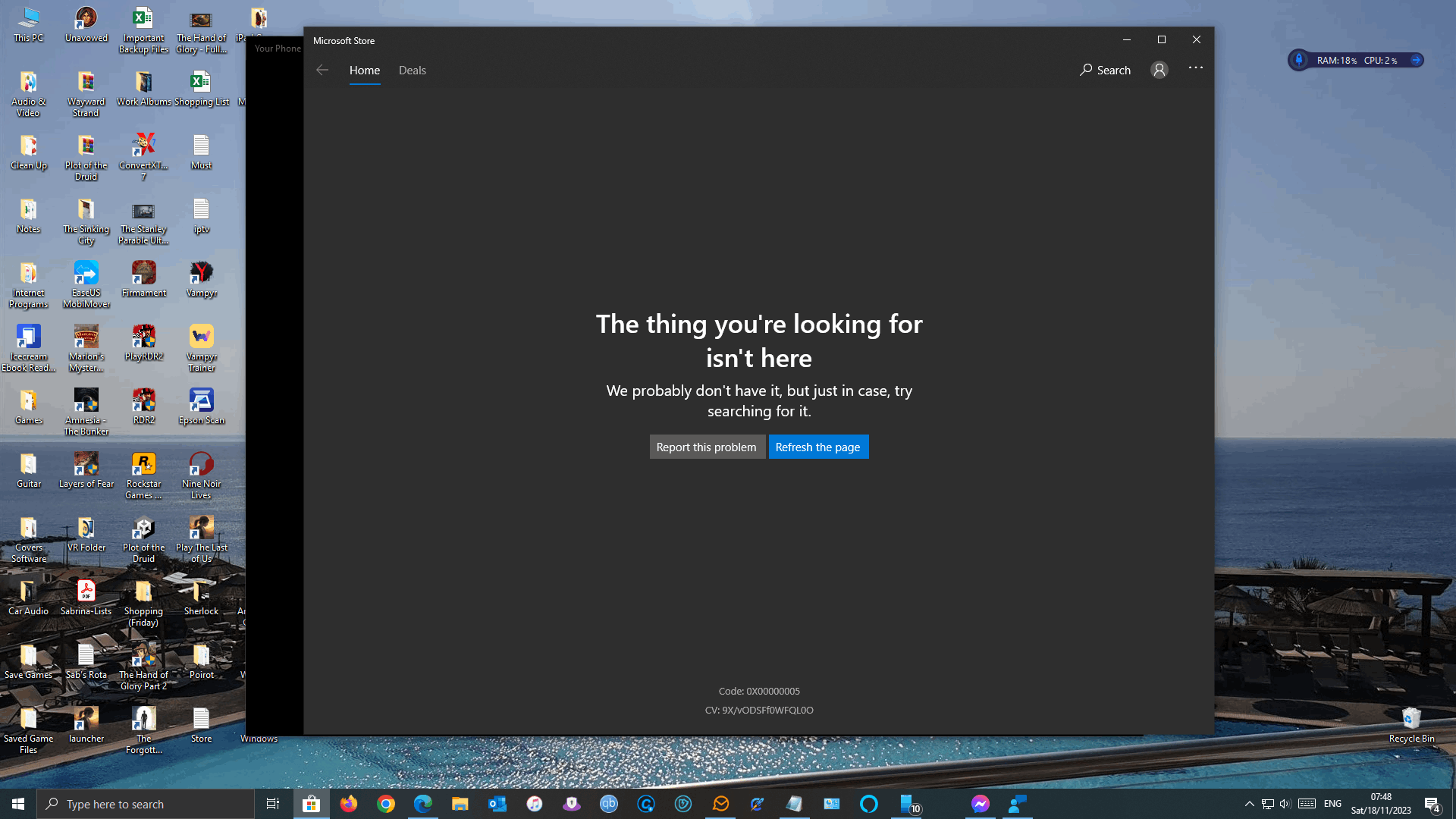
If I open Microsoft Store and do a search for the Your Phone app, it cannot find that either.

I have tried wsreset.exe, and tried reset in the app settings, but no joy.

It was working fine yesterday, and I have done nothing new to my PC.

There are no Windows updates available either, the app just seems to have disappeared from the Store.

Can anyone please help?

Many thanks.

P.S. It seems that whichever app I click on in Microsoft Store comes up with the message that the app cannot be found (Spotify, Netflix etc.)
Windows for home | Windows 10 | Microsoft Store

Locked Question. This question was migrated from the Microsoft Support Community. You can vote on whether it's helpful, but you can't add comments or replies or follow the question.

0 comments No comments

22 answers

Sort by: Most helpful
  1. Ramesh 176.1K Reputation points Volunteer Moderator
    2023-11-18T08:42:58+00:00

    "Your Phone" is now called "Phone Link". To install it, visit this link and click "Install".

    How to Uninstall and Reinstall the Phone Link app: https://www.winhelponline.com/blog/uninstall-reinstall-phone-link-app/

    10+ people found this answer helpful.
    0 comments No comments
  2. Anonymous
    2024-02-07T16:47:28+00:00

    The link you provided works, thank you. However, the Windows store still doesn't display the ability to download this app when "Phone Link" is searched.

    2 people found this answer helpful.
    0 comments No comments
  3. Ramesh 176.1K Reputation points Volunteer Moderator
    2023-11-28T13:00:14+00:00

    Hi Mark,

    You can generate the download link using the following steps:

    2 people found this answer helpful.
    0 comments No comments
  4. Anonymous
    2023-11-18T09:54:56+00:00

    Thanks for the reply, but after trying that I get the same error. (See attached screenshot).

    In fact, it seems that anything I click on in the home screen of Microsoft Store gives me the same error.

    I have tried troubleshooting, terminating it, resetting it, re-installing it in Powershell, and the same thing happens.

    2 people found this answer helpful.
    0 comments No comments
  5. Ramesh 176.1K Reputation points Volunteer Moderator
    2023-11-21T12:45:17+00:00

    No idea why Phone Link is not showing up in the Store, and this has been the case in my system as well. But the manual install works fine even though Store app replaced the manually installed version.

    The PowerShell command get-appxpackage *phone* reports the following:

    Name : Microsoft.YourPhone

    Publisher : CN=Microsoft Corporation, O=Microsoft Corporation, L=Redmond, S=Washington, C=US

    Architecture : X64

    ResourceId :

    Version : 1.23092.158.0

    Maybe you can submit your feedback to MSFT via the Feedback Hub (Win + F).

    1 person found this answer helpful.
    0 comments No comments
