Share via

How to Remove Mcafee VSCore and other files from my laptop?

Anonymous
2023-06-12T08:02:48+00:00

Hi,

I tried uninstalling all Mcafee Products using their MCPR software. After following the steps, a popup showed m y uninstall was incomplete. As per official Mcafee steps in such cases, I re-did the uninstall using the MCPR.exe and this time it showed Uninstall Complete.

The Mcafee Security Scan Plus application didnt uninstall so I used the Unstaill programs option in Windows to uninstall that.

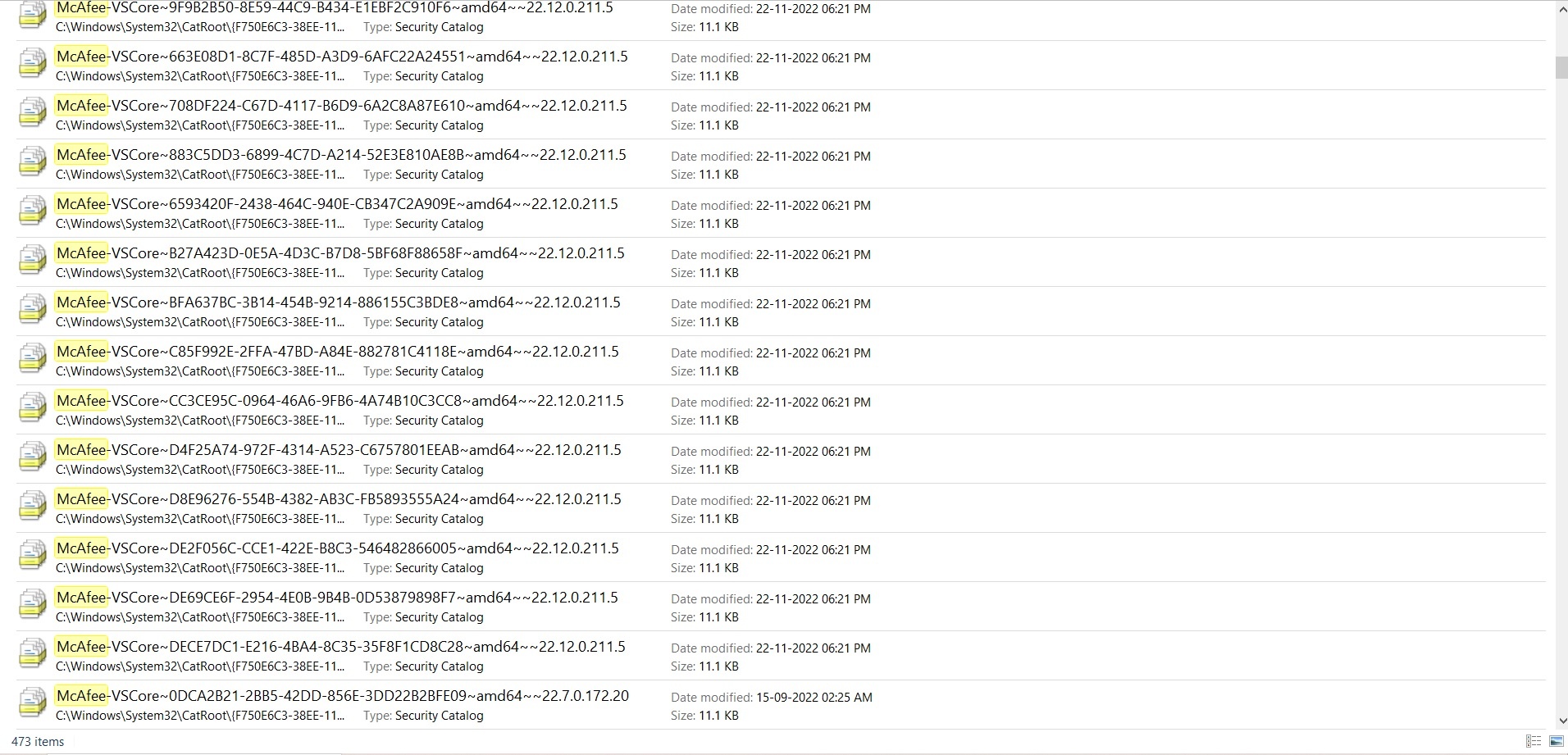
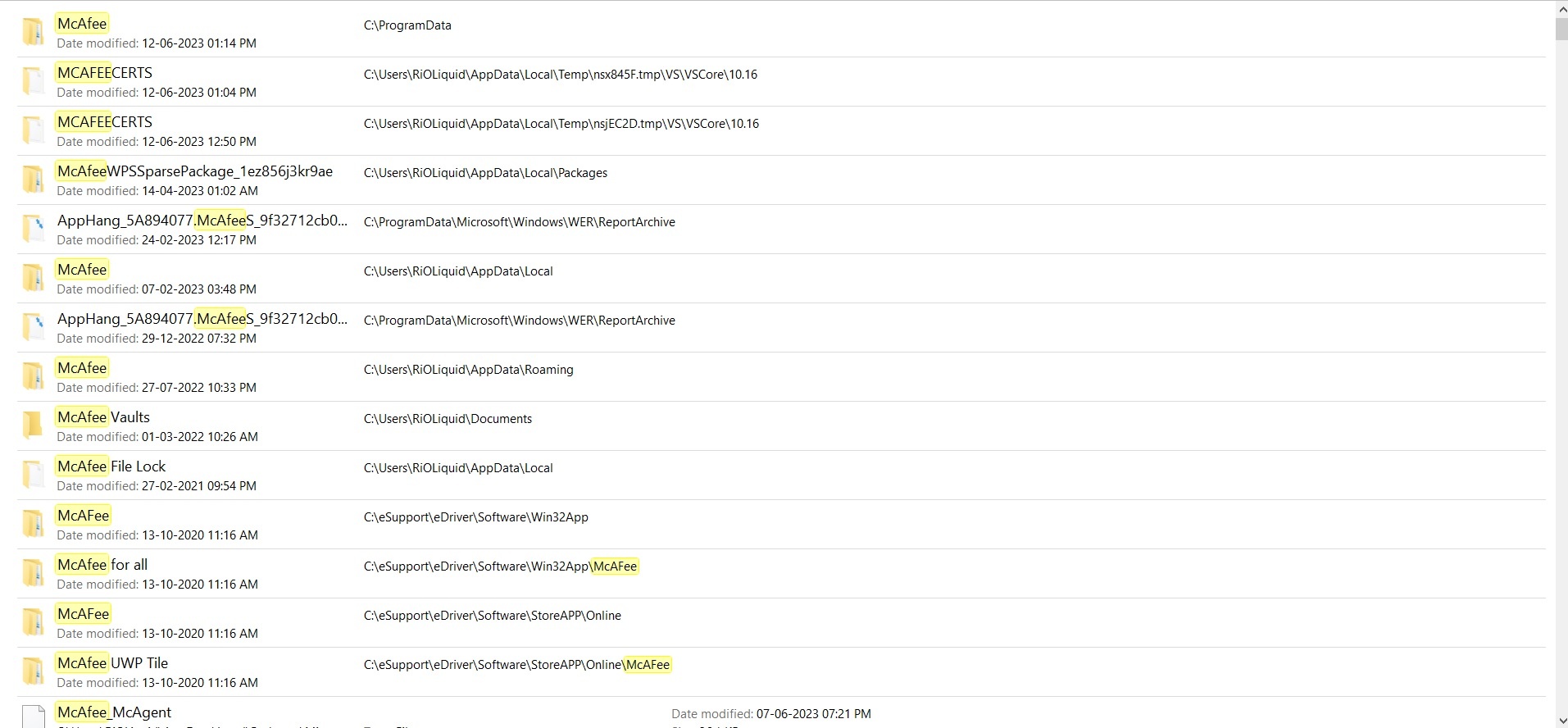
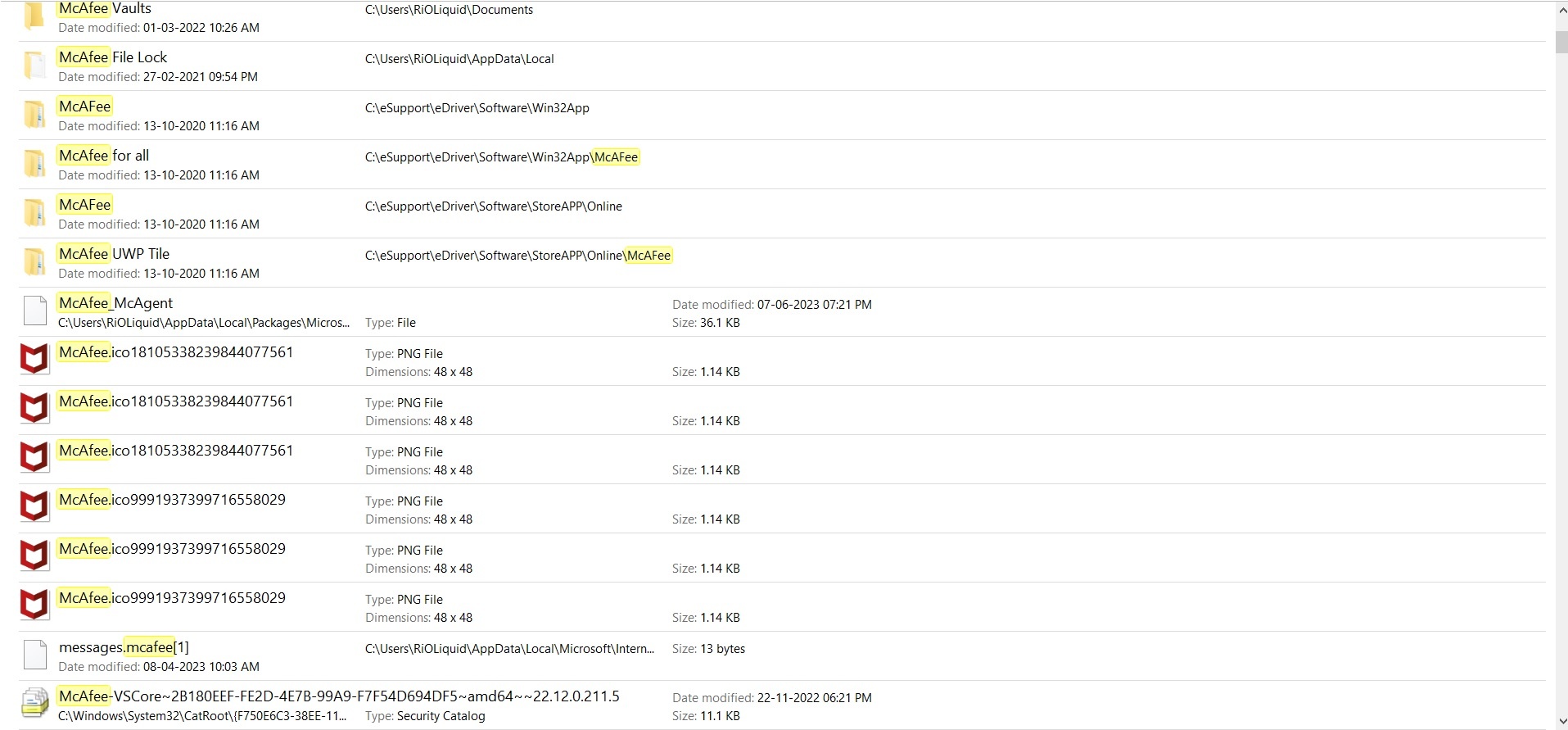
However when I went to MyPC to check if therte were remaining files in my laptop, many Mcafee VSCore files and some other files remained even after uninstalling everything. There are a total of 473 items with Mcafee name in them remaining which I wish to remove.

Kindly let me know how I can remove any and all files associated with mcafee from my desktop. I am attaching the picture to show you the files I am talking about.
Any help would be greatly appriciated.

Thank you

Windows for home | Windows 10 | Security and privacy

Locked Question. This question was migrated from the Microsoft Support Community. You can vote on whether it's helpful, but you can't add comments or replies or follow the question.

0 comments No comments

6 answers

Sort by: Most helpful
  1. Anonymous
    2023-12-30T21:26:53+00:00

    Is it okay to delete the mcafee files from C:\Windows\System32\Catroot?

    For example, this one:

    "C:\Windows\System32\CatRoot{F750E6C3-38EE-11D1-85E5-00C04FC295EE}\McAfee-VSCore~10B6BFB8-2400-423E-BE9C-EF370E72BDBD~amd64~~21.2.0.161.11.cat"

    Like the OP, I have quite a few of these.

    Was this answer helpful?

    2 people found this answer helpful.
    0 comments No comments
  2. DaveM121 879.6K Reputation points Independent Advisor
    2023-06-12T10:29:15+00:00

    Windows built-in Security and Defender is excellent these days, it is on a par with all the paid for anti-virus software and it will not slow your PC down, it integrates into Windows better than any 3rd party security suite.

    But it is really a personal choice, I use the free version of Avast anti-virus, it installed and uninstalls cleanly, unlike McAfee.

    Was this answer helpful?

    1 person found this answer helpful.
    0 comments No comments
  3. DaveM121 879.6K Reputation points Independent Advisor
    2023-06-12T08:35:56+00:00

    Hi Ayushman,

    I am Dave, I will help you with this.

    McAfee is very hard to remove from Windows, but usually the MCPR tool will successfully remove it.

    Have you tried manually deleting those few McAfee folders from places like your Documents folder, and AppData - Roaming and AppData Local, most of those files are located in those filers.

    Was this answer helpful?

    1 person found this answer helpful.
    0 comments No comments
  4. DaveM121 879.6K Reputation points Independent Advisor
    2023-06-12T08:47:45+00:00

    Yes, that is the only option if the MCPR tool did not automatically delete them McAfee is renowned for leaving files and folders all over the PC when it is uninstalled, it is a nightmare to totally remove, because McAfee have never created a correct uninstaller for their security software.

    Most of those McAfee files and folders are in those 3 folders

    Was this answer helpful?

    0 comments No comments
  5. Anonymous
    2023-06-12T08:44:22+00:00

    Hi, thanks for replying

    As for an answer to your question would be No. I didn't try independent deletion of those files. I was hoping for a more comprehensive solution to remove all files associated with McAfee

    Is deleting them independently my only option?

    Was this answer helpful?

    0 comments No comments