Good day all,
Context:
I have 3 identical monitors running in "Extended display" mode that support HDR. "Use HDR" is turned on in Windows Display Settings, and "SDR content brightness" is set to 55.
Issue:
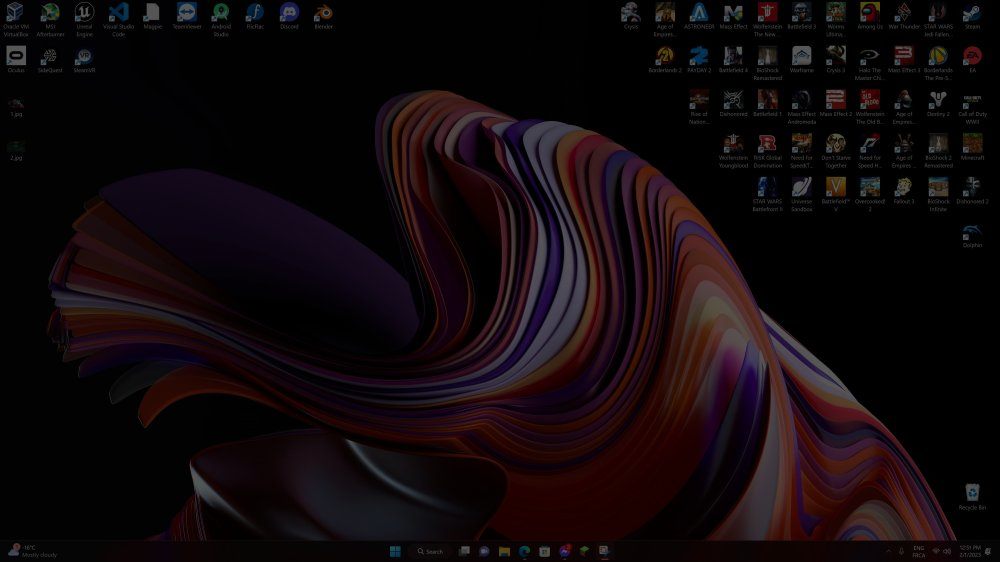
When I launch an application in full screen that doesn't support HDR (thus runs in SDR), my monitor adapts and everything is fine. But when I'll exit the SDR application and I get back on my desktop, the "SDR content brightness" seems to resets back to 0 and my monitor turns as dim as it can get. For example, I'll launch Minecraft (Java edition), play for a bit, then when I quit the game: my monitor's brightness drops to 0.
Every time I exit a full screen SDR application, I need to go back in Windows Display Settings and put "SDR content brightness" back to 55 where I like it.
This annoying process makes my Windows HDR experience bad enough for me to disable HDR entirely and use my monitor in SDR mode. What's more, this issue doesn't happen when I'm using my monitors with Mac OS, leading me to believe that this is a problem with Windows's HDR implementation.
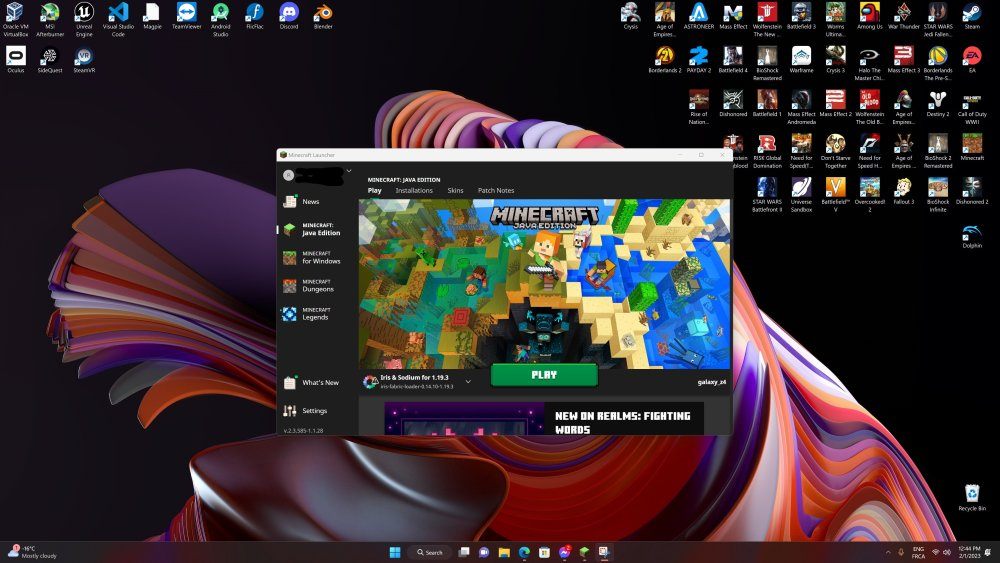
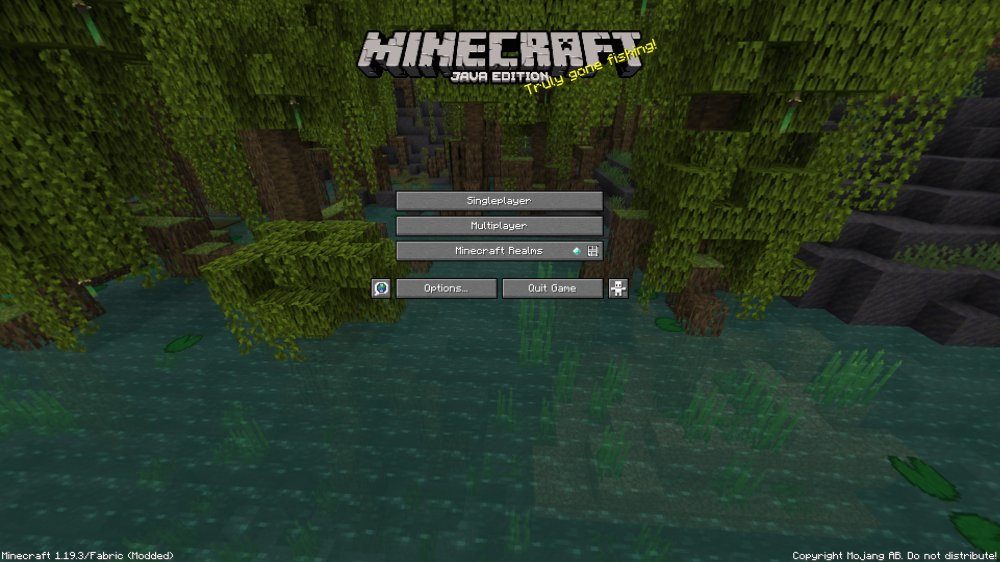
Illustration (please note that I've edited the screenshots to better illustrate my experience):
Before I launch an SDR application in full screen
Using the application
After quitting the application
Solutions tried:
- I installed my monitor's manufacture's latest drivers;
- I keep installing the latest Windows updates in Windows Settings;
- I keep installing the latest NVidia drivers for my video card;
- I tried enabling / disabling "Auto HDR" in Windows Display Settings;
- I tried enabling / sisabling "FreeSync" in my monitor's settings and in NVidia Control Panel;
- Since I run a 3 monitor setup, I tried a variety of combinations including: enabling HDR only on my centered monitor, running my SDR apps (ex: Minecraft) on my left or right monitor instead of on my centered one, etc...
Specs:
- Monitor: 3 x LG 27UL580-W (4k, 60Hz, HDR 400) - Extended desktop mode
- OS: Windows 11 22H2
- CPU: Ryzen 9 3900X
- GPU: NVidia 3080 ti
- RAM: 32GB DDR4
- Storage: 2TB Nvme SSD
Would there be any solution to this issue?
Thank you in advance!
' cx='32' cy='32' r='32' /%3E%3Ctext x='50%25' y='55%25' dominant-baseline='middle' text-anchor='middle' fill='%23FFF' %3EA%3C/text%3E%3C/svg%3E)
