Share via

Need to Download Windows 10 1909

Anonymous
2024-02-28T03:36:24+00:00

Hi,

Would be most grateful if anyone could please advise where to download the Windows 10 1909 iso file to make a bootable USB drive to do a clean install.

Unfortunately, any version of Windows 10 later than version 1909 causes a BSOD and a vicious circle of endless startups immediately followed by automatic shutdowns.

I am convinced that it has to be a hardware incompatibility problem in every later version but have reluctantly given up trying to find out exactly what is causing it.

I was hoping that Win 11 would solve the problem but again it immediately brings up the BSOD. To install Win 11 I had to convert the MBR to GPT which obviously wiped the Disk clean, including Win 10 1909, hence the need to download it.

Many thanks in advance.

Windows for home | Windows 10 | Install and upgrade

Locked Question. This question was migrated from the Microsoft Support Community. You can vote on whether it's helpful, but you can't add comments or replies or follow the question.

0 comments No comments

15 answers

Sort by: Most helpful
  1. Ivan B 109K Reputation points Independent Advisor
    2024-02-28T04:23:07+00:00

    Hi ,

    I am Ivan, I will help you with this.

    I understand, here is the Windows 1909 x64 iso.

    Note: This is a non-Microsoft website. The page appears to be providing accurate, safe information. Watch out for ads on the site that may advertise products frequently classified as a PUP (Potentially Unwanted Products). Thoroughly research any product advertised on the site before you decide to download and install it.

    Hope this helps.

    If you find the answer helpful, please mark it as an answer.

    Independent Advisor - Community

    Thanks

    2 people found this answer helpful.
    0 comments No comments
  2. Anonymous
    2024-03-02T05:38:48+00:00

    Thanks again Ivan.

    I'm still struggling, unfortunately.

    Profuse apologies in advance for the length of this posting because of all the screen prints and photographs.

    I disabled Fast Boot as you suggested but couldn't disable Security as the only security settings are passwords and I never set any. After, I tried installing Win 10 again with these Rufus Settings:
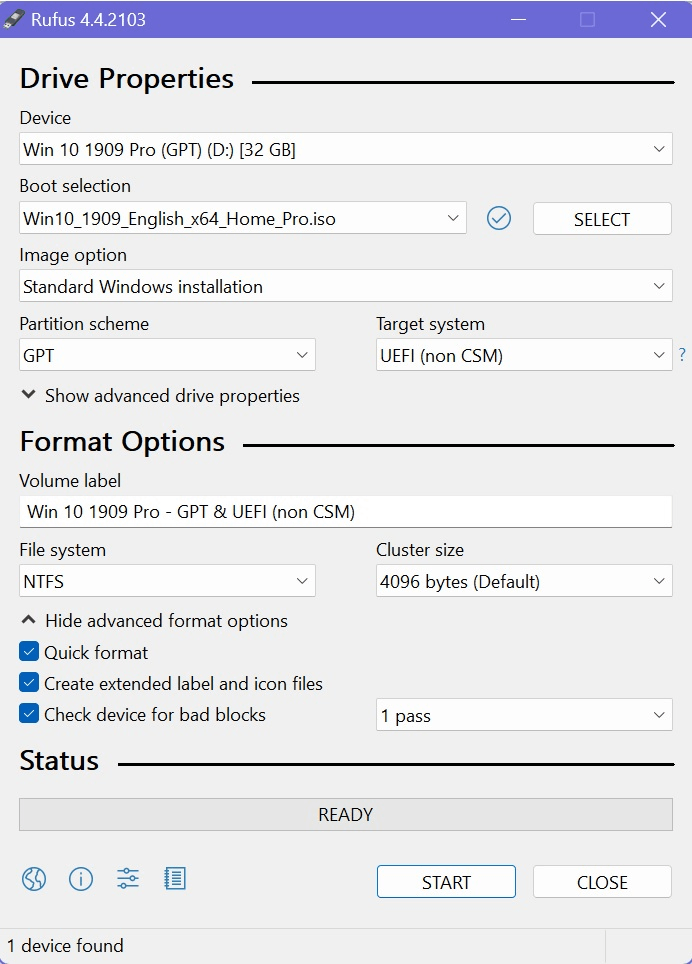
    Image

    and received this Rufus error again:

    Image

    Although you say that it is UEFI compatible, I haven't found any mention of it anywhere. A few days ago, I also contacted ASUS, who couldn't even tell me if it was BIOS Legacy or UEFI. They promised to contact me to confirm, but silence so far.

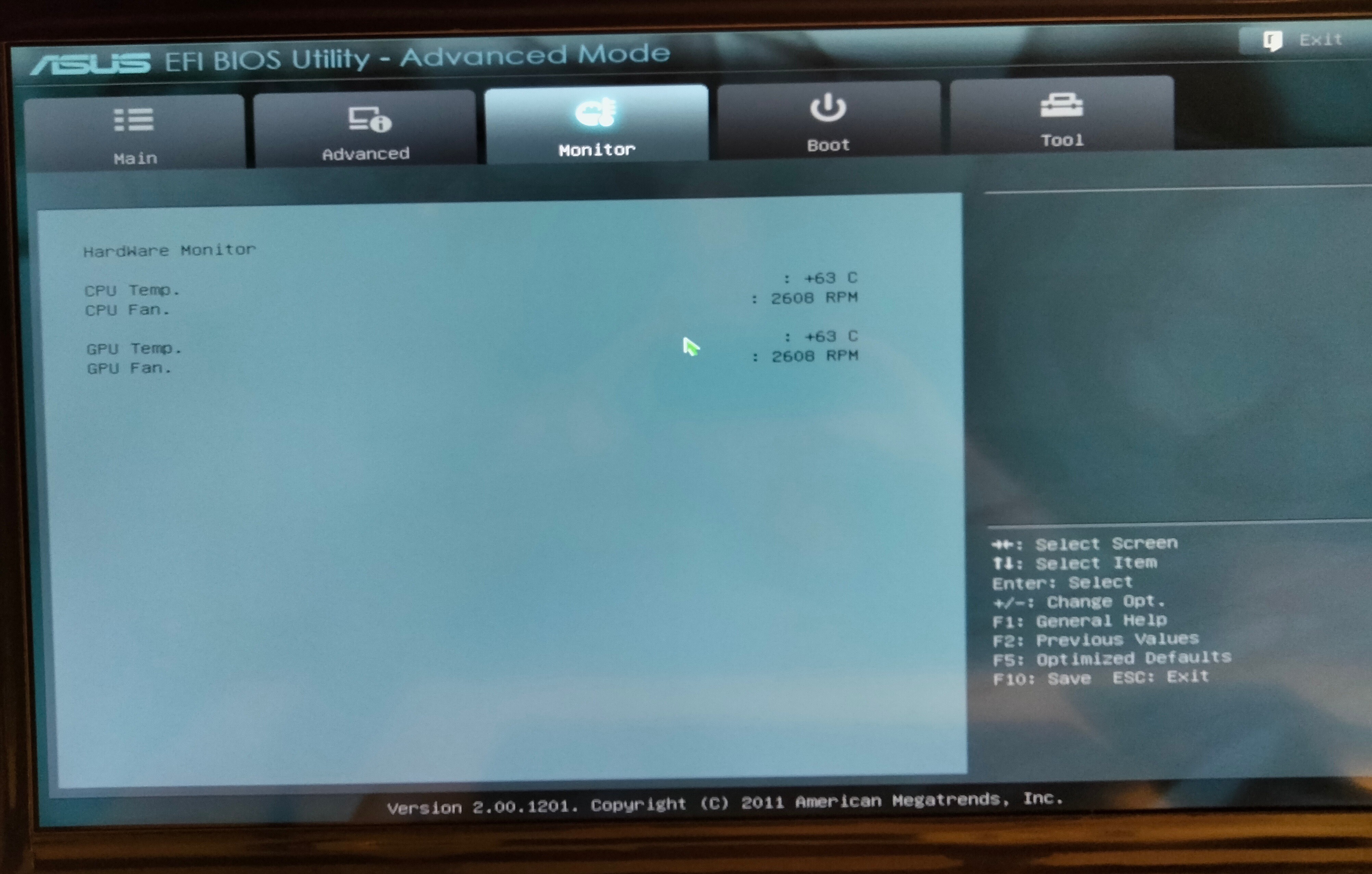
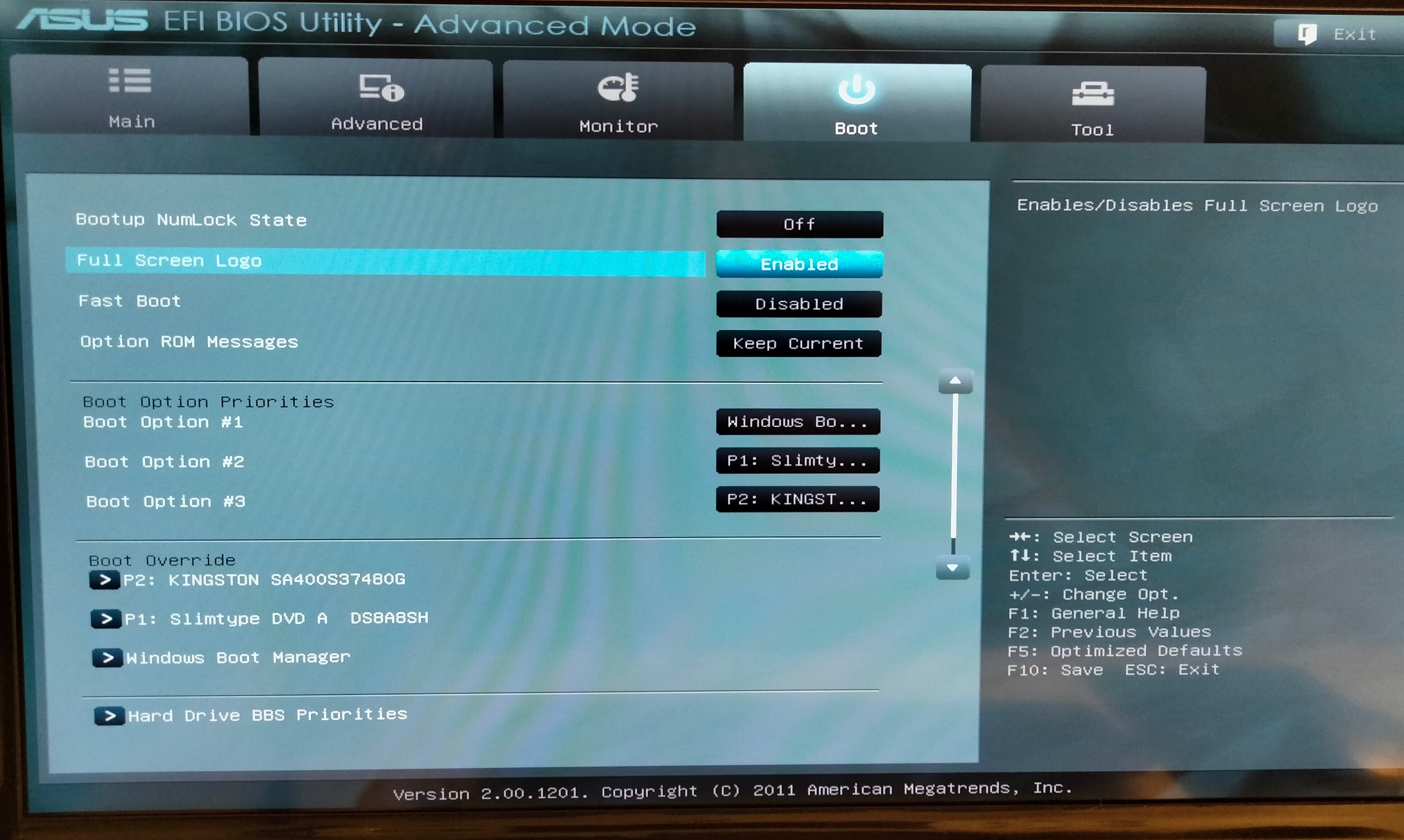
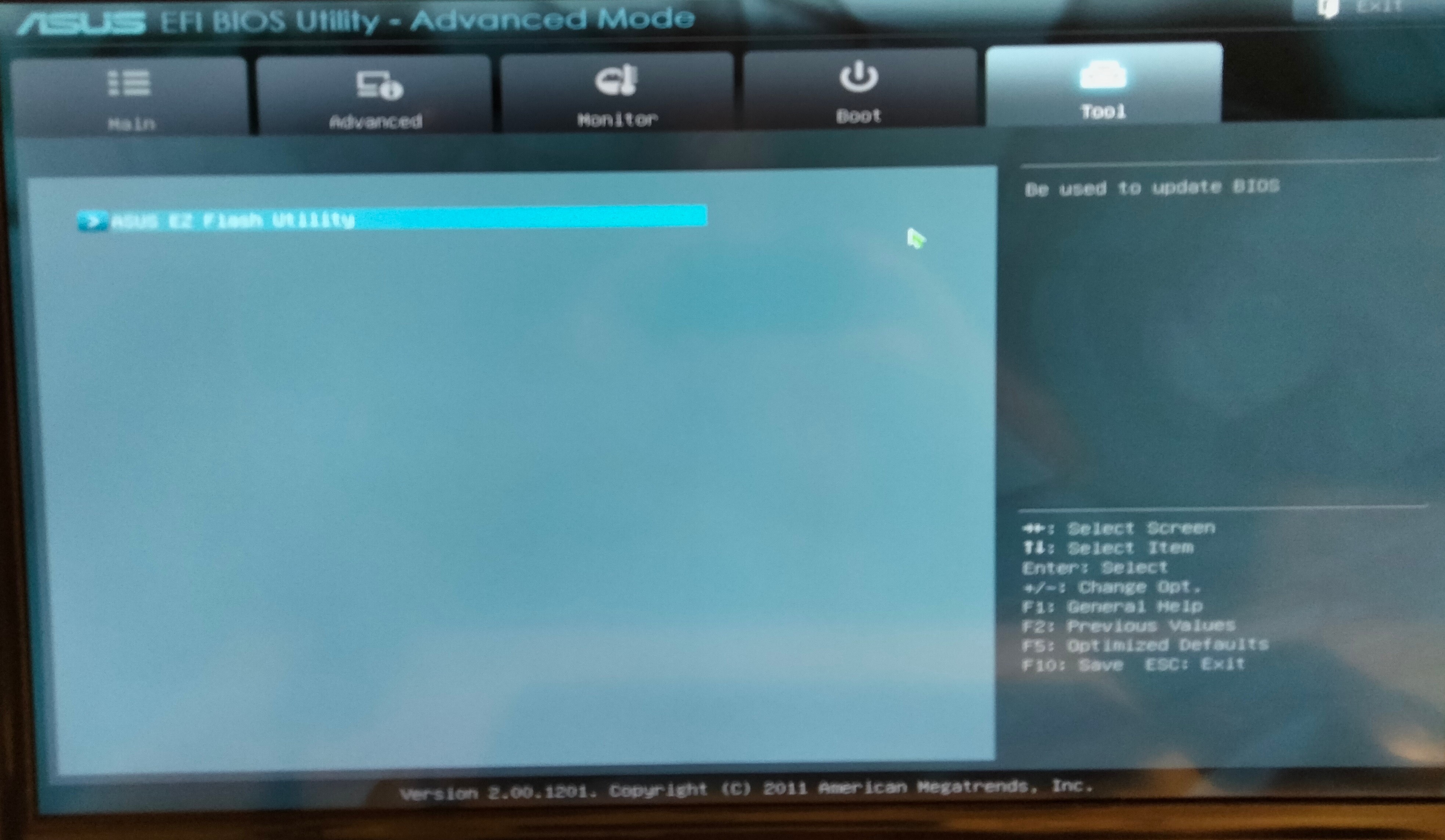
    These are photographs of the only BIOS settings that I have available (sorry in advance that some are a bit fuzzy, especially the last one):
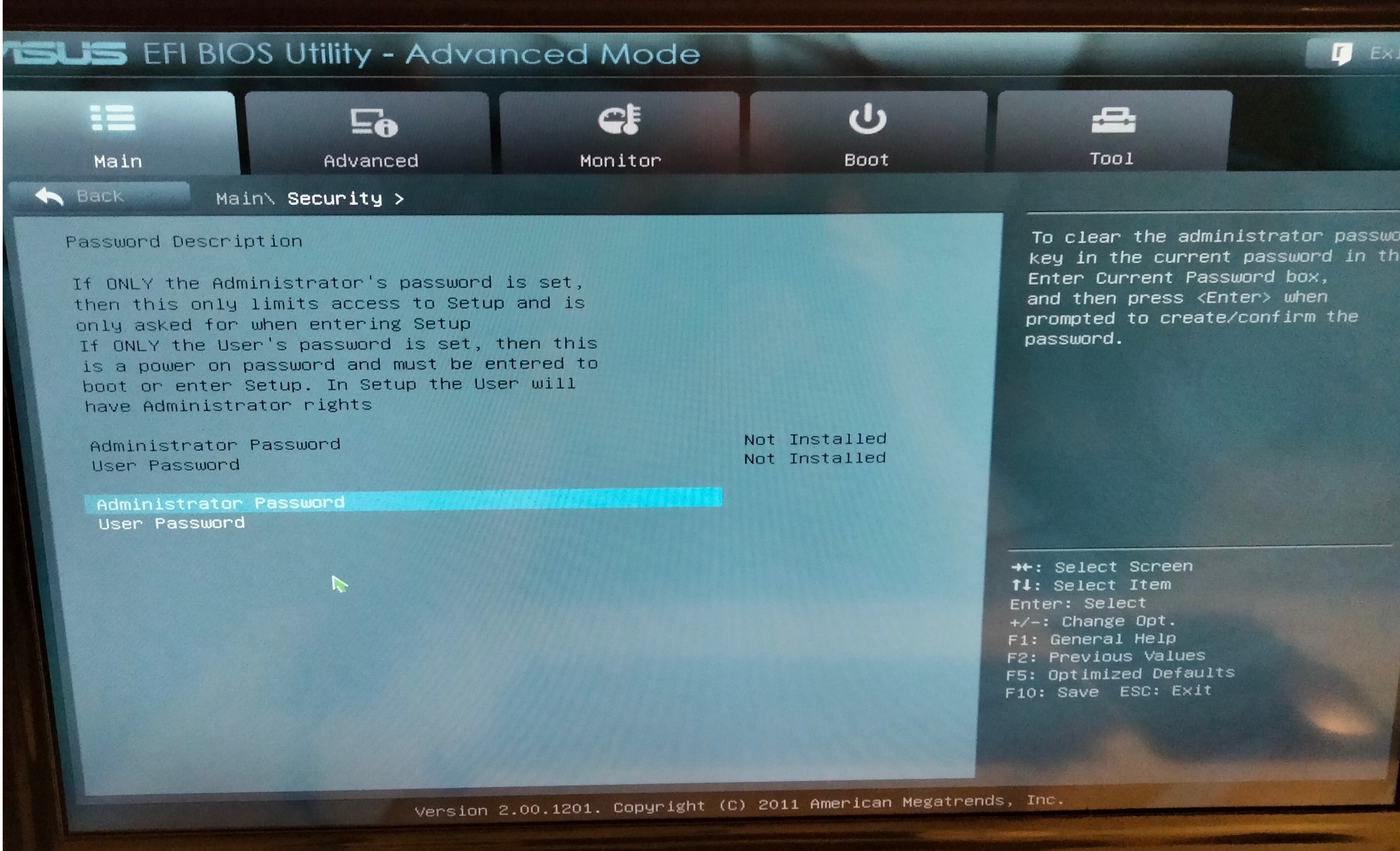
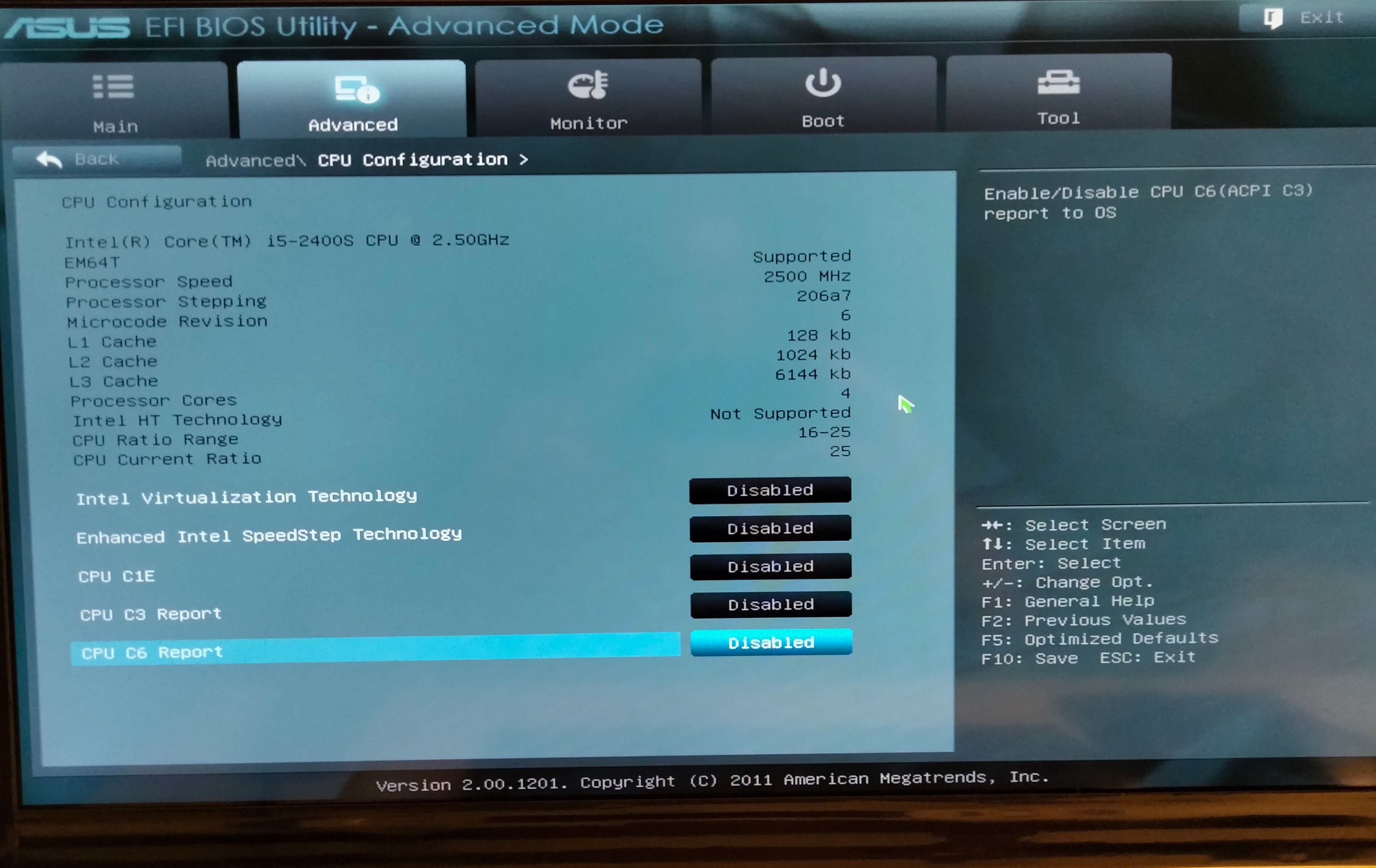
    Image

    Image

    Image

    Image

    Image

    Possibly a really dumb question to you experts, but why does the installation of Win 11 work on GPT partitions but not Win 10 1909 when using the same Rufus settings?

    Any further suggestions would be highly appreciated, including for example:

    (i) Different Rufus Settings?

    (ii) What is "Windows to Go", instead of "Standard Windows Installation"?

    (iii) Other BIOS Settings?

    (iv) Another completely different method, instead of Rufus?

    (v) Using a virtual drive? (Maybe a really stupid suggestion because I know absolutely nothing about them . . . I suppose the obvious question would be, "Can a virtual drive be MBR if the physical drive is GPT?")

    (vi) Using a USB connected external hard drive? (Maybe another silly option because again I have no idea if it can work. However, if it does, I would eventually unplug it and dispense with it as soon as I can solve the BSOD problem with later Win 10 versions and Win 11).

    1 person found this answer helpful.
    0 comments No comments
  3. Ivan B 109K Reputation points Independent Advisor
    2024-02-28T14:39:16+00:00

    Hi ,

    I understand, I'm sorry, the bootloader of the iso, I didn't see that it wasn't the same, you can delete the previous iso and use this one.

    https://drive.google.com/file/d/1TTbCwwIjcjfY3z...

    Note: This is a non-Microsoft website. The page appears to be providing accurate, safe information. Watch out for ads on the site that may advertise products frequently classified as a PUP (Potentially Unwanted Products). Thoroughly research any product advertised on the site before you decide to download and install it.

    Independent Advisor - Community

    Thanks

    1 person found this answer helpful.
    0 comments No comments
  4. Anonymous
    2024-02-28T22:15:23+00:00

    Hi again Ivan, Many thanks for your prompt reply.

    Unfortunately, that new link also brings up the same Rufus warning as the previous link.

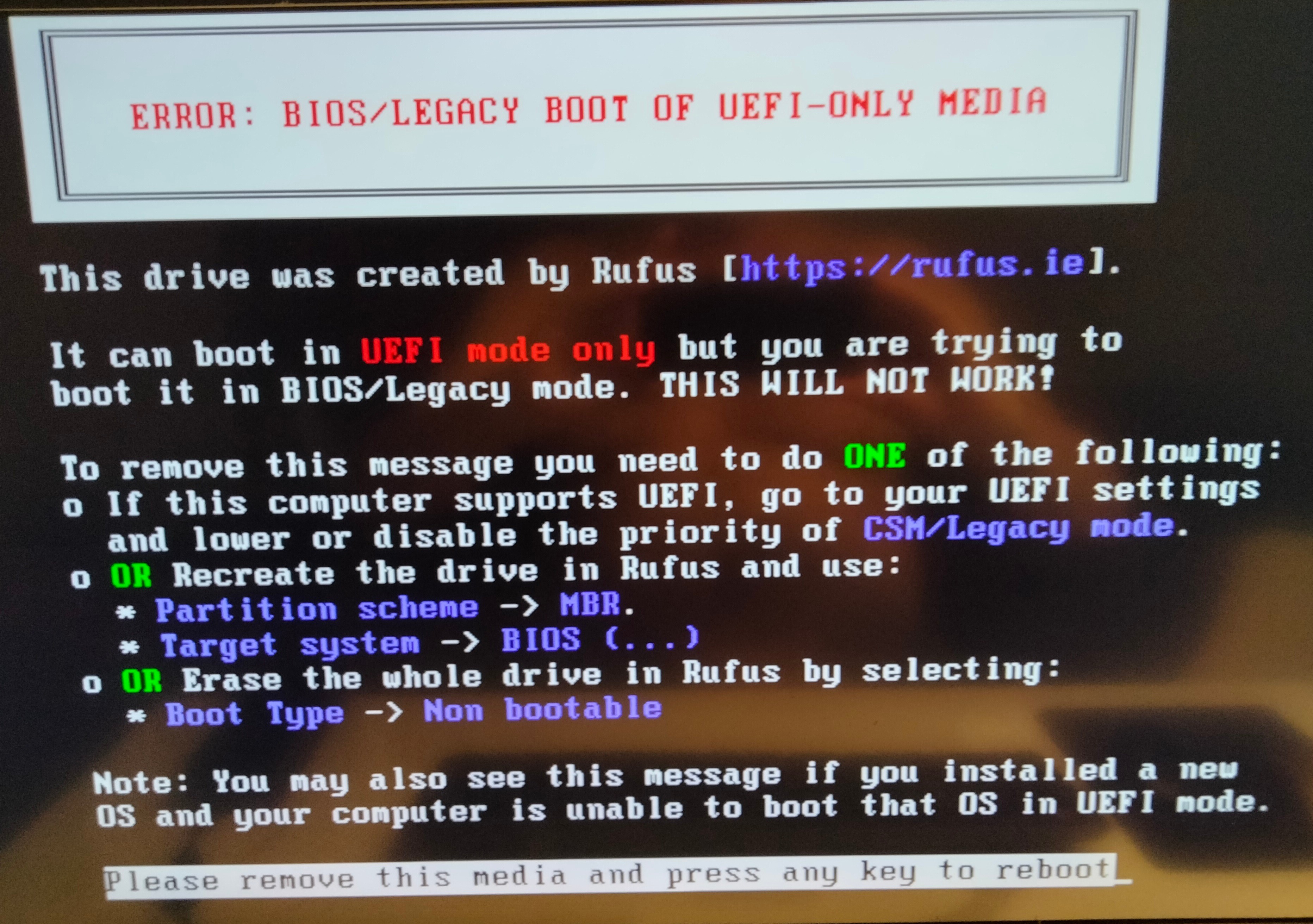
    I decided to have a go at using it anyway (nothing to lose) and created 2 additional partitions (one for Win 10 and another for Docs and Data). However, even before starting the installation, it brought up this error:

    The computer doesn't support UEFI (the first Option) and I don't understand the 3rd Option

    So I went back to Rufus and performed the second option given (i.e. recreated the drive in Rufus with MBR and BIOS ( . . . )).

    Which brought up the following error:

    So, in conclusion, I am in a vicious circle: To have Win 11 installed the Drive needs to have GPT and for Win 10 1909 (at least for this Win 10 1909 download) the drive needs to have MBR.

    Is there a way of installing both Win 11 and Win 10 1909 on the same Drive but in different partitions? . . . presumably it would have to be with GPT partition style.

    I wish to have them both because: (i) I know that Win 10 1909 works perfectly and I want to be able to use the computer until I can ultimately upgrade to a stable version of Win 11 and (ii) in the meantime, the current installation of Win 11 seems to be a little more stable than Win 10 later versions and should allow me sufficient time to get to the BSOD minidumps and attempt to diagnose and solve the problem causing them.

    Again, most grateful for your help.

    0 comments No comments
  5. Anonymous
    2024-02-28T05:25:04+00:00

    Hi Ivan,

    Thanks for your super quick response. However, when trying to create the bootable USB, Rufus brought up this warning.

    Any suggestions as to how to proceed and/or alternative download options would be appreciated.

    Thanks in advance.

    0 comments No comments