Hello,
I've been having this login issue for a few weeks now (since a security update in March) and I've tried everything...
I'm not interested in trivial solutions or repeated suggestions and would LOVE to avoid a Windows reinstall.
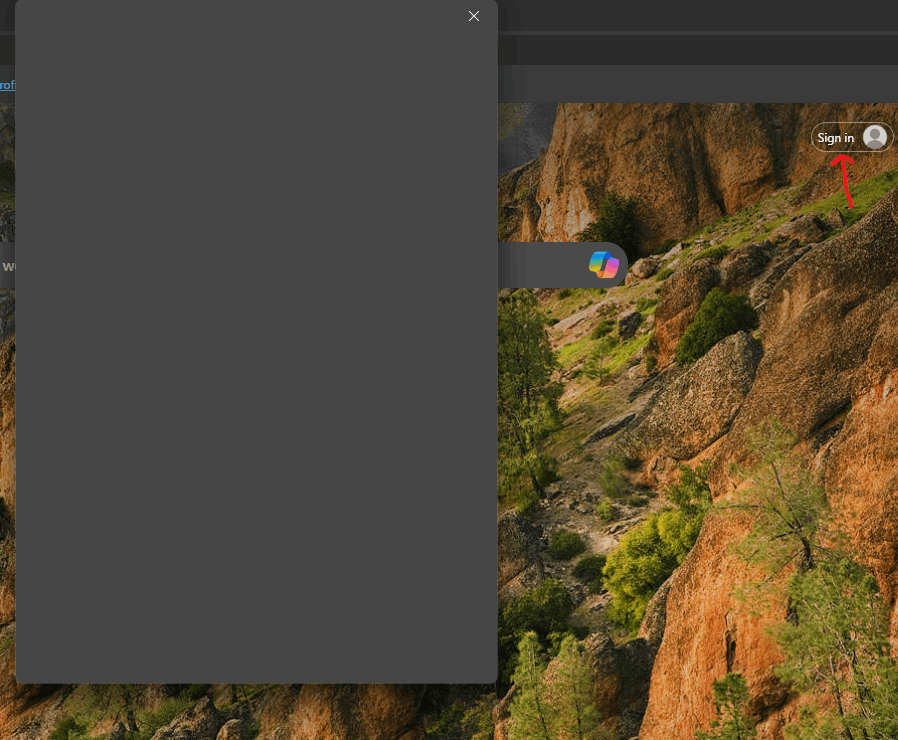
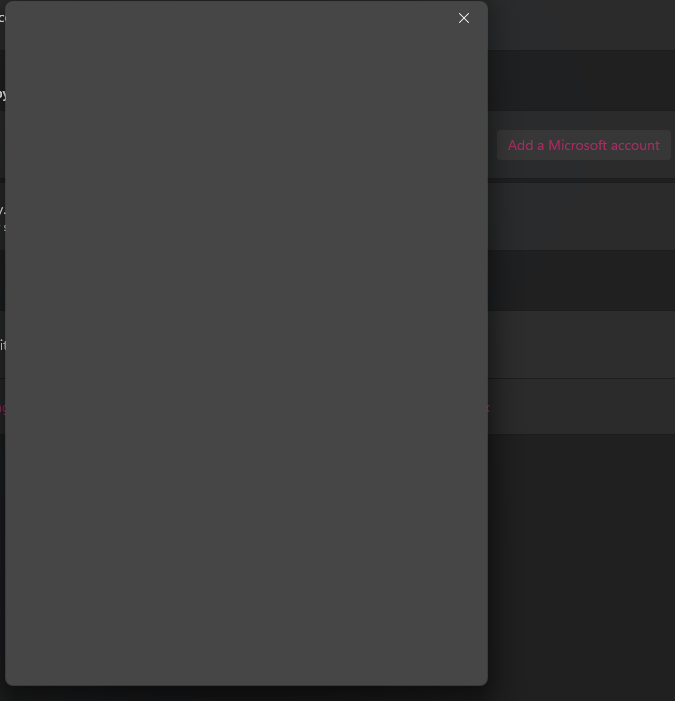
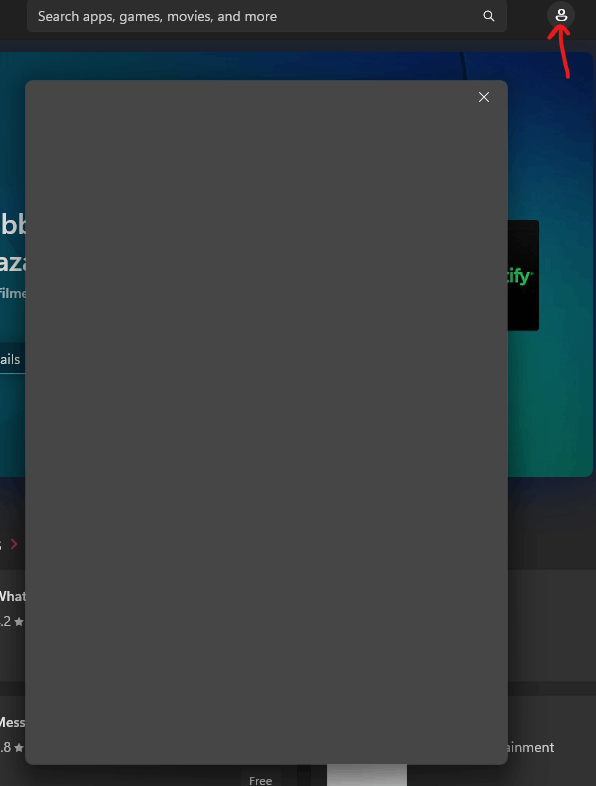
When I try to login with my personal Microsoft account in any app (Xbox, Store, Edge, Office) or even in Windows 11 (In Accounts > "Add a Microsoft account"), I type in my email, click next and then a gray (blank) popup window appears, then half a second later closes and then nothing happens. No error message, nothing, it just closes almost instantly (so I don't even reach the password part).
I tried the following:
- sfc /scannow and dsregcmd /forcerecovery commands
- Windows display language is already English (US)
- Time and region is correctly set
- Latest Edge and Windows 11 (got all updates)
- Advanced internet options > TLS 1.0 - 1.4 checked
- Network reset and full PC restart done
- Microsoft Account Sign-In Assistant service running
- Ran all troubleshooters
- Ran computer in safe boot (and also disabled all non Microsoft services)
- Uninstalled KB5035853, which is supposedly ruined everything (although Windows says it successfully uninstalled, each time I return to the uninstall update menu, it's still there)
- Removed all credentials inside Windows (in Control Panel\ All Control Panel Items\ Credential Manager)
Note, that work and school account works without any issues, only personal account is not working. My account works on other computers though and I can even login through a browser on this PC too, so for example inside the browser address bar, I type https://login.live.com/ and able to login there, but not when I try to sing in within the app directly (to sync my profile for example, or within any Windows app). Again, this is not limited to Edge, so resetting the apps will not help.
Even if I type just one character for the email and click next, same issue occurs, so definitely not an issue with the account itself, but the login process.
Edge sign in:
Accounts > Email & Accounts > Add a Microsoft Account
Store sign in (note that here I can't even type my email, it just opens the blank window and instantly closes it)
I don't know if it helps at all, but using F12 while the login fails within Edge, I get the following message:
"Failed to login to MSA Account with Error String: Error: Primary Error: kTokenRequestFailed, Secondary Error: kTokenFetchUserCancelled, Platform error: 0, Error string: \n","delayed":1},"message":"Failed to login to MSA account using the NTP Sign In API using sign-in-flyout treatment"}
Please help :(
' cx='32' cy='32' r='32' /%3E%3Ctext x='50%25' y='55%25' dominant-baseline='middle' text-anchor='middle' fill='%23FFF' %3EA%3C/text%3E%3C/svg%3E)

