Share via

Urgent - Absolutely can't fix the 0x800f0831 Windows Update Error, tired of trying to repair via DISM

Anonymous
2024-05-18T04:32:41+00:00

Hey there.

I will appreciate if someone really can help me with this problem without formatting my PC.

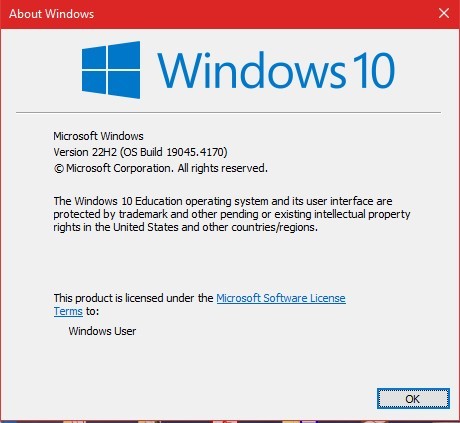
It all started yesterday while I was just updating via Windows Update the las Cumulative update for my system: 2024-05 Cumulative Update for Windows 10 Version 22H2 for x64-based Systems. It downloads the file and then tried to install it but then it show the sick error (0x800f0831). I really wasn't expecting this was a tough error (like it becomes), I just though it was a simpler one.
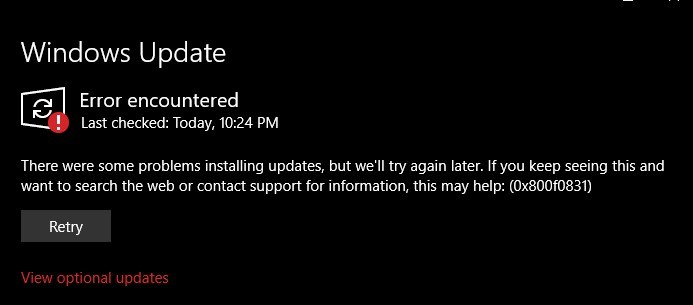

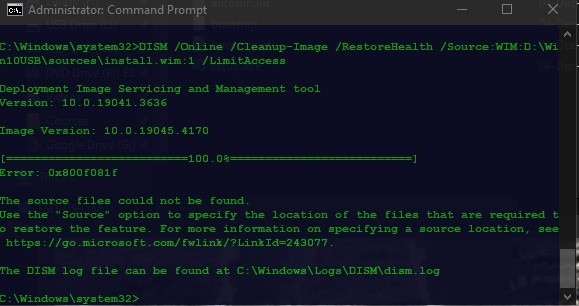
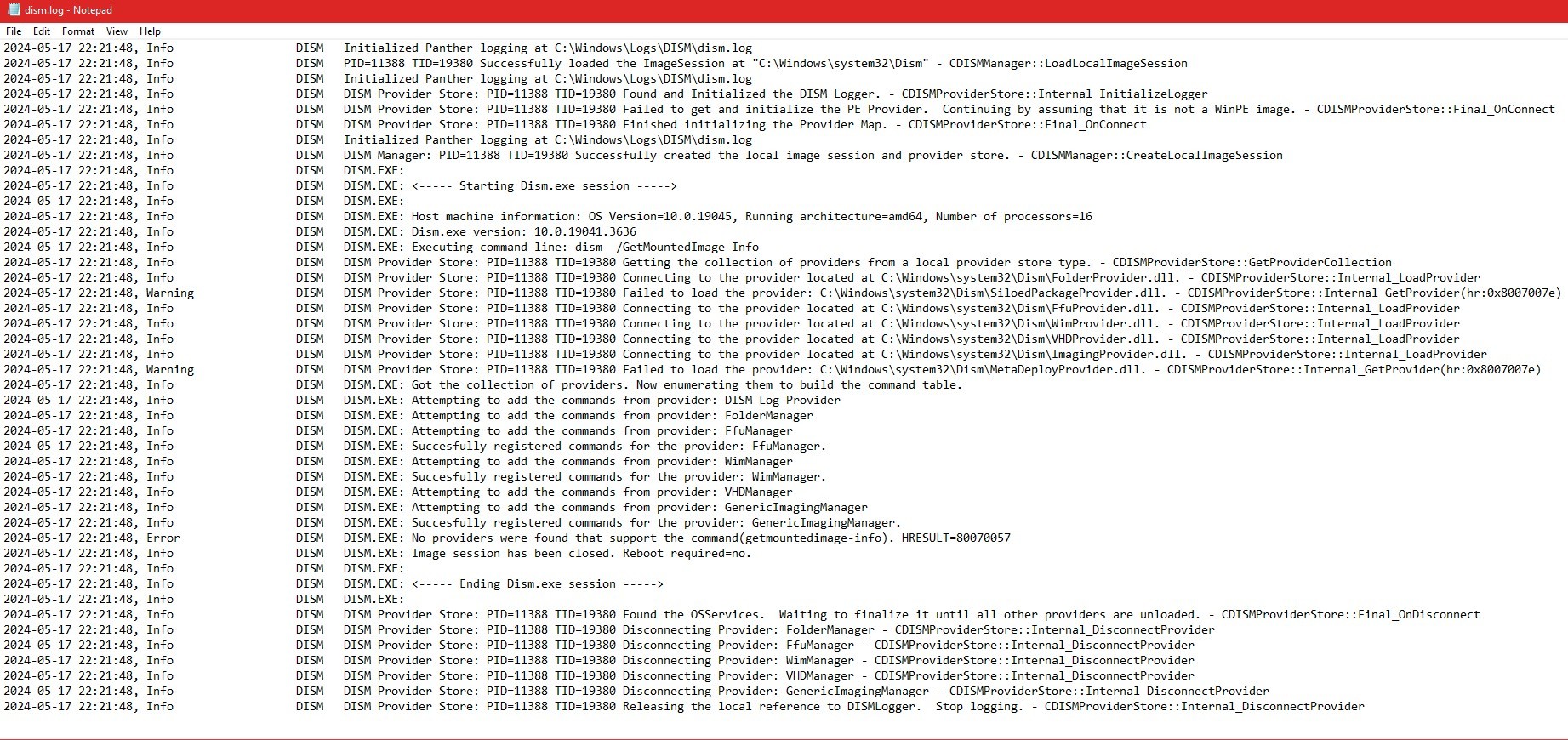
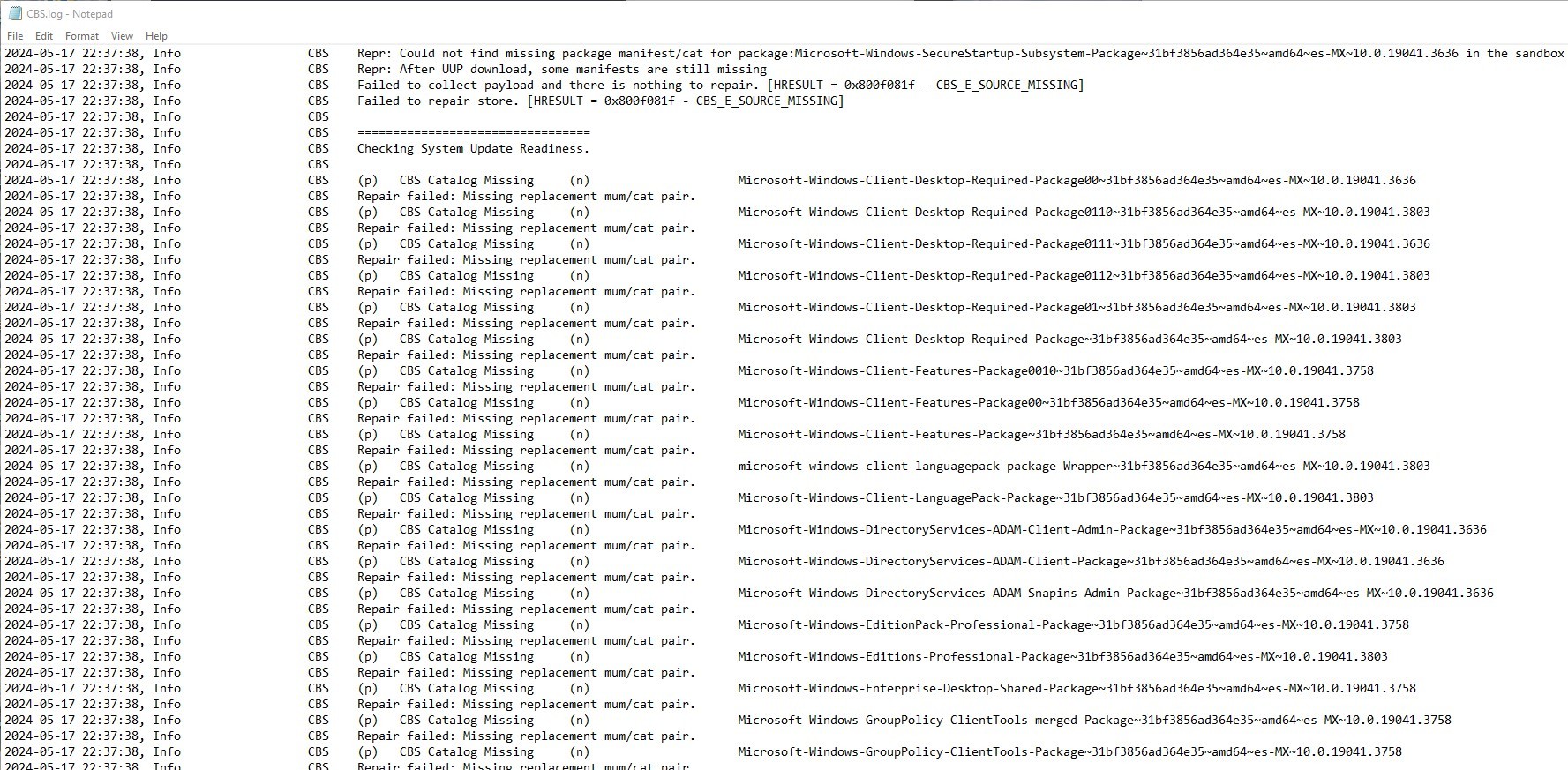
But after almost 3 days of wasted time working and trying to resolve this, I'm really giving up, I've done almost like 100 guides to solve this error using DISM but I'm not doing anything else more. I've tried the RestoreHealth solution with the /Online image, also with an image directly downloaded from the Media Creation Tool (where you have to convert the install.esd file to a valid install.wim file) and really I'm tired, I'm really tired of trying to figure it out how to solve this, even I've checked the DISM.log and CBS.log files with no solve. With DISM I'm always facing the same error "The source files could not be found" even though, I specify exactly where to go and grab the file, I don't know what happens with my OS.
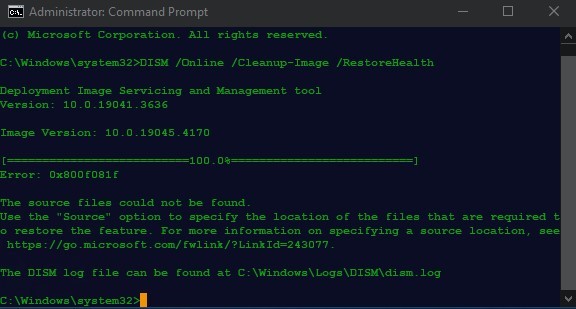
My DISM.log
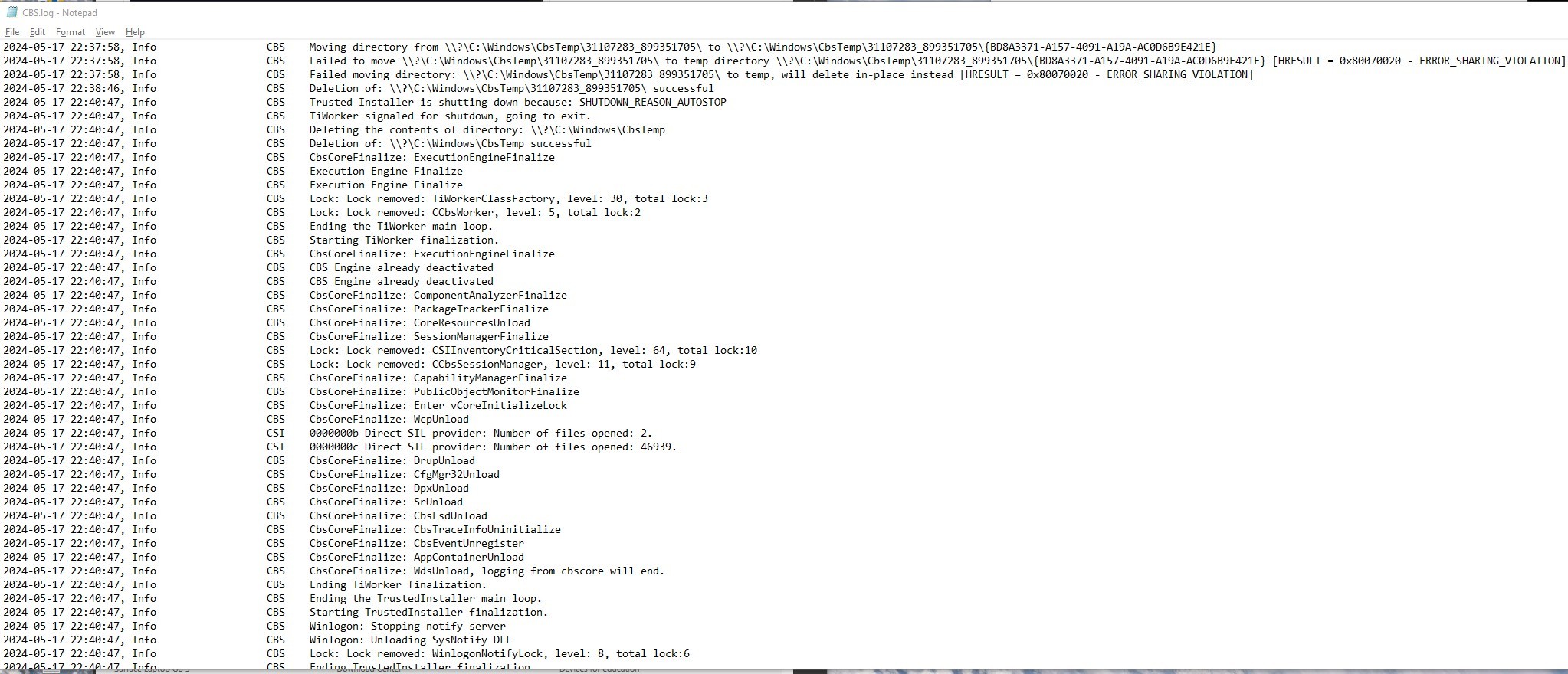
My CBS.log
Even I've changed the Group Policy for selecting a specified image or even to just download there the Online image, none of these worked.

So I'm writing this in order to see some light in one person that could help me solving my problem. Thanks in advance, I appreciate it.

Windows for home | Windows 10 | Windows update

Locked Question. This question was migrated from the Microsoft Support Community. You can vote on whether it's helpful, but you can't add comments or replies or follow the question.

0 comments No comments

Answer accepted by question author

  1. Ramesh 176.1K Reputation points Volunteer Moderator
    2024-05-19T06:25:00+00:00

    Hi there,

    A repair installation using the Media Creation Tool should resolve the CBS error.

    See:

    How to perform an In-place Upgrade with Windows 10 Step-by-Step Guide - Microsoft Community: https://answers.microsoft.com/en-us/windows/forum/all/how-to-perform-an-in-place-upgrade-with-windows-10/7f0b236e-3c6c-4913-9691-c4baa2a6190a

    Your files, apps, and settings will remain intact during the repair installation.

    6 people found this answer helpful.
    0 comments No comments

2 additional answers

Sort by: Most helpful
  1. Ramesh 176.1K Reputation points Volunteer Moderator
    2024-05-28T01:45:06+00:00

    Hi UnknownMasterCoder,

    Glad to hear that. A repair installation fixes such CBS/CSI errors automatically. 0x800f0831 is one of the easiest errors to fix manually, but we need to source the mum files. A repair installation is the easiest option though.

    3 people found this answer helpful.
    0 comments No comments
  2. Anonymous
    2024-05-27T18:50:19+00:00

    Hi there,

    A repair installation using the Media Creation Tool should resolve the CBS error.

    See:

    How to perform an In-place Upgrade with Windows 10 Step-by-Step Guide - Microsoft Community: https://answers.microsoft.com/en-us/windows/forum/all/how-to-perform-an-in-place-upgrade-with-windows-10/7f0b236e-3c6c-4913-9691-c4baa2a6190a

    Your files, apps, and settings will remain intact during the repair installation.

    Hey Ramesh!

    Effectively your answer has solved my problem with success. I've read that solution on another blog but sincerely I was scared of losing my files and installed programs. So after trying so hard to solve it with another method, I created a restore point and proceeded to upgrade with the repair option. I worked so well.

    However, I have a last doubt anyway. How do you know the only option was a repair installation with my CBS log I didn't find anything useful from there. Specifically which lines were telling you I had to do a repair installation?

    Thanx

    1 person found this answer helpful.
    0 comments No comments