I just bought a pair of Sennheiser HD 450BT Bluetooth headphones. The setup and pairing instructions seem very straightforward - you put the headphones into pairing mode and then search for the device on your Windows PC to connect. However, I'm running into an issue getting my Windows 11 PC to detect the headphones to complete the pairing.
Here's what I've tried so far:
- Made sure the headphones are charged and powered on. The Bluetooth light is flashing to indicate pairing mode.
- Placed the headphones right next to my PC, less than 20cm away, as recommended during pairing.
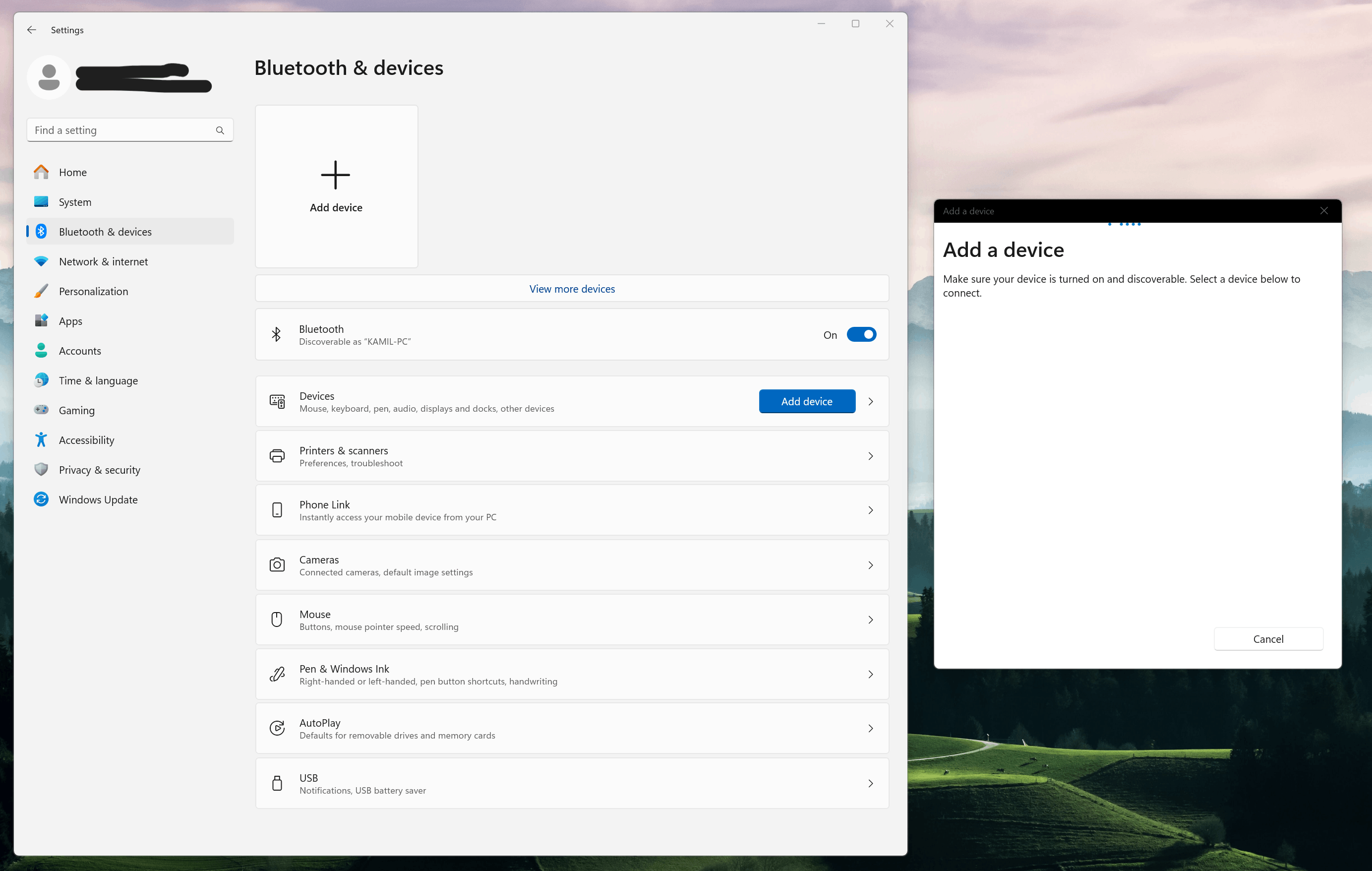
- Went into Settings > Bluetooth and Devices and clicked "Add Device." No devices show up in the list.
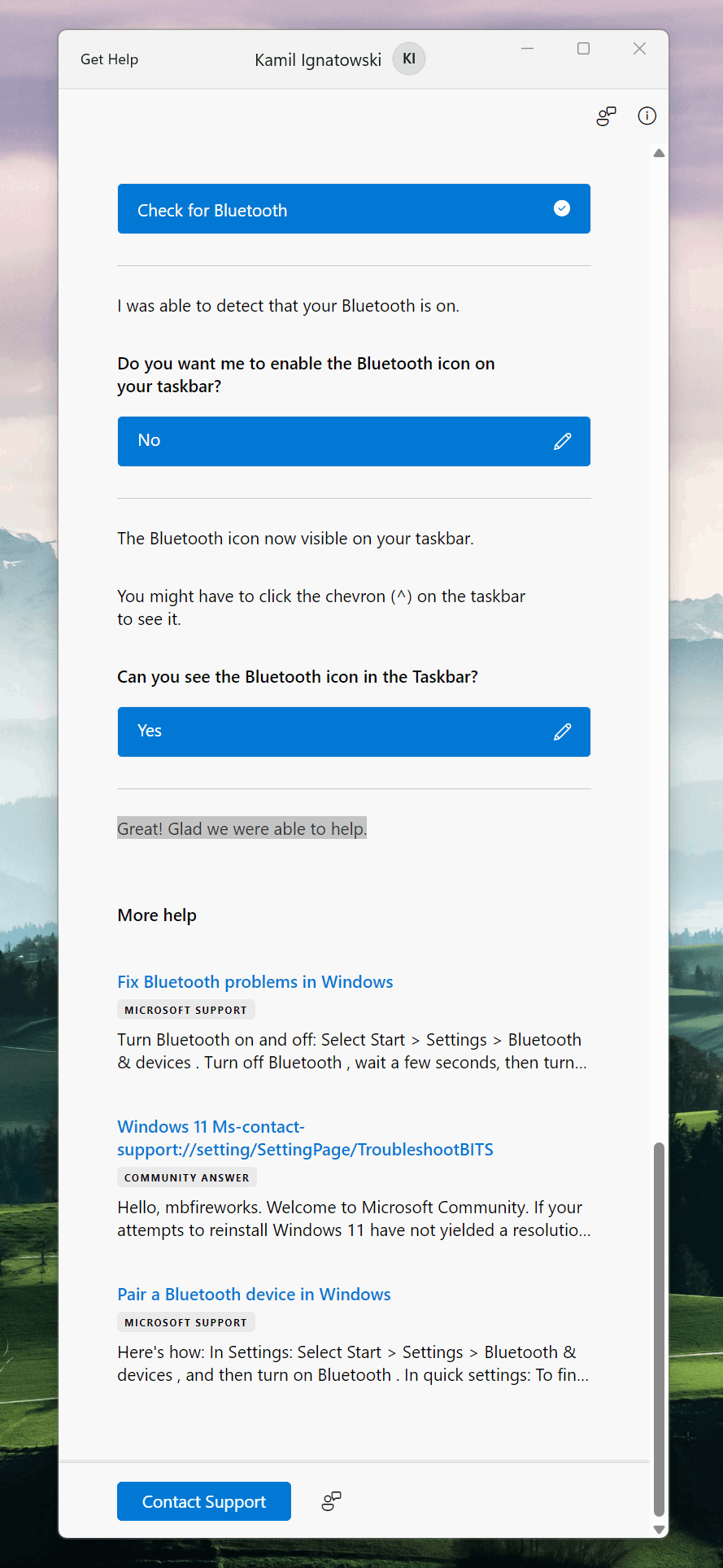
- Ran the Bluetooth troubleshooter. It says my Bluetooth is on and visible, but doesn't actually find or connect to the headphones.
So the headphones seem to be in pairing mode properly, and Windows Bluetooth sees other devices, just not the Sennheiser headset for some reason.
I have connected the Sennheiser headphones using an audio cable and they work fine, so that confirms there are no issues with the headset itself. It seems to be related specifically to pairing over Bluetooth that Windows is not detecting and connecting to the device. I'm thinking it must be something related to software or drivers that is preventing the wireless connection.
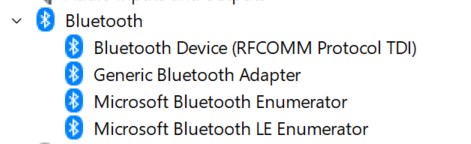
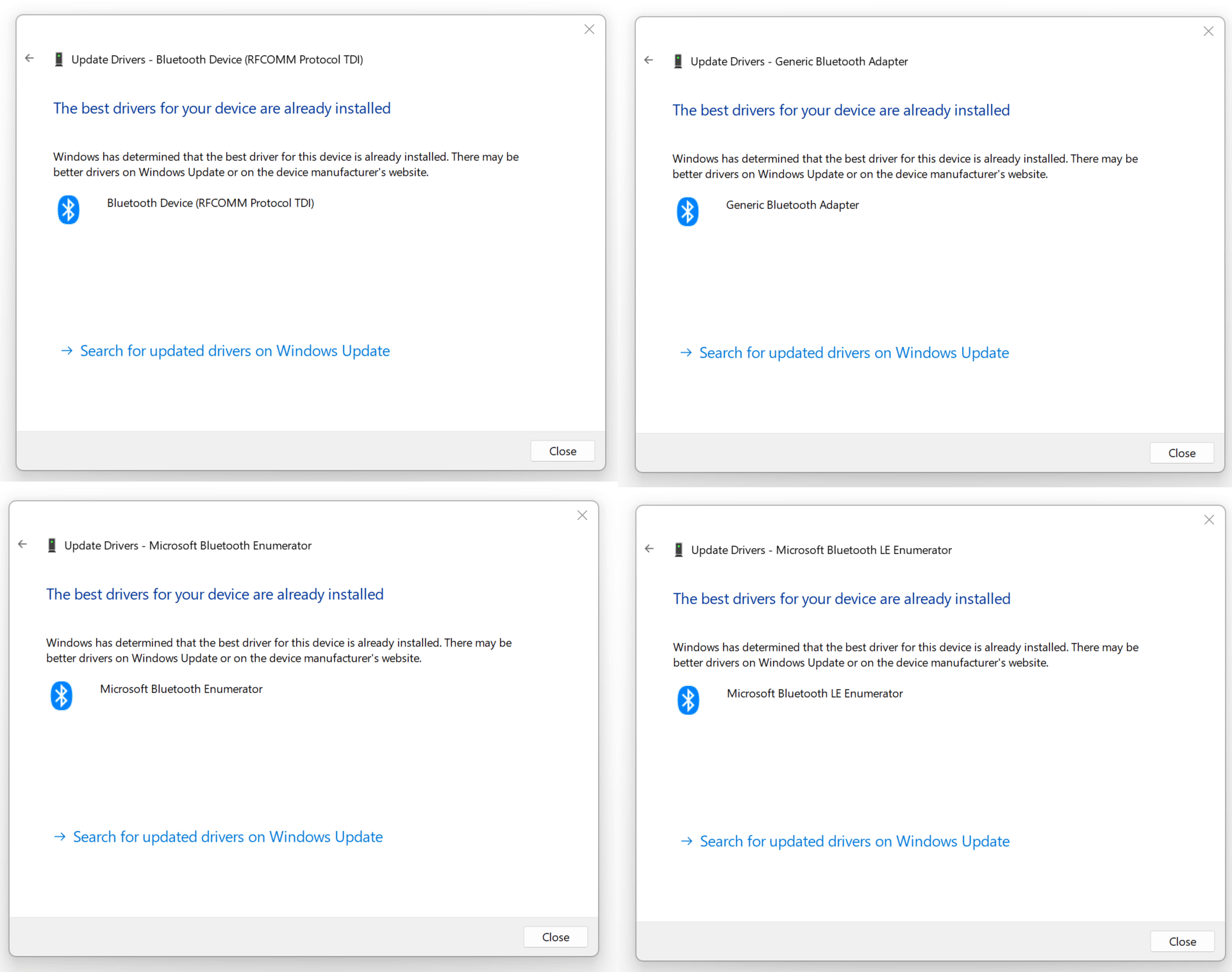
I have checked for updates to the Bluetooth drivers in Device Manager and I have the latest version installed.
I have successfully connected the headphones via Bluetooth to my iPhone. The headphones are clearly able to pair properly with other devices besides my Windows PC.
I also turned on my JBL speaker, put it on the pairing mode and my PC can't see it.
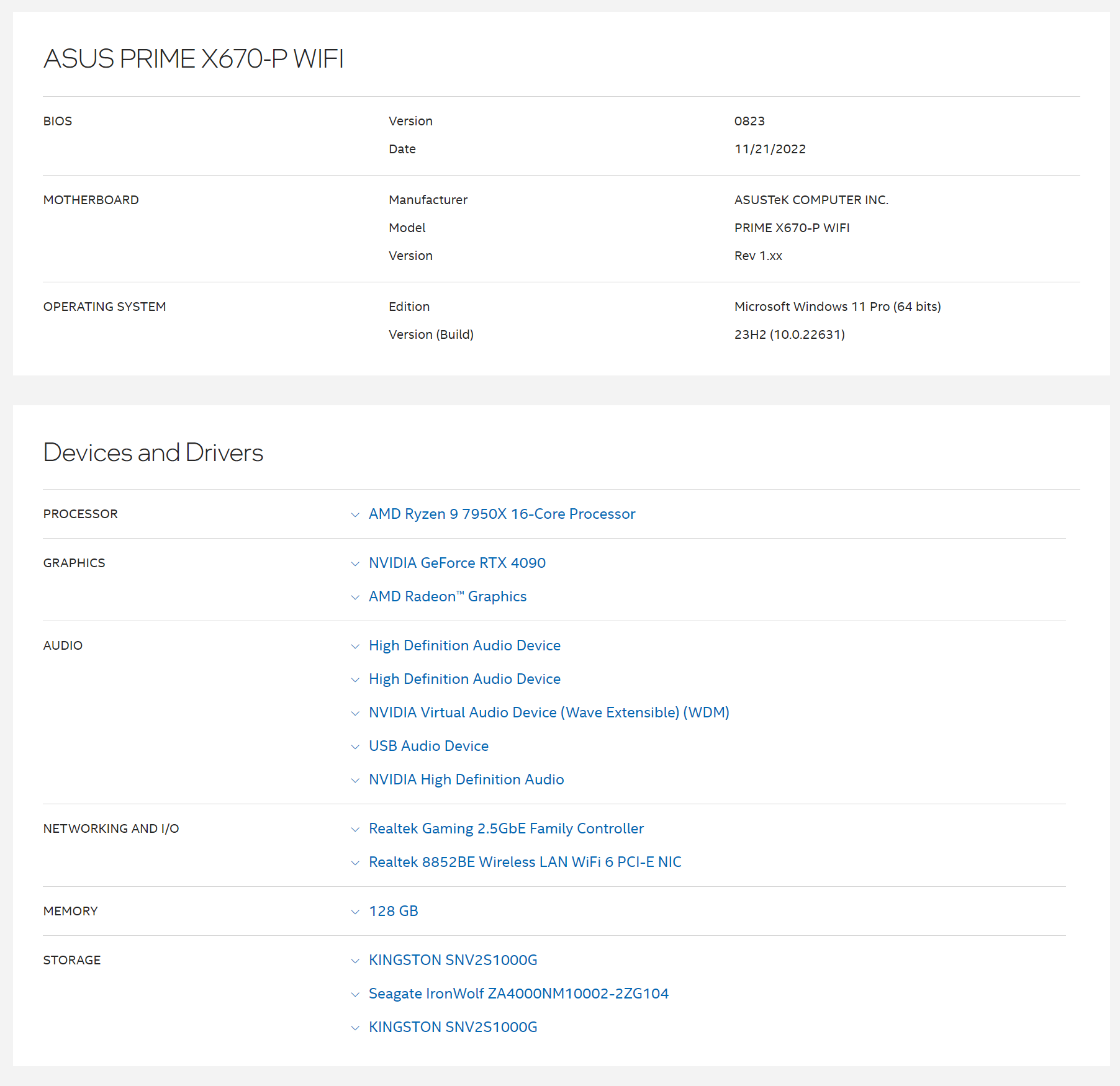
My PC's specs are below on Screen 05.
' cx='32' cy='32' r='32' /%3E%3Ctext x='50%25' y='55%25' dominant-baseline='middle' text-anchor='middle' fill='%23FFF' %3EA%3C/text%3E%3C/svg%3E)
