Share via

MSI Delta 15 Laptop cannot connect to wifi. NO avalible networks showing.

Anonymous
2024-09-22T05:16:18+00:00

Yesterday I could connect to many different wireless networks at University and home.

I have followed many guides to fix this issue such as:

"Wireless network adapter is hidden in device manager" - Microsoft community help page.

"How To Turn On/Off Hibernate In Windows 10" - Youtube of potential issue

"Fix MSI Wi-Fi Not Working in Windows 11 [2024]" - Youtube with many solutions

"Fix WiFi Not Showing or Working in Windows 11/10 in 2024 (This WORKS)"

"https://www.msi.com/support/technical_details/NB_BIOS_Reset"

I even reset my laptop and redownloaded Windows 10 and 11.

This is what is displayed on the bottom right of my computer.
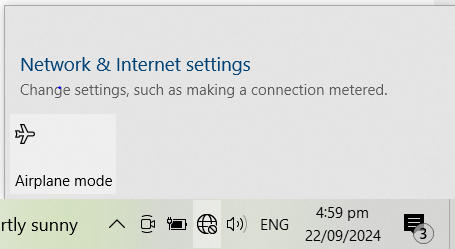
![](https://learn-attachment.microsoft.com/api/attachments/d8996f8a-7d43-4f1e-9a49-ab74b52c929a?platform=QnA"https://learn-attachment.microsoft.com/api/attachments/b0cf60e2-bafc-4667-86f2-6b50d269f732?platform=QnA" title="filestore.community.support.microsoft.com" rel="ugc nofollow">

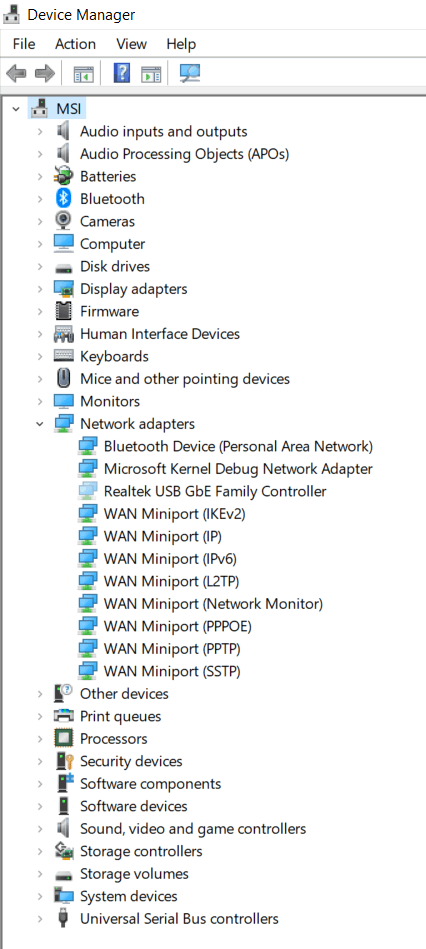
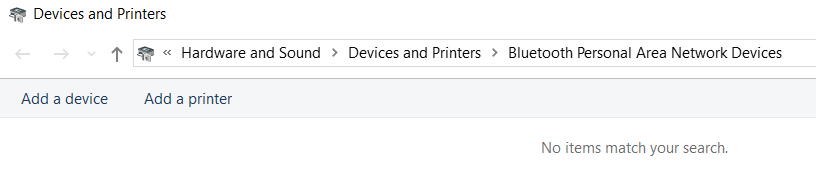
This Folder is empty when in some tutorials it has the network adaptor.
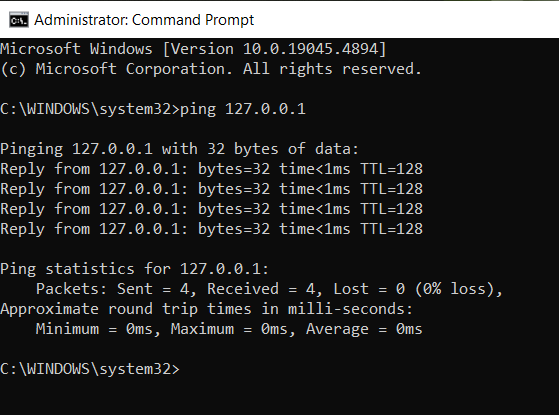
it is pinging therefore it is not a hardware problem.
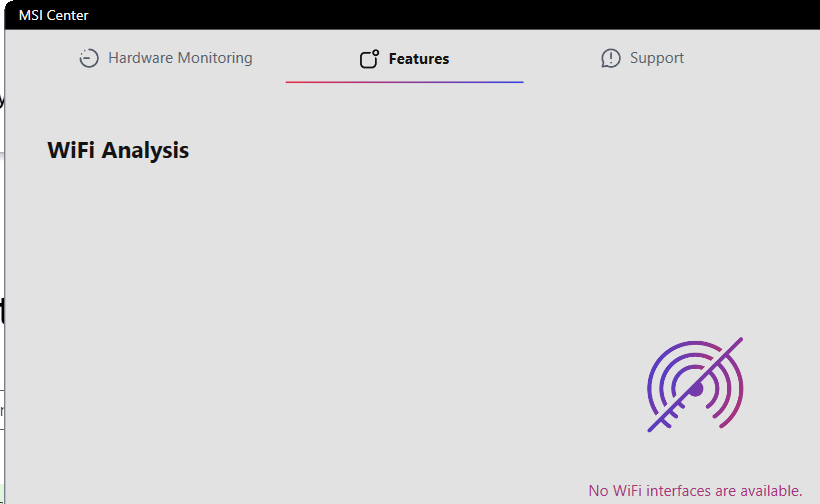
I even tried to hold down the power button for 60 seconds and 35 seconds.

Name: Bluetooth Network Connection

Description: Bluetooth Device (Personal Area Network)

Physical address (MAC): "Refrain from posting personal information"

Status: Not operational

Maximum transmission unit: 1500

IPv4 address: "Refrain from posting personal information"

IPv6 address:

DNS servers:

Connectivity (IPv4/IPv6): Disconnected

Name: Ethernet

Description: Realtek USB GbE Family Controller

Physical address (MAC):

Status: Not operational

Maximum transmission unit: 1500

Connectivity (IPv4/IPv6): Disconnected

Windows for home | Windows 10 | Devices and drivers

Locked Question. This question was migrated from the Microsoft Support Community. You can vote on whether it's helpful, but you can't add comments or replies or follow the question.

0 comments No comments

3 answers

Sort by: Most helpful
  1. DaveM121 881.1K Reputation points Independent Advisor
    2024-09-22T09:45:21+00:00

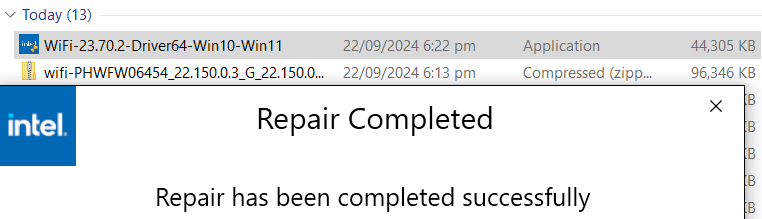
    Thank you for that information, below is the support page for your system on the MSI website, on another device that has an Internet connection, from the LAN section, donwlaod the installer for the Intel WiFi drivers, then transfer that installer to your system and use that to re-install the WiFi drivers.

    https://www.msi.com/Laptop/Delta-15-A5EX/suppor...

    ________________________________________________________

    Standard Disclaimer: This is a non-Microsoft website. The page appears to be providing accurate, safe information. Watch out for ads on the site that may advertise products frequently classified as a PUP (Potentially Unwanted Products). Thoroughly research any product advertised on the site before you decide to download and install it.

    .

    Was this answer helpful?

    0 comments No comments
  2. Anonymous
    2024-09-22T09:37:21+00:00

    I want to use the internal card in my laptop like I was yesterday, but seems to not work anymore.

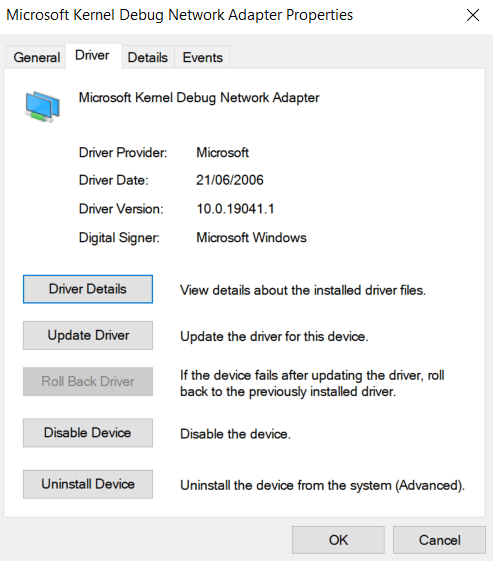
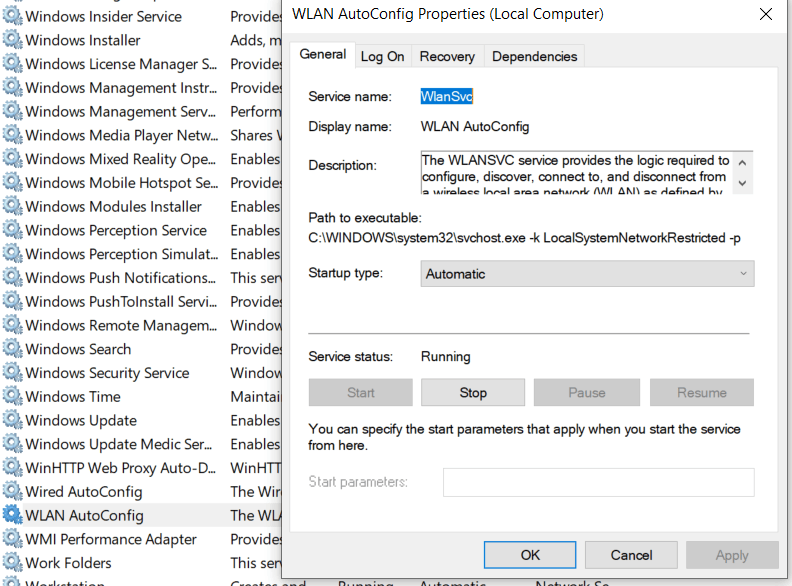
    Here are the screenshots that you requested.

    Additionally I will provide some further useful screenshots.

    Was this answer helpful?

    0 comments No comments
  3. DaveM121 881.1K Reputation points Independent Advisor
    2024-09-22T08:51:24+00:00

    Hi, I am Dave, I will help you with this.

    Your screenshots indicate there is no network drivers installed on your system.

    1

    Are you trying to use a USB network connection, or the internal card on your laptop?

    2

    Click your Start Button, then just type msinfo and press Enter, please provide a screenshot of the resulting System Information window.

    Was this answer helpful?

    0 comments No comments