Hi CEFQuark,
Welcome to Microsoft Community.
We understand that you may be frustrated by the lack of support for Wi-Fi 7 products in Windows 11 24H2, which may slow down the experience of the latest features.
We also understand that you may have had some bad experiences with “the team”, but please allow “us” (“members of the Answers community”) to explain that members of the Answers community do not interact directly with the core product team.
Intel's approach to driver distribution and integration involves collaborating with hardware vendors, operating system developers, and end-users. Typically, Intel releases drivers through its official website to ensure compatibility with various operating systems and hardware configurations. However, the availability of drivers can sometimes lag behind new hardware releases, causing issues like the ones you've experienced. For example, the Intel i226-V LAN drivers are provided for popular operating systems such as Windows and Linux, but their distribution can be inconsistent for less common systems or specific hardware configurations. This inconsistency can result in users facing difficulties when performing fresh installations due to the unavailability of the necessary drivers.
When a new device is connected to a Windows system, the Plug and Play (PnP) service searches for a compatible driver. If a suitable driver is found, it is installed immediately.
Windows plays a crucial role in the distribution of drivers by checking Windows Update for the latest driver versions and installing them if available. This process is automated to ensure devices are running the most up-to-date drivers.
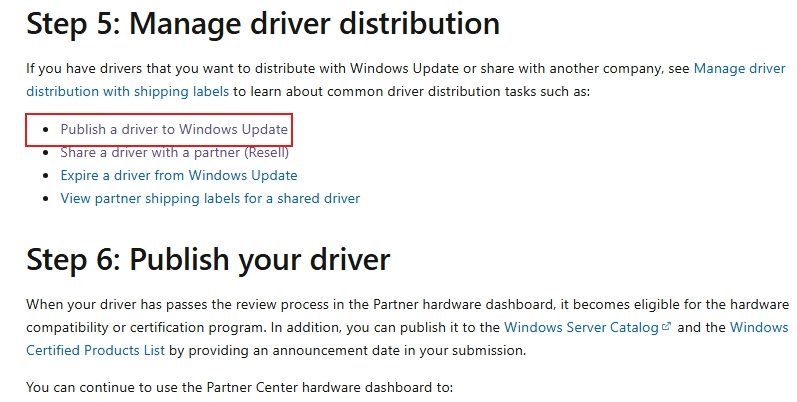
The interaction between the vendor, driver, and end client is a collaborative process. Vendors submit drivers to Windows Update for evaluation and approval by Microsoft. Once approved, these drivers are distributed to end clients through Windows Update, ensuring timely updates for compatibility and performance. However, challenges such as immediate driver availability and compatibility with specific hardware configurations can lead to user frustration, as highlighted in your initial problem description.
Partner Center for Windows Hardware - Windows drivers | Microsoft Learn

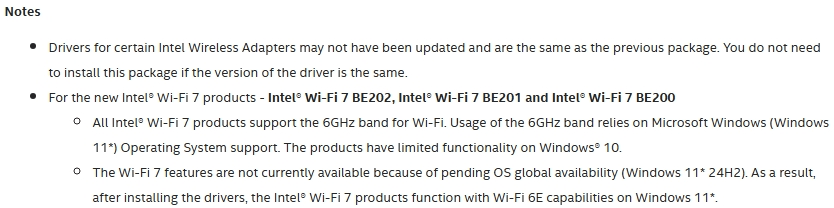
Wi-Fi 7 is the latest generation of wireless technology, offering significant improvements in speed, latency, and overall performance. While Intel has been promoting its support for Wi-Fi 7, the actual implementation involves ensuring not only the hardware but also the appropriate drivers and firmware are in place. As of now, Wi-Fi 7 is still in the early stages of adoption, with many devices and systems gradually transitioning to support the new standard. Intel's efforts to integrate Wi-Fi 7 into its products are commendable, but the process of ensuring full compatibility and performance across all platforms remains ongoing. Customers may need to wait for further updates and improvements from both Intel and their hardware vendors to fully realize the benefits of Wi-Fi 7.
According to the support article provided by Intel, higher level Intel teams may still be working on Windows-related teams analyzing/researching the details of Wi-Fi 7's functionality under a specific release.
| Disclaimer: Microsoft provides no assurances and/or warranties, implied or otherwise, and is not responsible for the information you receive from the third-party linked sites or any support related to technology. |
Intel® Wireless Wi-Fi Drivers for Windows® 10 and Windows 11*
In other words, Windows itself is not the direct provider of drivers for any hardware.
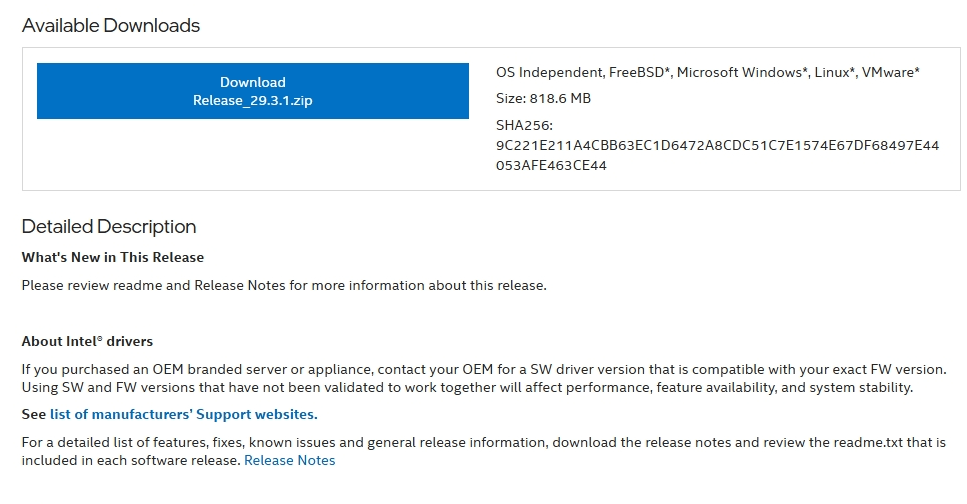
For the Intel® Ethernet Controller I226-V component, the content at this link provides drivers that may be relevant.
| Disclaimer: Microsoft provides no assurances and/or warranties, implied or otherwise, and is not responsible for the information you receive from the third-party linked sites or any support related to technology. |
Intel® Ethernet Controller I226-V

Thanks for your patience and understanding.
Best Regards,
Kyo.Y - MSFT | Microsoft Community Technical Support
' cx='32' cy='32' r='32' /%3E%3Ctext x='50%25' y='55%25' dominant-baseline='middle' text-anchor='middle' fill='%23FFF' %3EA%3C/text%3E%3C/svg%3E)
