Share via

What Password does it want me to enter?

Anonymous
2024-12-04T15:41:13+00:00

My new Lenovo running Windows 11 asks me for a password to unlock my screen or change settings. I tried my Microsoft password but it tells me that it is incorrect. What password is it looking for, or do Lenovo or Windows have a default password that I don't know about?

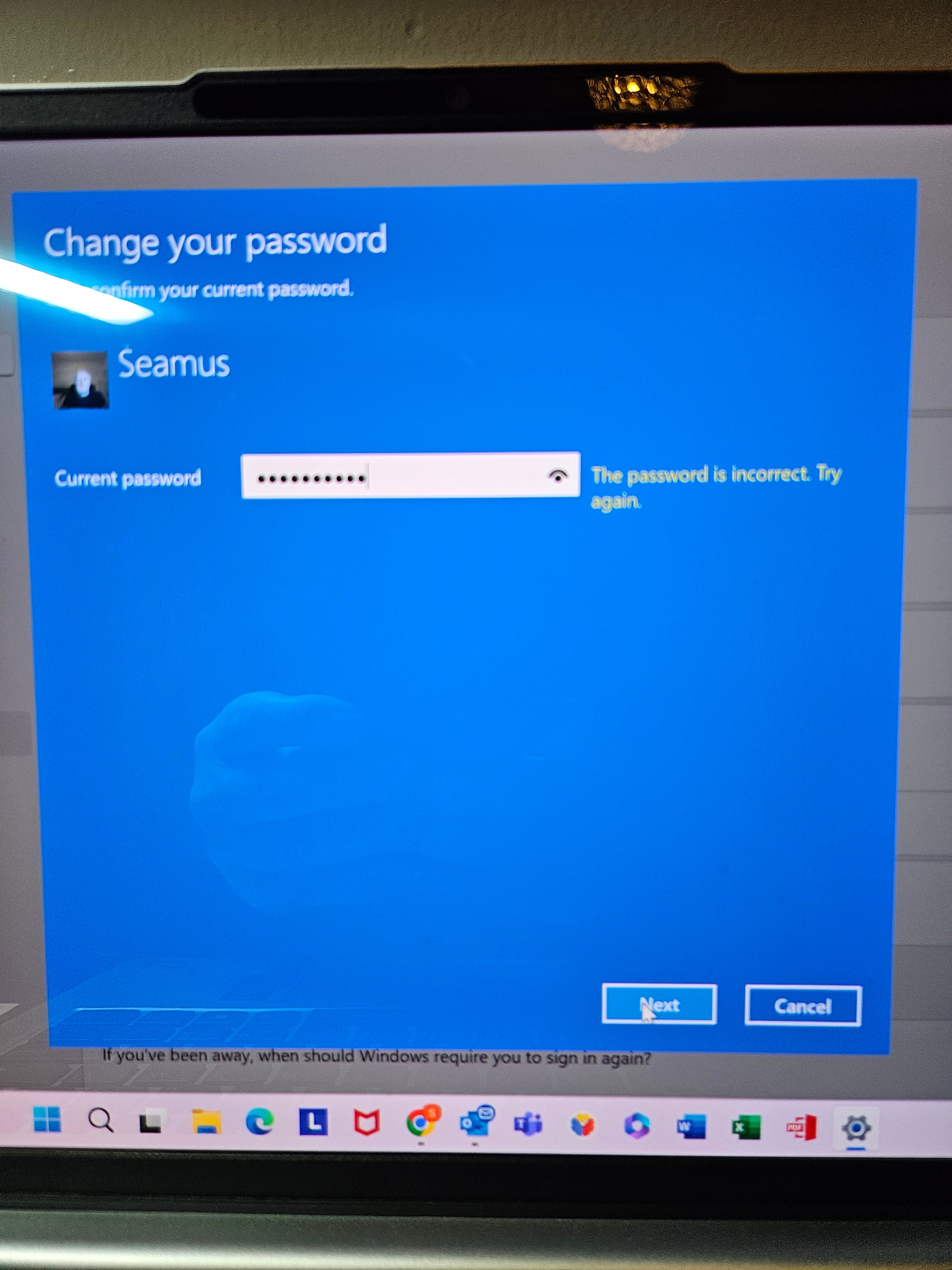
At present, my screen locks after 15 minutes if I am away and asks for my password to open it again. I enter my Microsoft password but it tells me "Incorrect Password". I don't think I set any other password on my laptop.

The laptop logs me in, no issue when I turn it on, presumably using facial recognition but, even though I am logged in, it wont allow me to unlock my screen after it locks, or make any changes to my security settings...because it says "Incorrect Password".

Please help.

Windows for home | Windows 11 | Accounts, profiles, and login

Locked Question. This question was migrated from the Microsoft Support Community. You can vote on whether it's helpful, but you can't add comments or replies or follow the question.

0 comments No comments

15 answers

Sort by: Most helpful
  1. Anonymous
    2024-12-04T20:03:12+00:00

    No, I didn't set up any password or PIN on this laptop.

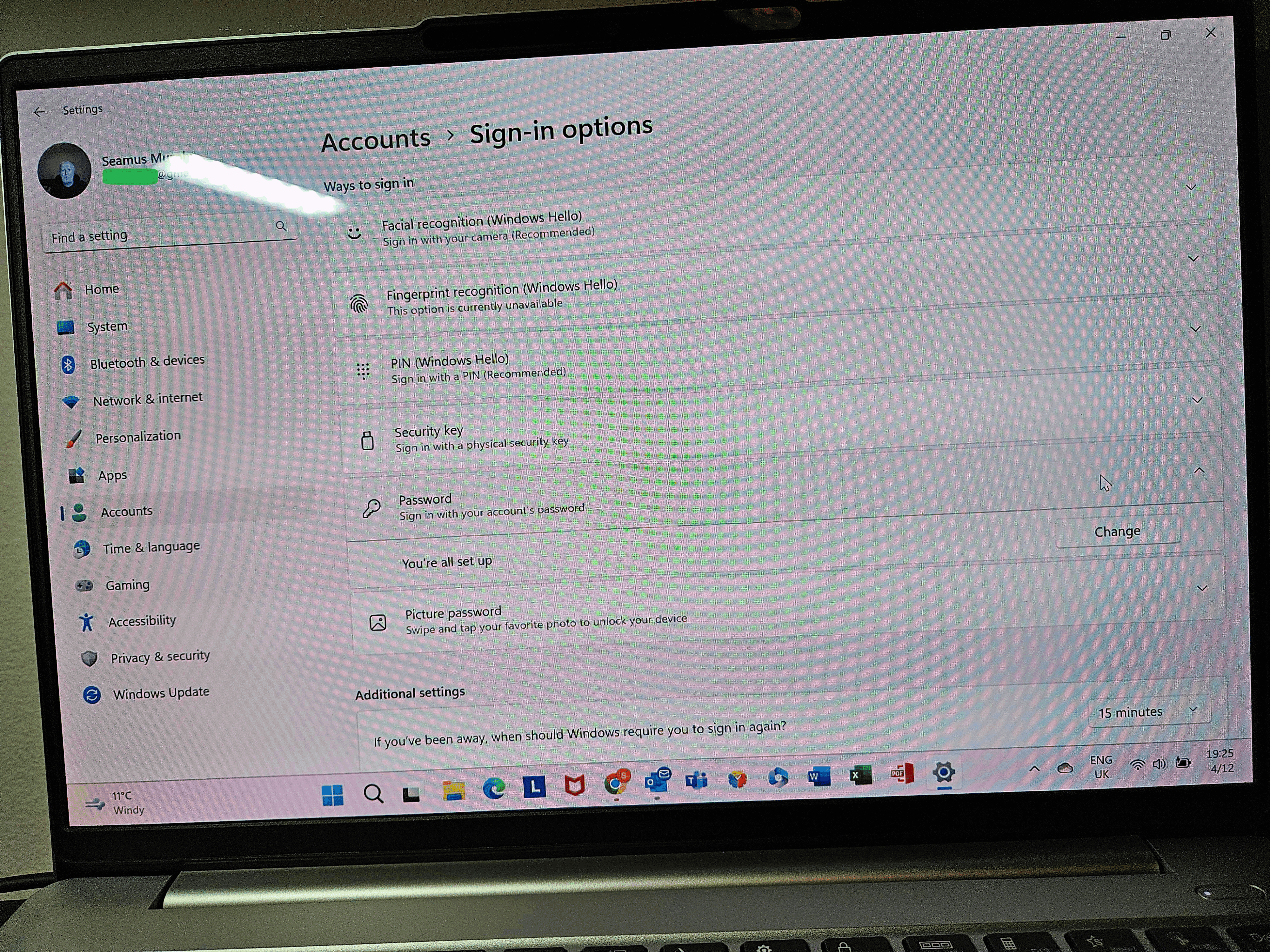
    It was when I tried to actually set it up, that's when I noticed the issue. As you can see in the first screen under set up password, it says "Your all set up". That's why I thought there must be a default password set by Lenovo. But they said now they don't put passwords on new laptop.

    1 person found this answer helpful.
    0 comments No comments
  2. Anonymous
    2024-12-04T19:54:12+00:00

    My new Lenovo running Windows 11 asks me for a password to unlock my screen ...

    Your screen lock is a privacy feature of Windows. Every Windows user account has a setting that locks the screen after a set amount of time (which you can change.) Thus, your screen was locked from the user account where you were signed in at the time. It is the password of that user account that you need to enter to unlock the screen.

    ... or change settings.

    That depends on what settings you're referring to. Most Windows settings don't require a password, while others require the password of the Administrator account.

    1 person found this answer helpful.
    0 comments No comments
  3. Anonymous
    2024-12-04T19:41:06+00:00

    Hi Jude, thank you for getting back to me so fast.

    As far as I can remember, I never set a password or PIN on my laptop. I bought the Lenovo IdeaPad with Windows 11 because my old Lenovo was starting to give trouble.

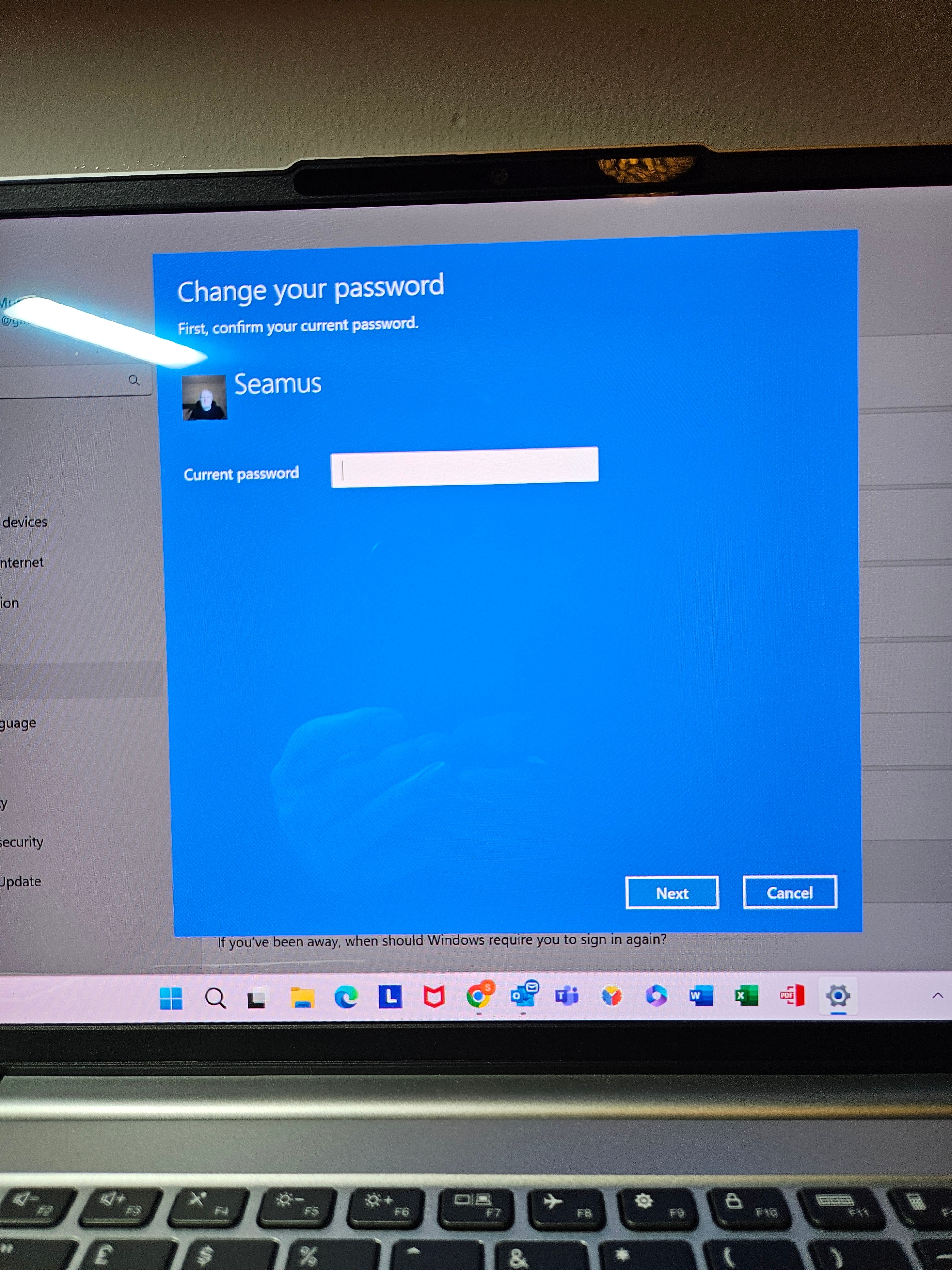
    The laptop starts perfectly well, opens up Windows and I can work away. But if I leave the laptop for a short while, the screen locks and asks for a Password to reopen. I presumed it meant my Microsoft password...but obviously not. It tells me "Incorrect Password". It doesn't give me an option of "Forgot Password", just an option to change it...but I need to know the current password before it will allow changes.

    Does Lenovo have a default password, or should I have received one with my new Laptop?

    I have tried any other password that I may have used in error when setting up the laptop, although I don't remember doing that.

    Any help or advice you can offer will be greatly appreciated Jude.

    I photographed the screens that come up when I try to put a password into my laptop....please view as photo 3, photo 1 & photo 2....thats the order they appear.

    Thank you in advance Jude

    Kind Regards

    Seamus.
    ImageImage

    1 person found this answer helpful.
    0 comments No comments
  4. Anonymous
    2024-12-04T19:54:08+00:00

    So do you use a password or pin to login in windows or no?

    0 comments No comments
  5. Anonymous
    2024-12-04T19:04:14+00:00

    Hello you should have a pin or password on the device there is a separate password to a device so do you remember the laptop password and not the Ms account password? also post a picture of the screen

    0 comments No comments