
Share via

desktop files and task bar missing out of sudden

Eaven HUANG 2,196 Reputation points
2022-03-23T09:35:23.02+00:00

Dear experts,

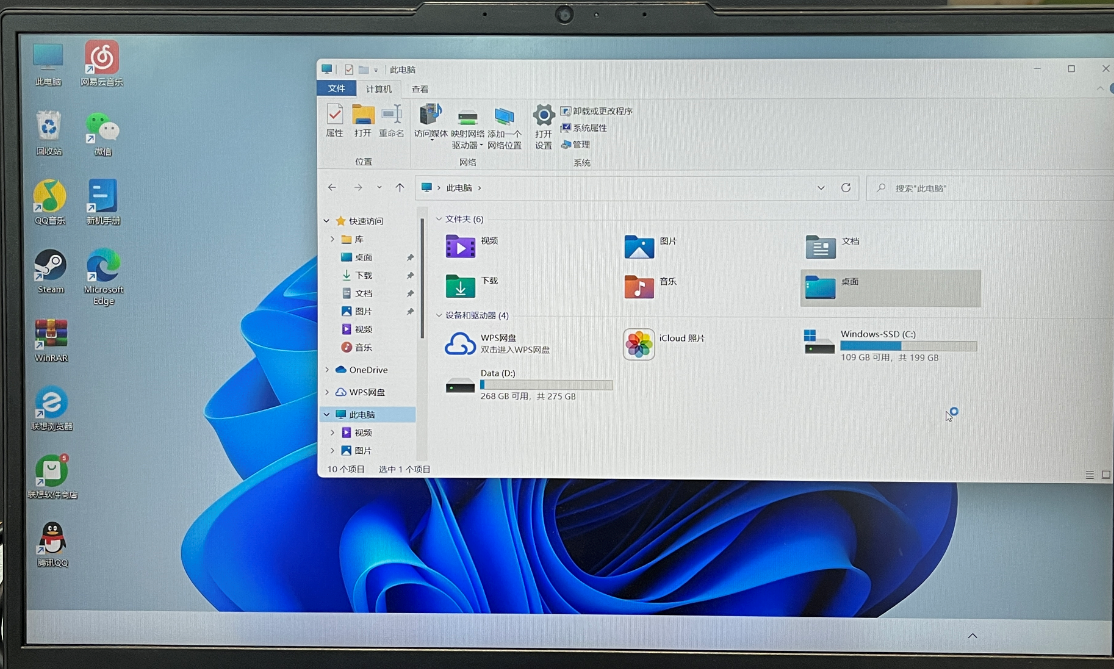
Because Spyder is needed in the python learning and my computer cannot open it, I tried to delete it and download it again this evening. When I reboot my computer it looks like this. Many of the things I had stored on the desktop were gone. The menu bar is gone, too.

186007-task-bar-missing.png

Windows for business | Windows Client for IT Pros | User experience | Other
0 comments No comments

2 answers

Sort by: Most helpful
  1. Limitless Technology 40,101 Reputation points
    2022-03-29T13:48:15.103+00:00

    Hi @Eaven HUANG

    As we are unaware of what has caused this it is advisable to restore the PC before the changes that you have made.

    Restore points are generated when you install a new app or driver, and when you create a restore point manually. Restoring won’t affect your personal files, but it will remove apps, drivers, and updates installed after the restore point was made.

    Recovery options in Windows
    https://support.microsoft.com/en-us/windows/recovery-options-in-windows-31ce2444-7de3-818c-d626-e3b5a3024da5#WindowsVersion=Windows_10

    Start the computer in Safe Mode and check if the issue persists. If the issue does not persist in safe mode, place the computer in a clean boot state and check.

    Hope this resolves your Query!!

    --
    --If the reply is helpful, please Upvote and Accept it as an answer–

    Was this answer helpful?

    0 comments No comments

  2. Reza-Ameri 45,816 Reputation points Volunteer Moderator
    2022-03-23T15:10:06.99+00:00

    Try restart your PC and see if you are seeing the start menu?
    Press Ctrl+Alt+Del and it should open a menu and select Task Manager and click to show more details and find the Windows Explorer and you may right click on it and click **Restart ** and see if you are able to see start.

    Was this answer helpful?

    0 comments No comments

Your answer

Answers can be marked as 'Accepted' by the question author and 'Recommended' by moderators, which helps users know the answer solved the author's problem.