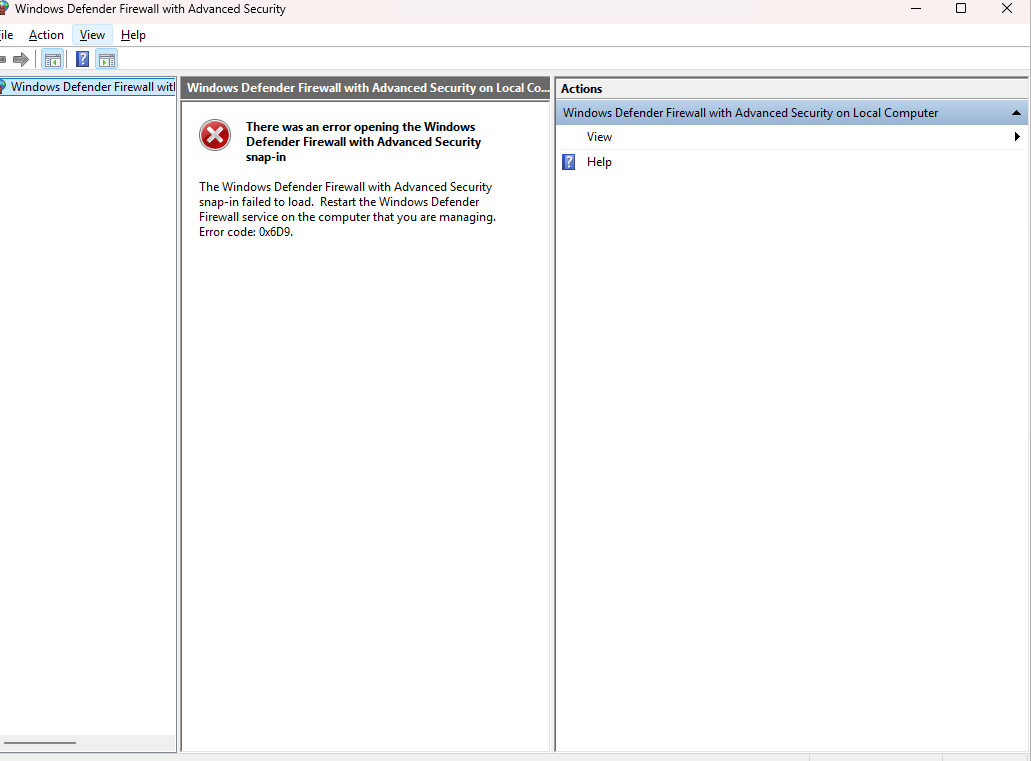
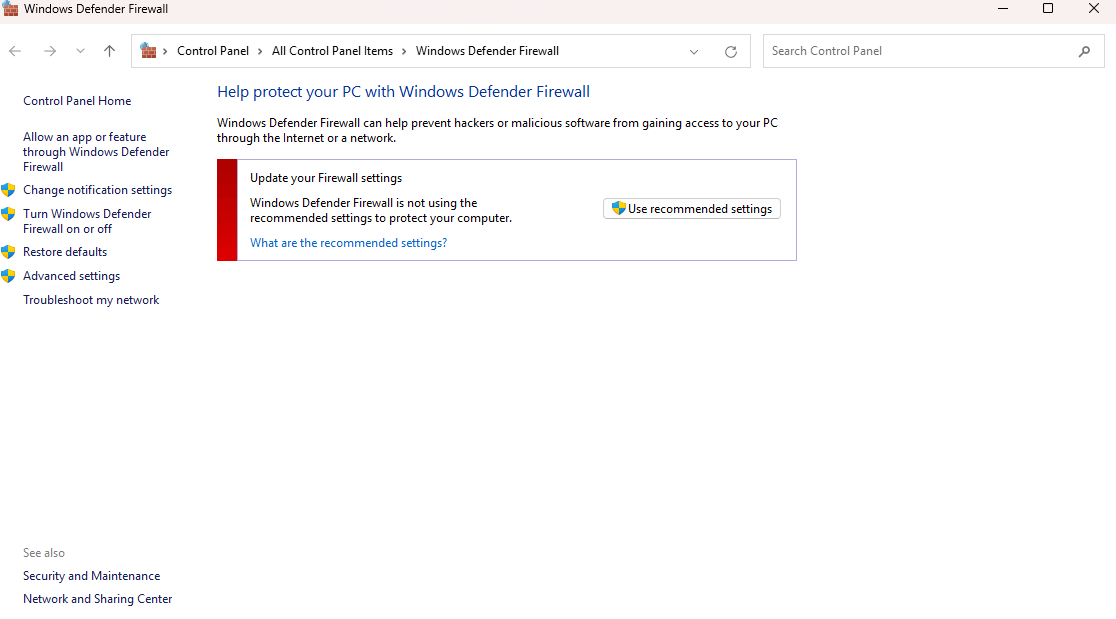
on the above picture, clicking the use recommended settings only gives me the 0x800706d9 error.
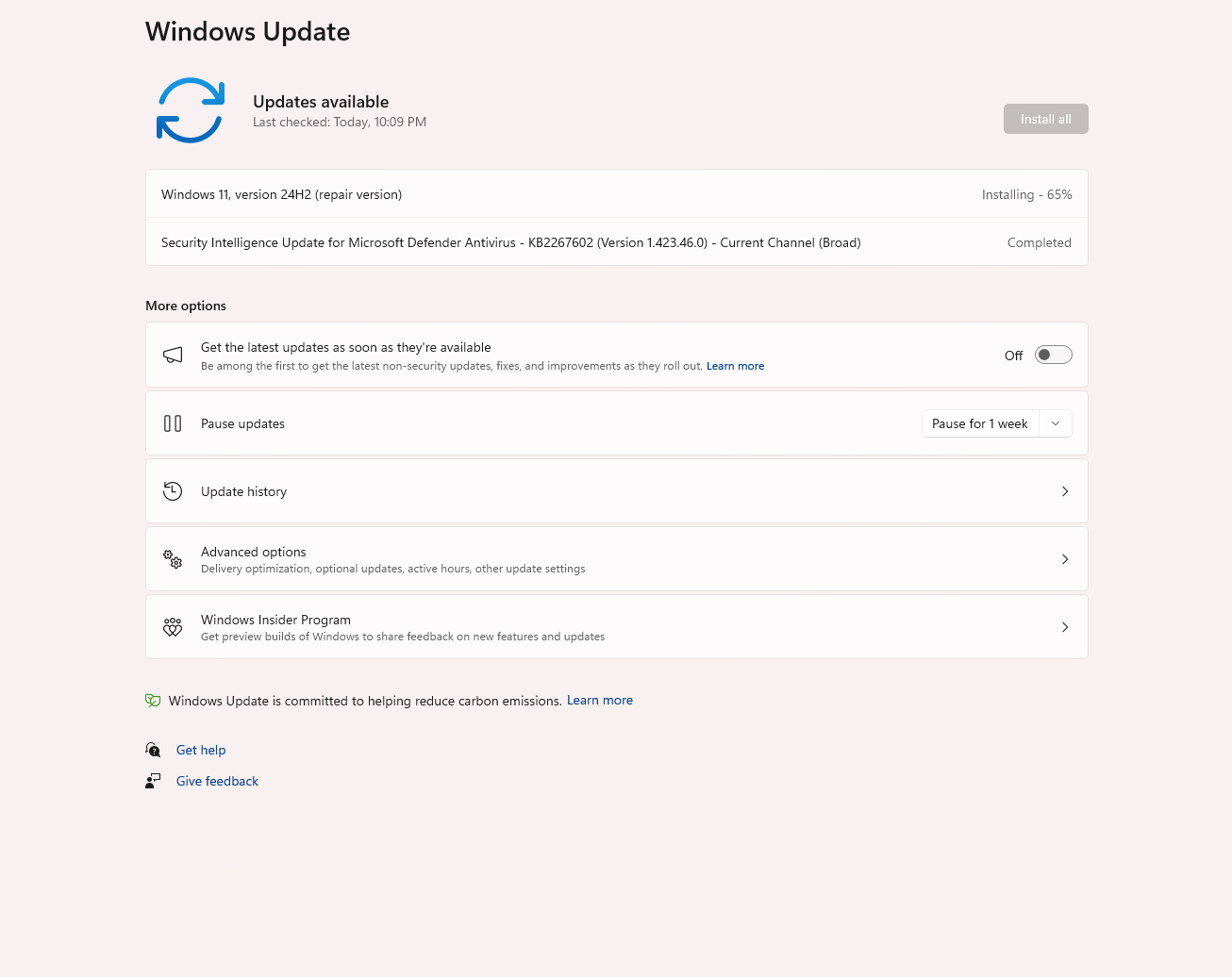 Im having issues with my windows firewall as it is constantly breaking or not functioning, the only way i manage to fix this is i run the windows update repair. But this seems to only fix the issue only for a moment. After some time of using the PC normally, i the firewall will break again and the only fix i can do is repair as the above picture. But this only fix it for the moment and further down the line again i will have to repair it again.
when this happens at the same time my Microsoft app store is not able to update anything at all, it will show "something went wrong" on the app im trying to update, which completely renders the store unusable. Somehow everything else can run even my steam and games.
As to when this happens, i have only noticed this issue happened when i upgraded to windows 11 and playing POE 2, for now i have yet to also activate my windows.
I've also notice this issue happened around the time of playing path of exile 2 and having their game freeze my device during loading screen that had 100% usage. This happened quite a number of time and i hat to set affinity to turn off CPU 0 and 1 in order for it not to crash. Im not sure if any of this information helped, im just putting it in here because POE2 Froze my device and i had to hard reboot multiple times. Just putting the information here so that it maybe help.
' cx='32' cy='32' r='32' /%3E%3Ctext x='50%25' y='55%25' dominant-baseline='middle' text-anchor='middle' fill='%23FFF' %3EA%3C/text%3E%3C/svg%3E)
