Hola, tenía el mismo problema y no encontré una solución en Internet, así que me puse manos a la obra.
Lo que hice fue quitar la batería de la placa, al hacer esto la notebook ya no funcionaba, prendía el led rojo que dice que la fuente está conectada, el led rojo del disco SSD y encendía el ventilador, todo lo anterior lo hacía por unos segundos y luego se apagaba todo, para unos instantes después volver a encender. Nunca encendió la notebook nuevamente.
Solución: A la batería, trabajando con mucho cuidado le quité las tres celdas de Litio, las cuales se encontraban completamente hinchadas, parecían almohadas grises pequeñas, de hecho estaban como rellenas de un líquido. Realmente las baterías las quité con extremo cuidado ya que vi por ahí que son tremendamente peligrosas e incendiarias. Las corté con un alicate para cables con mucho cuidado de no pellizcar las baterías (bolsas tipo nylon).
ATENCIÓN !!! Si no tienes práctica con herramientas o si dudas como hacerlo, es preferible llevar la batería a un técnico o a alguien que se de mañana para trabajos manuales, ya que puede según vi, ser muy peligroso. Le pides que necesitas quitar las celdas de la placa y que quede la placa libre.
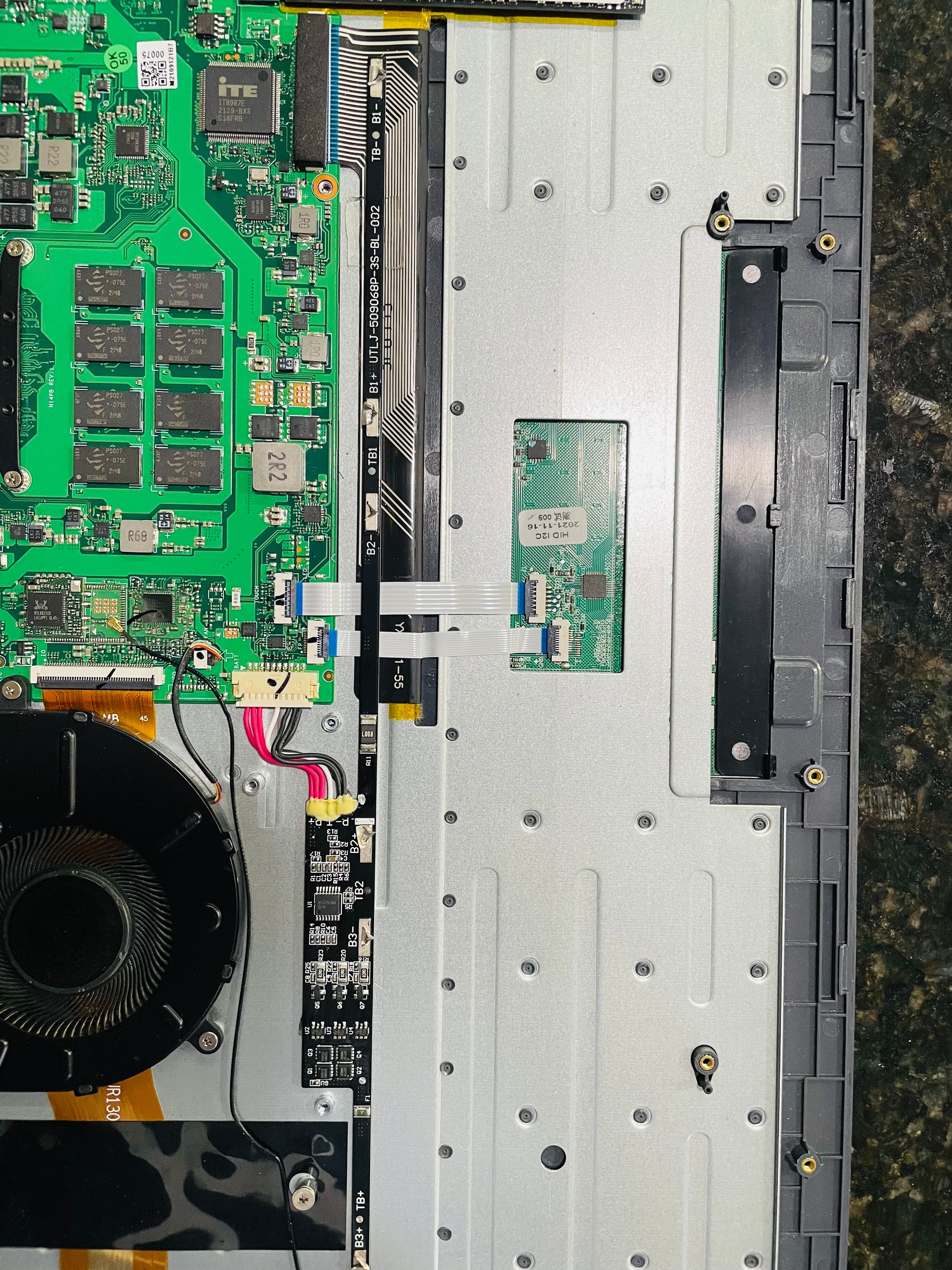
Una vez que retiré las 3 celdas, me quedé con la placa la cual volví a conectar a la placa base de la notebook y le coloqué el soporte plástico que trae (con 5 tornillos), así afirmé la placa a la placa base de la notebook. Obvio este soporte plástico ya no contenía las celdas. La placa se puede ver en la foto 3
La notebook reconoce la placa de la batería como un driver necesario para su funcionamiento, una vez que la enciendes, la bios y el sistema operativo funcionan con normalidad. Apagas y vuelves a encender la Notebook y funciona perfecto como si tuviese la batería. En el sistema operativo, se ve que la carga de la batería está en cero (comienza a cargar hasta 11 %, como si fuese una carga fantasma, pero no molesta).
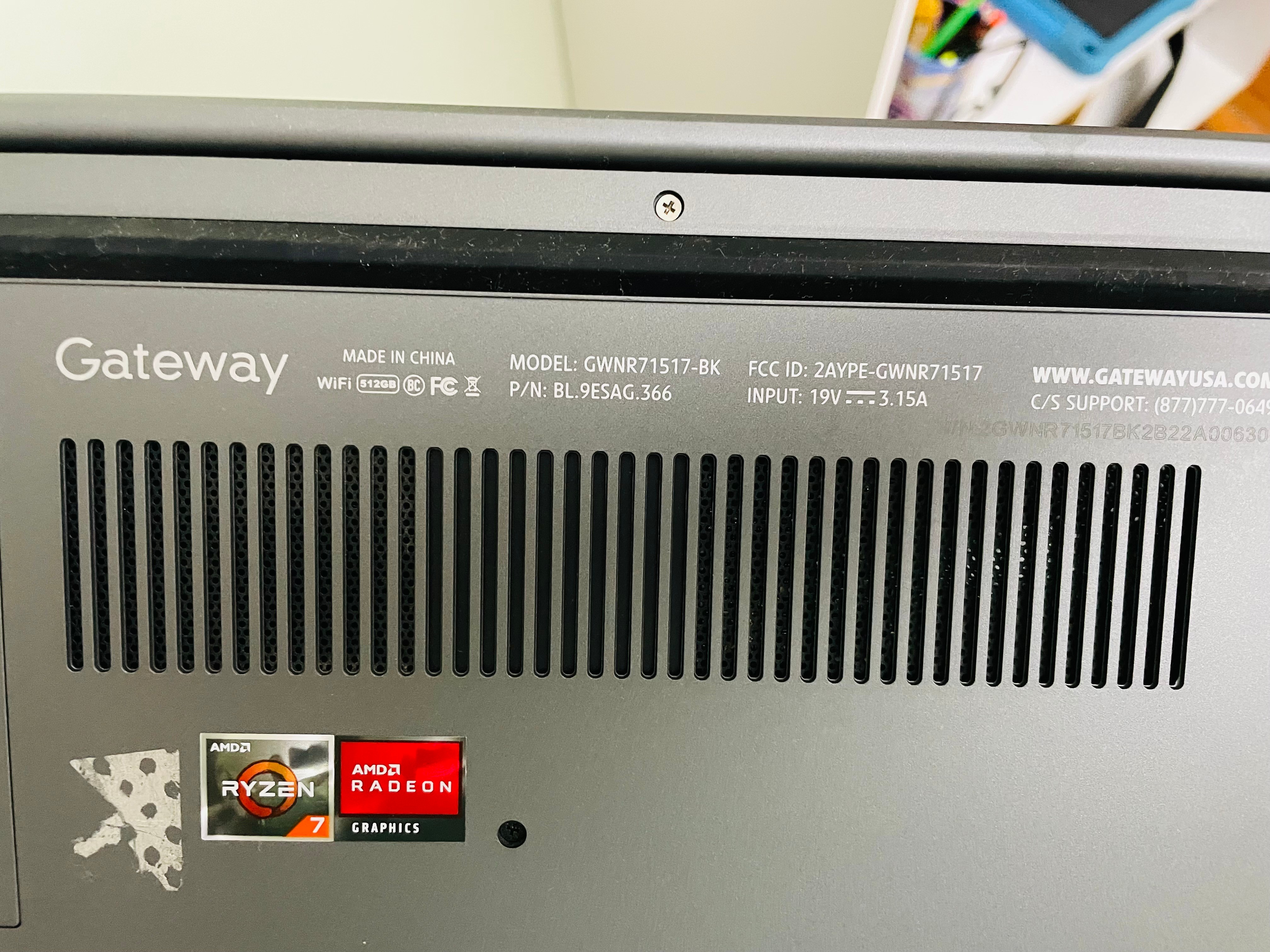
Como yo tenía una fuente de 100 W (20 V - 5 Amp.) que no utilizaba (de un docking que se me había dañado), la fuente que trae es de 19 V 3 Amp que da unos 60 W. Cambié el conector, cortando el cable de la fuente original y le coloqué ese conector a la fuente de 100 W. Decidí utilizar una fuente mas grande, porque por las dudas de que un consumo alto momentáneo haga que la notebook se apague por falta de potencia al no tener la batería para sostener la carga extra.
Otra cosa que sucedió es que el ruido del ventilador bajó muchísimo. La notebook ya vino funcionando mal al comprarla, la batería duraba muy poco y el ventilador estaba siempre prendido al máximo. La batería al año ya no agarraba carga y a los dos años se infló y pasó lo detallado. Ahora que le saqué la batería y limpié el ventilador (no estaba tan sucio), el ventilador funciona de forma normal y no al máximo como lo hacía antes. Estimo que la batería estaba fallada desde el principio y por alguna razón hacía trabajar en exceso al ventilador.
Te dejo un vídeo que hice: https://youtube.com/shorts/e8Tr4Harzb4?feature=share
Espero que pueda servirte a vos y a quién esté buscando una solución a este problema.
Saludos,
Patricio
[
' cx='32' cy='32' r='32' /%3E%3Ctext x='50%25' y='55%25' dominant-baseline='middle' text-anchor='middle' fill='%23FFF' %3EA%3C/text%3E%3C/svg%3E)

