Microsoft Security | Intune | Configuration Manager | Updates
Managing and deploying updates via Configuration Manager

This browser is no longer supported.
Upgrade to Microsoft Edge to take advantage of the latest features, security updates, and technical support.

Hi,
we are using TrendMicro OfficeScan and currently migrating to TM Apex one. On Windows 10 clients it was all fine and dandy, but on our Servers we get a "VCRuntime140.dll was not found" error.
As soon as I installed the 64 bit version https://support.microsoft.com/en-us/help/2977003/the-latest-supported-visual-c-downloads the apex one agent was loaded and was working flawlessly.
I need to integrate this update onto all of our servers (2012R2, 2016 and 2019) but i am not sure what to select in "Search Criteria"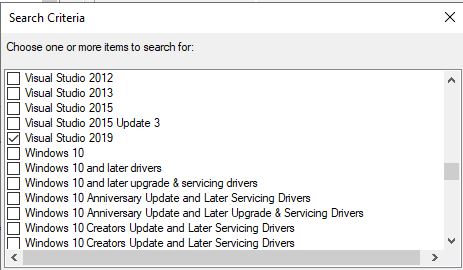
Managing and deploying updates via Configuration Manager
Answer accepted by question author

You will need to download the Visual C++ versions, create packages and deploy to the collections.

Agree with harjit, we could create the Application or Package and deploy the software to the client.
Here is the article about deploying EXE Application:
Deploy EXE Application using SCCM 2012
Note: the above links are not from MS, and just for your reference.
If the response is helpful, please click "Accept Answer" and upvote it.

Agree with harjit, we could create the Application or Package and deploy the software to the client.