Dear Microsoft Community,
I hope you are doing well!
I would like to ask you for your advice with the New Outlook themes missing for me. I will try to keep this short, so basically I have a work Office 365 Account Enterprise from my work. We are using Office 365 apps to work and I was using the classic Outlook for almost 2 years but due to the fact that it is outdated in many ways, lacks a lot of functionalities of the new Outlook and most importantly have often issues with sync as new emails are not coming and then suddenly they appear in bulk. The new Outlook works flawlessly, has modern look and also when I am using the Scheduling assistance it shows me the time of each participant for the selected slot in their own time zone and that is why I prefer to use it. However, the only thing that I don't like is that when I go to the settings to change the Theme I have only 2 options:
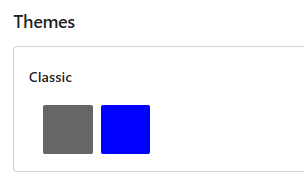
While at the same time, Microsoft is offering a wide variety of Themes for the new Outlook in both colors and Modern beautiful images:
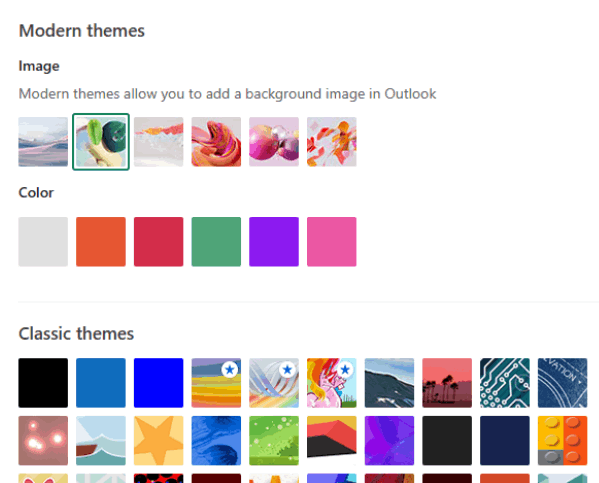
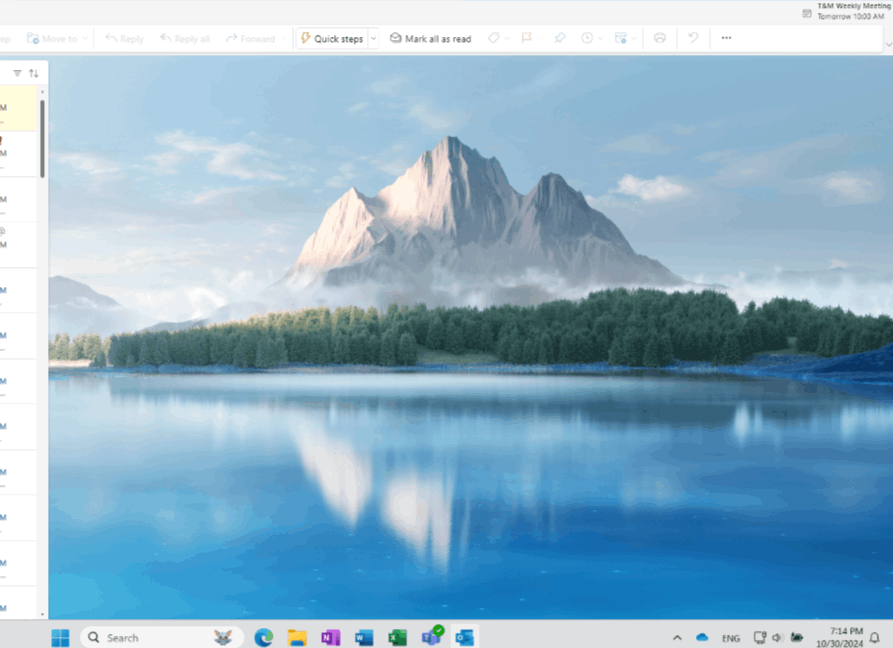
So I really don't understand why I am limited to only 2 options. I remember that in my previous job, it was the same, so I was thinking that it is some sort of company limitation. I filed an IT ticket and I was just told our official mail is the Classic Outlook use that. While that was not my question. My question is why we have this limitation as it doesn't make sense. I filed a new ticket a few days ago asking if our IT team can check with the responsible person/team for why there is this limitation and so far there is no progress on this. But what surprised me is that a few days after I filed the new ticket, suddenly I had the options for all of these themes in Web Outlook. When I selected a beautiful mountain it also reflected on the desktop app of the new Outlook as well (despite not having the options there for some reason).
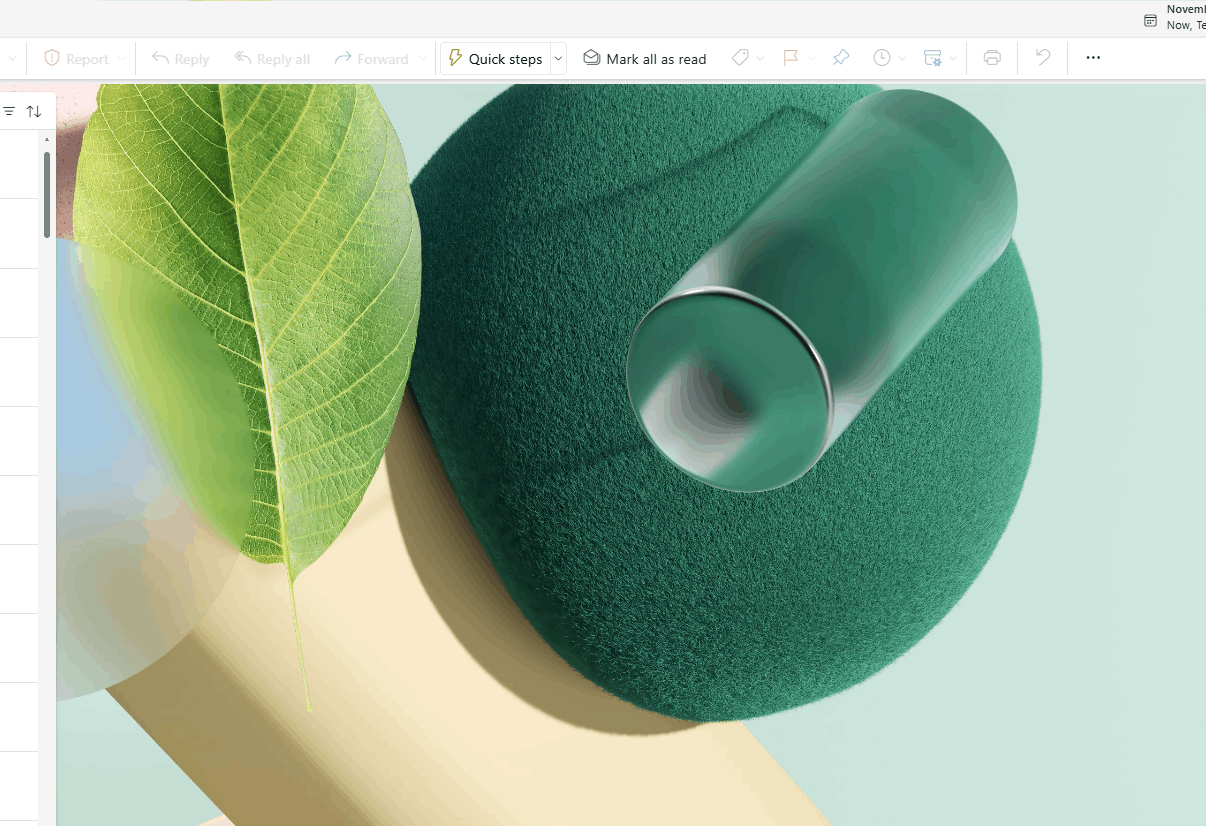
And now, a few days later the options of the new Themes have disappeared both on the Web and on the desktop app of the new Outlook. I have the last theme that I selected before the options has disappeared - a green set and now I have it as a theme but when I go to the settings I once again have only the grey and blue options:
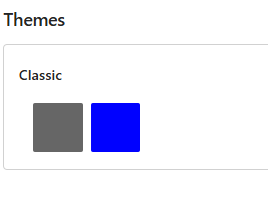
So my question is - does anyone here have a suggestion and knows what is happening and why I don't have the Themes available, why they showed up for a few days and disappeared again? I have tried uninstalling and installing new Outlook app, tried new Outlook PWA app as well.
Thank you!
' cx='32' cy='32' r='32' /%3E%3Ctext x='50%25' y='55%25' dominant-baseline='middle' text-anchor='middle' fill='%23FFF' %3EA%3C/text%3E%3C/svg%3E)
