Azure IoT SDK
An Azure software development kit that facilitates building applications that connect to Azure IoT services.
This browser is no longer supported.
Upgrade to Microsoft Edge to take advantage of the latest features, security updates, and technical support.
' cx='32' cy='32' r='32' /%3E%3Ctext x='50%25' y='55%25' dominant-baseline='middle' text-anchor='middle' fill='%23FFF' %3ED%3C/text%3E%3C/svg%3E)
The IoT Hub was working fine and suddenly (Also no log of changes) stopped to accept connection from Service SDK.
The Visual Studio Code is also neither connecting nor listing the devices. Some Azure Functions and Applications connected to IoT Hub (Device Twins Management, etc...) cannot connect and return the same error.
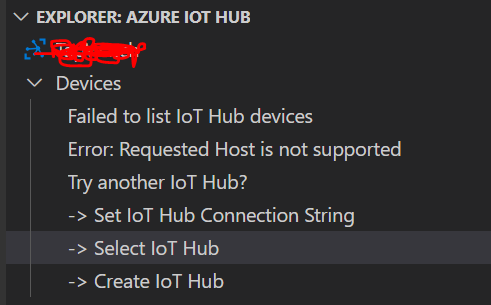
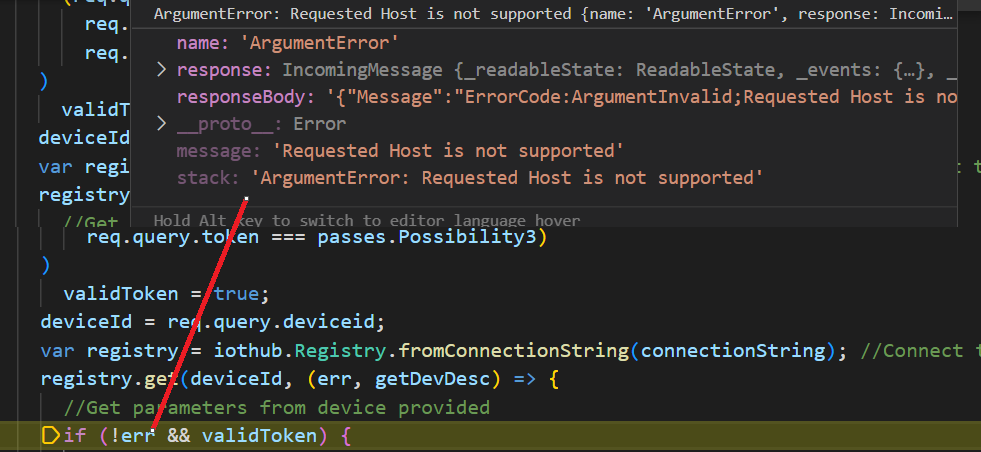
Tried to renew iothubowner connection string, create a new dummy user with all accesses, tried failover to another region. Nothing worked. I also tried a script to generate the SaS Token direct using Service SDK (nodejs) and the error is the same as I get in the VSC:
Any Help would be highly appreciated.
Thanks
An Azure software development kit that facilitates building applications that connect to Azure IoT services.
' cx='32' cy='32' r='32' /%3E%3Ctext x='50%25' y='55%25' dominant-baseline='middle' text-anchor='middle' fill='%23FFF' %3EQ%3C/text%3E%3C/svg%3E)
Thank you @Sander van de Velde | MVP , for notifying us of this issue.
Hello @Deivis , @Dharmesh Joshi We are looking into this and get back soon, please stay tuned.

Hello @Deivis ,
I checked my VS Code but I cannot reproduce the IoT Hub extension behavior. It works as expected.
Can you test with another IoT Hub?
Can you confirm the IoT Hub has not reached its daily limit of communication?
Hello @Sander van de Velde | MVP , thanks for the quick reply... I will try with another IoT Hub.
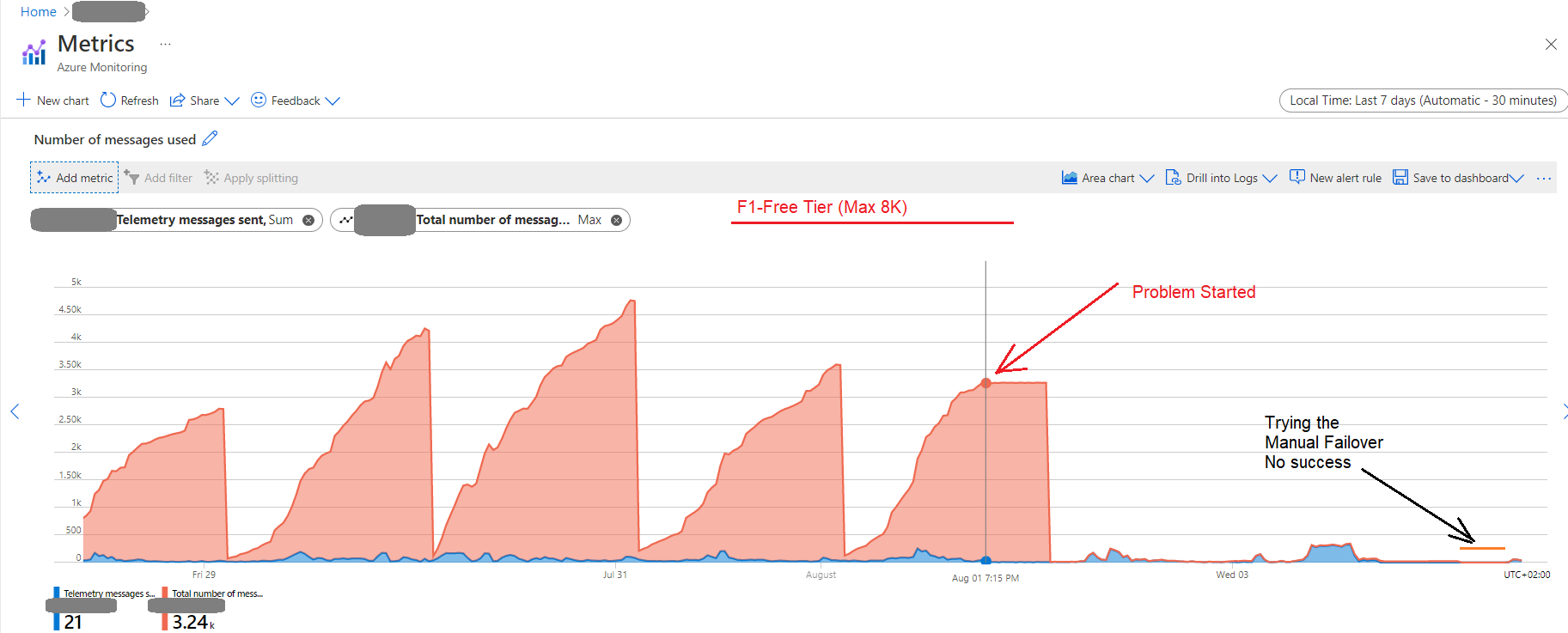
Regarding the daily quota of messages, I draw a metric with the last 7 days (Telemetry and total Messages), and seems not to be the problem... I am using the F1 Free Tier (max: 8000 Messages), 210 IoT Devices (only 60 in operation), and since the problem started on Monday, the amount of messages dropped a lot, because I lost the connection of more than 40% of the operational IoT devices that uses the SaS Token generator from SDK to issue the connection to Iot-Hub. Is it possible to somehow "Restart" the IoT-Hub Service ?
Below, the metrics:
Thanks again.
Additional Information:
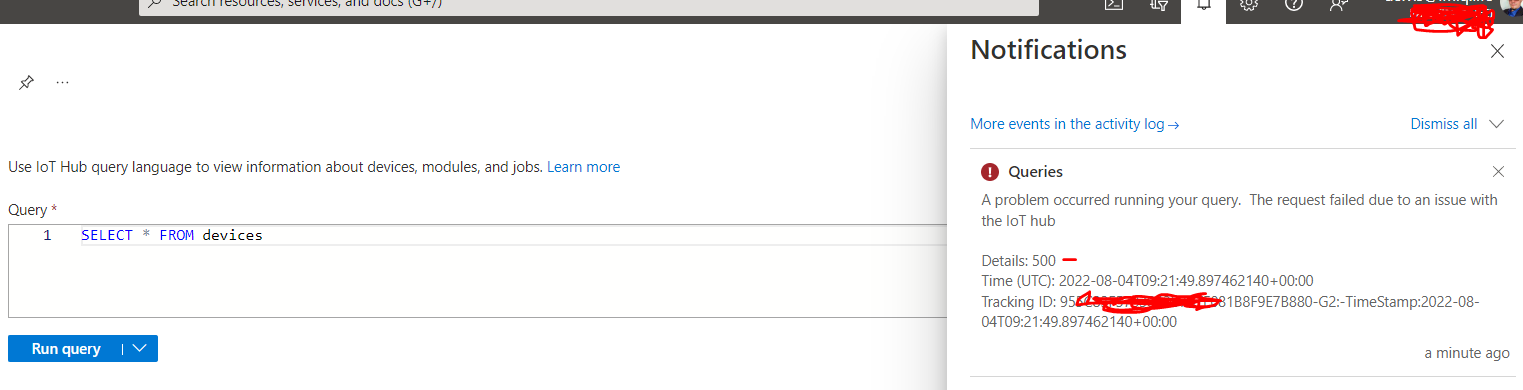
I cannot even query the devices within the Iot-Hub Azure Portal:
Hello @Deivis ,
it feels like there is something happening on the backend of the IoT Hub (if you search within MS LEarn Q&A you will see similar messages in the past).
I checked the health page for IoT service health but everything seems ok...
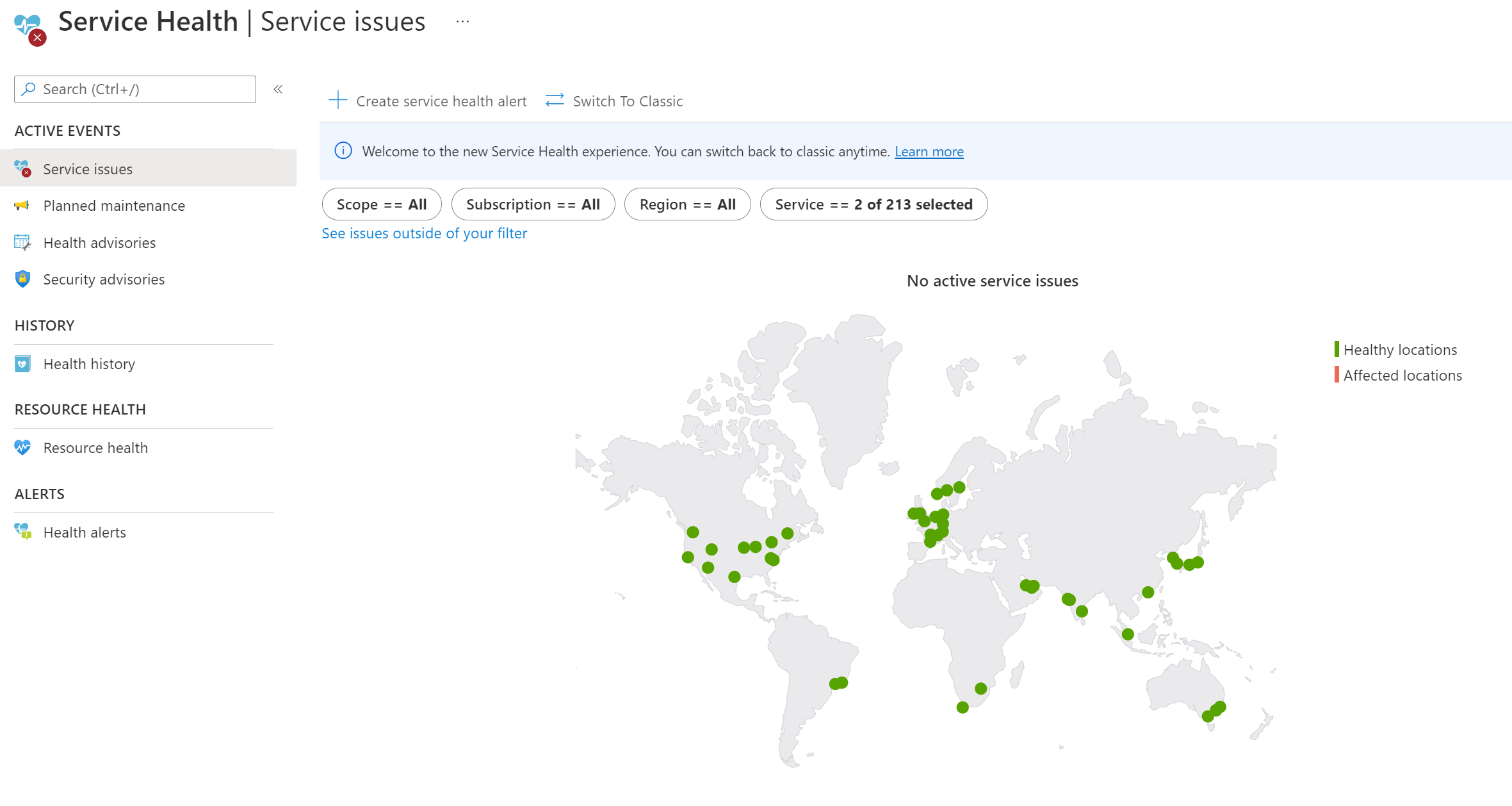
Which region are you in?
If you can, try to test with a separate IoT Hub in another region (like west europe).
As mostly of the devices are in Germany, currently I am using region West Europe.
I will try a separate IoThub (In the same region), and check if it works.
Thanks a lot for the help :)
Hi @Sander van de Velde | MVP , yes I can connect to another Iot-Hub, in the same region, also set and read device twins, etc... Like a fully operational Iot-Hub:
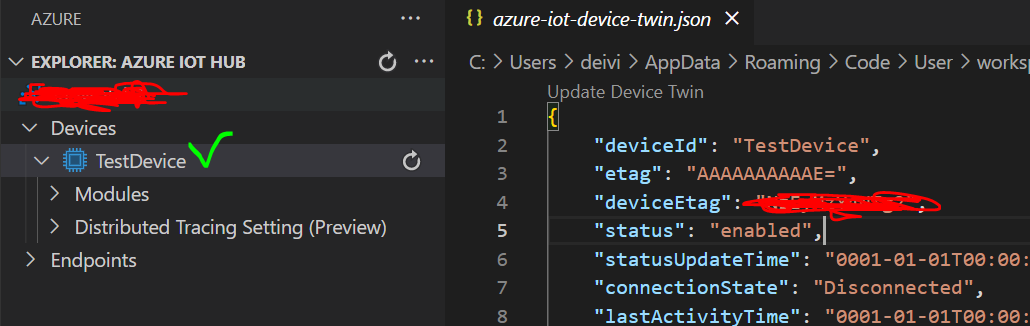
Seems that is really something in the backend, because we didn't apply any change in any application in Azure, since some weeks.
Only that specific IoThub somehow stopped working... :/
Thanks for all the tips and Ideas.
Deivis
Hello @Deivis ,
I tested my own IoT Huba on West Europe but did not encounter this issue anywhere.
Submitting a ticket as @Dharmesh Joshi suggested is the quickest way to get support from Microsoft.
Depending on the type of subscription you have the level of support can vary.
----------
If the response helped, do "Accept Answer". If it doesn't work, please let us know the progress. By doing so, all community members who have a similar issue will benefit. Your contribution is highly appreciated.
' cx='32' cy='32' r='32' /%3E%3Ctext x='50%25' y='55%25' dominant-baseline='middle' text-anchor='middle' fill='%23FFF' %3EDJ%3C/text%3E%3C/svg%3E)
Hi I am experiencing some connection issues on my wifi device. I think it's related to the SSL issue. I sent a Azure Support Request, so I am waiting for some detailed feedback. But was told that there was some change in the backend service event.