Microsoft 365 and Office | Word | For business | Windows
A family of Microsoft word processing software products for creating web, email, and print documents.

This browser is no longer supported.
Upgrade to Microsoft Edge to take advantage of the latest features, security updates, and technical support.
' cx='32' cy='32' r='32' /%3E%3Ctext x='50%25' y='55%25' dominant-baseline='middle' text-anchor='middle' fill='%23FFF' %3EDM%3C/text%3E%3C/svg%3E)
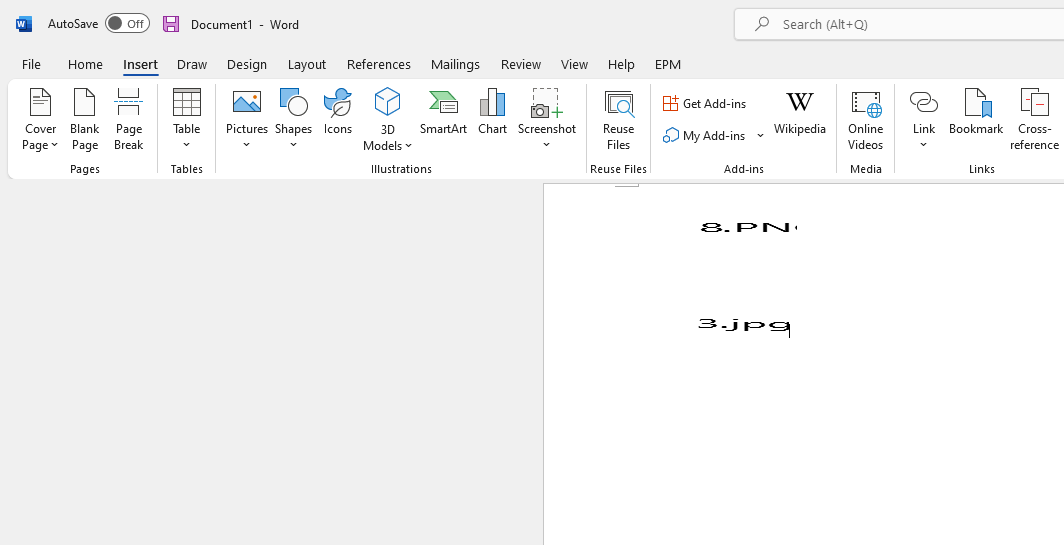
I am inserting images into a technical document. I want them to be linked objects so I don't have to manually replace each one if I have to edit it. I am editing/creating them in Windows Paint. If I save them as a .jpg and insert as an object, it works fine. If I save them as a .png and try to insert them as an object, I just get the following:

I already checked the image wrap in inline with text, I am in print layout mode, and the display images options in settings are correct.
TIA!
A family of Microsoft word processing software products for creating web, email, and print documents.
Answer accepted by question author

You don't need to insert graphics as objects in order to use linking. Instead, choose Insert>Pictures>This Device. In the dialog that opens, note that the Insert button is actually a dropdown. Change Insert to Link to File. Select the graphic and insert it into your document. Now you can edit the graphics and they will be updated the next time you open the Word file.
Thank you, John! That does it!
Observations and questions:
I see it doesn't display the "Update Link" command or "Linked {app_name} Object" submenu when I right click on it like a linked object.
Is there any other difference between the Insert Link to File method and the insert object method?
Can I just use this method for all objects I want linked this way?
When you insert a file as an object, you are using OLE. When you use an image link, it's more similar to an HTML hyperlink. Most linked OLE objects won't work on a Mac, so if you ever need to move your work to a different computer, that might be a factor.
You can use these types of links with images. For other file types, you still need to use objects.

Hi @David Mullins ,
I can reproduce this behavior in Word. I inserted the Picture .png and .jpg file format and checked the option: link to file.
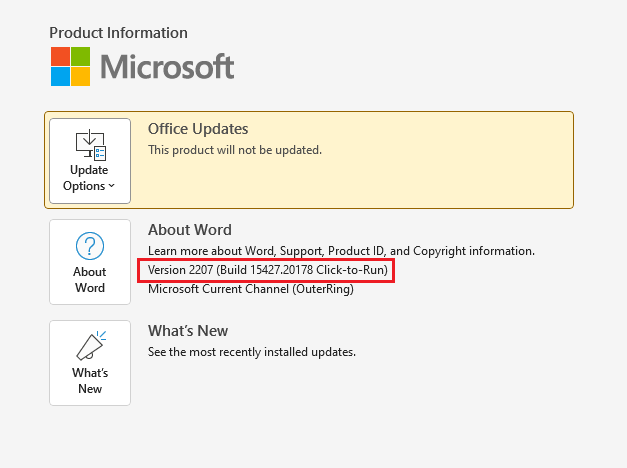
I suggest you go to File- Account and provide the detail information about the Office:
If the response is helpful, please click "Accept Answer" and upvote it.
Note: Please follow the steps in our documentation to enable e-mail notifications if you want to receive the related email notification for this thread.

Which program is the default for image files on your system? If it is a Microsoft Store app rather than a desktop app, that may be part of the issue.
That said, you should report this via the feedback facility in Word.
Thank you! Here is my version info:

Update, I inserted one more jpg just fine and now it is doing the same thing to jpgs as well.
It is an existing document .docx with maybe 15 or so images, none larger than half a page.
Saved, closed, and re-opened Word and now the last jpg I did is not displaying, either.