' cx='32' cy='32' r='32' /%3E%3Ctext x='50%25' y='55%25' dominant-baseline='middle' text-anchor='middle' fill='%23FFF' %3EA%3C/text%3E%3C/svg%3E)


Hello there,
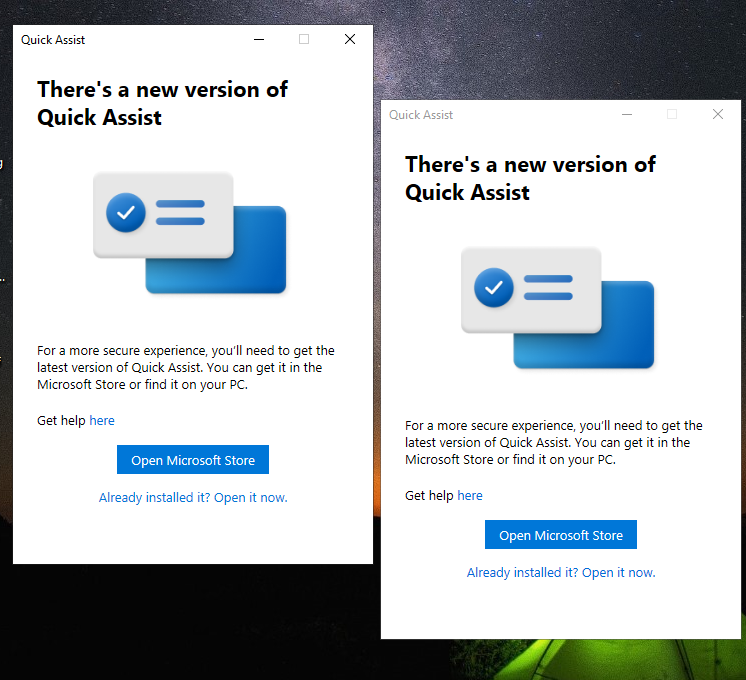
Try an app repair. To repair or reset the Microsoft Quick Assist app, do the following.
Press the Windows key + I to open Settings.
Tap or click Apps.
In the Apps and features window, on the right pane, click the Optional Features link.
In the Optional features window, scroll down and locate, then click the Microsoft Quick Assist entry.
Click the Uninstall button.
Restart your computer.
On boot, repeat the steps above but at the Optional features window, click +Add a feature.
In the window that opens, search or scroll and locate Microsoft Quick Assist, select it and click the Install button.
Once the app installs, launch the app and see if the issue is resolved.
------------------------------------------------------------------------------------------------------------------------------------------------
--If the reply is helpful, please Upvote and Accept it as an answer–
' cx='32' cy='32' r='32' /%3E%3Ctext x='50%25' y='55%25' dominant-baseline='middle' text-anchor='middle' fill='%23FFF' %3ESS%3C/text%3E%3C/svg%3E)
' cx='32' cy='32' r='32' /%3E%3Ctext x='50%25' y='55%25' dominant-baseline='middle' text-anchor='middle' fill='%23FFF' %3ECR%3C/text%3E%3C/svg%3E)
' cx='32' cy='32' r='32' /%3E%3Ctext x='50%25' y='55%25' dominant-baseline='middle' text-anchor='middle' fill='%23FFF' %3ERA%3C/text%3E%3C/svg%3E)