' cx='32' cy='32' r='32' /%3E%3Ctext x='50%25' y='55%25' dominant-baseline='middle' text-anchor='middle' fill='%23FFF' %3EAS%3C/text%3E%3C/svg%3E)


Hello there,
When you install the Windows Server Active Directory Domain Services role, Windows also installs a command-line tool named dcdiag. This utility is very helpful to troubleshoot Active Directory.
Repadmin.exe and Dcdiag.exe are available on all domain controllers that run Windows Server 2012 R2 or later versions. For more information about how to use these tools to troubleshoot problems, see the following articles.
AD DS Troubleshooting https://learn.microsoft.com/en-us/windows-server/identity/ad-ds/manage/ad-ds-troubleshooting
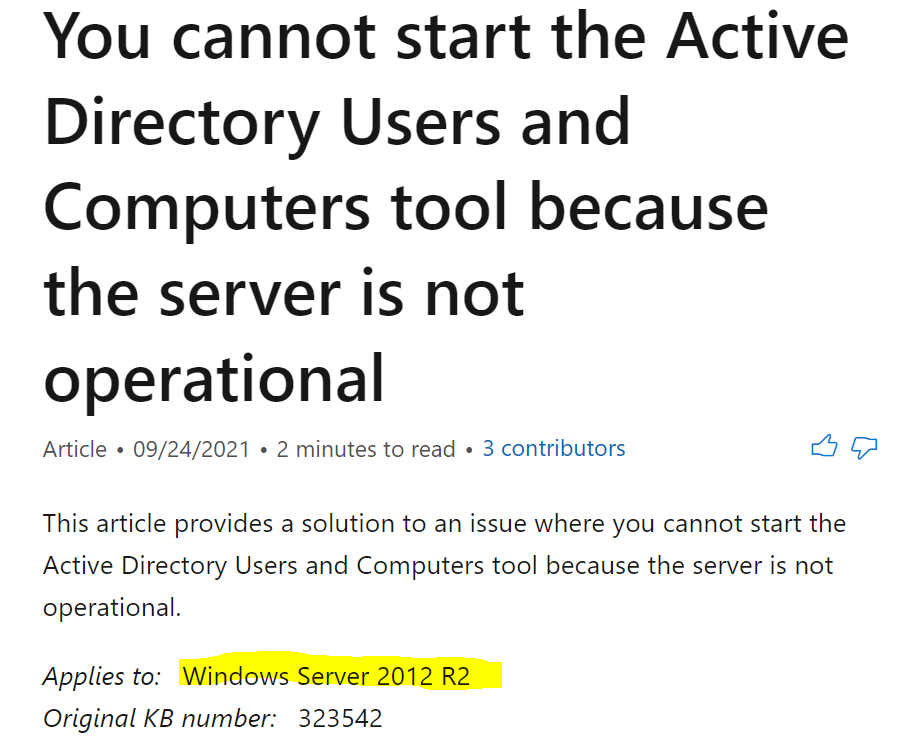
Domain controller configuration error (The server is not operational) when you configure a server by using Server Manager https://learn.microsoft.com/en-us/troubleshoot/windows-server/identity/fail-to-configure-server-using-server-manager
Please try the troubleshooting steps from the above article and see if that helps.
----------------------------------------------------------------------------------------------------------------------------------
--If the reply is helpful, please Upvote and Accept it as an answer–