Microsoft Security | Intune | Configuration Manager | Other
Other Configuration Manager-related features and issues

This browser is no longer supported.
Upgrade to Microsoft Edge to take advantage of the latest features, security updates, and technical support.
' cx='32' cy='32' r='32' /%3E%3Ctext x='50%25' y='55%25' dominant-baseline='middle' text-anchor='middle' fill='%23FFF' %3EJN%3C/text%3E%3C/svg%3E)
I'm attempting to use the 'Inventoried Software' under 'Asset and Compliance' to get an Idea of what software is actually installed across our estate but I don't think it's accurate and I don't think it has all the software we have installed as i've found one program specifically missing.
So, I tried testing with an App I know shouldn't be on any of our builds called 'Discord'. On the device it's installed on it appears under Appwiz.cpl (Programs and Features).

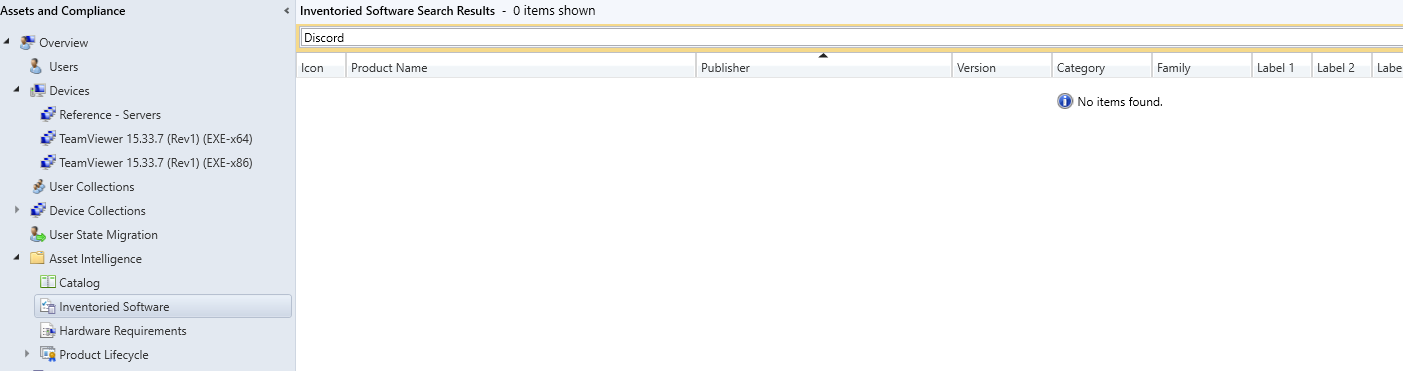
If I search under 'Inventoried Software' nothing is returned from discord.
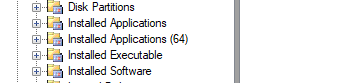
I've also searched under the Resource Explorer > Hardware History > Installed Application/ Installed Application (64)/ Installed Executable and Installed software.. Still can't find any presences of 'Discord'
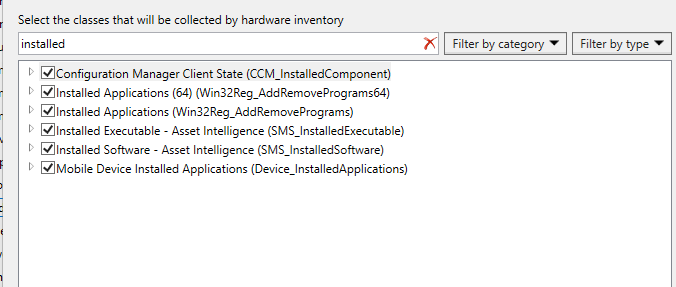
I know for some software you need to set the Classes, which I have any that refer to installed checked.
Could anyone shed any light on why this might be missing or what I can try?
Thanks!

Just to clarify, when CM client running hardware inventory, it collect information under machine (system) context. but not user context.
So if software/application installed under user context (appears that data extract to %localappdata% and registry write to HKCU hive), although you can see it in appwiz.cpl, but hardware inventory will not collect this info.
Simply, hardware inventory collect registry under:
HKEY_LOCAL_MACHINE\SOFTWARE\Microsoft\Windows\CurrentVersion\Uninstall
HKEY_LOCAL_MACHINE\SOFTWARE\WOW6432Node\Microsoft\Windows\CurrentVersion\Uninstall
but not:
HKEY_CURRENT_USER\SOFTWARE\Microsoft\Windows\CurrentVersion\Uninstall
Ah I see.
Discord does appear under HKCU. That would explain it.
Is there changes that can be made to collect that information that you are aware of?
No from my point of view, no. But there are other ways out. You can try to use configuration item /baseline to detect the existence of the reg key and give you compliant/NON-Compliant details. CI can run in user context, so feel free to test.
Will give it a go! Thank you

There are ways to collect this data both free and paid solutions. The trick is to inventory the software as the user and add it tot hw Inventory.

Hi @Jordon Newberry ,
Thanks for your detailed description.
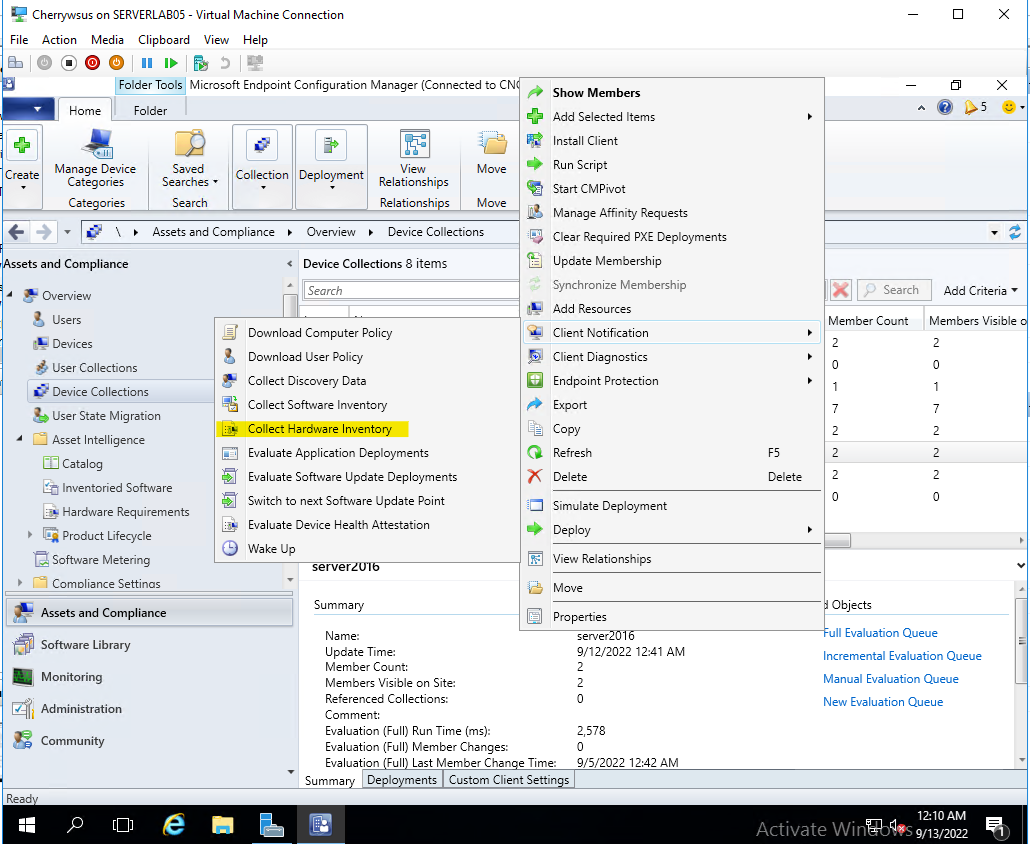
In my opinion, it is recommended to perform the Collect Hardware Inventory. As we can see, the Discord was installed on 05/09/2022. However
, the hardware inventory is updated regularly according to our schedule. By default, it is updated every seven days.
Looking forward to your reply.
Hi @CherryZhang-MSFT Thank you for your response.
My Default client settings are set to run a 'Hardware Inventory' daily.
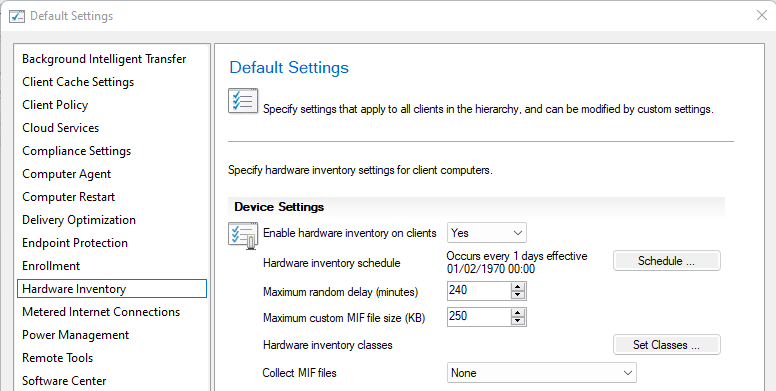
The software has been installed on another device for around 3/4 weeks likely a lot longer. The virtual machine I'm testing on has had the software installed since the 05/09/2022 (So 8 days) So it should have scanned at least 7 times since then. I did manually initiate some hardware inventory cycles every other day, to try and get this software to appear. Still no joy.