Microsoft 365 and Office | Excel | For business | Windows
A family of Microsoft spreadsheet software with tools for analyzing, charting, and communicating data

This browser is no longer supported.
Upgrade to Microsoft Edge to take advantage of the latest features, security updates, and technical support.
' cx='32' cy='32' r='32' /%3E%3Ctext x='50%25' y='55%25' dominant-baseline='middle' text-anchor='middle' fill='%23FFF' %3EFE%3C/text%3E%3C/svg%3E)
Hi together,
we are not able to create a "New blank workbook" in Excel online.
Image1:
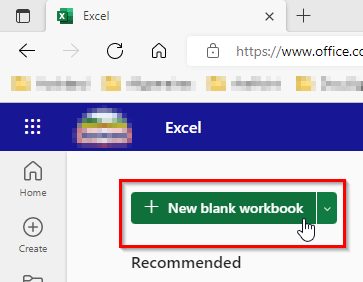
If I click on the button the following happens:
Two tabs get opened and I have to click "Open" or "Cancel"
Image2:
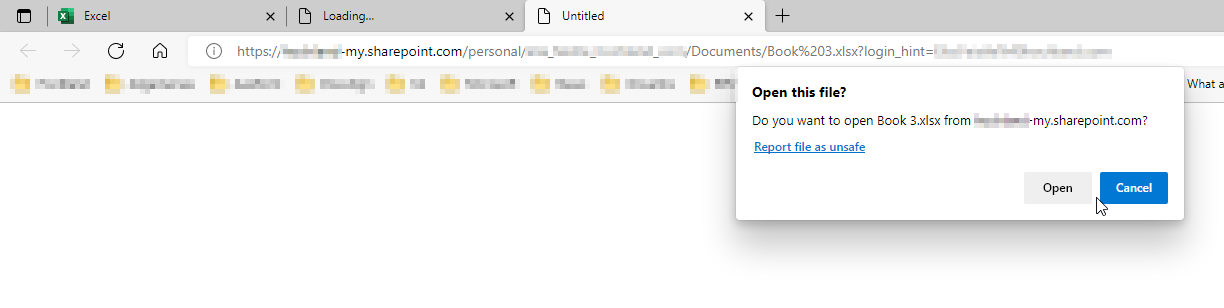
If I click "Open" it tries to open the Excel desktop app and closes the first ('Untitled') browser tab. The second one ('Loading...') stays open but it doesn't stop loading:
Image3:
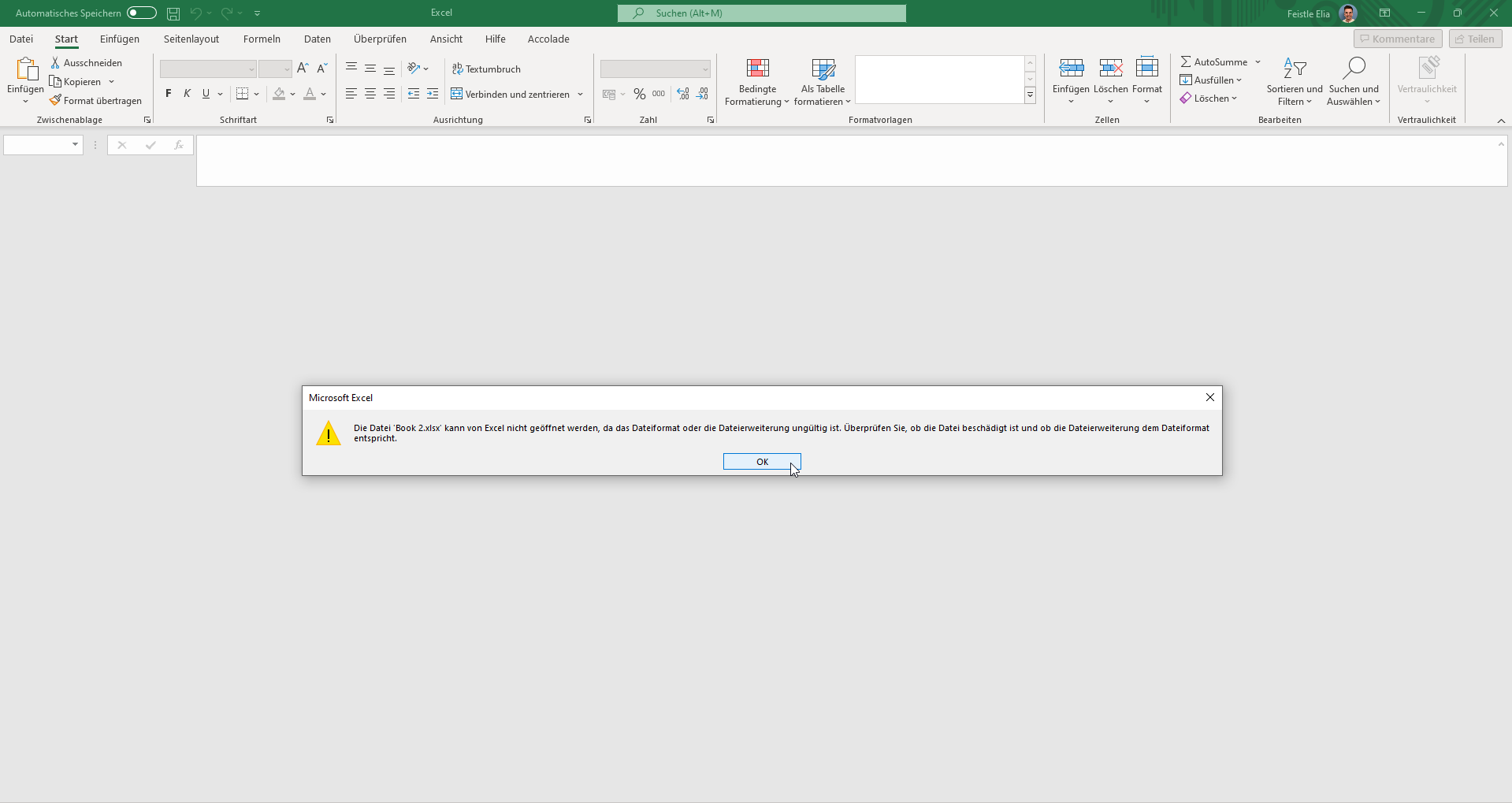
The warning message is saying "The file 'Book2.xlsx' cannot be opened by Excel because the file format or extension is invalid. Check if the file is corrupted and if the file extension matches the file format."
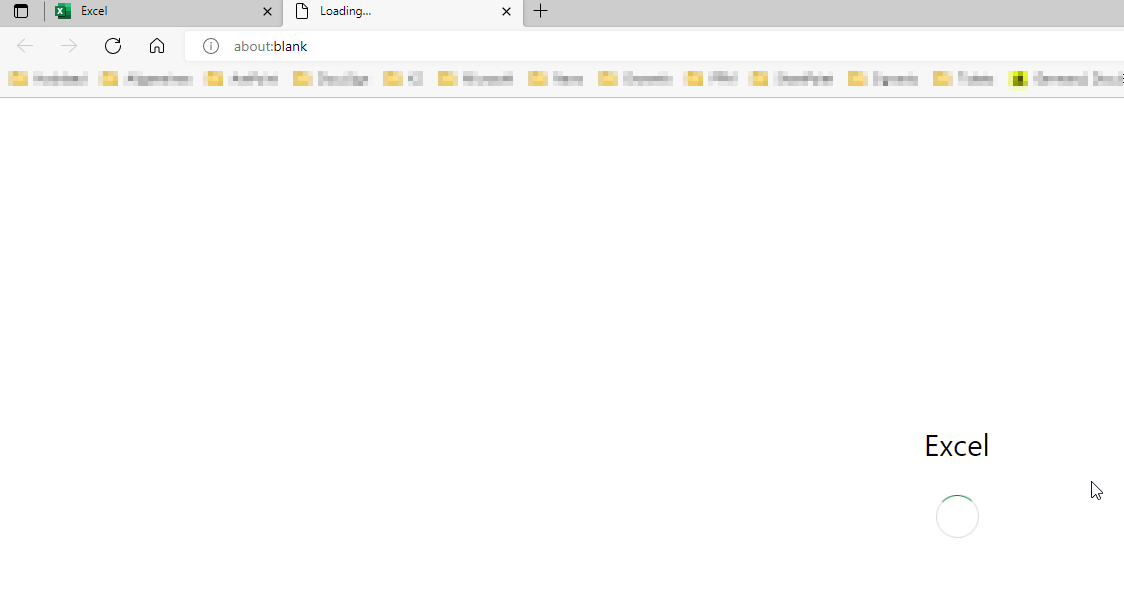
If I click "Cancel" the tab ('Untitled') gets closed and the other tab ('Loading...') stays open and doesn't stop loading too:
Image4:
Are there any wrong settings? For Word Online and PowerPoint Online everythin is working just fine.
Thank you very much.
Best regards
Elia
A family of Microsoft spreadsheet software with tools for analyzing, charting, and communicating data
' cx='32' cy='32' r='32' /%3E%3Ctext x='50%25' y='55%25' dominant-baseline='middle' text-anchor='middle' fill='%23FFF' %3ECQ%3C/text%3E%3C/svg%3E)
Hi, @Feistle Elia
We need more information to help you with this problem. Are you using Microsoft 365 apps for web?
Hi @Charles Qi_MSFT ,
yes, I am trying to. I am trying to create a "New blank workbook" and the files always gets downloaded. For Word an PowerPoint it works juts fine.
Best regards
Elia
Hi, @Feistle Elia
Excel for web is not supported in Q&A formula. We suggest you to start a new post in other formula.