Changes to Windows language pack installation?

windingo 6 Reputation points
2022-09-22T12:11:04.653+00:00

Hi,

in the August updates for Windows 11 Microsoft documented the following improvement:

"New! Gives IT admins the ability to remotely add languages and language-related features. Additionally, they can now manage language scenarios across several endpoint managers. "
https://support.microsoft.com/en-us/topic/august-25-2022-kb5016691-os-build-22000-918-preview-59097044-915a-49a0-8870-49823236adbd

That sounds interesting, but I can't find any details. What are the changes and how can I now remotely add languages?
Maybe someone can point me to the documentation that explains the changes. All documentation I found at Microsoft is about the existing ways of language pack installations.

Best regards,
Ingo

Windows for business | Windows Client for IT Pros | User experience | Other
0 comments No comments
{count} votes

2 answers

Sort by: Most helpful
  1. Anonymous
    2022-09-28T06:38:18.49+00:00

    Hello @Windingo-4604

    I couldn‘t find any official document explain that either, from a 3rd party website:
    This means that the administrator will be able to set up your computer with a new language, add speech recognition, handwriting recognition, etc., without input from the end user.

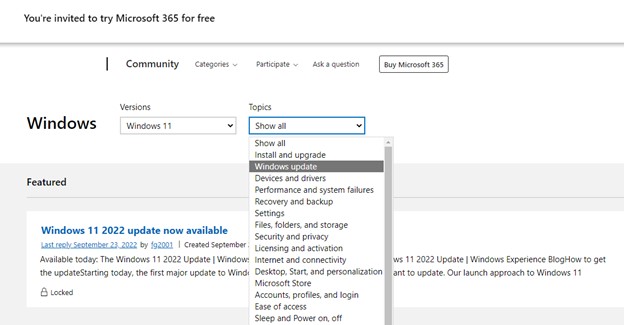
    You might post in windows community for this issue.
    245384-2.jpg

    Best regards
    Karlie

    0 comments No comments

  2. Janeske Schutte 1 Reputation point
    2022-10-17T02:17:14.38+00:00

    I got an update message last night and was asked something about language and macros...or something and i accepted...so mine was updated last night and now my New Zealand English language pack no longer has text to speech or voice recognition features.

    Is there any way to revert to a previous version or could this issue be fixed?

    I'd appreciate your assistance. Thaks


Your answer

Answers can be marked as 'Accepted' by the question author and 'Recommended' by moderators, which helps users know the answer solved the author's problem.
