Microsoft 365 and Office | Development | Other
Building custom solutions that extend, automate, and integrate Microsoft 365 apps.

This browser is no longer supported.
Upgrade to Microsoft Edge to take advantage of the latest features, security updates, and technical support.
' cx='32' cy='32' r='32' /%3E%3Ctext x='50%25' y='55%25' dominant-baseline='middle' text-anchor='middle' fill='%23FFF' %3EY%3C/text%3E%3C/svg%3E)
When I open my excel on my surface, it always pops out a msg saying "cannot find solver"
 ]1
]1
And I tried to go in to option -> add-ins -> Go -> uncheck "solvertable", then it will tell me "cannot find solvertable file, delete from the list?", clicked yes. Close out excel, reopen, and the same msg pops out again.
Thanks

did you check that path?
You should to have that file xlam on you'r hd
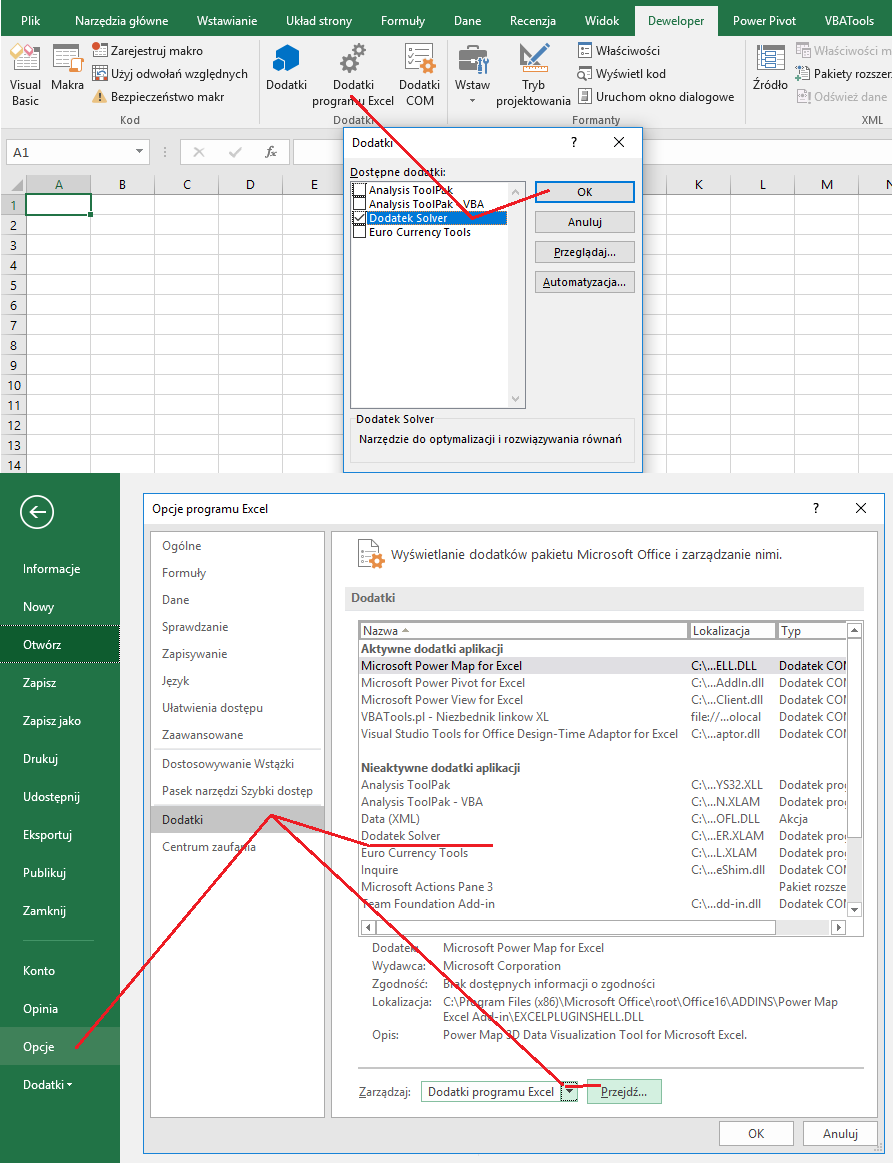
If yes then try to disconnect other addins and reboot XL application.