Azure Document Intelligence in Foundry Tools
An Azure service that turns documents into usable data. Previously known as Azure Form Recognizer.
This browser is no longer supported.
Upgrade to Microsoft Edge to take advantage of the latest features, security updates, and technical support.
' cx='32' cy='32' r='32' /%3E%3Ctext x='50%25' y='55%25' dominant-baseline='middle' text-anchor='middle' fill='%23FFF' %3EI%3C/text%3E%3C/svg%3E)
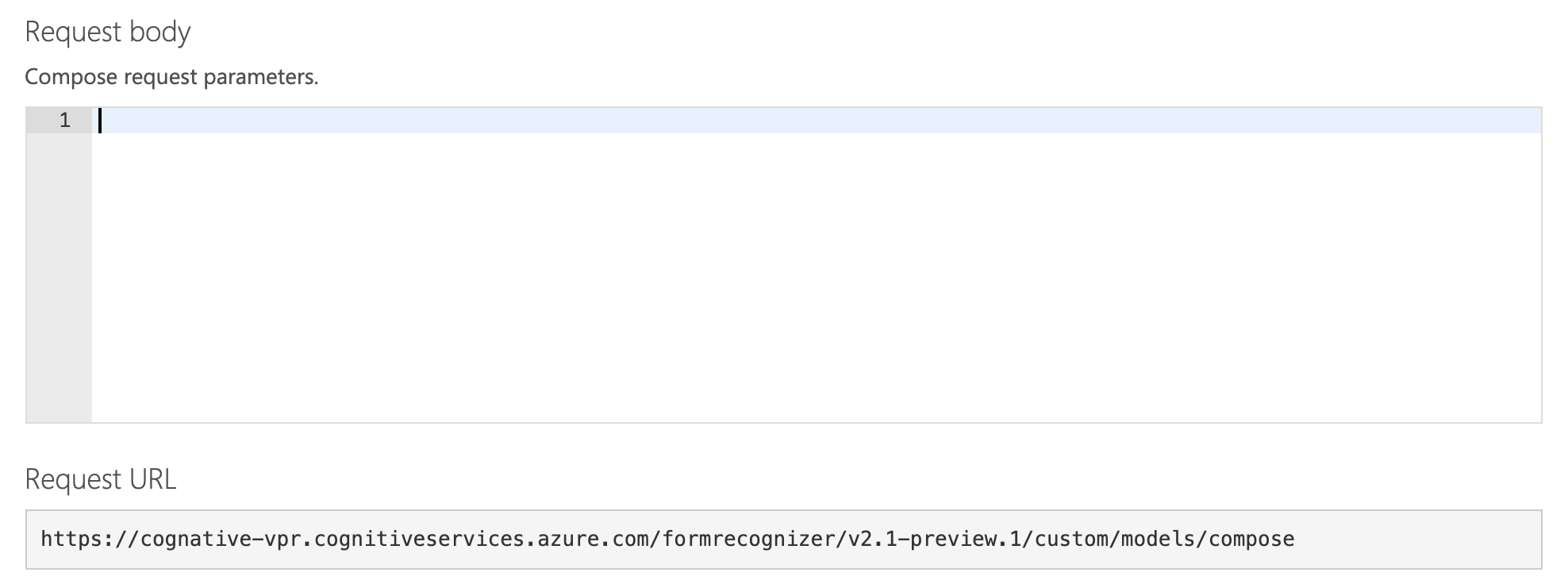
I want to use compose custom model method with REST URI, not labeling tool website.
I tried to follow "Form Recognizer API (v2.1-preview.1)" guide.
https://eastasia.dev.cognitive.microsoft.com/docs/services/form-recognizer-api-v2-1-preview-1/operations/Compose
But I could not find any parameters for body section.
An Azure service that turns documents into usable data. Previously known as Azure Form Recognizer.
Answer accepted by question author

@ihwan You can use the following in the body to create a compose model
{
    "description": "Request contract for compose operation.",
    "modelIds": ["model_guid","model_guid"],
    "modelName": "Rohit123"
}
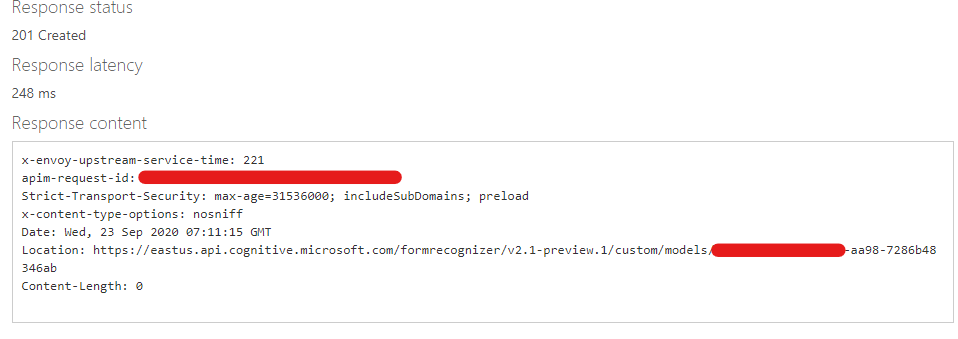
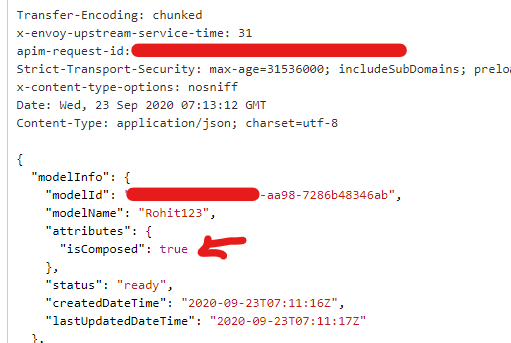
The response for a successful compose should be 201 created. Use the model id in the location field of your response in the GetCustomModel API to check the details of your composed model
GetCustomModel:
Please accept this response as answer if it helped you in resolving your issue. Thanks!!
Thanks :)
I know there are blank in official preview website's Request body section.
How about write down to there?
Or did I not found that?
@ihwan The swagger specification of the API is available on top right corner of the API portal but there is a known issue which is not reflecting all the required fields for API's. Our team is working to fix this on the portal so users can use the correct body in the request.
' cx='32' cy='32' r='32' /%3E%3Ctext x='50%25' y='55%25' dominant-baseline='middle' text-anchor='middle' fill='%23FFF' %3ETS%3C/text%3E%3C/svg%3E)
As a side note, you can find more information on the following website.
https://learn.microsoft.com/en-us/rest/api/formrecognizer/2.1preview2/compose-custom-models-async/compose-custom-models-async#errorinformation