Developer technologies | Visual Studio | Setup
The process of installing, configuring, and customizing Visual Studio to support development workflows across languages, platforms, and workloads.
This browser is no longer supported.
Upgrade to Microsoft Edge to take advantage of the latest features, security updates, and technical support.
' cx='32' cy='32' r='32' /%3E%3Ctext x='50%25' y='55%25' dominant-baseline='middle' text-anchor='middle' fill='%23FFF' %3EK%3C/text%3E%3C/svg%3E)
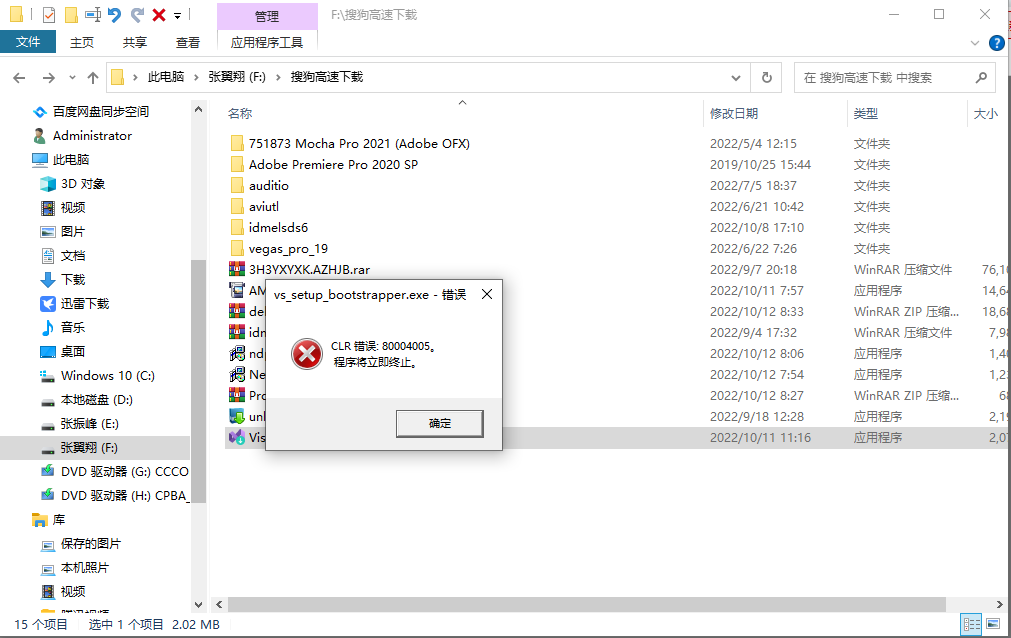
安装Visual Studio时提示CLR错误:80004005
我打开安装程序安装"VisualStudioSetup.exe"时,准备完成后弹出了一个错误消息框:CLR错误:80004005,程序将立即中止,这该怎么办呢?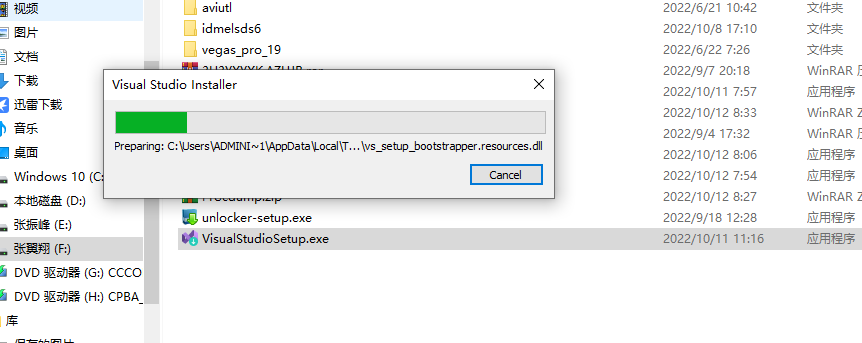
' cx='32' cy='32' r='32' /%3E%3Ctext x='50%25' y='55%25' dominant-baseline='middle' text-anchor='middle' fill='%23FFF' %3EAX%3C/text%3E%3C/svg%3E)
Hello, have you got any chance to check my answer?
By the way, please check for your Windows Updates and install all pending updates.
Then, retry to install VS.
Hi @KerryZY ,
Welcome to Microsoft Q&A!
Which version of Visual Studio do you want to install? It seems that the error is related to your .NET Framework.
Please try to use the Microsoft .NET Framework Repair Tool to repair your .NET Framework.
And run “sfc /scannow” to repair missing or corrupted system files.
Then, download the VS from the Microsoft Download page and run it as administrator.
Before installing VS, please temporarily disable your anti-virus software.
Sincerely,
Anna
*
If the answer is the right solution, please click "Accept Answer" and kindly upvote it. If you have extra questions about this answer, please click "Comment".
Note: Please follow the steps in our documentation to enable e-mail notifications if you want to receive the related email notification for this thread.