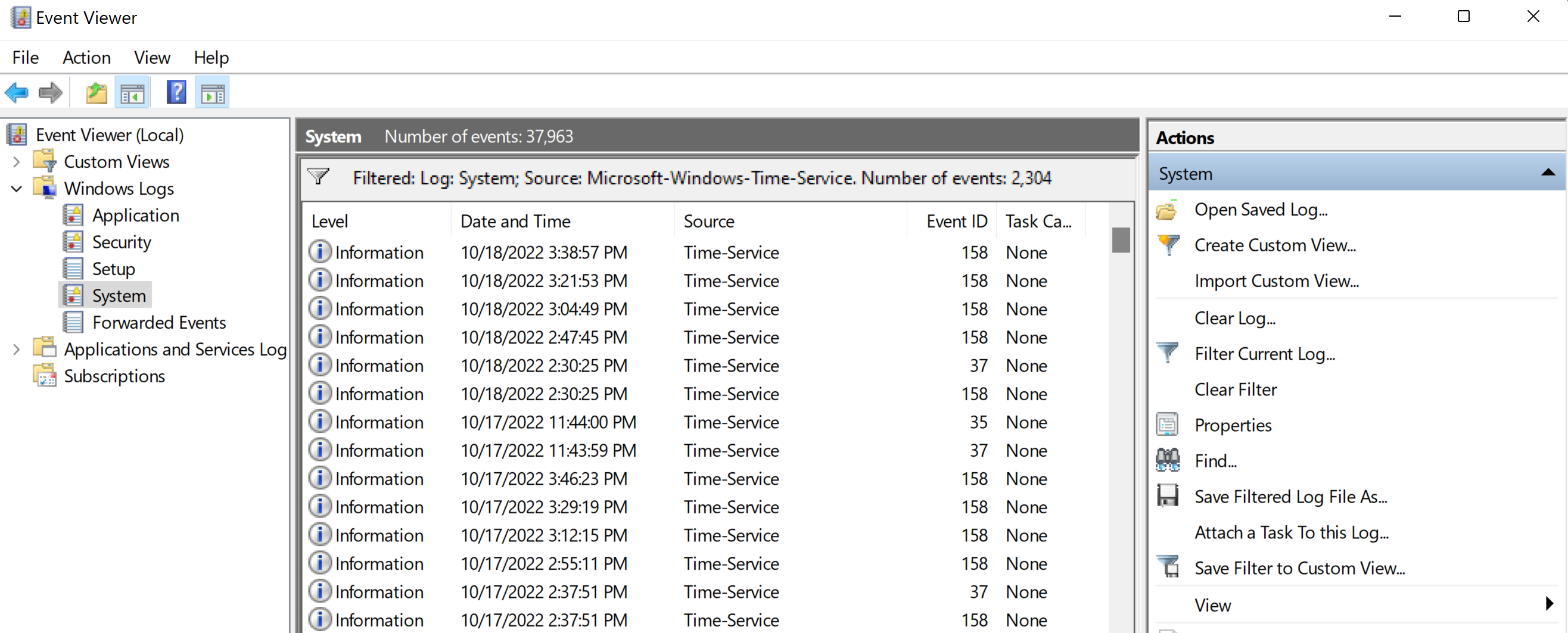
This has been an issue now for a few years, but I cannot synchronize my Windows 10 computer with NTP at all, either via the GUI or using w32tm.exe.
Troubleshooting steps:
- Tried numerous different NTP servers
- Stopped, restarted, Windows Time service hundreds of times
- All NTP related group policy is not configured (as troubleshooting docs online direct)
- Basically I've tried just about everything you find when searching for solutions to this problem
My computer is not on a domain, just a normal home computer.
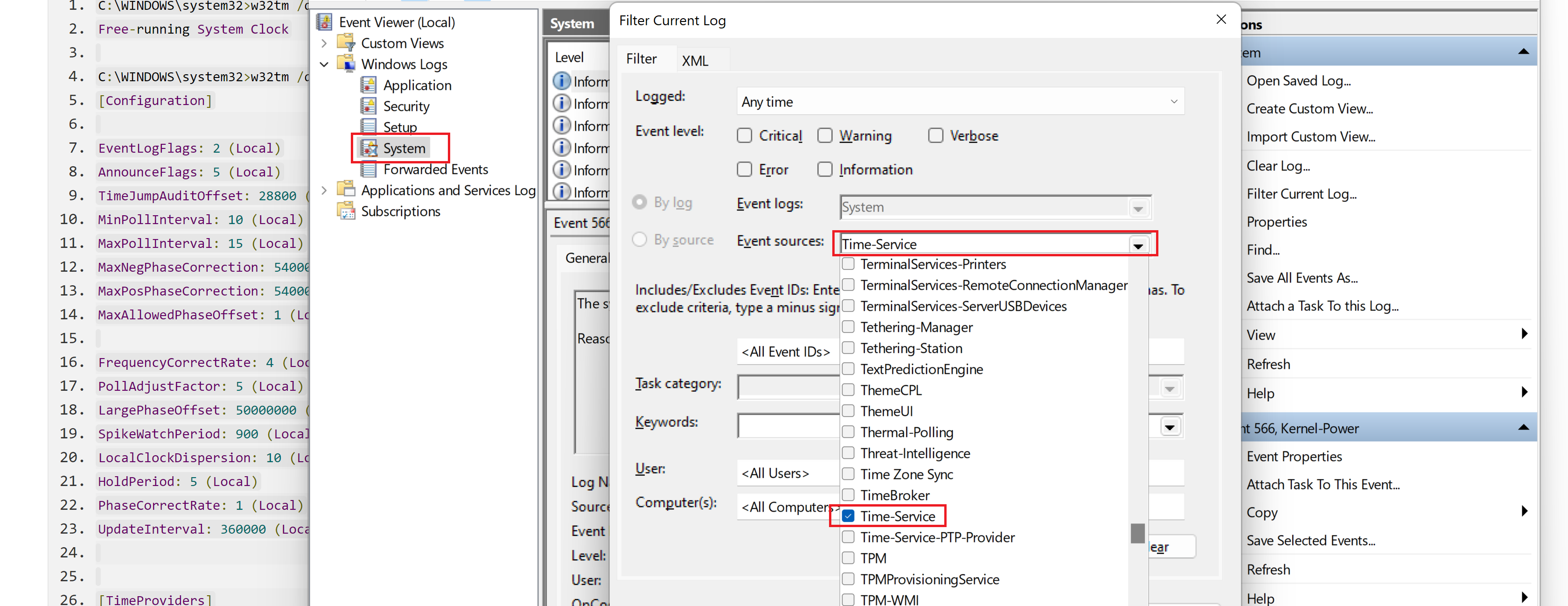
I recently enabled logging for the NTP client, attached are the logs being generated.
Error message as seen from running w32tm \resync:
   C:\WINDOWS\system32>w32tm /resync
   Sending resync command to local computer
   The computer did not resync because no time data was available.
Here's the pertinent parts (from what I can tell) when I attempt to run w32tm /resync:
   154056 17:39:45.5071126s - RPC Call Attribute is local=1, kernel=0, session=0, authentication=6, protocol=2, OpNum=0
   154056 17:39:45.5071485s - RPC Call - ForceResync
   154056 17:39:45.5071642s - W32TmServiceMain: ********** Time Slip Notification **********
    PCT: 999 154056 17:39:45.5071985s - ClockDispln TimeSlip: SetUnsync: LI:3 S:0 RDl:0 RDs:0 TSF:0x0
   154056 17:39:45.5072289s - TimeProvCommand([NtpClient], TPC_TimeJumped) called.
   154056 17:39:45.5072494s - UpdateTimerQueue1: TN:15555015310000::: LRT:15554859530000  LUT:15555015310000 LAFLTNS:0 TSLGT:0 LTNS:864000000000
   154056 17:39:45.5072538s - PeerPollingThread: PeerListUpdated
   154056 17:39:45.5072566s - W32TmServiceMain: waiting i16.000s (1024.000s)
   154056 17:39:45.5072631s - PeerPollingThread: waiting forever
   154056 17:40:01.5190923s - W32TmServiceMain: timeout
   154056 17:40:01.5191404s - UpdateTimerQueue1: TN:15555175460000::: LRT:15554859530000  LUT:15555015310000 LAFLTNS:160118609 TSLGT:160118609 LTNS:864000000000
   154056 17:40:01.5191513s - W32TmServiceMain: waiting 1024.000s
   154056 17:40:01.5209445s - RPC Call - ForceResync
   154056 17:40:01.5209717s - W32TmServiceMain: ********** Time Slip Notification **********
    PCT: 1025 154056 17:40:01.5210038s - ClockDispln TimeSlip: SetUnsync: LI:3 S:0 RDl:0 RDs:0 TSF:0x0
Full log: 251202-w32time.log
Results are the same for using any NTP server I've been able to find online: Microsoft's, time.nist.gov, us.pool.ntp.org, etc. They all give the same error messages.
Other computers synchronize with NTP just fine on my network, so it is not an ISP issue.
I'm hoping someone here has some new suggestion that I haven't yet tried.
' cx='32' cy='32' r='32' /%3E%3Ctext x='50%25' y='55%25' dominant-baseline='middle' text-anchor='middle' fill='%23FFF' %3EJH%3C/text%3E%3C/svg%3E)

' cx='32' cy='32' r='32' /%3E%3Ctext x='50%25' y='55%25' dominant-baseline='middle' text-anchor='middle' fill='%23FFF' %3EA%3C/text%3E%3C/svg%3E)