win32: Unable to catch NMDOWN command in ListView

Harshithraj1871 1,731 Reputation points
2022-10-19T13:36:39.153+00:00

Hi,

I'm trying to make a table-like experience from ListView win32. I was trying to achieve reordering the items in ListView. So I wanted to catch the left mouse button down on a row, so I tried NM_LDOWN like this

case WM_NOTIFY:  
    lpNMHeader = (LPNMHDR)pLParam;  
    switch (lpNMHeader->code)  
    {  
          case NM_RELEASEDCAPTURE:  
          {  
           }  
          break;  
         case NM_LDOWN:  
         {  
            // do somethig  
          }  
          break;  
    }  

I was able to catch NM_RELEASEDCAPTURE but was not able to catch NM_CLICK on ListView's items. And this windowProc belongs to the ListView's parent window.

Windows development | Windows API - Win32
Developer technologies | C++
A high-level, general-purpose programming language, created as an extension of the C programming language, that has object-oriented, generic, and functional features in addition to facilities for low-level memory manipulation.
{count} votes

Answer accepted by question author
  1. Castorix31 91,506 Reputation points
    2022-10-19T17:04:32.787+00:00

    I needed experience where I can drag and drop an item.

    Drag&Drop is done with LVN_BEGINDRAG
    (then ImageList_Create, ImageList_AddMasked(), ImageList_BeginDrag(), ImageList_DragEnter(), SetCapture(),
    then ImageList_DragMove on WM_MOUSEMOVE, etc...)
    (I had adapted the MS sample with TreeView from old KB214814)

    1 person found this answer helpful.

1 additional answer

Sort by: Most helpful
  1. Castorix31 91,506 Reputation points
    2022-10-19T15:57:50.387+00:00

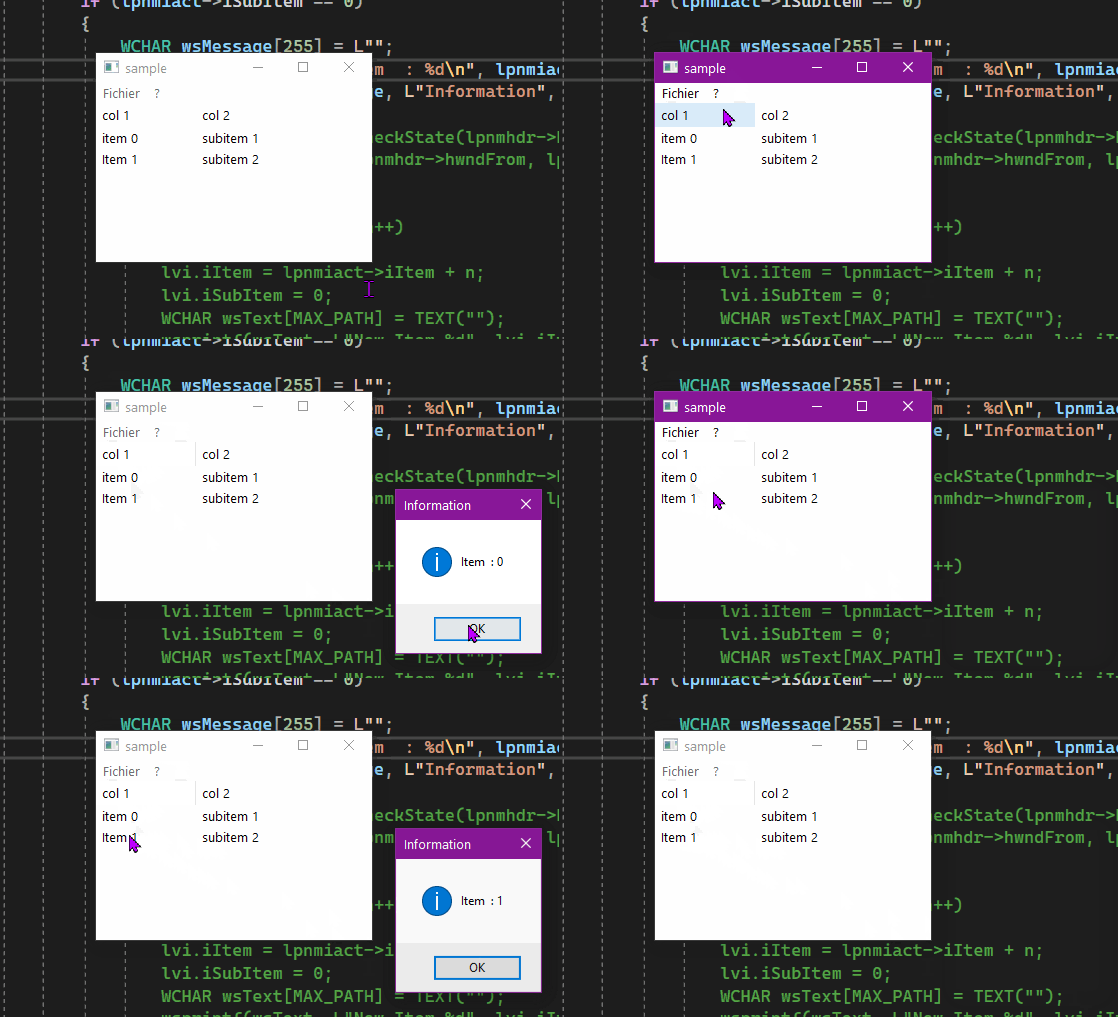
    ListViews use NM_CLICK :

    case WM_NOTIFY:  
    	{  
    		LPNMHDR lpnmhdr;  
    		lpnmhdr = (LPNMHDR)lParam;  
    		switch (lpnmhdr->code)  
    		{  
    		case NM_CLICK:  
    		{  
    			LPNMITEMACTIVATE lpnmiact;  
    			lpnmiact = (LPNMITEMACTIVATE)lParam;  
    			// Click on first column of item  
    			if (lpnmiact->iSubItem == 0)  
    			{  
    				WCHAR wsMessage[255] = L"";  
    				wsprintf(wsMessage, L"Item  : %d\n", lpnmiact->iItem);  
    				MessageBox(NULL, wsMessage, L"Information", MB_OK | MB_ICONINFORMATION);			  
    			}  
    		}  
    		break;  
    		}  
    		return FALSE;  
    	}  
    	break;  
    

    252036-nm-click.gif


Your answer

Answers can be marked as 'Accepted' by the question author and 'Recommended' by moderators, which helps users know the answer solved the author's problem.