
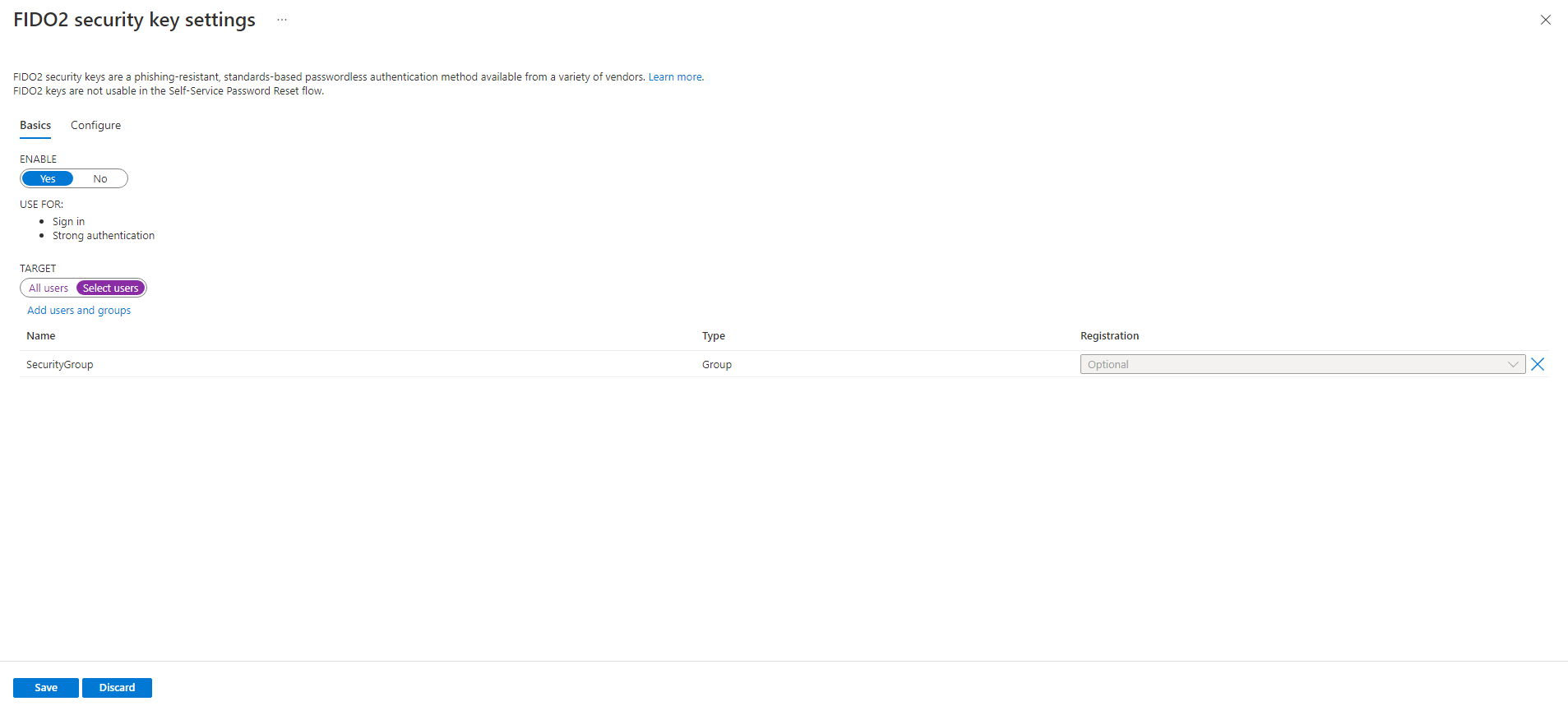
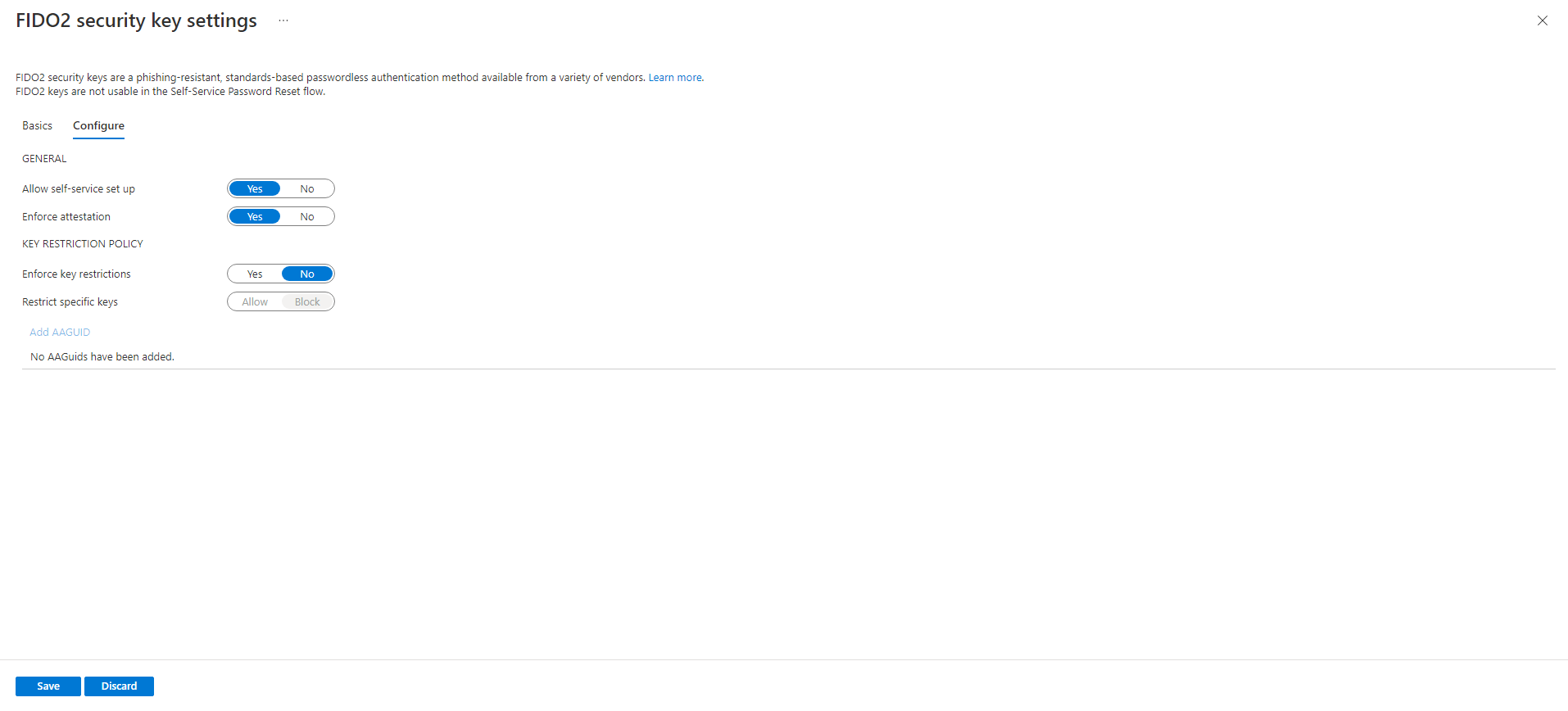
Have you enabled 'FIDO2 security key' on Azure under 'Azure Active Directory | Settings | Authentication Methods' in the Azure Portal?
This browser is no longer supported.
Upgrade to Microsoft Edge to take advantage of the latest features, security updates, and technical support.
' cx='32' cy='32' r='32' /%3E%3Ctext x='50%25' y='55%25' dominant-baseline='middle' text-anchor='middle' fill='%23FFF' %3EH%3C/text%3E%3C/svg%3E)
When attempting to add a Yubikey FIDO2 hardware security key as an MFA method via aka.ms/mfasetup, the following error occurs when the W10 AzureAD-joined PC is supposed to prompt the user to insert the USB key: AADSTS90013: Invalid input received from the user.
There is no additional documentation regarding this error, see the documentation here.
The key is never inserted. Or if the key is inserted, the same error happens regardless. The user is signed into their user account on a W10 Pro Azure Active Directory joined machine. Intune is enabled. The same error happens regardless of whether or not the key has been added as an additional sign-in method via W10 >Settings >Accounts >Sign-in options.
The error is a browser redirect to the error page and it occurs regardless of using Incognito mode or not and regardless of using Chrome or Edge. The error occurs right after proceeding with a dialogue that says something to the effect of "Windows will prompt you to insert your USB key". Instead of seeing that prompt on the Windows 10 Pro machine, the browser itself redirects to the AADSTS90013 error page.
How can we enable FIDO2 security keys as a sign-in method without getting the "AADSTS90013: Invalid input received from the user" error???


Have you enabled 'FIDO2 security key' on Azure under 'Azure Active Directory | Settings | Authentication Methods' in the Azure Portal?
I think you mean >Azure Active Directory >**Security >Authentication Methods, and yes, it is enabled.
The error is a browser redirect to the error page, and it occurs regardless of using Incognito mode or not and regardless of using Chrome or Edge. The error occurs right after proceeding with a dialogue that says something to the effect of "Windows will prompt you to insert your USB key". Instead of seeing that prompt on the Windows 10 Pro machine, the browser itself redirects to the AADSTS90013 error page.
The user in question (which is my user account) is a member of the "Security" group to which that FIDO2 security key Authentication Method is currently applied. The same error happens regardless of whether we use the "Security" group or the "All users" setting.
' cx='32' cy='32' r='32' /%3E%3Ctext x='50%25' y='55%25' dominant-baseline='middle' text-anchor='middle' fill='%23FFF' %3ELT%3C/text%3E%3C/svg%3E)
Hello there,
Have you tried using a Temporary Access Pass for onboarding and see if that helps?
If the user already has at least one Azure AD Multi-Factor Authentication method registered, they can immediately register a FIDO2 security key.
If they don't have at least one Azure AD Multi-Factor Authentication method registered, they must add one.
An Administrator can issue a Temporary Access Pass to allow the user to register a Passwordless authentication method.
More info here https://learn.microsoft.com/en-us/azure/active-directory/authentication/howto-authentication-passwordless-security-key
-------------------------------------------------------------------------------------------------------------------------------------------
--If the reply is helpful, please Upvote and Accept it as an answer–
This is not an onboarding thing. The user is me. I have three MFA methods registered already. Temporary Access Pass seems the wrong route to go because I would imagine the Microsoft Support Engineers would have suggested it during the multiple hours of screensharing sessions we've spent trying to solve the issue.