Developer technologies | ASP.NET | Other
A set of technologies in .NET for building web applications and web services. Miscellaneous topics that do not fit into specific categories.
This browser is no longer supported.
Upgrade to Microsoft Edge to take advantage of the latest features, security updates, and technical support.
' cx='32' cy='32' r='32' /%3E%3Ctext x='50%25' y='55%25' dominant-baseline='middle' text-anchor='middle' fill='%23FFF' %3EGM%3C/text%3E%3C/svg%3E)
I was wondering if there is a way in which I can save gridview's data for example a row with columns:Id/name/date, as a static object/model, and when inserting new values, to access that saved data and compare values? like checking if name was changed and so on.. thanks!
my mission was originally to run different db queries so for that I had to check if NAME value for example was changed. I did it by comparing hiddenfield with currentvalue so it is working,
but I'd still rather find another "safer" way to do that (to access data before updating row. to access initial values )
any ideas and help will be appreciated!
' cx='32' cy='32' r='32' /%3E%3Ctext x='50%25' y='55%25' dominant-baseline='middle' text-anchor='middle' fill='%23FFF' %3ELH%3C/text%3E%3C/svg%3E)
Hi @gal mor ,
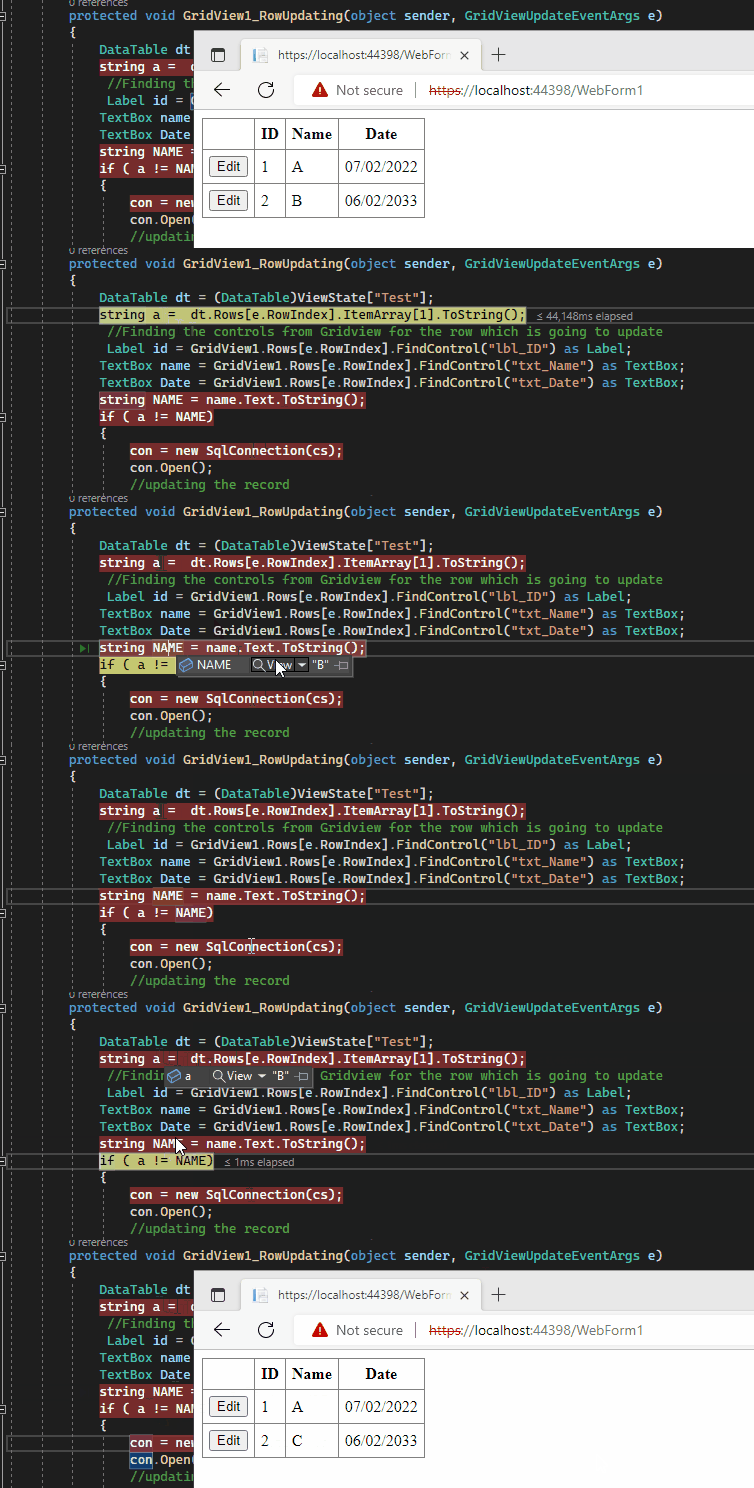
If you have two tables, you can try to create a dynamic DataTable using that, save to ViewState. Get the DataTable from ViewState whenever it is updated.
 dt = new DataTable();
 ViewState["Test"] = dt;
 GridView1.DataSource = (DataTable)ViewState["Test"];
 GridView1.DataBind();
////////////////////////GridView1_RowUpdating
 DataTable dt = (DataTable)ViewState["Test"];
 string a =  dt.Rows[e.RowIndex].ItemArray[1].ToString();
Best regards,
Lan Huang
If the answer is the right solution, please click "Accept Answer" and kindly upvote it. If you have extra questions about this answer, please click "Comment".
Note: Please follow the steps in our documentation to enable e-mail notifications if you want to receive the related email notification for this thread.

@Lan Huang-MSFT , please update this code example to use a parameterized query. The query constructed with string concatenation of user input is a security concern.
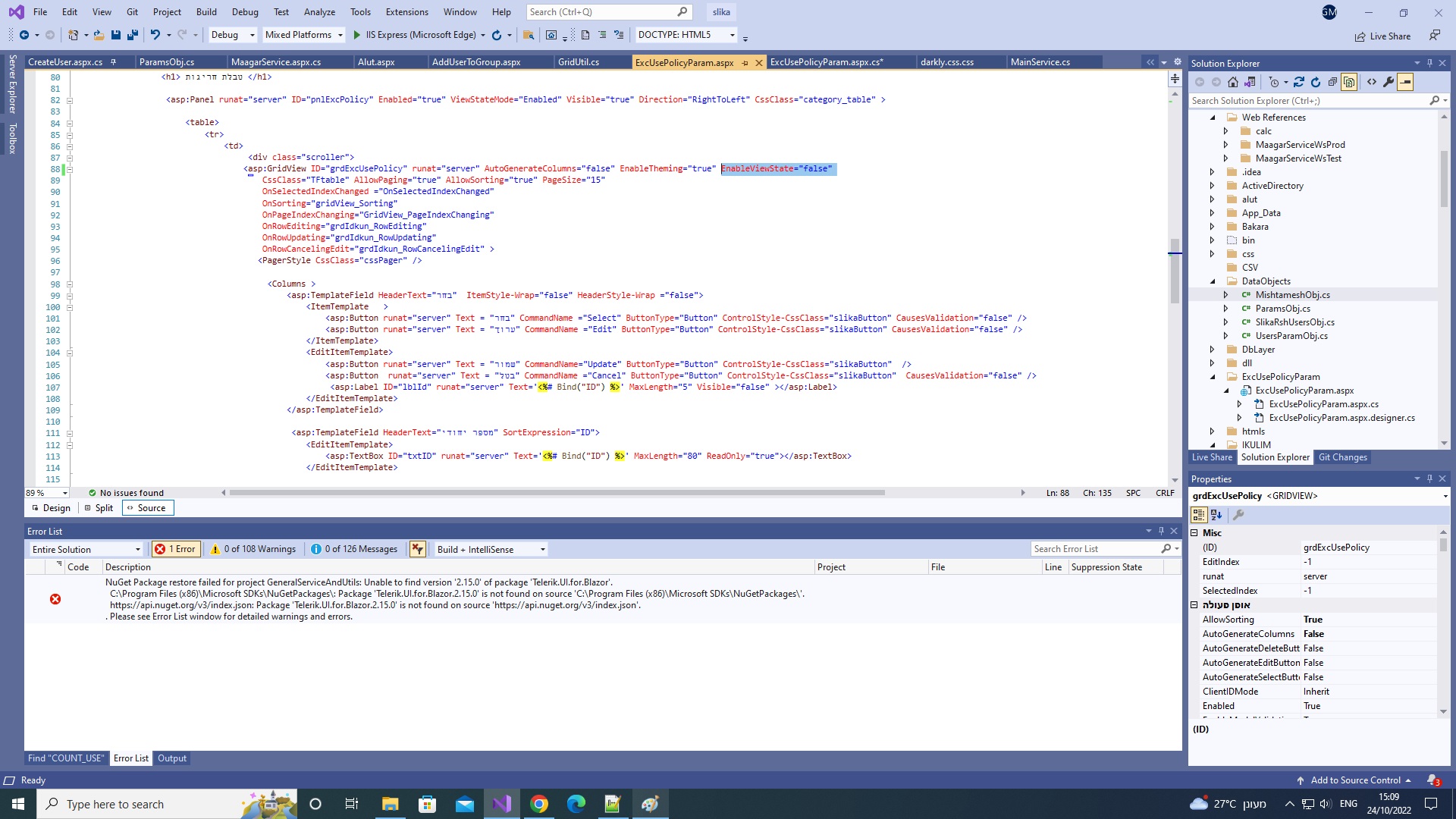
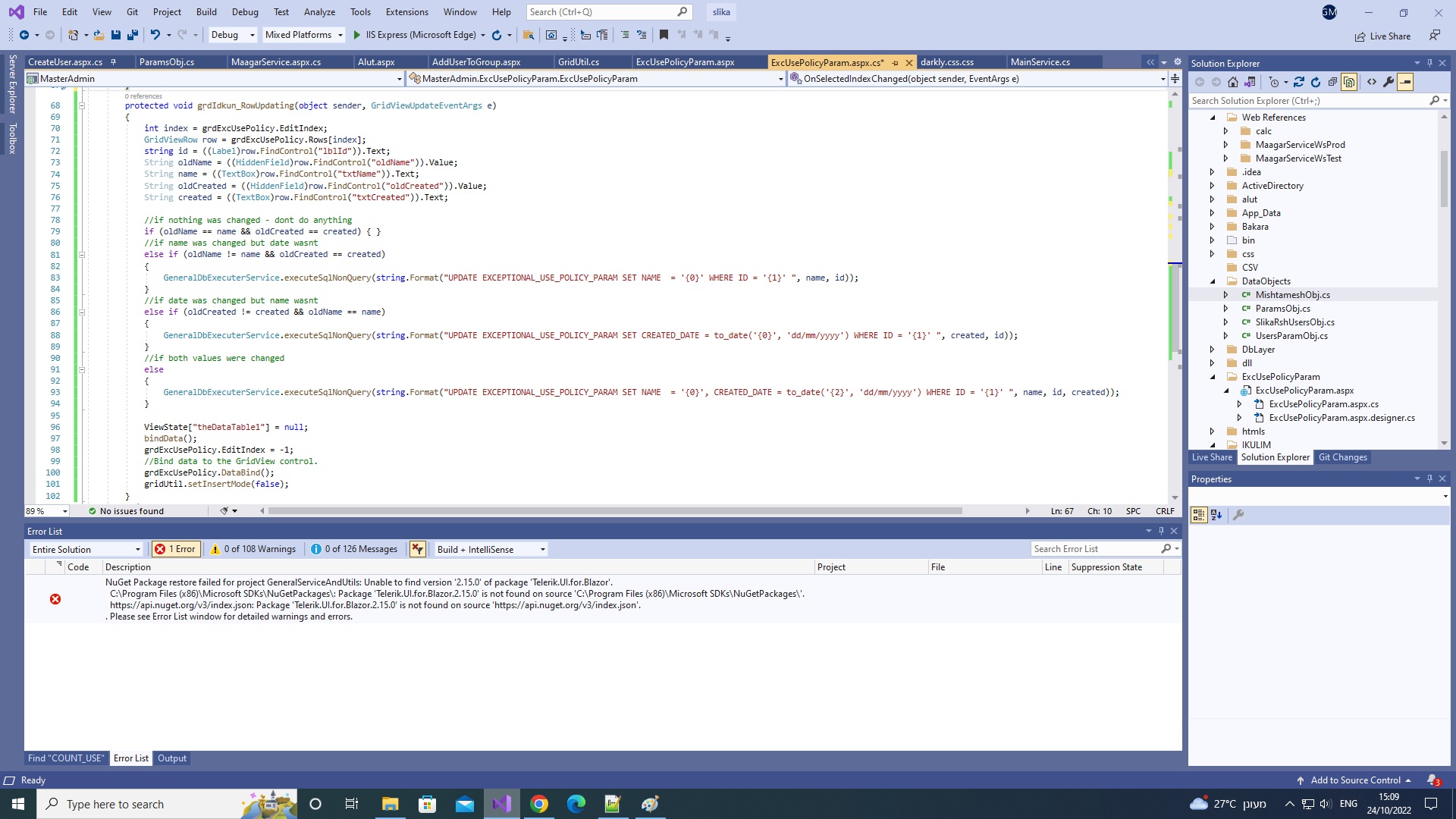
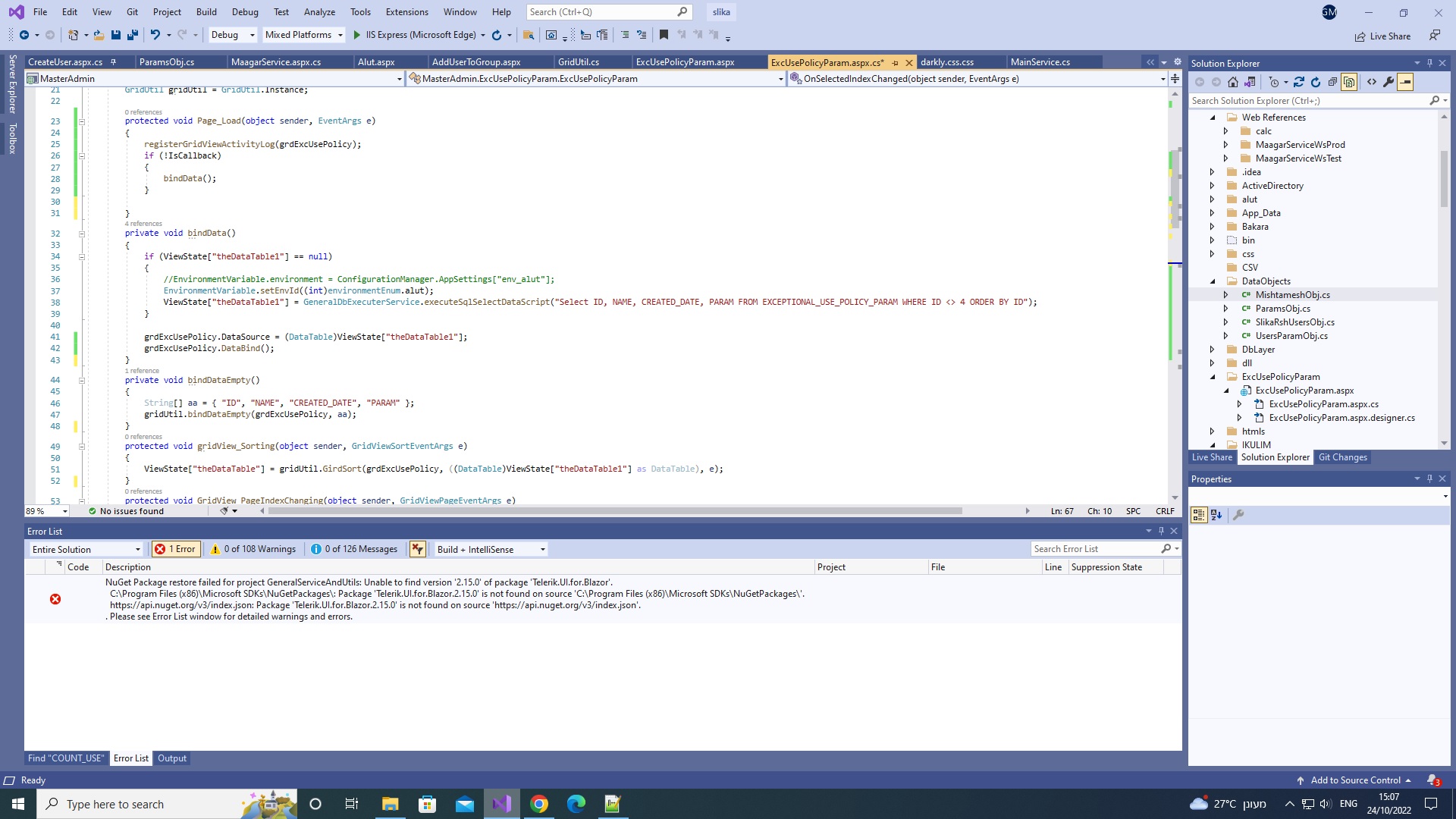
this is my current code behind(it is working but with hiddenfield), just letting u see what/why I want my query seperated, but I want to do that in a different way. doing what u suggest will not work as ui-gridview enablestate is set to false. once I set it true I get an exception
**EDIT it is actually working now, thanks!
Hi @gal mor ,
I noticed you asked a new question, is this resolved?
https://learn.microsoft.com/en-us/answers/questions/1060360/formatting-date-while-querying-a-db.html
Best regards,
Lan Huang
If the answer is the right solution, please click "Accept Answer" and kindly upvote it. If you have extra questions about this answer, please click "Comment".
Note: Please follow the steps in our documentation to enable e-mail notifications if you want to receive the related email notification for this thread.