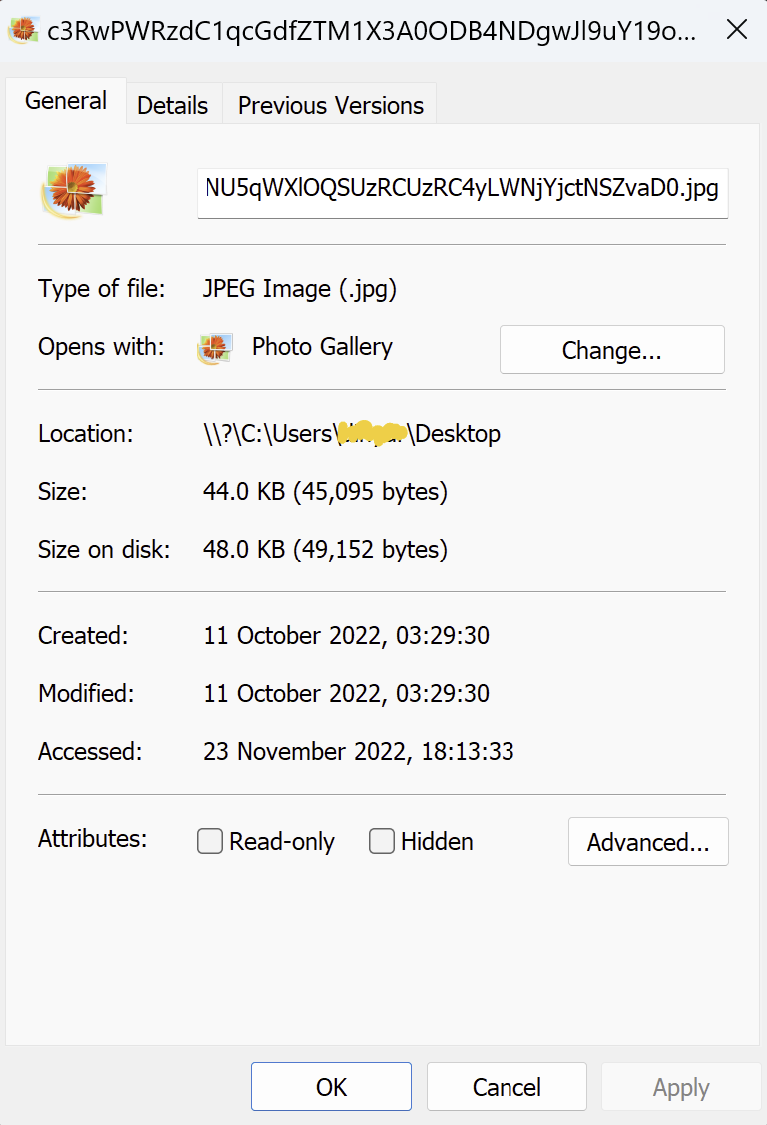
File stuck with location \\?\C:\Users\.....

dinners 21 Reputation points
2022-10-28T18:18:01.19+00:00

I have a file stuck on my desktop which I can't move/rename/copy/delete.... When I look at the file location I see something has obviously gone wrong as the location is \?\C:\Users\username\Desktop

Is there anything I can do to recover the file to a usable state. It's an image and will open in some image programs but not all. Once open I can't even "Save As".

263582-image.png

Windows for business | Windows Client for IT Pros | User experience | Other
0 comments No comments
{count} votes

Answer accepted by question author
  1. MotoX80 37,161 Reputation points
    2022-10-28T20:42:22.46+00:00

    The \?\C:\ notation just tells the Windows file system to bypass some string parsing.

    If you are seeing a "file location", then that sounds like you are not looking at the file itself, but a shortcut to an image file. Don't open the link, navigate to the image itself and open it. Or just remove the "\?\" part.

    There should be no problem using "\?\" to reference a file, so I suspect that you have something else going on. You don't say what error messages you get, so if you still have a problem I would recommend that you share a screen image of what you are doing.
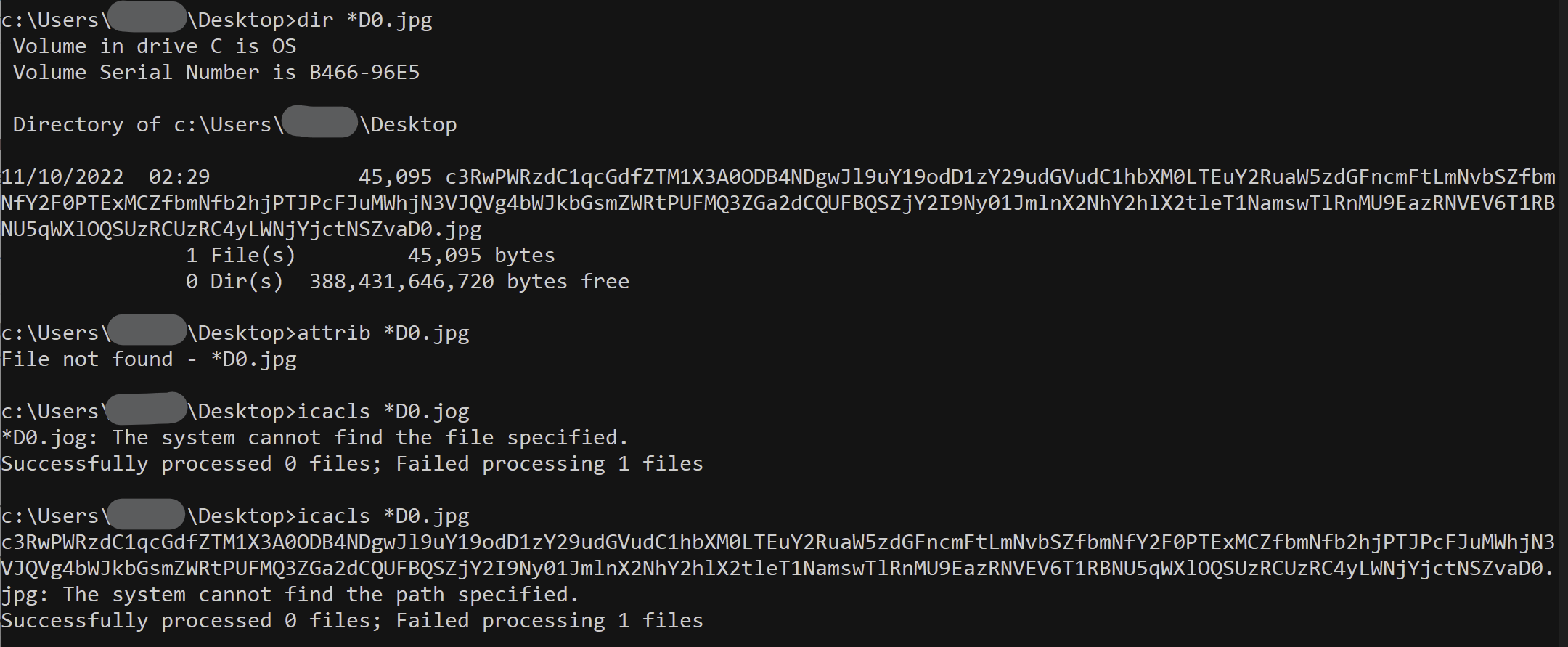
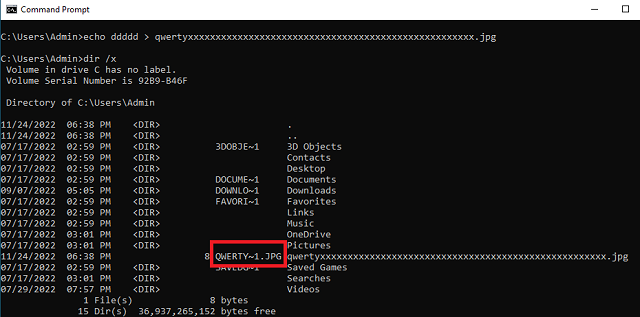
    1 person found this answer helpful.

0 additional answers

Sort by: Most helpful

Your answer

Answers can be marked as 'Accepted' by the question author and 'Recommended' by moderators, which helps users know the answer solved the author's problem.