So in SSMS, I can open a database on a server in one city. Then, I open another database on a different server in a different city. So both databases are open side by side on the same screen. I can run queries against tables in each database independently with no problem. My NEED is to join two tables- one from a database on one server and one from a database on the other server in a single query. I have completely different log-in credentials for each server - both SQL Server authentication.
From what I have researched, I need to set up a linked server. This is just NOT working out for me. I keep getting the 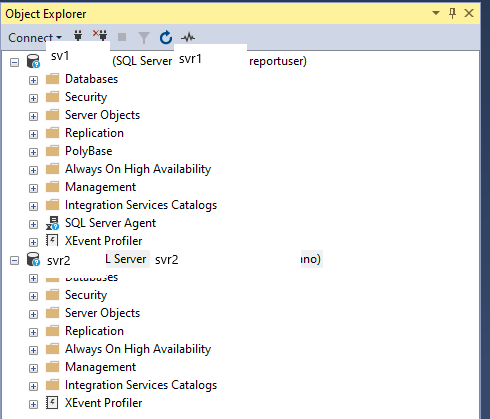
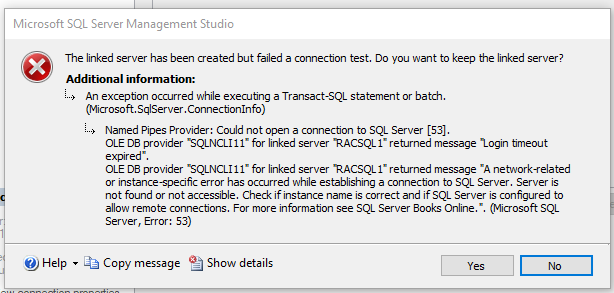 error. Obviously my credentials are correct as I've stated that both DB are open on the same screen in SSMS and I can connect and query on both. One of the servers has a "name" and the other I connect using its IP address as the name. I can ping both servers of course. I've tried all of the different security options on the setup screen but they all give the same result? I've tried using SQL Server and Other data source as the server type. What am I missing? My only recourse at this point is to dump the entire 6M+ record table down to a CSV from one of the DBs and then import it into a table on the other DB. This would be a huge waste of time and resources. Any help or ideas?
' cx='32' cy='32' r='32' /%3E%3Ctext x='50%25' y='55%25' dominant-baseline='middle' text-anchor='middle' fill='%23FFF' %3ED%3C/text%3E%3C/svg%3E)