Developer technologies | .NET | .NET MAUI
A Microsoft open-source framework for building native device applications spanning mobile, tablet, and desktop.
This browser is no longer supported.
Upgrade to Microsoft Edge to take advantage of the latest features, security updates, and technical support.
' cx='32' cy='32' r='32' /%3E%3Ctext x='50%25' y='55%25' dominant-baseline='middle' text-anchor='middle' fill='%23FFF' %3EEK%3C/text%3E%3C/svg%3E)
Hi,
I’m a beginner on MAUI. I started with the ‘MS Beginners guide (James M

 )’.
)’.
I ran into an issue when deploying the App to my S21 ultra (android LEVEL 13).
All works fine in VS 2022 Community (see screenshot ‘Maui_VSandroid.png’). And, of course, with using
‘Windows machine’!
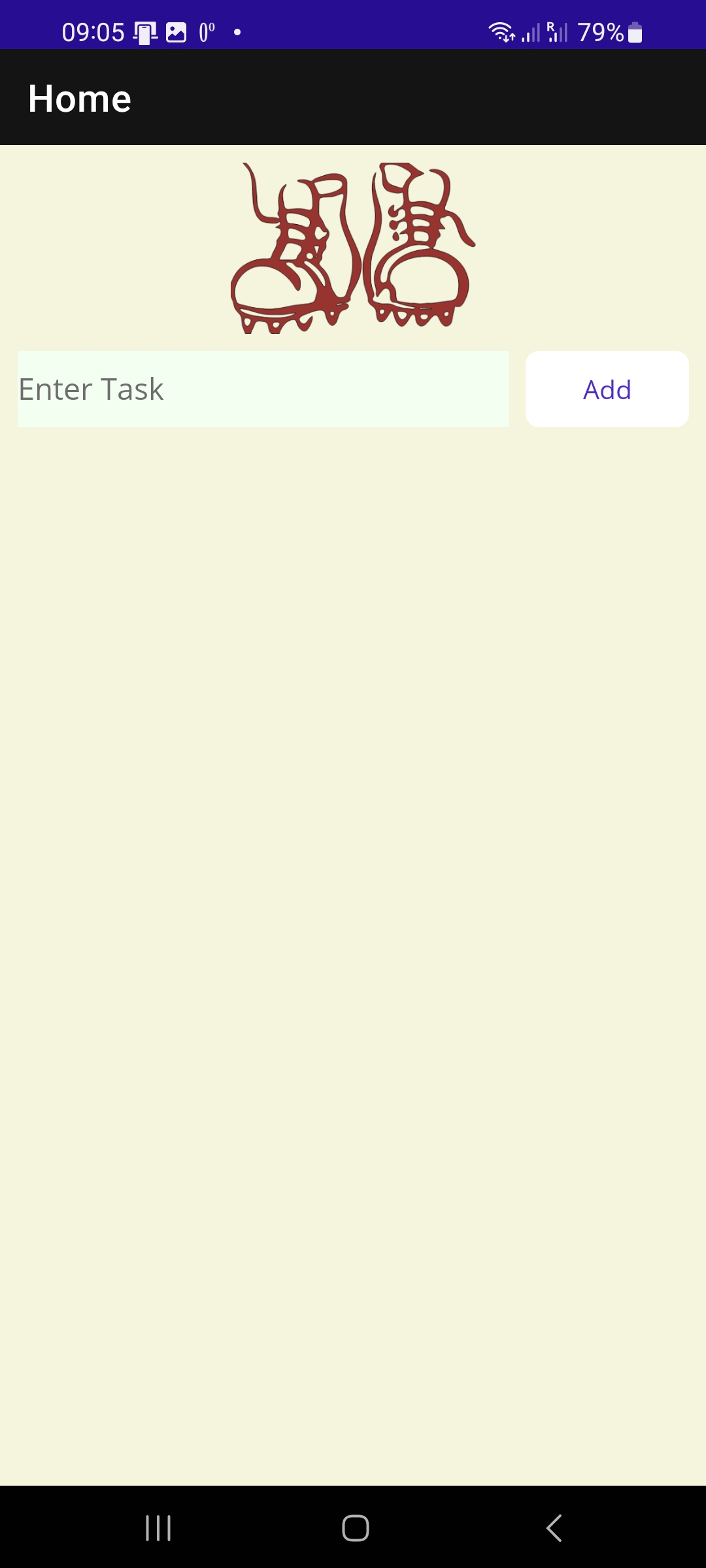
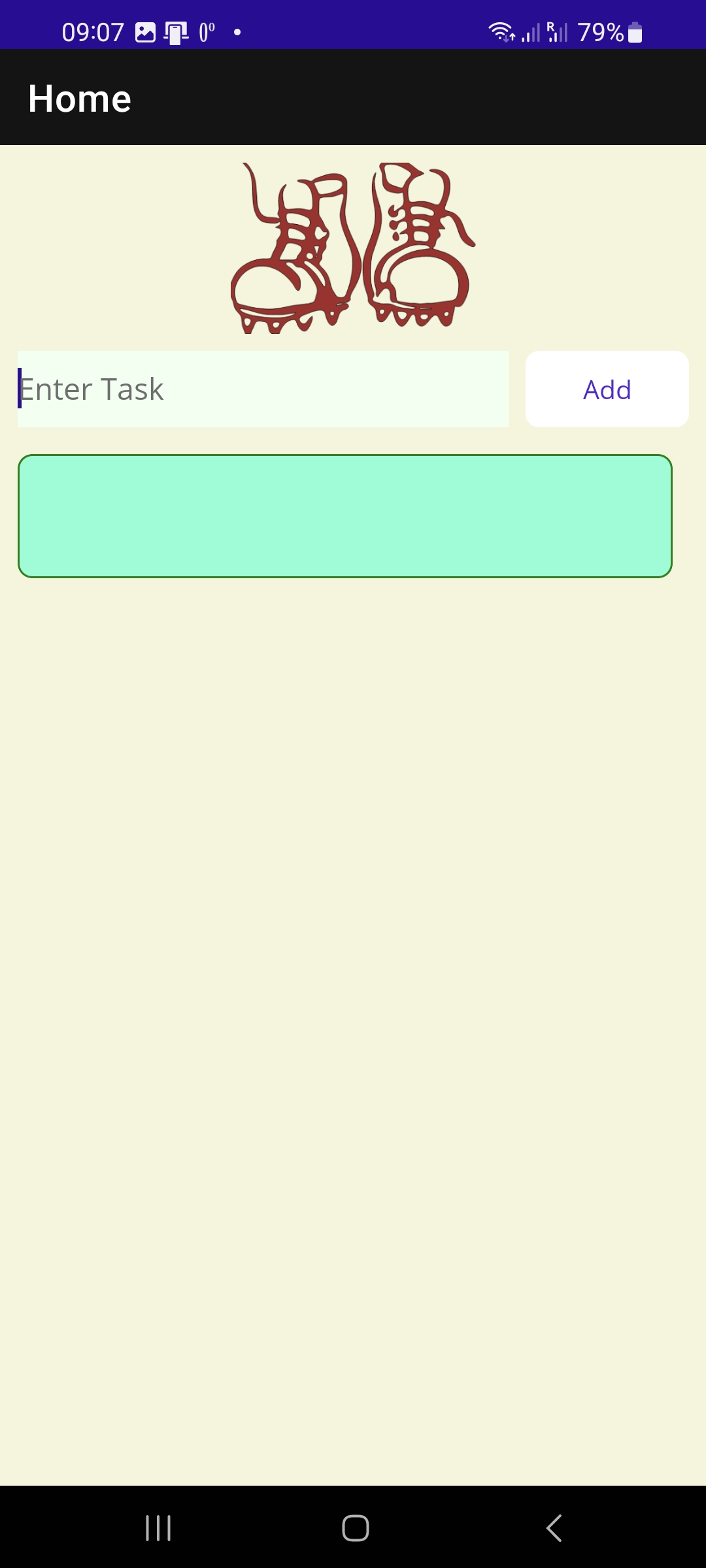
However, when deploying the app onto my S21: I see the App ok. But when I enter ‘text’ and ‘Add’; the ‘field’
is coming up correctly BUT without the entered ‘text’! (see screenshots MAUI_open.jpg and Maui _EnterAdd.jpg).
Emulator: ”Pixel 5 – API-33 (Android 13.0- API 33)”
As I’m not familiar with ‘Android Emulators’ I’m lost. Because it works just fine on my VS2022,
I imagine it has something to do with the Android Emulator …!
PS: again I use the original code the ‘MS Beginners guide’ is using!
Thanks for your time and help, any help is appreciated!
Ed k
' cx='32' cy='32' r='32' /%3E%3Ctext x='50%25' y='55%25' dominant-baseline='middle' text-anchor='middle' fill='%23FFF' %3EA%3C/text%3E%3C/svg%3E)
How did you deploy you application to your device? Did you generate an APK or debug and running this application with VS?
What is the expected behavior and how does that differ from the actual behavior?
Could you minimize code to just what is needed to reproduce the problem?
Could this application be running normally in android emulator, it is not working in your S21 ultra?
HI LeonLu,
upfront: as said, I'm a beginner on Maui. But before I really start I want to be sure its running on my Android!
To your questions:
How did you deploy you application to your device? Did you generate an APK or debug and running this application with VS?
in VS2022 using: release > deploy > genertated .apk in ./MyAPP/bin/release/net6.0-android/.apk .
copied the .apk onto my S21 > installed ok on my S21. > App comes up correctly .. However:
What is the expected behavior and how does that differ from the actual behavior?
However, when deploying the app onto my S21: I see the App ok. But when I enter ‘text’ and ‘Add’: the ‘field’
is coming up correctly BUT without the entered ‘text’! (see screenshots MAUI_open.jpg and Maui _EnterAdd.jpg).
Emulator: ”Pixel 5 – API-33 (Android 13.0- API 33)”
Could you minimize code to just what is needed to reproduce the problem?
Well, it is the original code James Montemagno created in the Video 'MAUI for beginners'.
I guess, there is not much to leave out!
Could this application be running normally in android emulator, it is not working in your S21 ultra?
All works fine in VS 2022 Community (see screenshot ‘Maui_VSandroid.png’). And also, of course, with using
‘Windows machine’!
again thanks for the time anybody spends and your suggestions
ed
When you release your application in MAUI, you can install this released apk, but label's text do not appear, am I right?
it is the original code James Montemagno created in the Video 'MAUI for beginners'.
Could you share this link with me?
in VS2022 using: release > deploy > genertated .apk in ./MyAPP/bin/release/net6.0-android/.apk . copied the .apk onto my S21 > installed ok on my S21. > App comes up correctly
If you want to release your application, did you refer to this document: Publish a .NET MAUI app for Android with the CLI?
Hi,
in the meantime I upgraded to VS2022 17.4.1 hoping for some 'changes'! Also I tried with .net 7!?!
to your questions:
.... label's text do not appear, am I right?
--> yes that's correct
... link to James Montemagno's video:
--> https://learn.microsoft.com/en-us/shows/dotnet-maui-for-beginners/
... release your application
--> for now, I only want to run the App on MY S21: and as said the app comes up correctly just without the text in the field.
(by the way the 'delete' function (SwipeItem) is also not active !)
again thanks for your effort
ed
Due to S21 installed One UI, do you have other android devices that install native android OS? Because your released application that could be running normally in android emulator.
Hi,
no, I do not have any other Android equipment except a Mobile 8 with Android 9 on it --> will try
VS 2022 and Android SDKs
by default the system took:
will inform on Android 9
ed
You can try it on Mobile 8 with Android 9, is that working.
Hi,
all negativ i.e.:
I deployed to my S8 (android 9!, SDK: pixel 5 - API 28 (Android 9.0 - API 28) with the same results i.e. NO text coming up!
Again:
on my VS2022 all works fine i.e.: Windows machine AND Emulators: API28 / 31 / 33
ed
For your scenario, it is recommended to open a support ticket for this. Please contact our paid phone support at MS Support. You will get 1:1 support on that.

I replied on the maui issue: https://github.com/dotnet/maui/issues/11848
There is maybe an issue with XamlC for release, but in your specific case you have a DataType on the ItemTemplate, but that is incorrect. The DataType should be of the item on the DataTemplate, or <DataTemplate x:DataType="{x:Type x:String}">
See: https://github.com/edikaufmann/MauiApp1/blob/master/MainPage.xaml#L31
